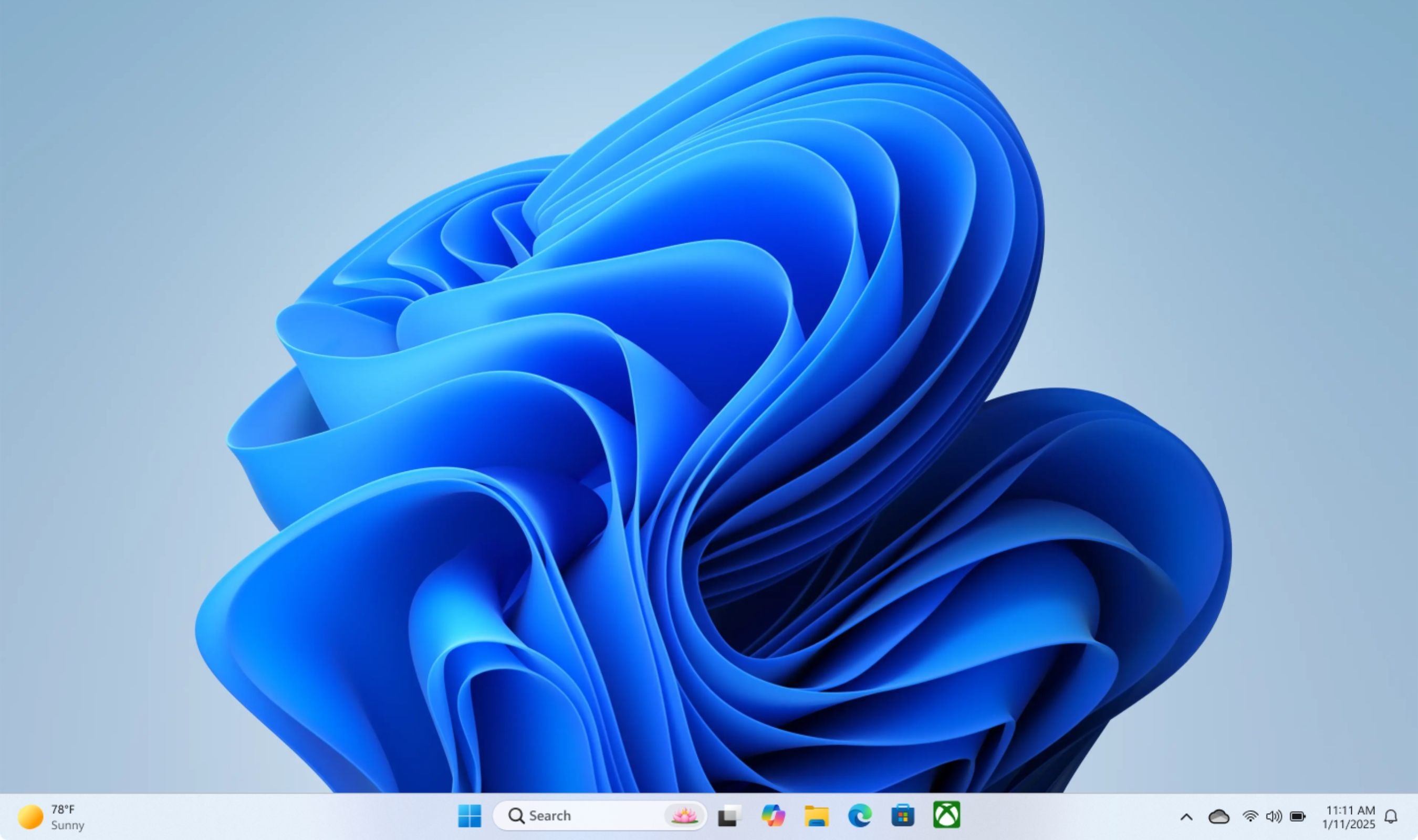
Nearly five years after Windows 11 launched with a taskbar locked to the bottom of the screen, Microsoft is finally letting users move it. The feature arrived in Build 26300.8493, now rolling out to the Experimental (formerly Dev) channel, and it supports all four positions: bottom, top, left, and right.
Windows 11 shipped in October 2021 without drag-and-drop support, a movable taskbar, or a true small taskbar mode. Microsoft argued at the time that repositioning the taskbar would trigger a "sudden reflow," disrupting the "wonderful experience" of keeping it pinned to the bottom. The company had rewritten the taskbar from scratch, leaving most of Windows 10's customization features behind. That explanation aged poorly. Users swarmed social media with complaints, and some coined the term "Microslop" to mock Microsoft's $3 trillion valuation.
Five years later. The company has reversed course. The movable taskbar in Build 26300.8493 works as well as the Windows 10 version, according to early testers. The Start menu, Windows Search, system tray flyouts, and Quick Settings all respect the new alignment.
Pin the taskbar to the top, and the Start menu opens from the top. Move it to the left, and the "Never combine" button turns each app window into a labeled vertical tab, similar to Chrome or Edge's vertical tabs mode.
Not everything works yet. Touch gestures, Search box, and Ask Copilot in alternate positions are still in progress. The auto-hidden taskbar and touch-optimized taskbar are not supported. Microsoft warns these limitations will be addressed in future builds. The build also introduces a true small taskbar. Previous Windows 11 versions only shrank the icons while keeping the taskbar height the same.
Now both icons and height scale down, matching the behavior of Windows 10's small taskbar mode.
Microsoft's design director Diego Baca confirmed the company is also evaluating per-monitor taskbar positions and drag-and-drop repositioning. "Our focus is to deliver the core functionality you need while keeping the experience simple, predictable, and free from accidental taskbar movement," Baca said. The feature was among the first changes from Microsoft's Windows K2 initiative to enter testing, as Windows Central's Zac Bowden first reported. Windows Insiders in the Experimental channel can enable it now using ViVeTool with feature IDs 59213768 and 61090762.
General availability is expected in the coming weeks.