
When your Google Pixel 10 Pro XL stops vibrating for calls, texts, or notifications, it's easy to assume the haptic motor died. But in most cases, the fix is quick and doesn't require a repair shop. Here's how to track down why your Pixel is silent and get it buzzing again.
Force Restart First
Start with a proper reboot. The Pixel 10 Pro XL can get stuck in a software state where vibration gets disabled. Press and hold the Volume up and Power buttons together for 10 seconds, then release when the device restarts. This isn't a data wipe, it just forces a hard reboot that clears temporary glitches.
If vibration comes back after this, you're good. If not, move through the settings below.
Check Sound and Vibration Settings
Android 16 on the Pixel 10 Pro XL has a few layers of vibration controls. Open Settings > Sound & vibration and look for Vibrate for calls. Make sure it's toggled on. Also check Do Not Disturb, when it's active, vibration can be blocked entirely. Go to Settings > Notifications > Do Not Disturb and confirm vibration hasn't been silenced.
Adjust Vibration Intensity
Sometimes the vibration is still working but barely noticeable. In Settings > Sound & vibration > Vibration & haptics, you'll find sliders for Ring vibration and Notification vibration. Drag them up to full. There's also a Touch feedback slider, if that's set to zero, screen taps won't vibrate either. Turn it up to test if the haptic motor is functional.
Try a Different Vibration Pattern
Pixel devices let you pick distinct vibration patterns for calls and notifications. If the pattern you chose somehow broke things, switch to another. Go to Settings > Sound & vibration > Vibration & haptics > Ring vibration pattern and pick something else. Test it with a call to see if it works.
Enable System Haptics
The Pixel 10 Pro XL has a separate toggle for system haptics. If it's off, you won't vibrate for keyboard presses, navigation gestures, or fingerprint unlocking. Head to Settings > Sound & vibration > Vibration & haptics and make sure System haptics is turned on. This is a common culprit if only call vibrations stopped.
Check App Notification Settings
If only specific apps aren't vibrating, the issue lies inside their notification settings. Open Settings > Apps, tap the app that's not vibrating (e.g., Messages, WhatsApp), then tap Notifications. For each notification channel (like "Messages" or "Alerts"), confirm that Vibrate is enabled. You can also toggle "Sound" then back to "Vibrate" to refresh the setting.
Safe Mode Test
Boot into Safe Mode to see if a third-party app is interfering. Press and hold the Power button, then tap and hold Power off until you see Safe Mode prompt. Tap it to reboot. In Safe Mode, test vibration. If it works, a downloaded app is blocking it. Restart normally and uninstall recently installed apps one by one until you find the troublemaker.
Software Update
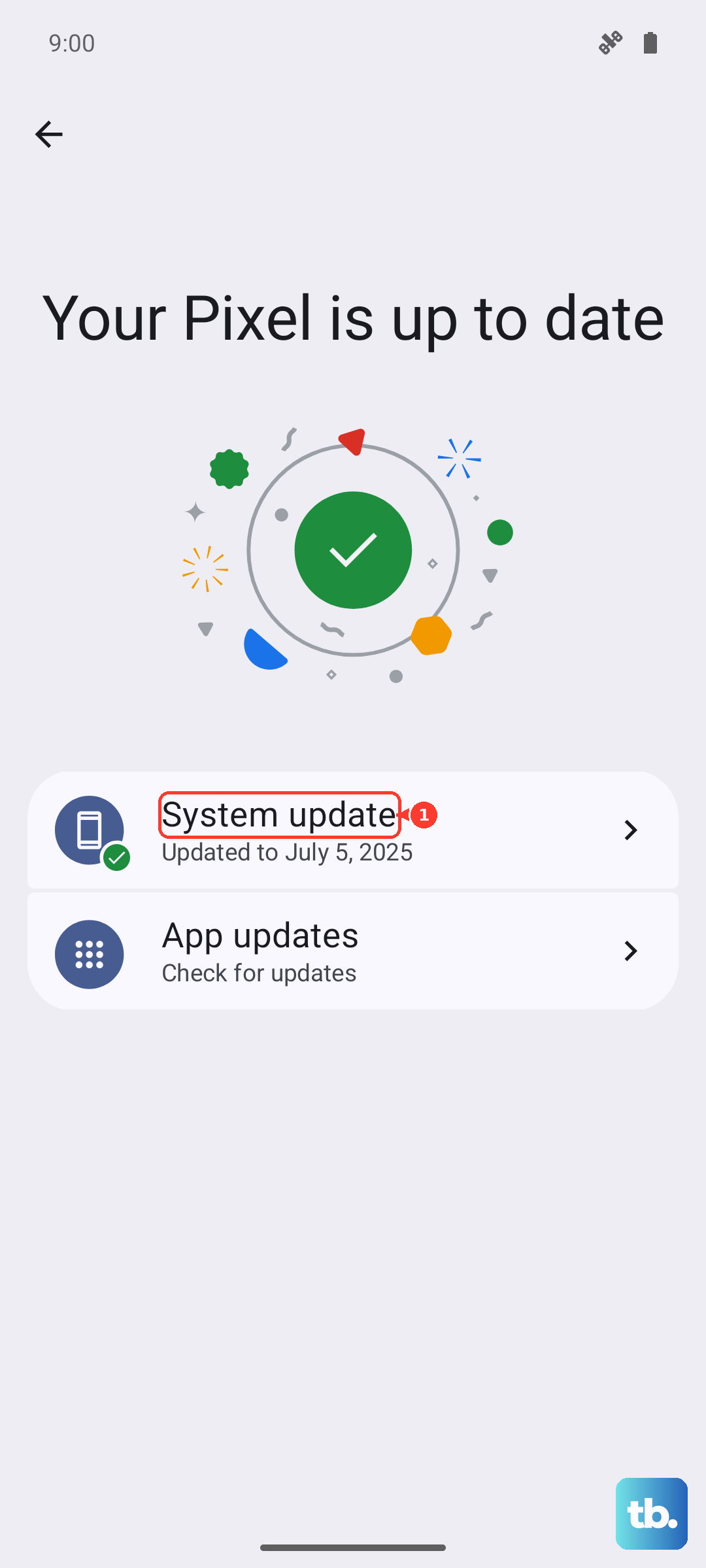
Software bugs can disable vibration. Check for a system update: Settings > System > System update > Check for update. Install any pending updates and restart. Google often patches haptic-related issues in monthly updates.
Reset App Preferences
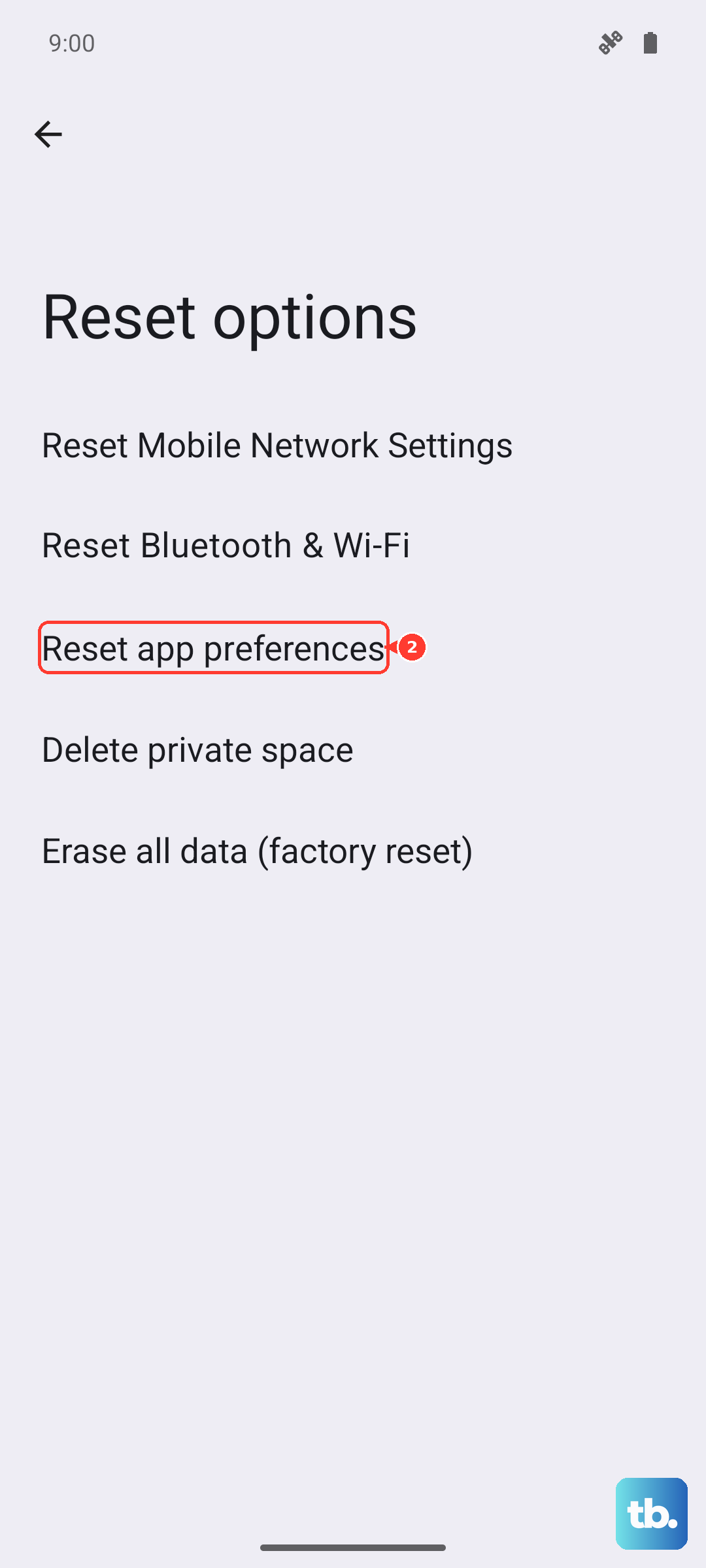
If Safe Mode didn't help, resetting app preferences can clear permission conflicts. Go to Settings > System > Reset options > Reset app preferences. This won't delete any data, it just resets disabled apps, notification overrides, and default apps. You'll need to re-grant permissions for things like camera and location after.
Check for Overheating
The Pixel 10 Pro XL is known to overheat in certain conditions, especially while charging. When the phone gets too hot, it may disable vibration to protect internal components. If your Pixel feels warm to the touch, let it cool down for 15 minutes and try again. Remove the phone case to help with heat dissipation.
Hardware Test via Dialer
You can test the vibration motor directly without installing any app. Open the Phone dialer and enter *#*#7378423#*#* (that's the service menu code). Tap Vibration Test. If the phone vibrates during the test, the motor is fine and the problem is software. If it doesn't, the haptic motor may need replacement.
If you get no vibration in the test, the issue is hardware. The Pixel 10 Pro XL's vibration motor is soldered to the motherboard, so professional repair is required. A factory reset is a last resort if you're still stuck, but back up your data first, it wipes everything.