Gaming, creative work, office productivity and travel place different demands on a monitor. Panel type, resolution, refresh rate, connectivity and screen format determine which model fits each job.
Technobezz is supported by its audience. We may get a commission from retail offers.
Best LG Monitors in 2026
The LG UltraGear OLED 32GX870A remains our top pick for 4K OLED gaming, with alternatives for creative work, office use and travel.
T
Technobezz
Editorial Team
Updated September 30, 2026Sep 30, 2026
•12 min read

Get Deals Like These in Your Inbox
The best prices, reviewed weekly.
The LG UltraGear OLED 32GX870A remains our top pick for its 4K OLED panel, Dual Mode speed and flat 16:9 format. It is still sold new, while the rest of the lineup covers ultrawide gaming, creative work and portable productivity.
At a Glance
| Category | Product | Why We Picked It |
|---|---|---|
| Best overall | LG UltraGear OLED 32GX870A | A flat 4K OLED with 240Hz detail and a 480Hz FHD mode |
| Best value | LG UltraFine 32UR550K | A large adjustable 4K workspace with built-in stereo speakers |
| Best for ultrawide gaming | LG UltraGear evo GX9 39GX950B | An immersive 5K2K OLED canvas with detailed and high-frame-rate modes |
| Best for HDR gaming without OLED | LG UltraGear evo GM9 27GM950B | Bright Mini LED HDR and sharp 5K detail without OLED burn-in concerns |
| Best for Mac users | LG UltraFine evo 6K 32U990A | A sharp 6K desktop with broad color coverage and Thunderbolt 5 |
| Best for video editing | LG UltraFine evo 5K2K 40U990A | An expansive 5K2K workspace for long timelines and complex projects |
| Best for two-computer offices | LG UltraWide 34U650A | A built-in KVM and 96W USB-C simplify shared-computer workspaces |
| Best portable | LG gram +view 17MT70 | A spacious, lightweight second screen with flexible connections |
How we chose
We prioritize panel technology, resolution, refresh rate, HDR, connectivity, ergonomics and screen format for each use case. Each slot goes to the monitor with the strongest fit for its intended workload and buyer.
The best LG monitors right now
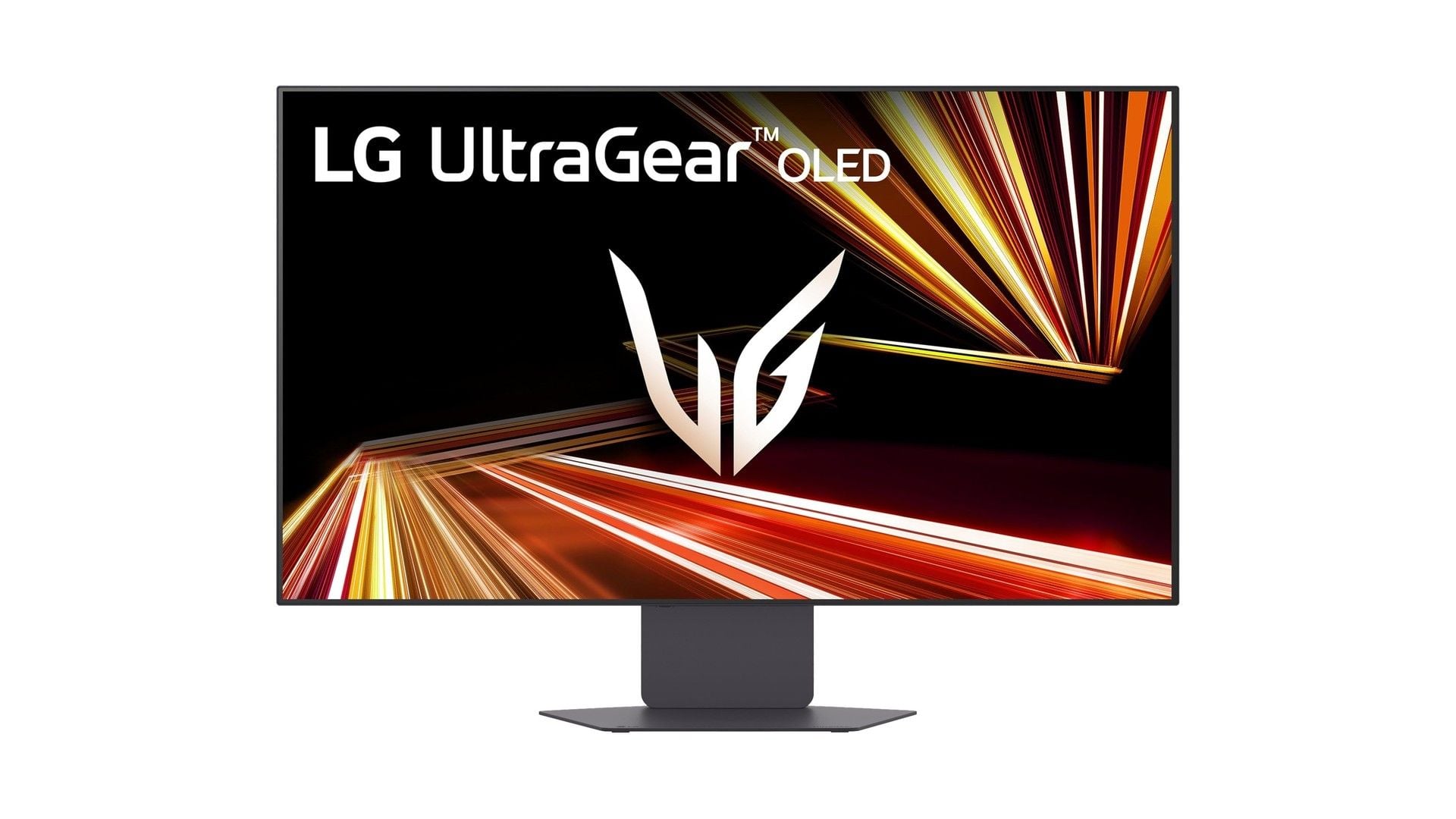
LG UltraGear OLED 32GX870A - Best overall
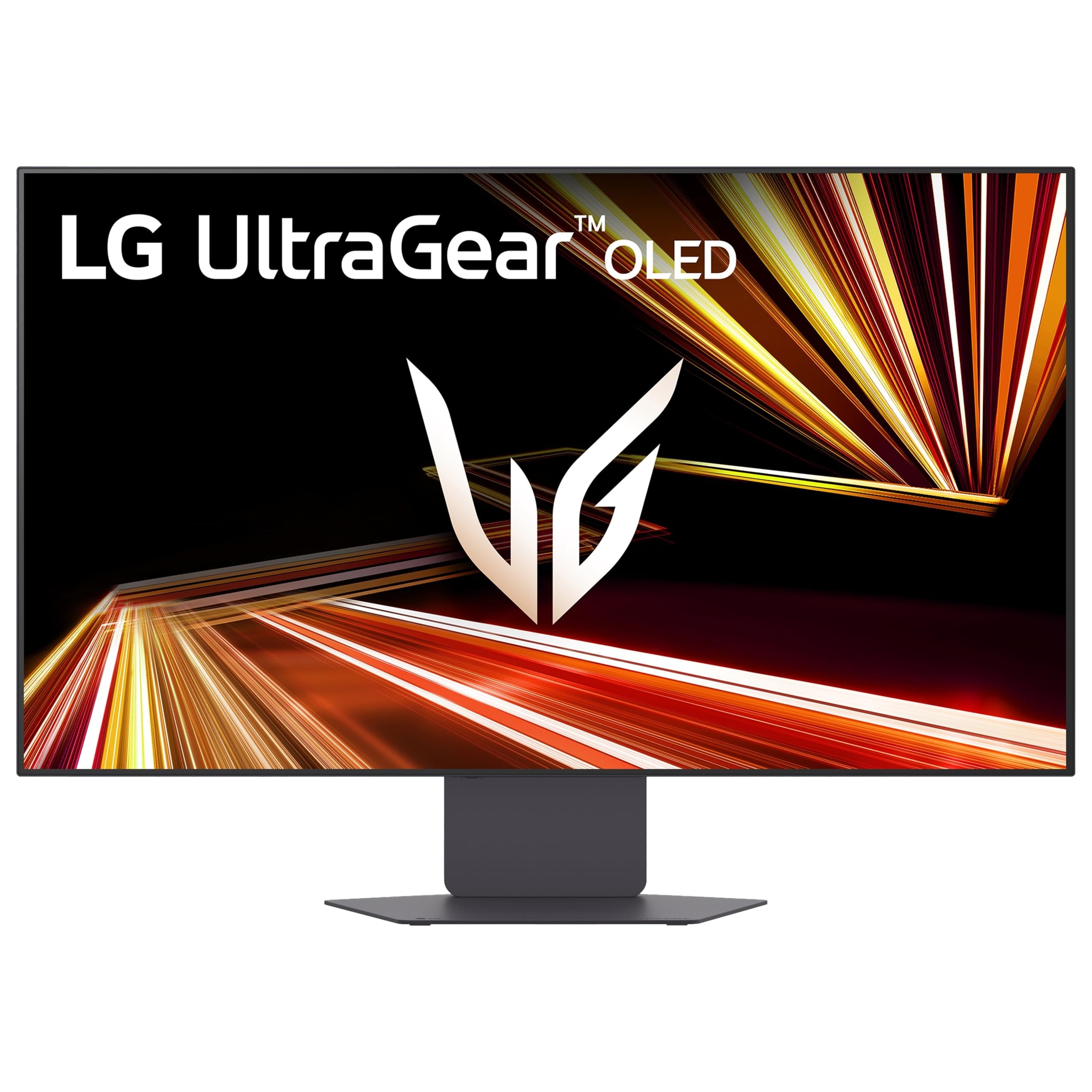
LG's 32-inch 4K UHD OLED pairs fine detail with a flat 16:9 format. LG specifies a 0.03ms GtG response time, VESA DisplayHDR True Black 400 and support for NVIDIA G-SYNC Compatible and AMD FreeSync Premium Pro.
Dual Mode switches between 4K at 240Hz and FHD at 480Hz for detailed cinematic games and faster competitive play. DisplayPort 2.1, HDMI 2.1 and USB-C extend its usefulness across PCs, current consoles and laptops.
LG also lists the newer 32GX870B-B with fourth-generation RGB Tandem OLED and DisplayPort 2.1 UHBR20. Confirm its delivery availability before choosing it over the 32GX870A, which remains available to order new.
Key highlights
- 32-inch 4K UHD OLED
- 4K at 240Hz or FHD at 480Hz
- 0.03ms GtG response time
- VESA DisplayHDR True Black 400
- NVIDIA G-SYNC Compatible and AMD FreeSync Premium Pro
- DisplayPort 2.1, HDMI 2.1 and USB-C
Pros
- Excellent balance of 4K sharpness and OLED contrast
- Dual Mode covers cinematic and competitive games
- Flat 16:9 screen works better with consoles than an ultrawide
- Fast response and broad variable-refresh-rate support
- USB-C expands its usefulness with laptops
Cons
- OLED requires care with prolonged static desktop content
- The 480Hz mode reduces resolution to FHD
- Premium pricing compared with ordinary office monitors
Who it's for
PC gamers and current-console players who want one premium 16:9 display with room for occasional productivity.
Skip if
People who spend most of the day in static office applications or only need a basic work display should choose another monitor.
LG UltraFine 32UR550K - Best value
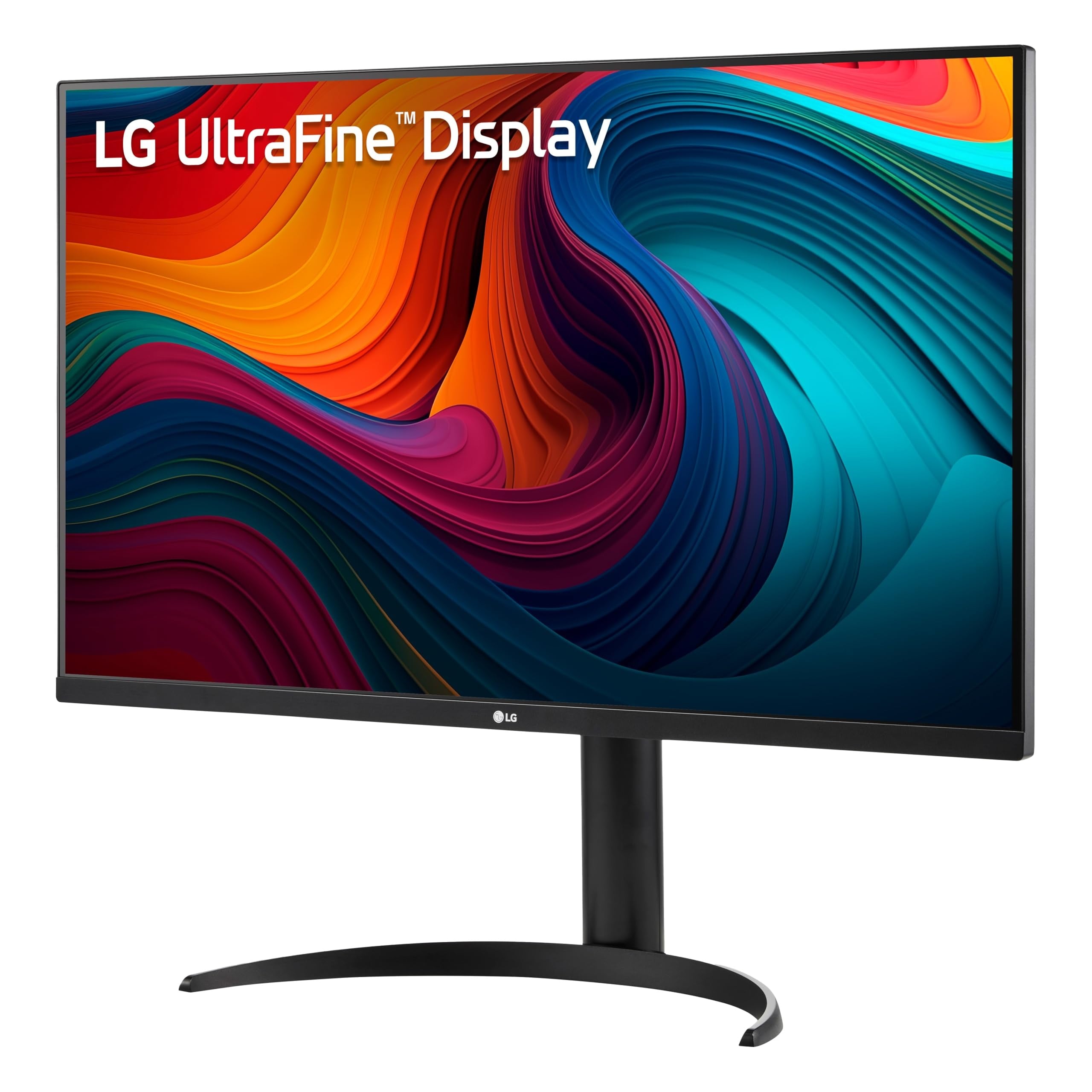
Value begins with a spacious 32-inch 4K UHD workspace that costs substantially less than LG's flagship monitors.
HDR10 support and up to 90% DCI-P3 coverage make the UltraFine 32UR550K suitable for general media and creative work. Its 60Hz-class performance remains focused on office use rather than high-refresh gaming.
Height, tilt and pivot adjustments provide useful positioning options, while built-in stereo speakers reduce desk clutter.
Key highlights
- 32-inch 4K UHD
- HDR10
- Up to 90% DCI-P3
- Built-in stereo speakers
- Height, tilt and pivot adjustments
Pros
- Large, sharp 4K workspace for substantially less than LG's flagships
- Useful height and pivot adjustments
- Built-in speakers reduce desk clutter
- Good color-gamut coverage for general creative work
Cons
- 60Hz-class office monitor rather than a high-refresh gaming display
- No USB-C laptop charging
- HDR impact is limited compared with OLED or Mini LED
Who it's for
Home-office users seeking an affordable, adjustable 32-inch 4K screen for work and general media.
Skip if
Users who need single-cable USB-C docking, competitive-gaming speed or serious HDR performance need a different monitor.
LG UltraGear evo GX9 39GX950B - Best for ultrawide gaming
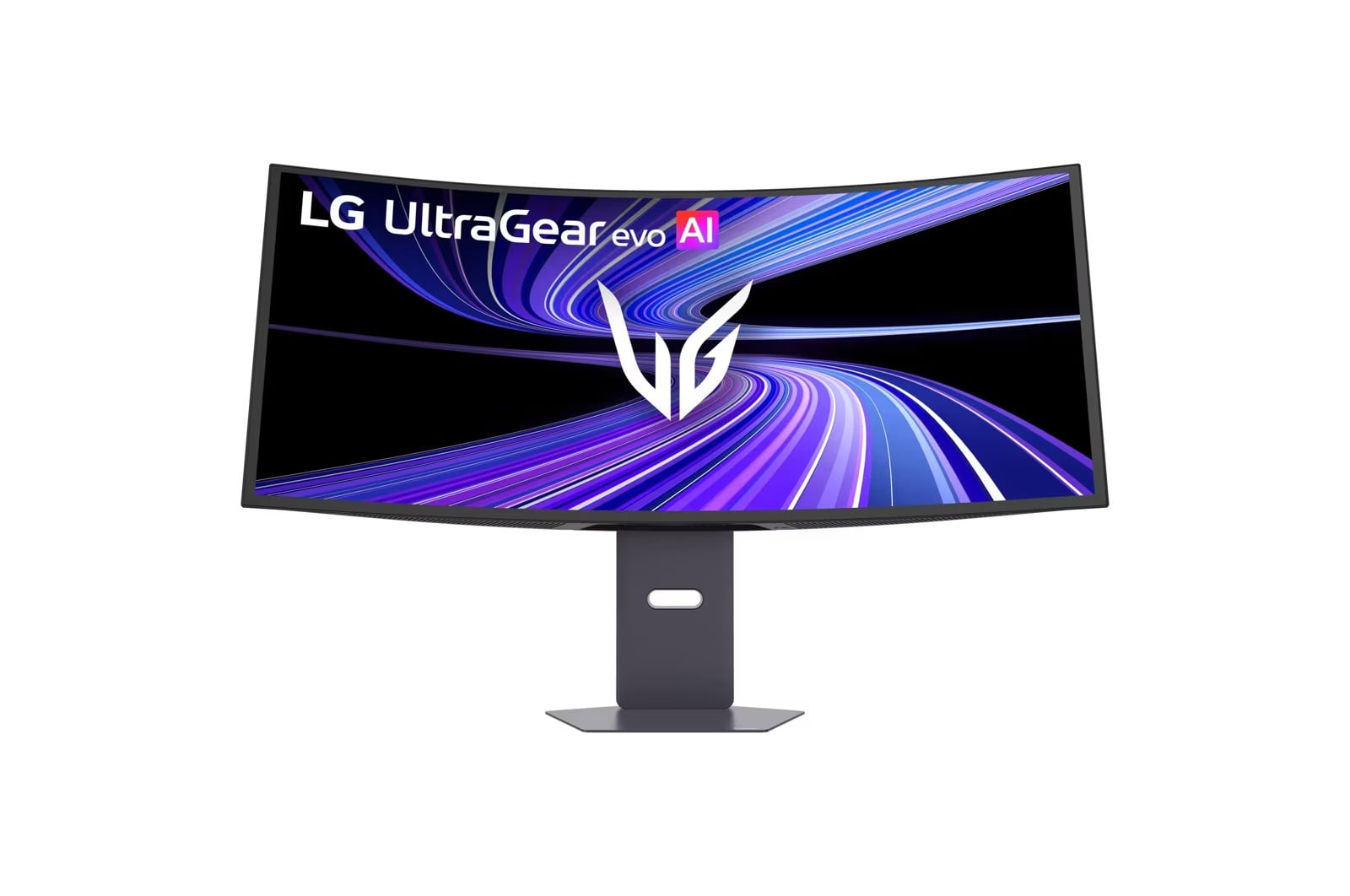
A curved 39-inch 5K2K OLED format gives simulations, racing games and atmospheric PC titles the expansive presentation they demand. The fourth-generation Tandem OLED panel supplies excellent blacks and near-instant motion.
Dual Mode runs at 5K2K and 165Hz or WFHD and 330Hz, backed by a 0.03ms GtG response time and VESA DisplayHDR True Black 500. DisplayPort 2.1 UHBR20, HDMI 2.1 and USB-C with 90W power delivery complete the connection package.
Key highlights
- 39-inch curved 5K2K OLED
- 5K2K at 165Hz or WFHD at 330Hz
- 0.03ms GtG response time
- VESA DisplayHDR True Black 500
- DisplayPort 2.1 UHBR20, HDMI 2.1 and USB-C with 90W power delivery
- Fourth-generation Tandem OLED
Pros
- Excellent OLED blacks and near-instant motion
- Dual Mode supports both detailed and high-frame-rate games
- High-bandwidth ports and 90W USB-C charging
- 5K2K resolution provides a wide, detailed gaming canvas
Cons
- OLED burn-in remains a concern for static work applications
- Consoles display 16:9 content with side bars
- Expensive and physically imposing
Who it's for
PC players who favor simulations, racing games and atmospheric titles on a current-generation OLED ultrawide.
Skip if
Console-first players, people who dislike curved screens and users who leave static applications visible all day should look elsewhere.
LG UltraGear evo GM9 27GM950B - Best for HDR gaming without OLED
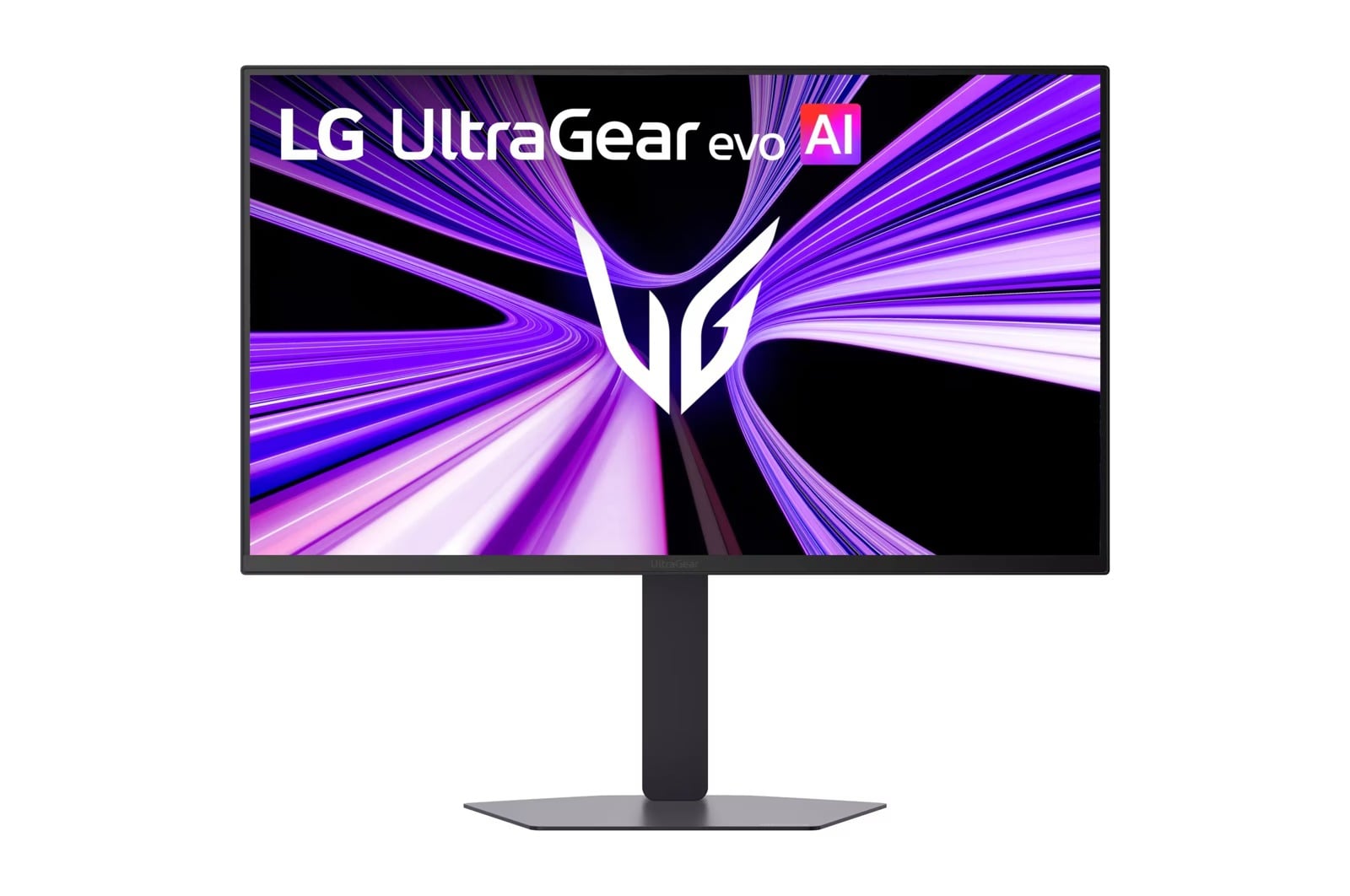
The GM9 27GM950B pairs a 27-inch 5K screen with a Hyper Mini LED backlight. Its 9,216 LEDs and VESA DisplayHDR 1000 certification make it an option for buyers who want high-resolution HDR gaming without an OLED panel.
Dual Mode offers 5K at 165Hz or QHD at 330Hz. DisplayPort 2.1 UHBR20, HDMI 2.1 and USB-C with 90W power delivery handle modern systems and laptop charging.
The faster mode trades 5K detail for QHD resolution, and reaching either maximum refresh rate requires a compatible graphics card.
Key highlights
- 27-inch 5K Hyper Mini LED
- 9,216 Mini LEDs
- 5K at 165Hz or QHD at 330Hz
- VESA DisplayHDR 1000
- 1ms GtG response time
- DisplayPort 2.1 UHBR20, HDMI 2.1 and USB-C with 90W power delivery
Pros
- Very sharp 5K text and imagery
- DisplayHDR 1000 certification and a Mini LED backlight
- No OLED burn-in concern
- Dual Mode gives it genuine high-refresh gaming ability
- Strong modern connectivity and laptop charging
Cons
- The 330Hz mode reduces resolution to QHD
- Maximum refresh rates require a compatible graphics card
- Premium pricing for a 27-inch monitor
Who it's for
Buyers who want high-resolution productivity and bright HDR gaming without accepting OLED burn-in risk.
Skip if
People prioritizing an ultrawide workspace or the lowest price per inch should choose another monitor.
LG UltraFine evo 6K 32U990A - Best for Mac users
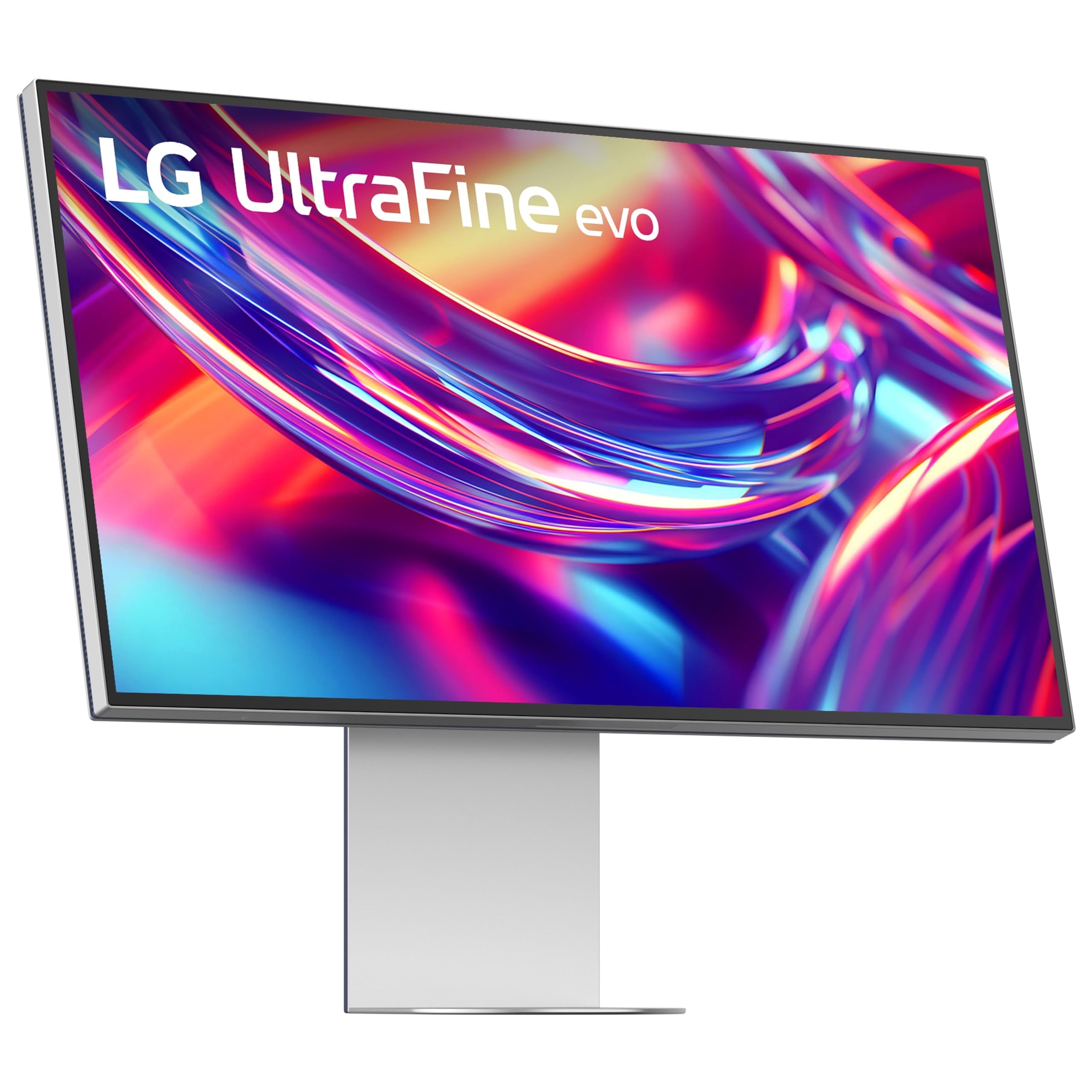
For Mac-based photography, design, layout and high-resolution video work, the 32-inch 6K Nano IPS Black panel provides a sharp 224-PPI desktop. Color coverage reaches up to 98% DCI-P3 and 99.5% Adobe RGB, complemented by a 2000:1 contrast ratio and VESA DisplayHDR 600.
Thunderbolt 5 suits modern Mac workflows, while DisplayPort 2.1, HDMI and USB-C add input flexibility. Height, tilt, pivot and rotation adjustments support precise positioning, and Studio Mode and Mac keyboard controls further serve Mac users.
Key highlights
- 32-inch 6K Nano IPS Black at 224 PPI
- Up to 98% DCI-P3 and 99.5% Adobe RGB
- 2000:1 contrast ratio
- VESA DisplayHDR 600
- Thunderbolt 5, DisplayPort 2.1, HDMI and USB-C
- Height, tilt, pivot and rotation adjustments
Pros
- Extremely sharp 224-PPI desktop
- Wide DCI-P3 and Adobe RGB coverage
- Thunderbolt 5 suits modern Mac and professional workflows
- Studio Mode and Mac keyboard controls
- Flexible selection of inputs
Cons
- One of LG's most expensive monitors
- IPS Black cannot match OLED black levels
- Overkill for ordinary office work and casual gaming
Who it's for
Recent-Mac users handling photography, design, layout or high-resolution video work.
Skip if
People who do not need 6K scaling or professional color-space coverage will get better value from a less specialized screen.
LG UltraFine evo 5K2K 40U990A - Best for video editing
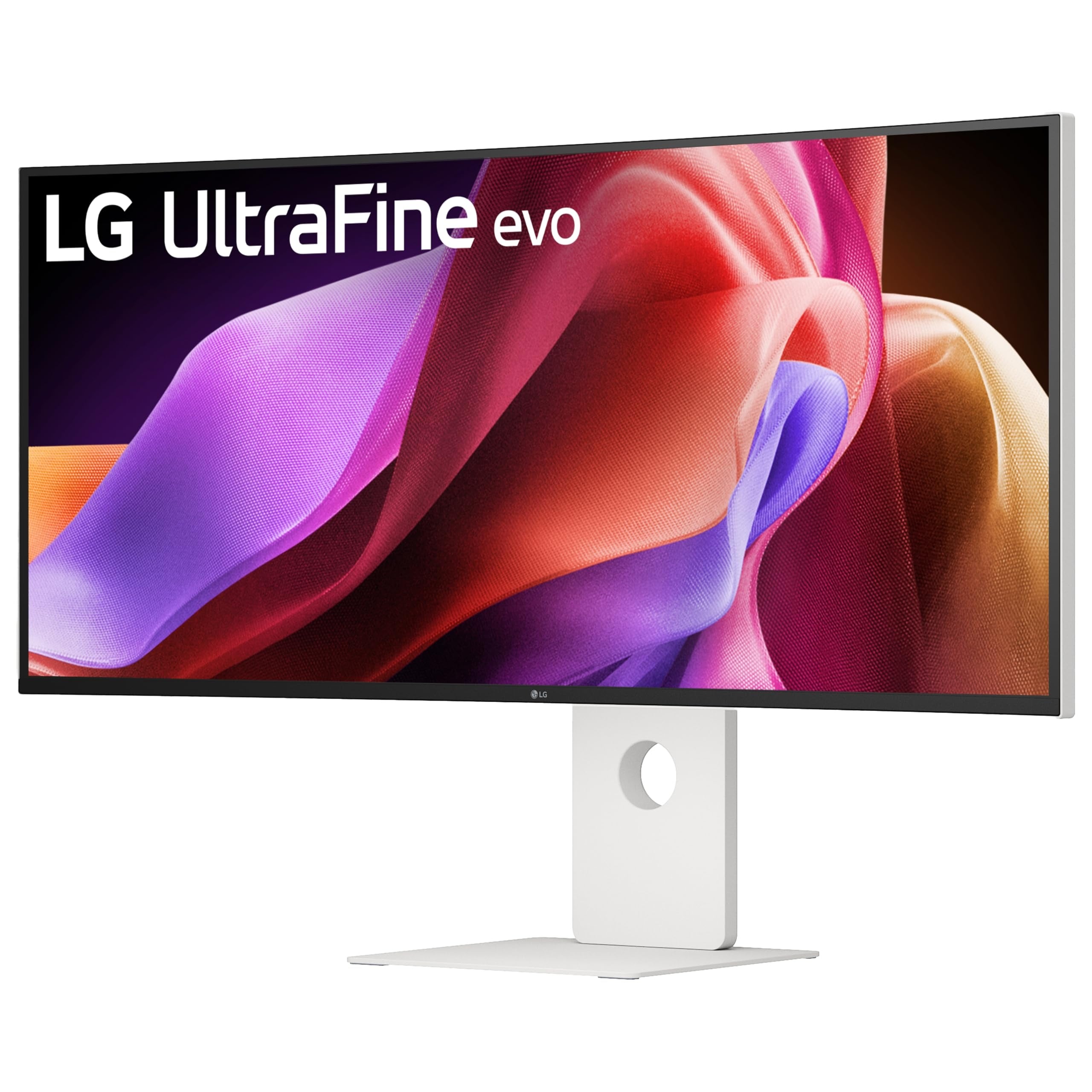
Long editing timelines have room to breathe across the 40-inch curved (2500R) 5K2K Nano IPS Black display. Its 5120 x 2160 resolution runs at up to 120Hz with a compatible connection, making scrolling and interface motion smoother than on typical professional displays.
The panel combines up to 99% DCI-P3 coverage, a 2000:1 contrast ratio and VESA DisplayHDR 600 without OLED burn-in concerns.
Thunderbolt 5 supplies 96W charging and daisy-chain support. Full 5K2K operation at 120Hz requires Thunderbolt 5 or DisplayPort 2.1 support from the connected computer.
Key highlights
- 40-inch curved (2500R) 5K2K Nano IPS Black
- 5120 x 2160 at up to 120Hz with a compatible connection
- Up to 99% DCI-P3
- 2000:1 contrast ratio
- VESA DisplayHDR 600
- Thunderbolt 5 with 96W charging and daisy-chain support
Pros
- Wide 5K2K canvas accommodates long editing timelines
- 120Hz makes scrolling and UI motion smoother than typical pro displays
- Strong IPS Black contrast and DCI-P3 coverage
- Thunderbolt 5, laptop charging and daisy chaining
- No OLED burn-in concern
Cons
- Very high price
- Large footprint demands a deep, sturdy desk
- Full 5K2K at 120Hz requires Thunderbolt 5 or DisplayPort 2.1 support
- DisplayHDR 600 is not equivalent to per-pixel OLED HDR
- The fixed 2500R curve will not suit editors who prefer a flat panel
Who it's for
Video, audio and creative professionals who want one expansive, high-resolution workspace for complex projects.
Skip if
People with limited desk space or computers that cannot drive 5120 x 2160 effectively need a smaller or lower-resolution display.
LG UltraWide 34U650A - Best for two-computer offices
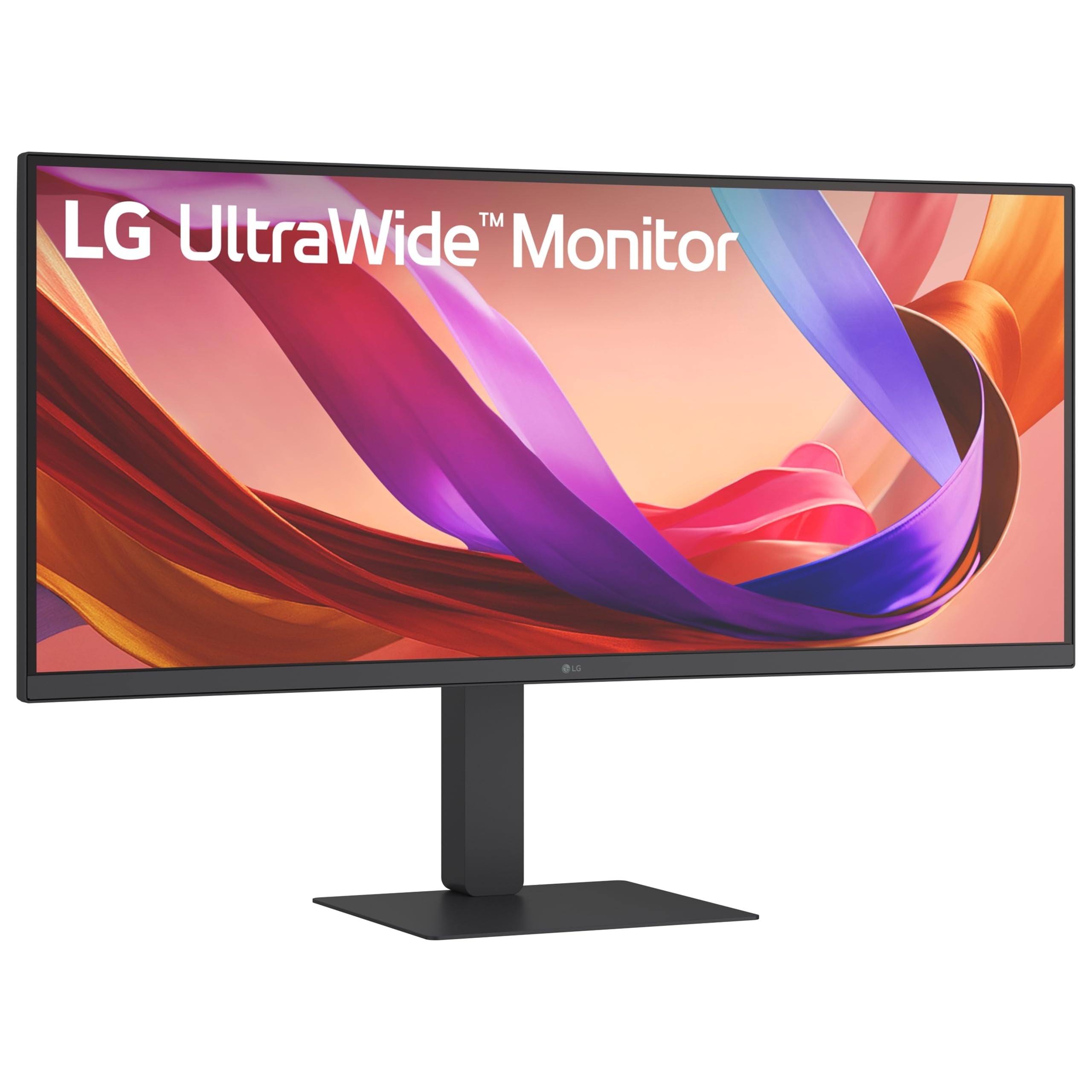
Two-computer offices benefit from the UltraWide 34U650A's built-in KVM, which simplifies switching a keyboard and mouse between work and personal computers. USB-C supplies up to 96W of power for demanding laptops. The 34-inch curved WQHD IPS display adds a 100Hz refresh rate, up to 99% sRGB coverage and HDR10 support, while integrated speakers and height, tilt and swivel adjustments complete the setup.
Key highlights
- 34-inch 21:9 curved WQHD IPS
- 100Hz refresh rate
- Up to 99% sRGB with HDR10 support
- USB-C power delivery up to 96W
- Built-in KVM and integrated speakers
- Height, tilt and swivel adjustments
Pros
- Built-in KVM simplifies switching between work and personal computers
- 96W USB-C can power demanding laptops
- IPS viewing angles and useful 100Hz refresh
- Adjustable stand and built-in speakers
- Substantially cheaper than LG's 5K2K productivity displays
Cons
- WQHD has less vertical workspace and sharpness than 4K or 5K2K
- HDR10 support does not imply high-impact HDR
- 100Hz is smooth for work but modest for serious gaming
Who it's for
People who regularly switch between two computers and want display, data and laptop power through one cable.
Skip if
Users prioritizing maximum text sharpness, high-end HDR or esports-level refresh over KVM convenience should select another monitor.
LG gram +view 17MT70 - Best portable
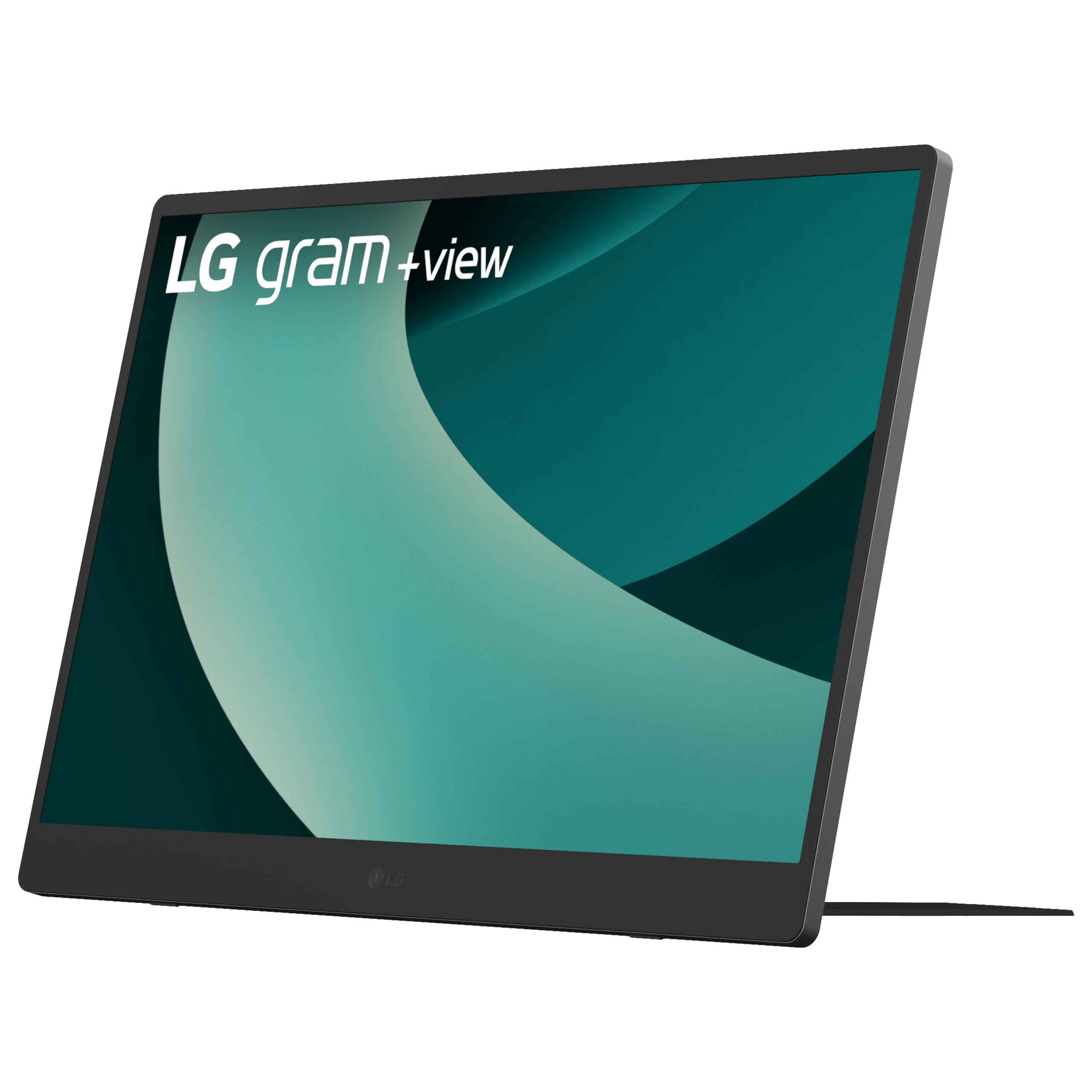
A 17-inch 16:10 WQXGA IPS panel gives travelers a spacious 2560 x 1600 second screen. Up to 99% DCI-P3 coverage adds useful color capability for laptop-based work.
Portability remains the focus at 1.72 pounds and 0.35 inch thick. Two USB-C ports and mini HDMI broaden compatibility, while the built-in stand, auto pivot, speakers and protective sleeve support travel and landscape or portrait use.
Key highlights
- 17-inch 16:10 WQXGA IPS
- 2560 x 1600 resolution
- Up to 99% DCI-P3
- Two USB-C ports and mini HDMI
- 1.72 pounds and 0.35 inch
- Built-in stand, auto pivot, speakers and protective sleeve
Pros
- Large, sharp 16:10 workspace for a portable monitor
- Very light and thin for its 17-inch size
- Two USB-C ports plus mini HDMI improve compatibility
- Integrated stand supports landscape and portrait use
- Speakers and protective sleeve are included
Cons
- Limited to 60Hz
- Not a touchscreen
- Costs considerably more than many portable displays
- Auto pivot requires companion software
Who it's for
Laptop users who travel and need a genuinely spacious, color-capable second screen.
Skip if
People who need touch input, high-refresh gaming or the lowest possible cost should choose a different travel display.
How to Choose
- Match the panel to the workload. OLED provides perfect blacks and near-instant response for gaming but carries burn-in risk with static interfaces. Mini LED delivers brighter HDR without OLED burn-in concerns, while IPS and IPS Black provide dependable productivity performance and wide viewing angles.
- Balance resolution against screen size. 4K fits conventional 27-inch and 32-inch desktops. LG's 5K, 6K and 5K2K monitors provide sharper text or more workspace but demand greater GPU bandwidth and add display-scaling requirements.
- Choose a refresh rate your computer can use. Refresh rates from 100Hz to 165Hz make work and ordinary gaming feel smooth. Faster UltraGear modes primarily benefit competitive players with systems capable of producing similarly high frame rates.
- Check ports and power delivery. HDMI 2.1 supports current consoles and high-refresh 4K. USB-C and Thunderbolt combine video, data and laptop charging on equipped monitors, while a KVM lets two computers share one keyboard and mouse.
- Consider aspect ratio and curvature. A 16:9 monitor is the safest format for consoles and video. A 21:9 ultrawide provides more horizontal workspace and PC-game immersion, but consoles display 16:9 content with side bars and some applications do not use the full width.
- Review ergonomics and warranty coverage. Height, tilt, swivel and pivot adjustments improve positioning during long sessions. For OLED, confirm current panel-coverage terms and use the monitor's protection routines because retailer and regional warranty terms differ.
Should I worry about burn-in on an LG OLED monitor?
OLED can develop permanent image retention after prolonged, repeated exposure to static elements. LG includes protective routines, but anyone running static productivity applications all day should consider an IPS or Mini LED model instead.
Is 4K worthwhile on a 27-inch or 32-inch monitor?
Yes. At normal desktop distances, 4K noticeably sharpens text and fine visual detail at both sizes. A 5K or 6K display adds further workspace or smoother scaling but costs more and requires greater connection bandwidth.
Which LG connection is best for a Mac laptop?
Thunderbolt 5 is the most capable option on a compatible Mac, while USB-C DisplayPort Alt Mode works with many Mac laptops. Match the monitor's stated power-delivery wattage to the computer's charging needs.
Do current consoles work properly with LG ultrawide monitors?
Current consoles display 16:9 content with side bars on a 21:9 ultrawide. A 16:9 4K monitor with HDMI 2.1 is the better console-first choice.
Do I need HDMI 2.1 or DisplayPort 2.1?
HDMI 2.1 supports 4K at 120Hz from current consoles and high-refresh PC use. DisplayPort 2.1 matters for the highest-resolution, highest-refresh modes, and the bandwidth supported by both the monitor and graphics card determines which modes are available.
Should I choose the LG 32GX870A or 32GX870B-B?
The 32GX870A remains available to order new and supports 4K at 240Hz or FHD at 480Hz. The newer 32GX870B-B adds fourth-generation RGB Tandem OLED and DisplayPort 2.1 UHBR20. Check its current delivery availability before choosing between them.
Share this article
More in News
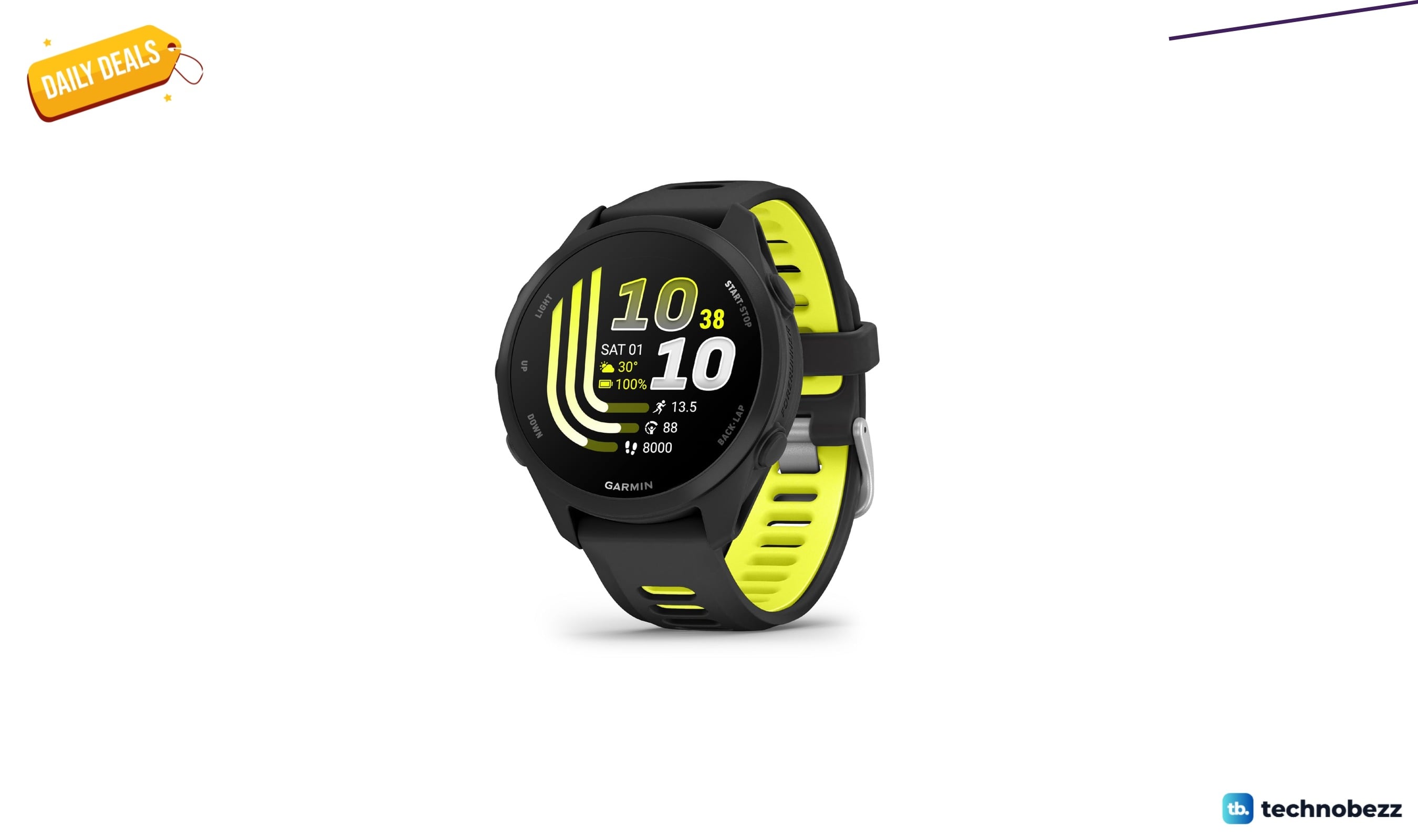
Garmin Forerunner® 170 Music on sale for $299.99
Garmin Forerunner 170 Music hits a record-low $299.99 on Amazon, saving $50 and undercutting its 90-day average by $45.
5 min read
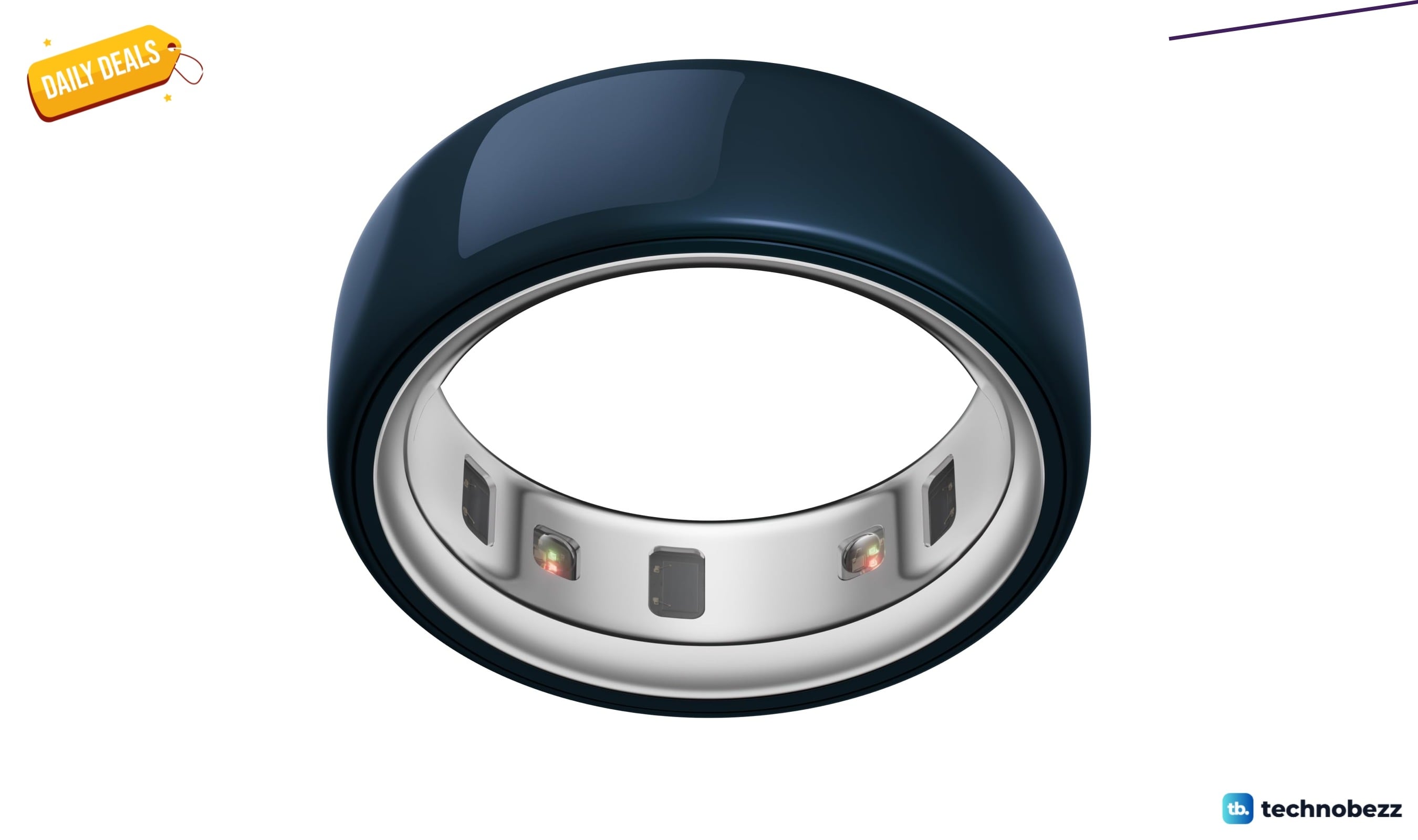
OURA Ring 4 Smart Ring Ceramic now $239.99, down from $399
Save 40 percent on the Oura Ring 4 Ceramic Midnight, now $239.99, its lowest price yet and well below recent averages.
4 min read
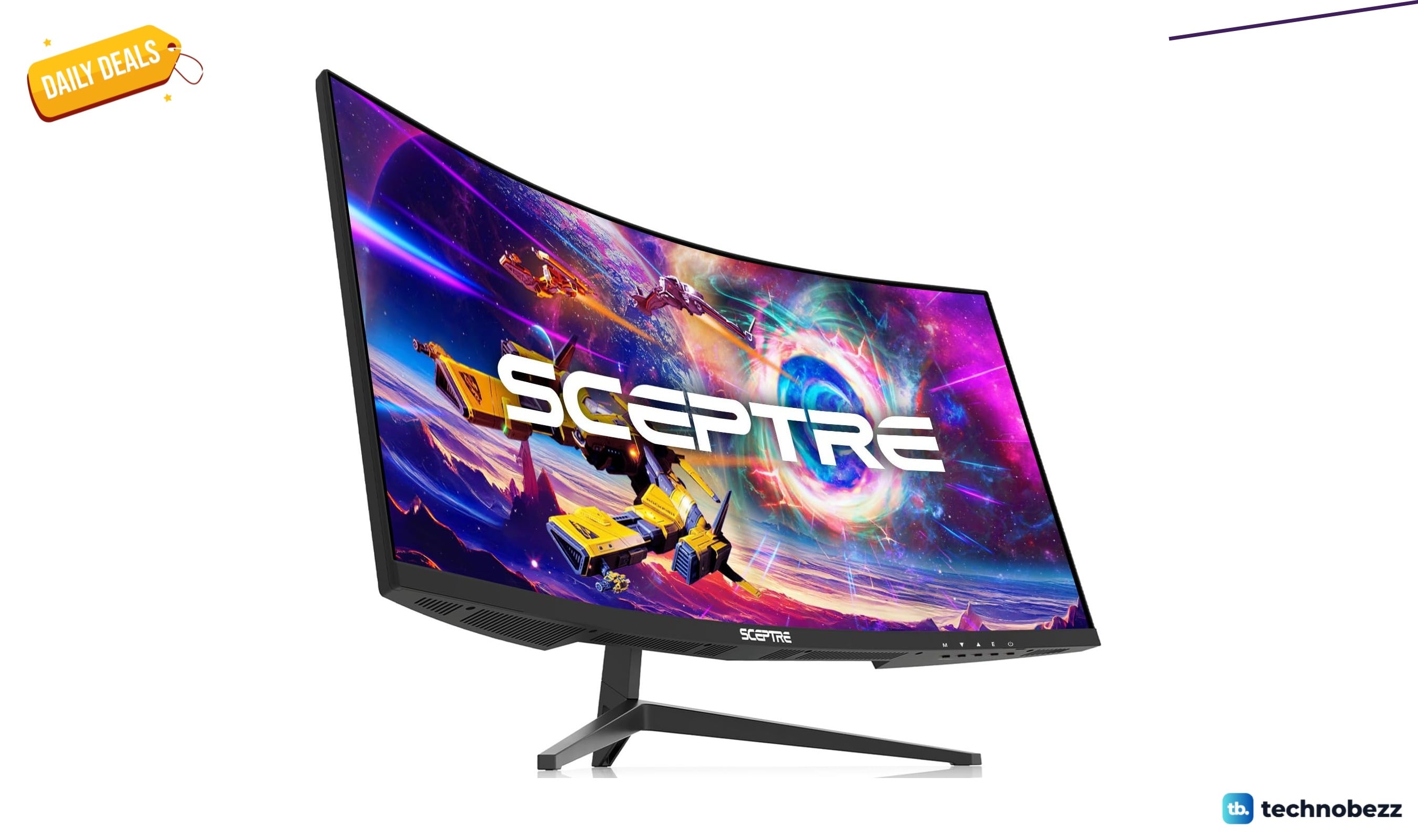
Sceptre Curved Gaming Monitor Ultra Wide/ Slim price drops to $159.97
Save $40 on the Sceptre C305B-200UN1 30-inch curved ultrawide gaming monitor, now $159.97 at Amazon with 200Hz and FreeSync.
3 min read
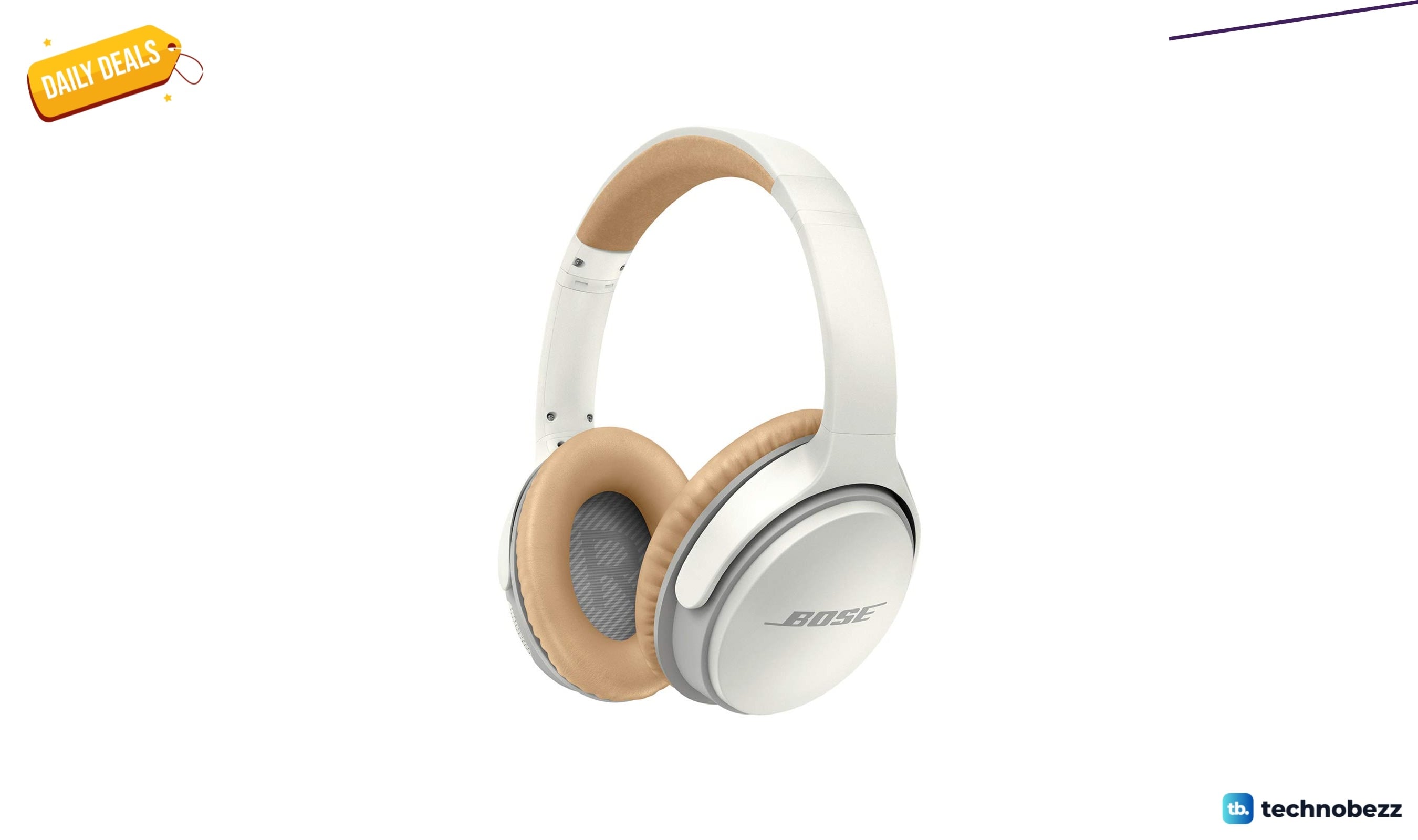
Bose SoundLink Around-Ear Wireless Headphones II falls to $229
Save 26 percent on Bose SoundLink II wireless headphones at $229, down from $310, with deep sound and 15-hour battery life.
5 min read
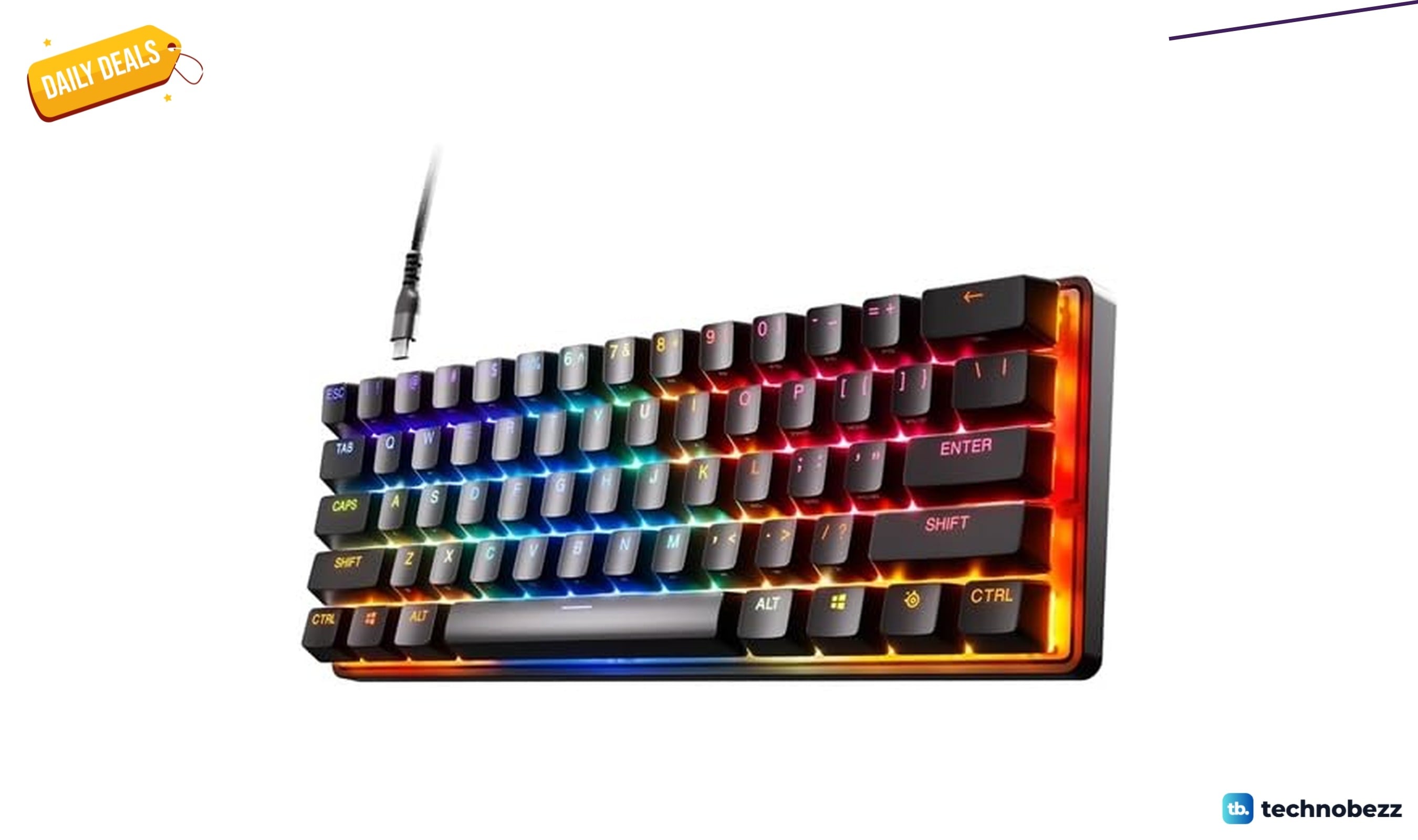
SteelSeries Apex 9 HotSwap Optical Mini Keyboard is $79.99 at Woot
3 min read
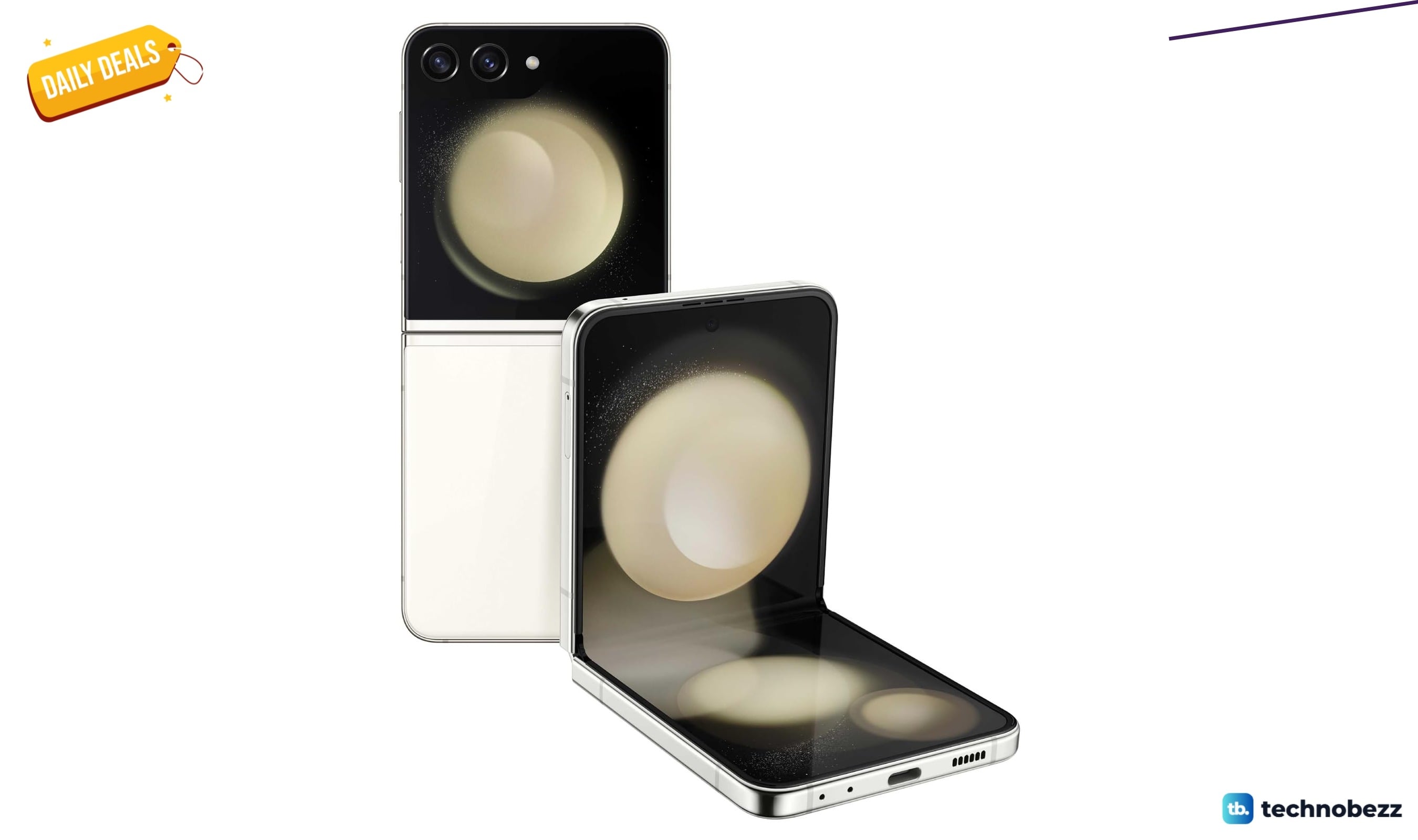
SAMSUNG Galaxy Z Flip5 AI Phone falls to $549.99
3 min read

Lenovo coupon codes and deals
5 min read

LG coupon codes and deals
4 min read

Woot coupon codes and deals
3 min read

Samsung coupon codes and deals
5 min read

Best tech coupon codes and online deals
4 min read
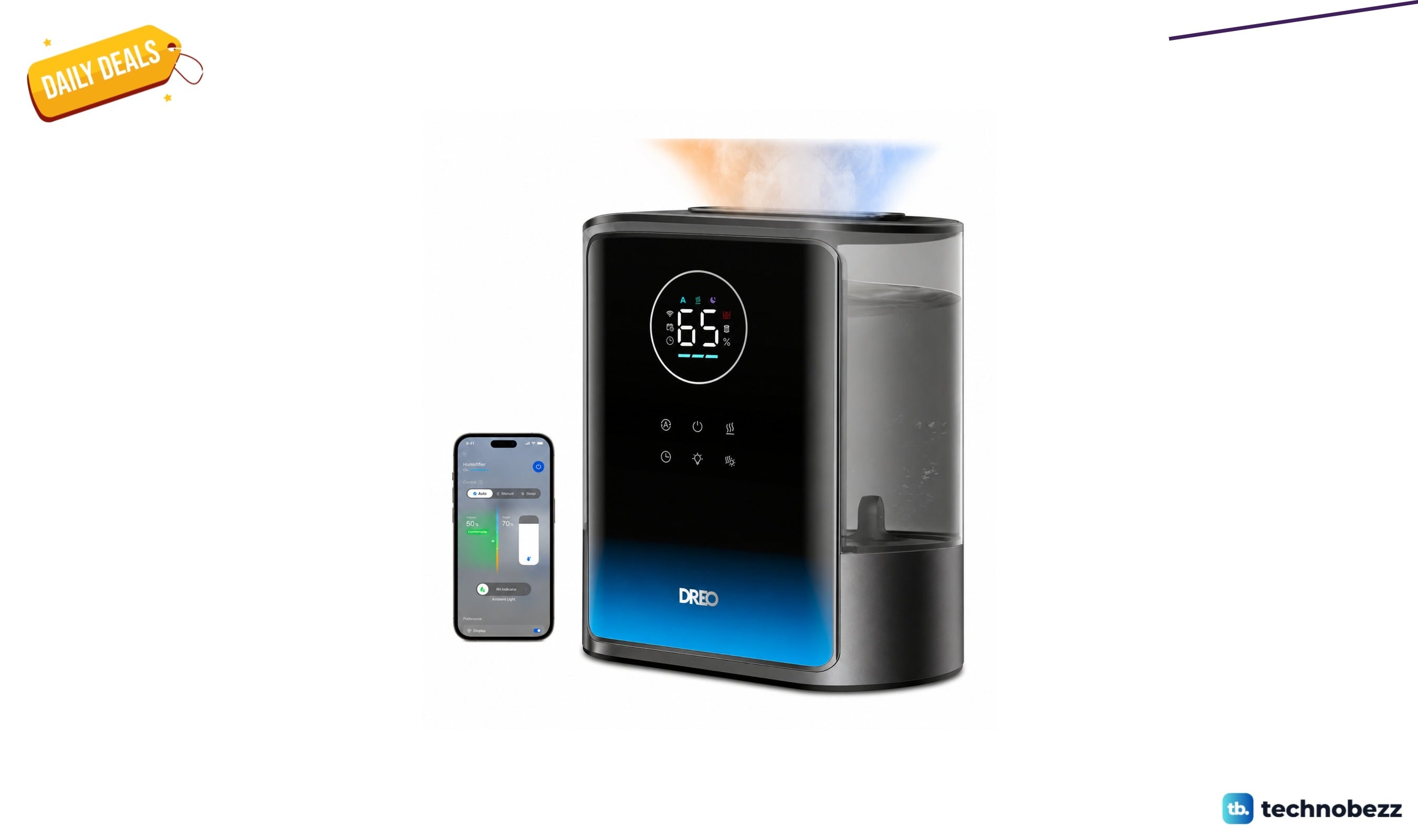
Dreo 8-liter smart humidifier with warm and cool mist for $119.99 at Wayfair
4 min read