Coding laptops need enough memory, steady performance, practical storage, a comfortable keyboard, and an operating system that fits your tools.
Technobezz is supported by its audience. We may get a commission from retail offers.
6 Best Laptops for Coding in 2026
Apple MacBook Pro M5 Pro 14-inch leads this coding laptop guide for demanding macOS development and daily productivity.
T
Technobezz
Editorial Team
Updated September 5, 2026Sep 5, 2026
•12 min read

Get Deals Like These in Your Inbox
The best prices, reviewed weekly.
The Apple MacBook Pro M5 Pro 14-inch is the best overall pick because it pairs a 15-core CPU, 48GB unified memory, 1TB SSD storage, and a Unix-friendly macOS environment for demanding development work.
This guide also covers value-focused macOS use, premium Windows business development, discounted Copilot+ Windows coding, CUDA work, and desktop-replacement performance.
At a Glance
| Category | Product | Why We Picked It |
|---|---|---|
| Best overall | Apple MacBook Pro M5 Pro 14-inch | High-end macOS performance with 48GB memory and 1TB storage |
| Best value | Apple MacBook Air M5 13-inch | Portable macOS coding power at a more accessible tier |
| Best Windows business laptop | Lenovo ThinkPad X1 Carbon Gen 14 14-inch | Premium Windows coding laptop with 32GB memory and strong ports |
| Best discounted Copilot+ Windows laptop | Acer Aspire 14 AI 14-inch | Modern Windows coding specs with 16GB RAM and a 1TB SSD |
| Best affordable CUDA laptop | Acer Nitro V 16S AI ANV16S-41-R2AJ | RTX 5060 graphics for CUDA experiments and game development |
| Best desktop-replacement value | Lenovo Legion 5i Gen 10 15-inch | High CPU and RTX performance with a serviceable two-slot memory platform |
How we chose
We chose coding laptops by weighting the criteria that matter most to developers: memory capacity, sustained performance, storage, toolchain fit, display quality, keyboard comfort, ports, portability, upgrade options, and GPU support where it matters. The strongest picks deliver the right balance for real development workflows, from web apps and scripting to containers, WSL, game development, and CUDA experiments.
The best laptops for coding right now
Apple MacBook Pro M5 Pro 14-inch - Best overall
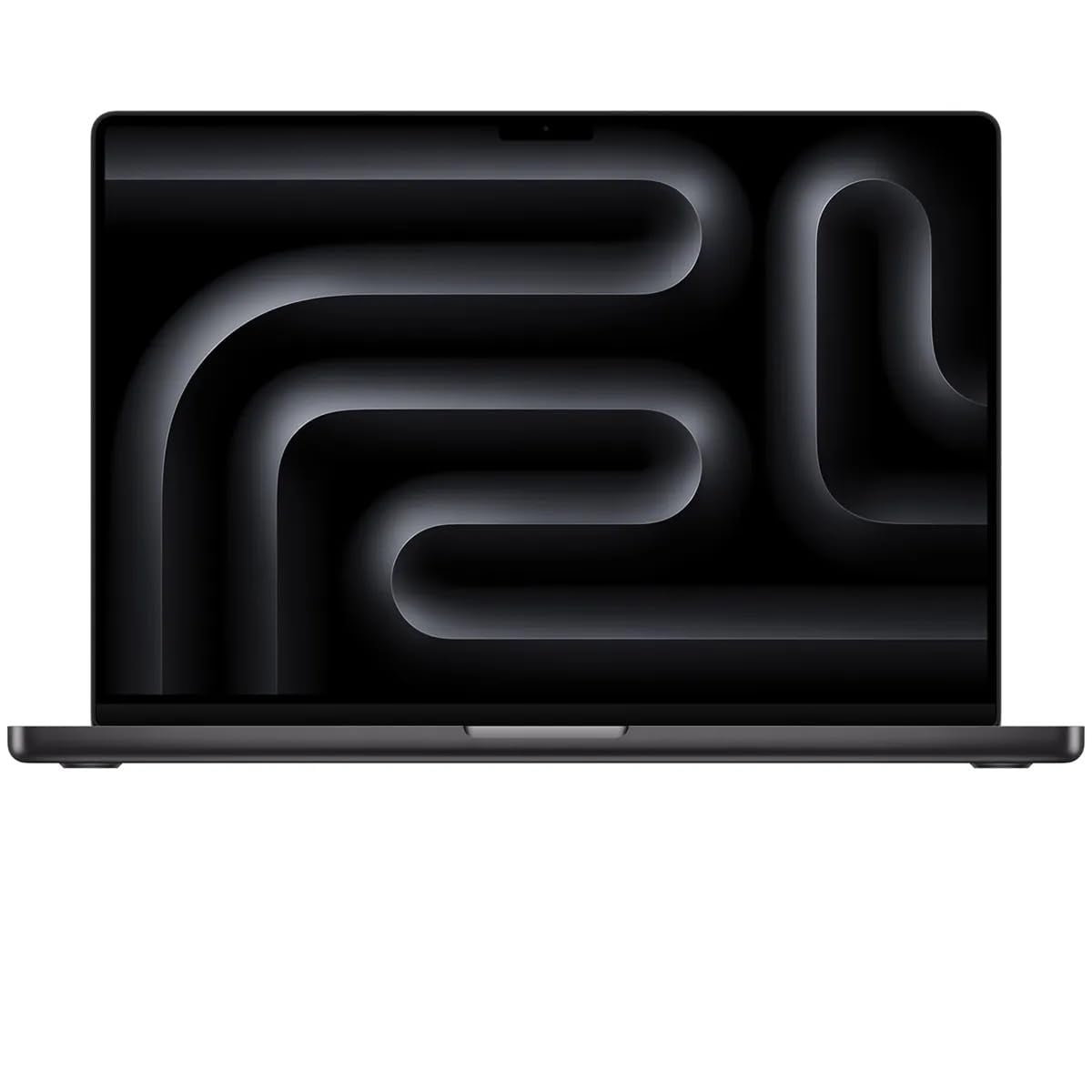
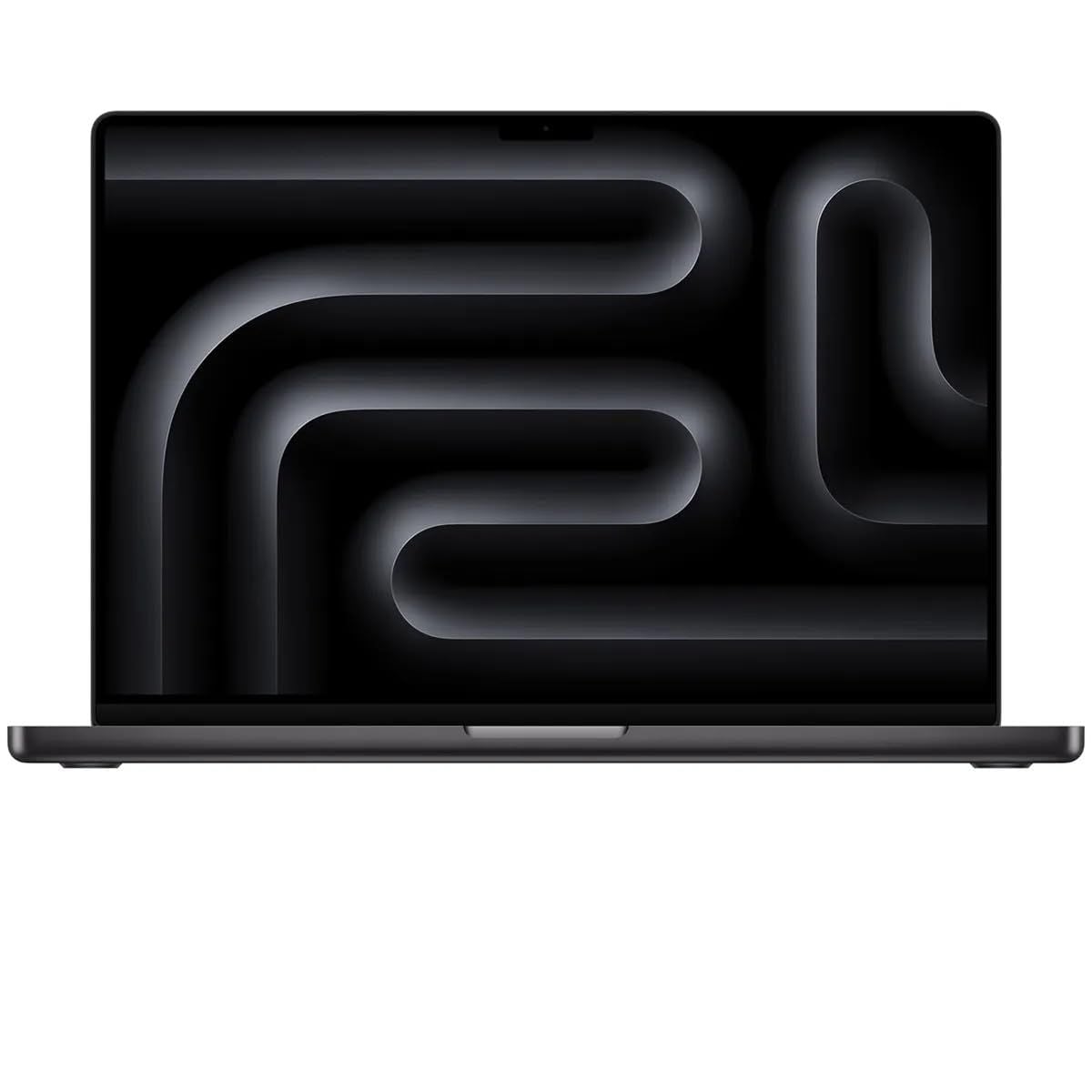
The Apple MacBook Pro M5 Pro 14-inch is the strongest all-around choice for developers who want macOS, high sustained performance, and room for heavier local workflows. Its Apple M5 Pro chip combines a 15-core CPU with a 16-core GPU, and this configuration includes 48GB of unified memory.
That memory headroom is useful for IDEs, browser tabs, local builds, containers, and backend work. The 1TB SSD also gives developer tools, SDKs, repos, and local databases more space than smaller configurations.
macOS adds a Unix-friendly environment with strong tooling for web, mobile, and backend development. The high-quality display, keyboard, trackpad, speakers, and webcam make it a complete daily work machine.
Key highlights
- Apple M5 Pro with 15-core CPU and 16-core GPU
- 48GB unified memory in the linked configuration
- 1TB SSD in the linked configuration
- 14-inch standard display configuration
Pros
- Excellent sustained performance for local builds, containers, and IDE workloads
- Long battery life and quiet operation compared with most high-performance Windows laptops
- Unix-friendly macOS environment with strong tooling for web, mobile, and backend development
- High-quality display, keyboard, trackpad, speakers, and webcam
Cons
- This 48GB custom configuration is much more expensive than base models
- Not ideal for Windows-only frameworks, .NET desktop work, or CUDA-specific ML workflows
- Memory and storage are not upgradeable after purchase
Who it's for
Developers who want the best mainstream coding laptop for macOS, full-stack work, iOS development, and high-end daily productivity.
Skip if
Your required tools depend on Windows, NVIDIA CUDA, or user-upgradeable RAM and storage.
Apple MacBook Air M5 13-inch - Best value

For many coders, the Apple MacBook Air M5 13-inch hits the practical sweet spot. It keeps the macOS development environment and Apple Silicon efficiency while stepping down from the heavier performance class of the MacBook Pro.
The configuration here includes an Apple M5 chip, 16GB unified memory, and a 512GB SSD. That combination is enough for most web, Python, JavaScript, scripting, student coding, and moderate app work.
Its 13.6-inch Liquid Retina display, fanless design, and quiet daily behavior make it easy to carry between classes, desks, and travel days. Long compiles and Docker-heavy workloads are where the fanless design reaches its limits.
Key highlights
- Apple M5 processor
- 16GB unified memory in the linked configuration
- 512GB SSD in the linked configuration
- 13.6-inch Liquid Retina display
- Wi-Fi 7
Pros
- Fast enough for most web, Python, JavaScript, and student coding workloads
- Fanless, light, quiet, and easy to carry daily
- Much cheaper than MacBook Pro while keeping macOS and Apple Silicon efficiency
- 512GB base storage is more practical for developer tools than older 256GB bases
Cons
- No fan, so long compile or Docker-heavy workloads can throttle sooner than MacBook Pro
- Only two Thunderbolt/USB-C ports
- Not upgradeable after purchase
Who it's for
Buyers who want a portable macOS coding laptop for college, web development, scripting, and moderate app work.
Skip if
You run sustained heavy builds, multiple VMs, or professional workloads that need 32GB-plus memory and active cooling.
Lenovo ThinkPad X1 Carbon Gen 14 14-inch - Best Windows business laptop
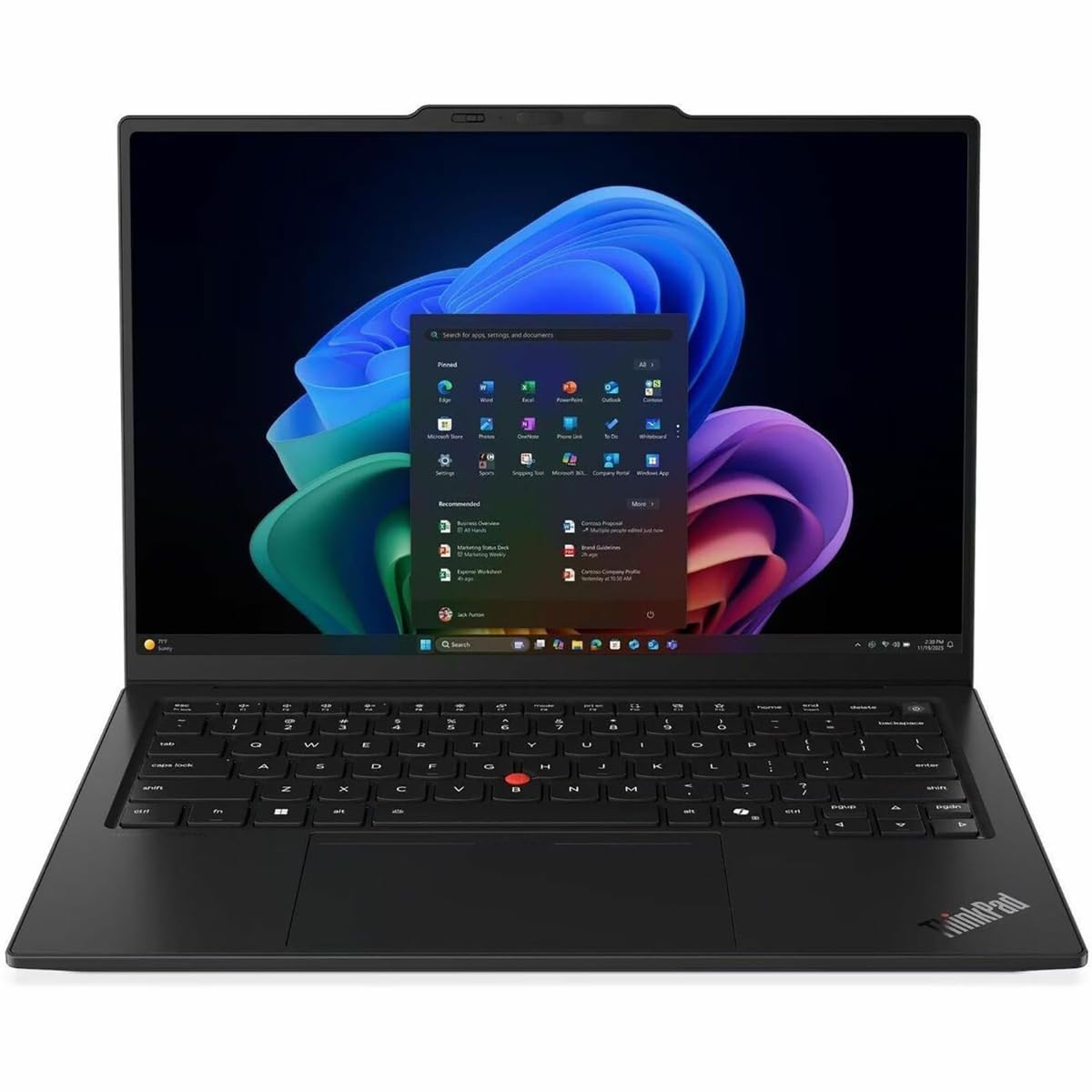
The Lenovo ThinkPad X1 Carbon Gen 14 14-inch is made for developers who want premium Windows hardware without giving up travel practicality. This configuration pairs an Intel Core Ultra 7 365 Series 3 with vPro and 32GB of memory.
That 32GB baseline gives IDEs, browser tabs, Docker, WSL, and backend work more room than a basic 16GB machine. The 14-inch WUXGA touchscreen runs at 60Hz, and the 58Wh battery fits its thin business-laptop design.
Its port selection is unusually useful for a light coding laptop: three Thunderbolt 4 ports, USB-A, HDMI 2.1, and an audio jack reduce dongle dependence when moving between desks, monitors, and meeting rooms.
Key highlights
- Intel Core Ultra 7 365 Series 3 with vPro
- 32GB in the linked configuration
- 14-inch WUXGA touchscreen at 60Hz
- Three Thunderbolt 4 ports, USB-A, HDMI 2.1, and audio jack
- 58Wh battery
Pros
- Excellent keyboard and business-class chassis for long coding sessions
- 32GB memory is a strong baseline for IDEs, browser tabs, Docker, and WSL
- Gen 14 brings Intel Core Ultra Series 3 and a very light design
- Three Thunderbolt 4 ports plus HDMI and USB-A reduce dongle dependence
Cons
- The exact enterprise configuration is expensive
- Integrated graphics only
- Soldered memory limits long-term upgrades
Who it's for
Developers who want a current premium Windows laptop for enterprise development, WSL, backend work, and frequent travel.
Skip if
You need NVIDIA graphics or the lowest cost per CPU core.
Acer Aspire 14 AI 14-inch - Best discounted Copilot+ Windows laptop
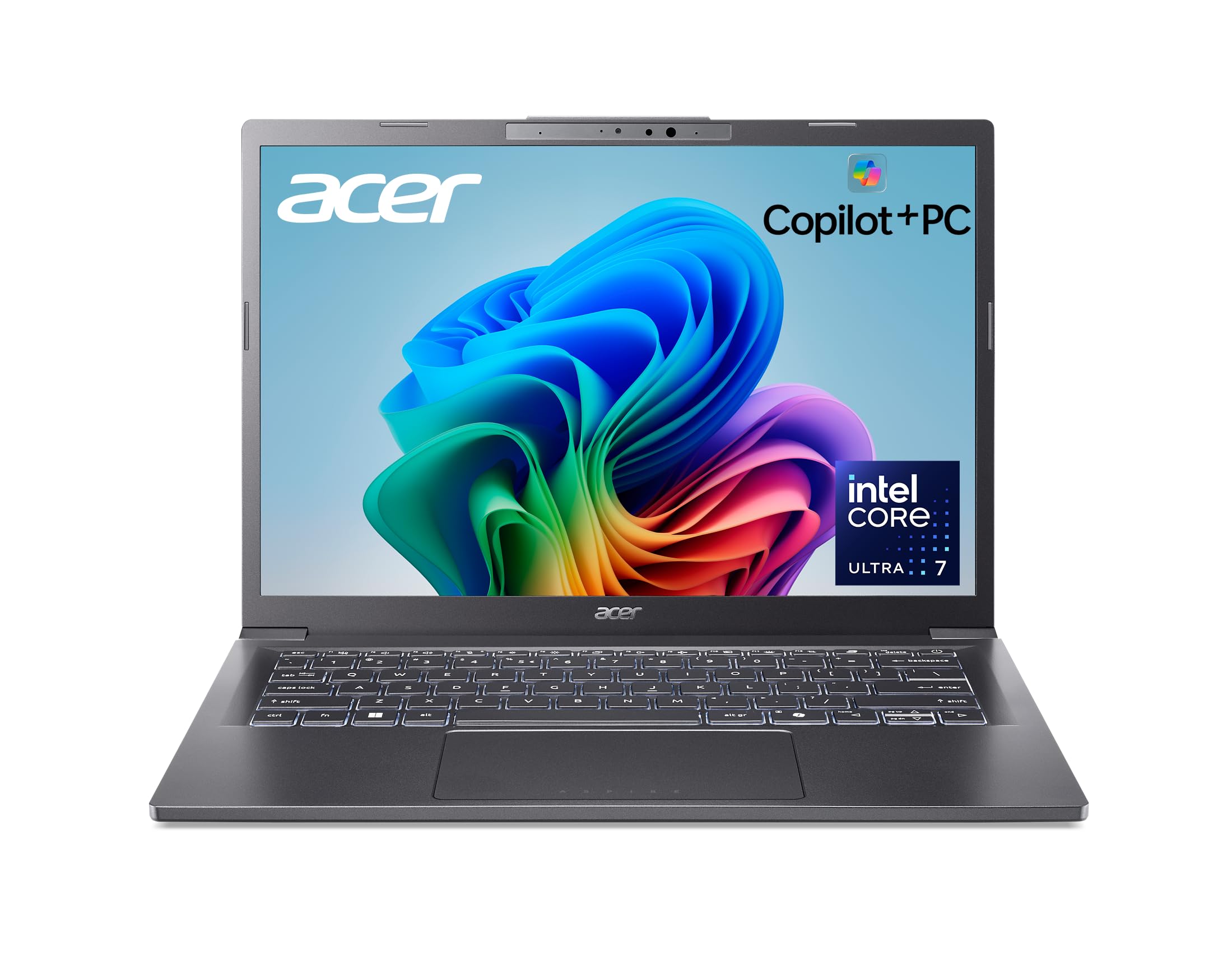
The Acer Aspire 14 AI 14-inch covers the essentials for lower-cost Windows development. It uses an Intel Core Ultra 7 256V processor with 16GB onboard memory, a practical setup for classes, web development, scripting, and moderate IDE work.
Storage is its best spec for developers. The 1TB NVMe SSD gives tools, SDKs, and project folders more space than many entry configurations, while the 14-inch IPS display keeps the focus on practical daily use.
As a Copilot+ PC, it brings modern Windows hardware into a budget-focused coding laptop. It is not the pick for discrete-GPU work, 32GB memory needs, or sustained workstation-class loads.
Key highlights
- Intel Core Ultra 7 256V processor
- 16GB onboard memory
- 1TB NVMe SSD
- 14-inch IPS display
- Copilot+ PC platform
Pros
- Strong everyday performance for the price
- Modern Copilot+ PC hardware with efficient Intel Lunar Lake chip
- 16GB RAM and 1TB SSD are generous in this price band
- Good port mix for a thin 14-inch Windows laptop
Cons
- Display is practical rather than premium
- Not a gaming laptop despite improved integrated graphics
- Usually near the top of the affordable price range
- A newer Aspire 14 AI Series 3 generation has been announced for North American availability in Q3 2026
Who it's for
Buyers who find this currently available Core Ultra Series 2 configuration at a meaningful discount and want it for classes, web development, scripting, and moderate IDE work.
Skip if
You need a discrete GPU, 32GB memory, or sustained workstation-class performance.
Acer Nitro V 16S AI ANV16S-41-R2AJ - Best affordable CUDA laptop
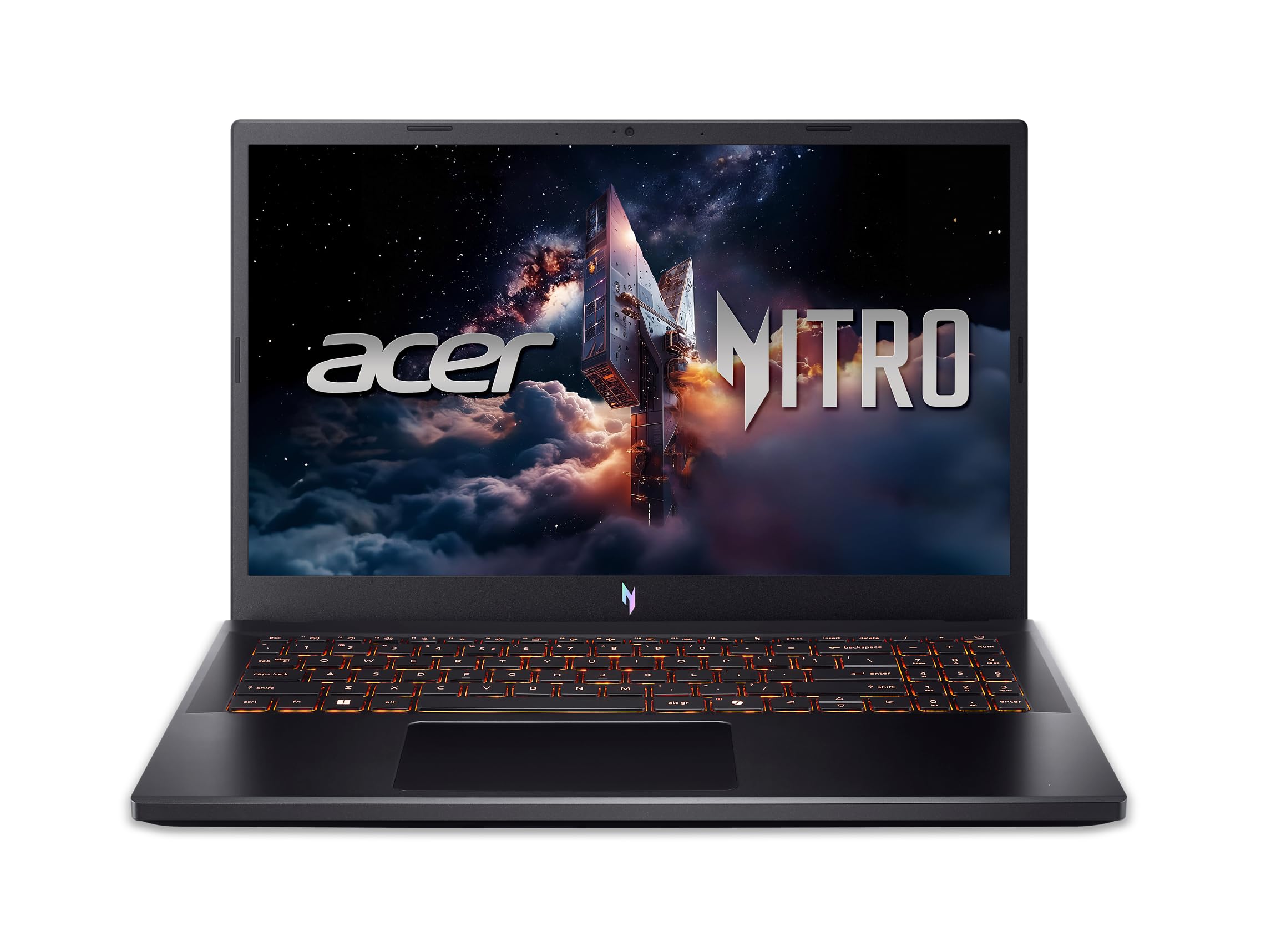
NVIDIA support is the reason to choose the Acer Nitro V 16S AI ANV16S-41-R2AJ. Its GeForce RTX 5060 Laptop GPU makes it a fit for CUDA experiments, game development, 3D work, and coding after hours.
The rest of the spec sheet leans performance-first: an AMD Ryzen 7 260 processor, 32GB DDR5-5600 memory, and a 1TB PCIe Gen 4 SSD. Acer lists two DDR5 slots with a 32GB maximum, so this configuration already ships at the platform ceiling.
The 16-inch WUXGA IPS display runs at 180Hz, matching its gaming-laptop role. Battery life, fan noise, and portability trail thinner non-gaming picks, but integrated-graphics laptops cannot match its GPU focus.
Key highlights
- AMD Ryzen 7 260 processor
- NVIDIA GeForce RTX 5060 Laptop GPU
- 32GB DDR5-5600; 32GB maximum
- 1TB PCIe Gen 4 SSD
- 16-inch WUXGA IPS display at 180Hz
Pros
- Current RTX 5060 graphics
- Fast 180Hz screen
- 32GB RAM and 1TB SSD are generous out of the box
- Much stronger gaming performance than integrated graphics
Cons
- Costs more than general-purpose affordable laptops
- Memory tops out at 32GB on this platform
- Battery life, fan noise, and portability trail non-gaming picks
Who it's for
Developers who need an affordable current NVIDIA laptop for CUDA experiments, game development, and coding after hours.
Skip if
Quiet battery-powered development and portability matter more than GPU acceleration.
Lenovo Legion 5i Gen 10 15-inch - Best desktop-replacement value
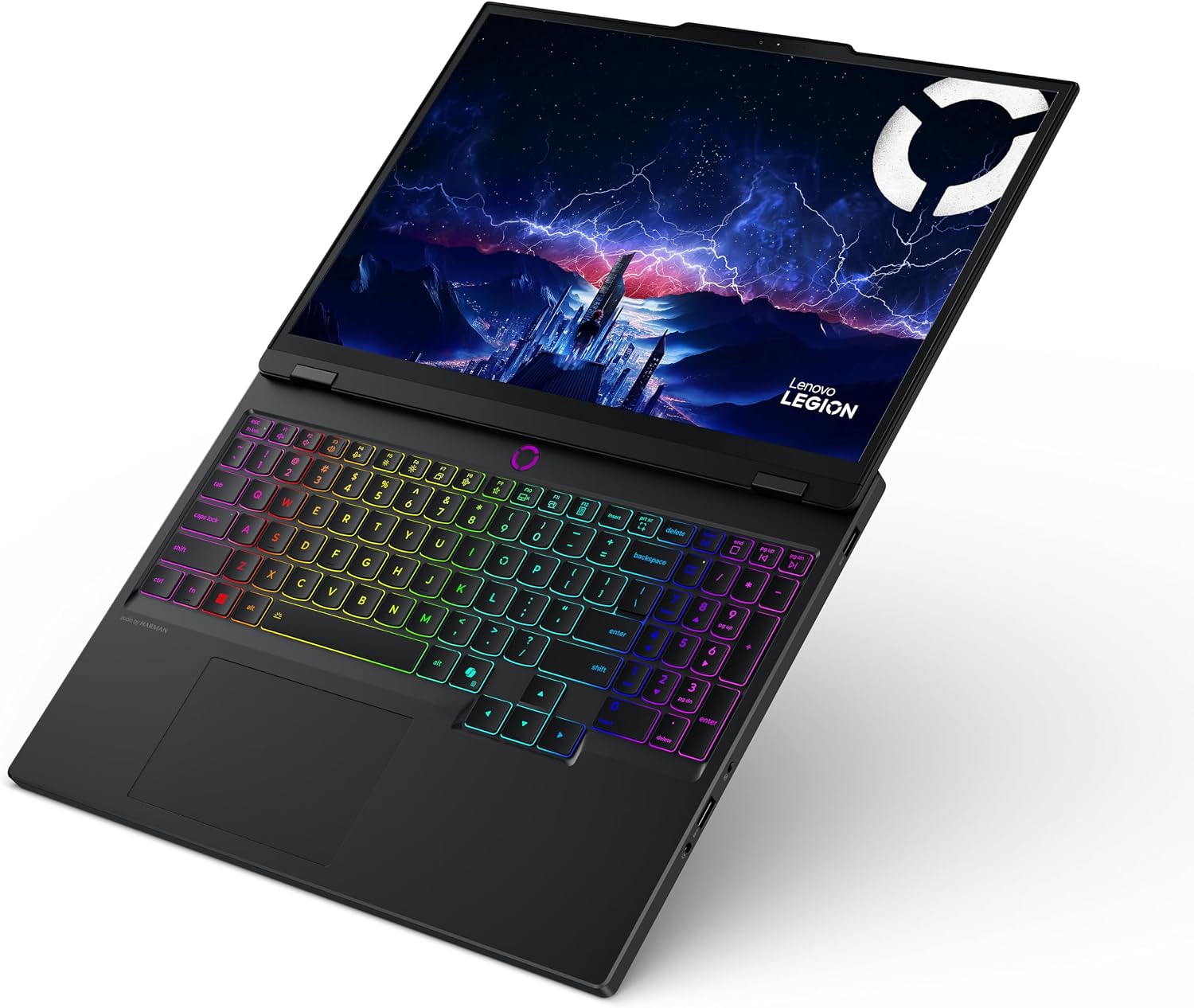
For Windows developers who want more desktop-like performance, the Lenovo Legion 5i Gen 10 15-inch brings an Intel Core i7-14700HX and an NVIDIA GeForce RTX 5060 Laptop GPU with 8GB GDDR7.
That hardware suits local builds, game development, and GPU-assisted work. The linked configuration includes 16GB DDR5-5600, while Lenovo documents two SODIMM slots and up to 32GB for the platform; verify the installed-module layout before planning an upgrade.
Its 15.1-inch WQXGA OLED display runs at 165Hz and reaches 500 nits, giving this pick a sharp, fast screen for both development and visual work. The tradeoffs are gaming-laptop size, fan noise, and weaker battery appeal than an ultrabook.
Key highlights
- Intel Core i7-14700HX processor with 20 cores
- NVIDIA GeForce RTX 5060 Laptop GPU with 8GB GDDR7
- 16GB DDR5-5600; two SODIMM slots in the platform
- 512GB PCIe Gen 4 SSD
- 15.1-inch WQXGA OLED, 165Hz, 500 nits
Pros
- High CPU and RTX 5060 performance for local builds, game development, and GPU work
- Two SODIMM slots make the platform memory-serviceable
- Sharp 165Hz OLED display
Cons
- Heavier and less battery-friendly than an ultrabook
- 16GB memory and 512GB storage are modest for this performance class
- Gaming design and fan noise may not suit quiet office use
Who it's for
Buyers who want strong Windows CPU and RTX performance and a memory-serviceable two-slot platform, and can tolerate gaming-laptop size and noise.
Skip if
You travel often or need all-day battery life.
How to Choose
- RAM matters more than CPU for many developers. For serious coding in 2026, 16GB is the minimum, 24GB to 32GB is the sweet spot, and 64GB is useful for multiple containers, Android Studio, local databases, or VMs.
- Choose the operating system around your toolchain. macOS is strongest for iOS and Unix-style web development, Windows is safest for .NET, enterprise, and broad hardware support, and Linux users should check Wi-Fi, sleep, fingerprint, and GPU compatibility before buying.
- Prioritize sustained performance. Thin fanless laptops feel fast for editing code but can slow during long compiles. Actively cooled MacBook Pro, ThinkPad, Legion, and gaming-class models hold performance better.
- Give yourself enough storage. Developer tools, SDKs, Docker images, local databases, and node_modules folders can consume hundreds of gigabytes, so 512GB is workable and 1TB is a safer default.
- Make screen and keyboard comfort a priority. A sharp 14-inch display and a reliable keyboard are more important for coding than touchscreens or RGB lighting.
- Check your GPU needs before buying. Most coding does not need a discrete GPU, but CUDA, local AI experiments, game development, and 3D work strongly favor NVIDIA RTX laptops.
How much RAM do I need for coding in 2026?
16GB is the practical floor. 24GB or 32GB is better for modern IDEs, browser tabs, Docker, Android Studio, and local databases.
Is a MacBook better than a Windows laptop for coding?
It depends on the stack. MacBooks are excellent for Unix-style web development and iOS apps, while Windows laptops are better for Windows-specific software, many enterprise environments, and NVIDIA GPU options.
Do I need a dedicated GPU for programming?
No for most web, backend, mobile, and data-analysis coding. A dedicated GPU is strongly preferred for CUDA, game development, 3D, and local AI workloads.
Is 512GB storage enough for coding?
512GB is enough for school and moderate development. 1TB is safer if you use Docker, Android Studio, large repos, VMs, datasets, or multiple SDKs.
Should I choose a fanless laptop for coding?
Fanless laptops are quiet and portable for everyday coding, but actively cooled laptops hold performance better during long compiles, Docker-heavy work, and workstation-class loads.
Published July 31, 2026 Last updated September 5, 2026
Share this article
More in News
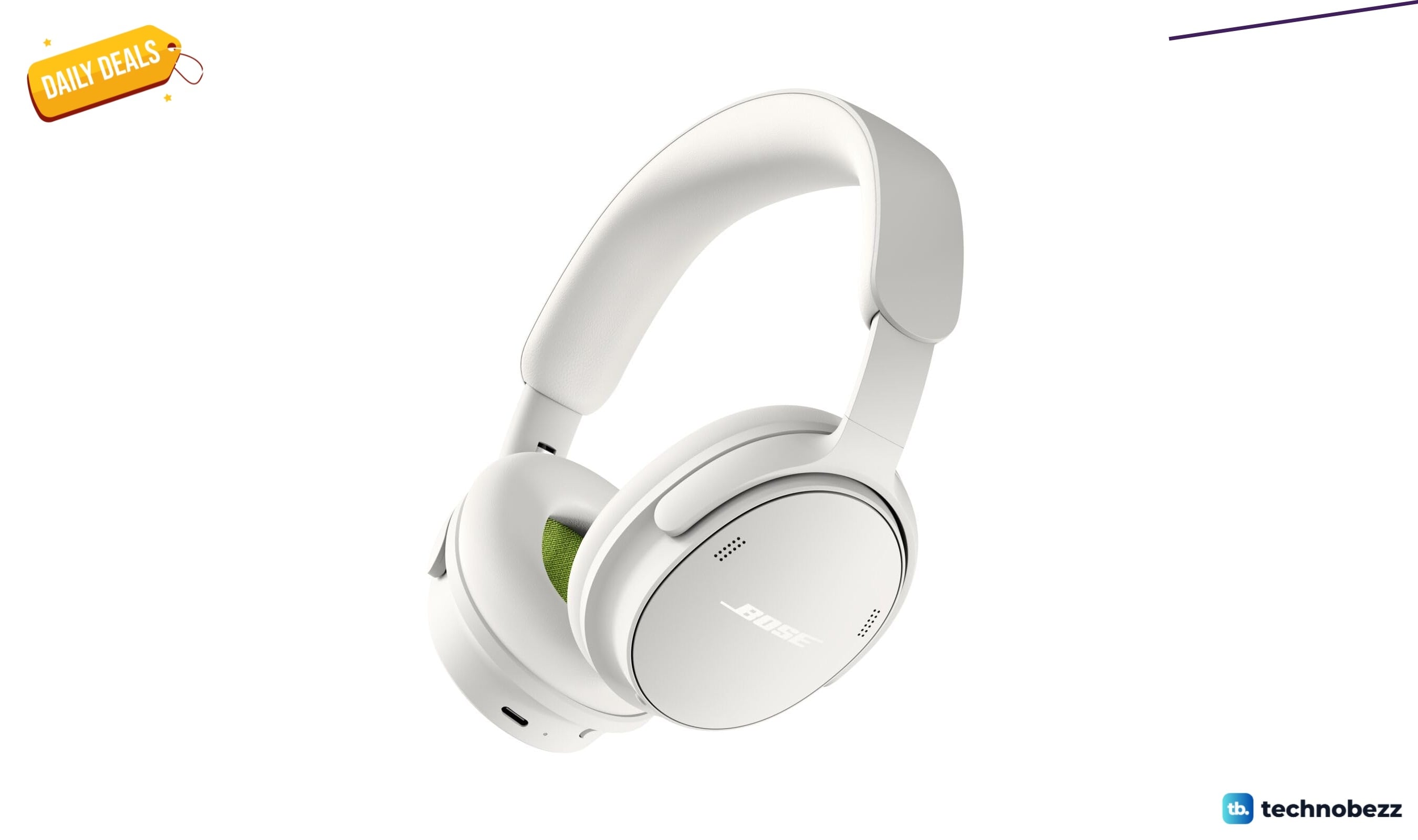
Bose QuietComfort Headphones Wireless Headphones gets a $40 price cut to $319
Bose QuietComfort wireless headphones drop to a record-low $319, saving $40 on a model that rarely goes on sale.
4 min read
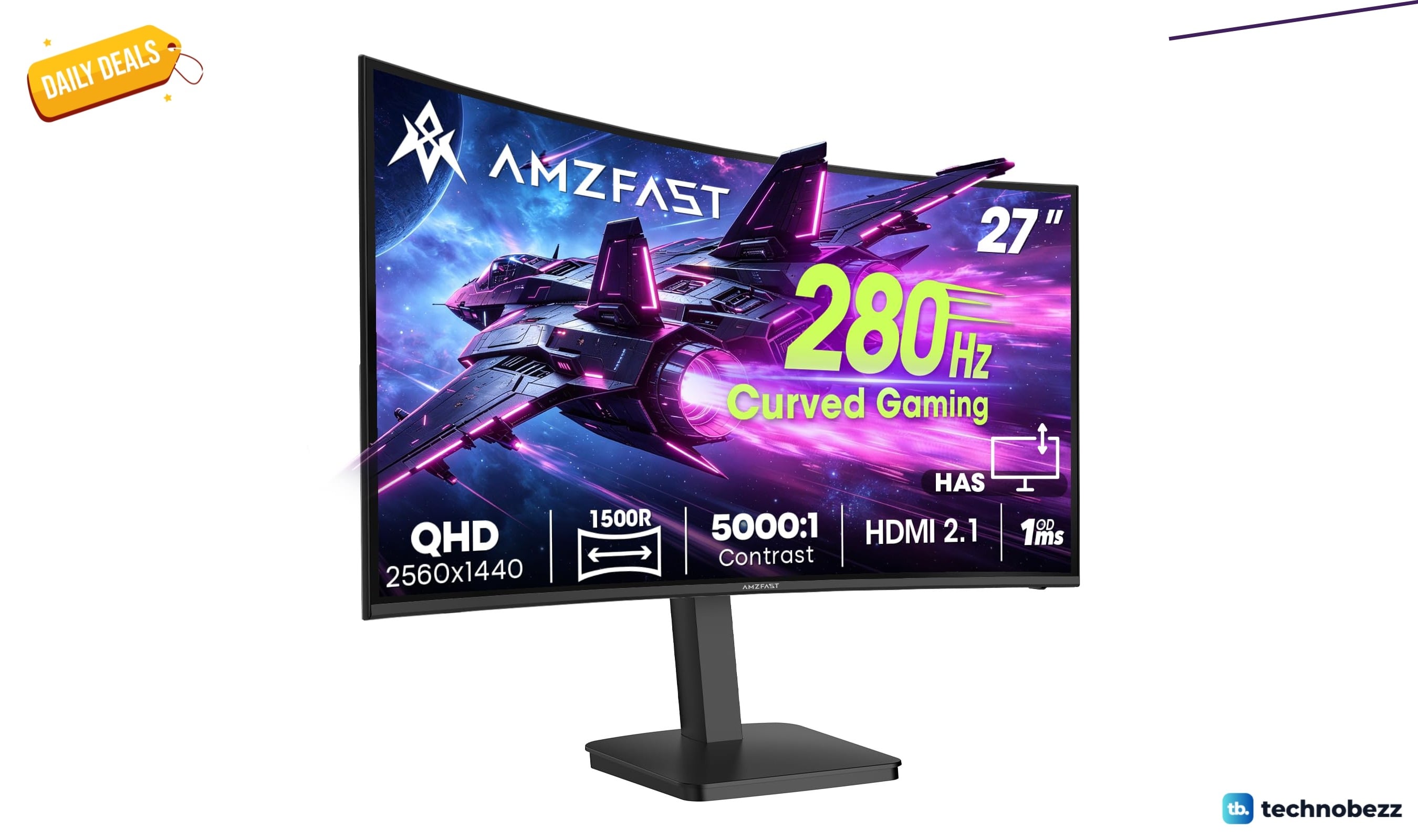
Amzfast WQHD Curved Gaming Monitor drops to $199.99, its lowest price yet
Score a 27-inch 1440p 280Hz curved gaming monitor for $199.99, a record low that saves $50 off list.
3 min read
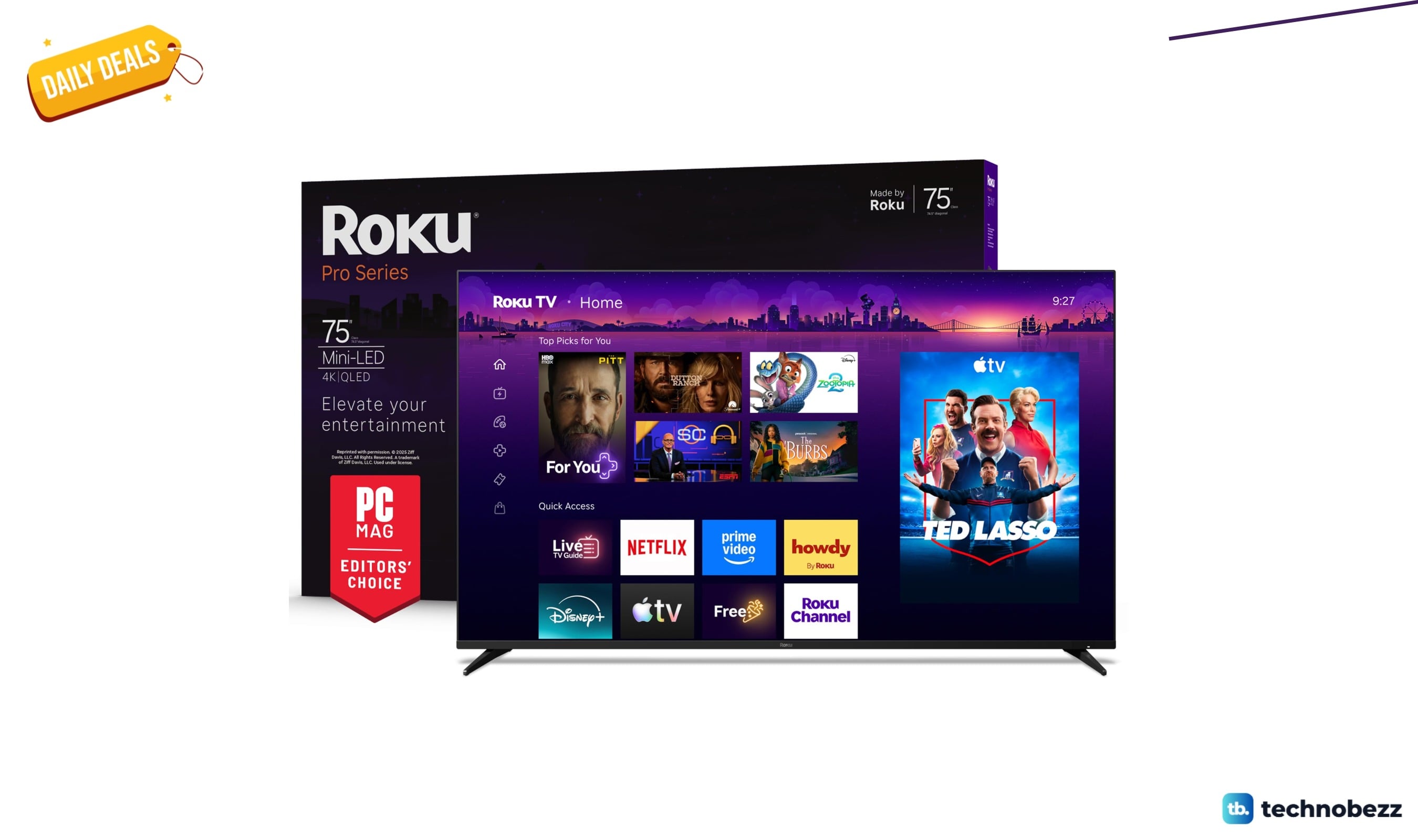
Roku 75-inch Pro TV 4K QLED Mini-LED TV now selling for $899.99
Save $800 on the Roku 75-inch Pro 4K QLED Mini-LED TV at $899.99, its lowest price ever, with 120Hz and Dolby Vision IQ.
5 min read
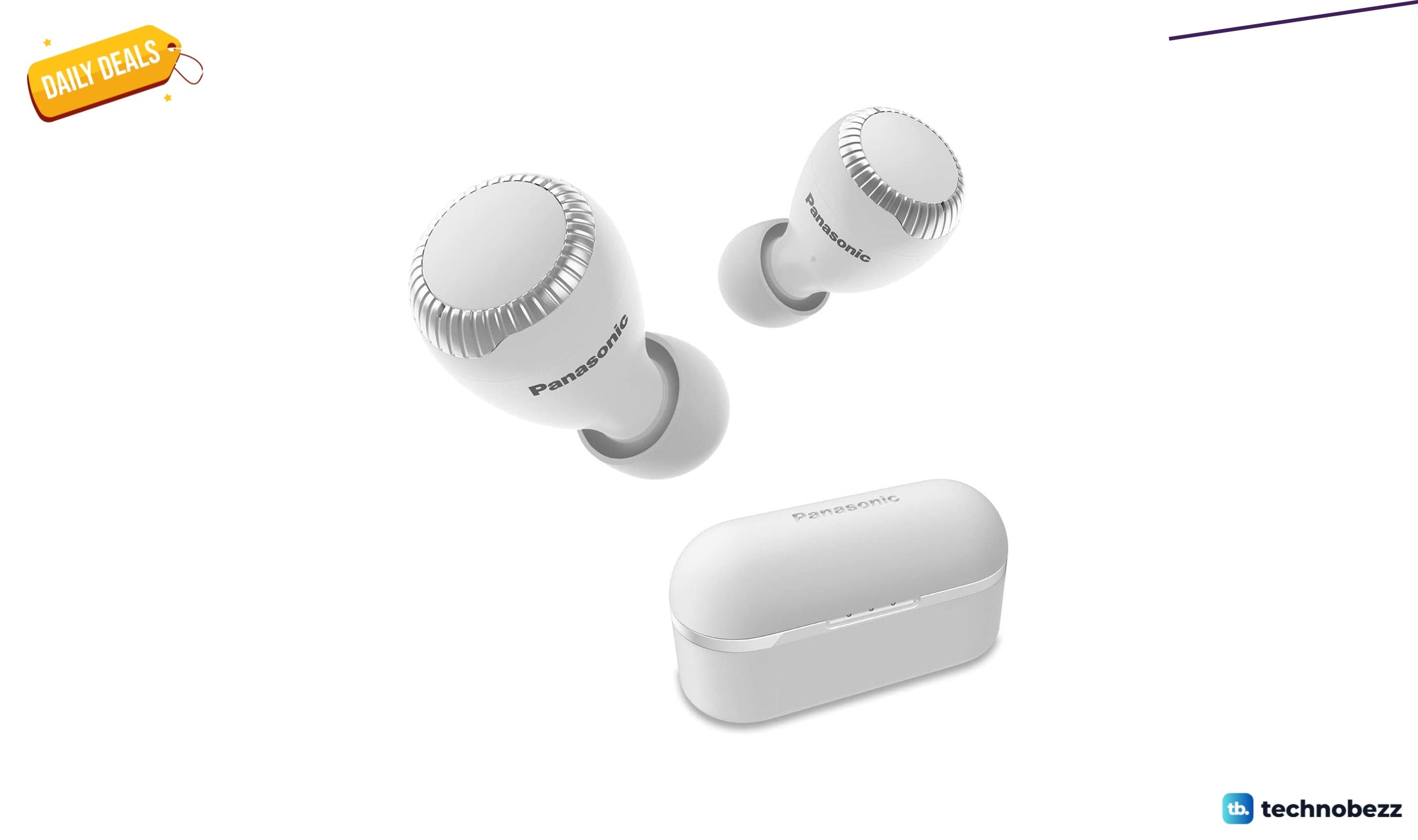
2 Headphone Deals Worth Checking Today, Starting at $58.29
Score two headphone deals today: Panasonic wireless earbuds at 51% off for $58.29 and a rare Bose flagship discount.
4 min read
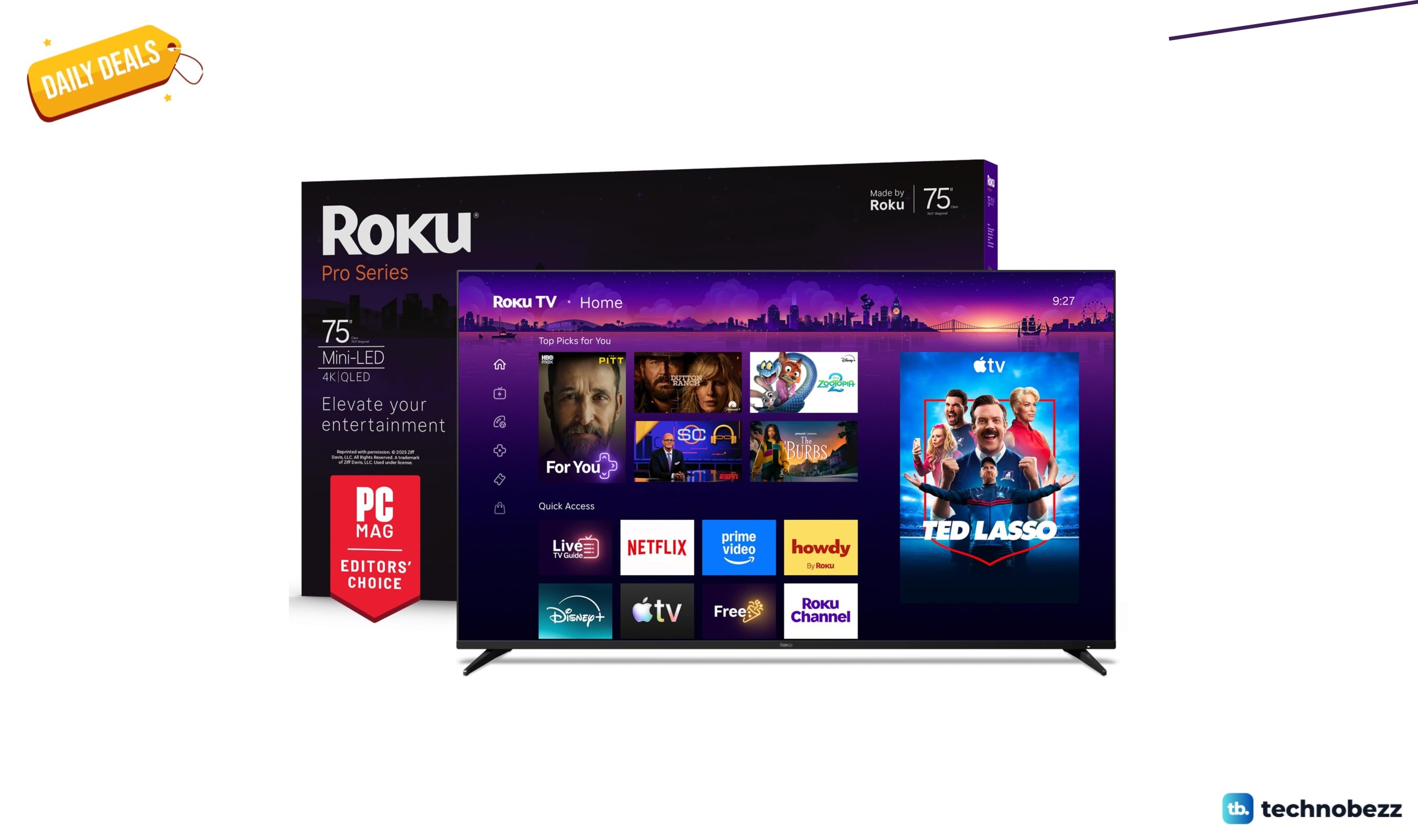
Today's best TV deals, starting at $565.83
3 min read
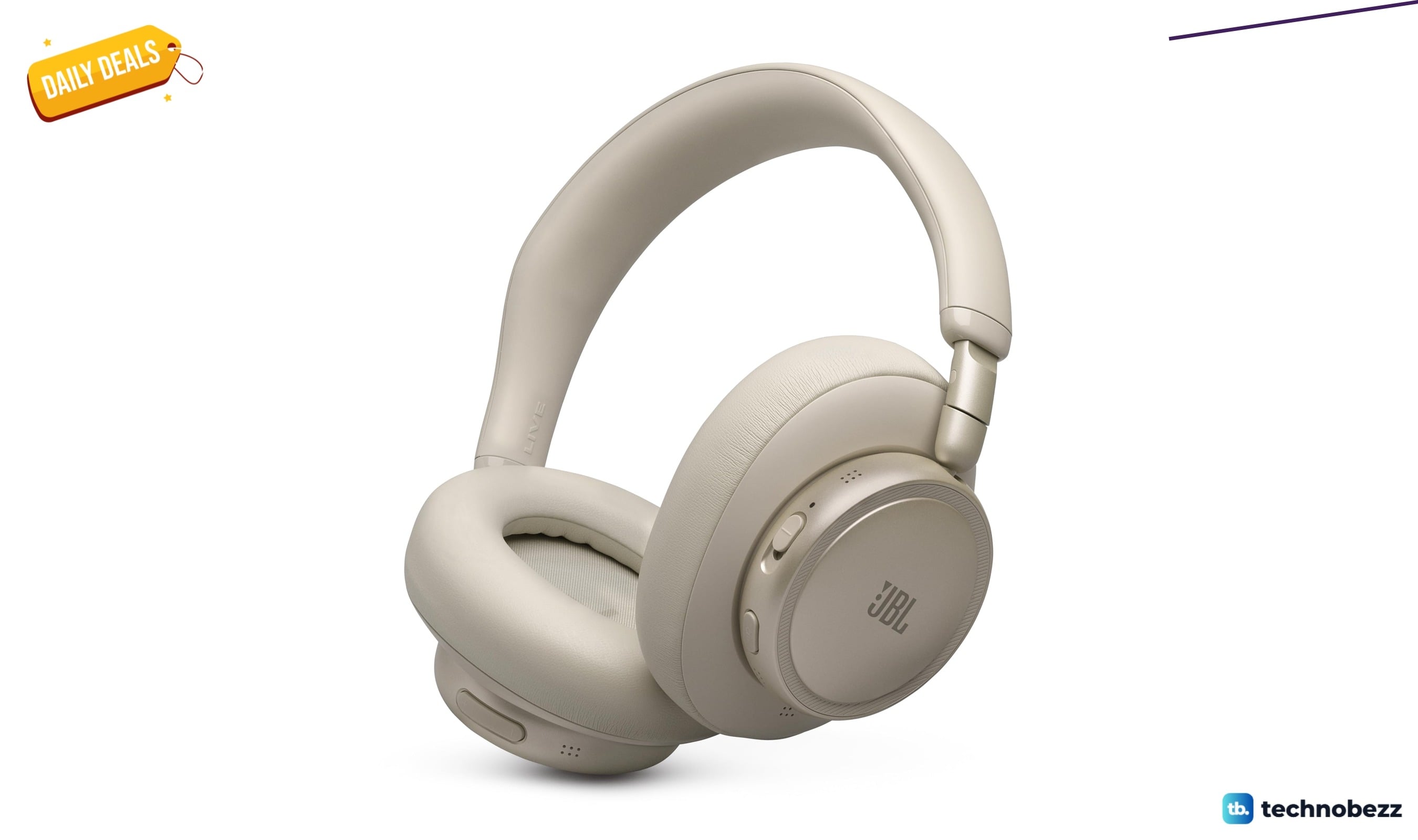
JBL Live 780NC Wireless Over-Ear Noise Cancelling Headphones falls to $189
3 min read
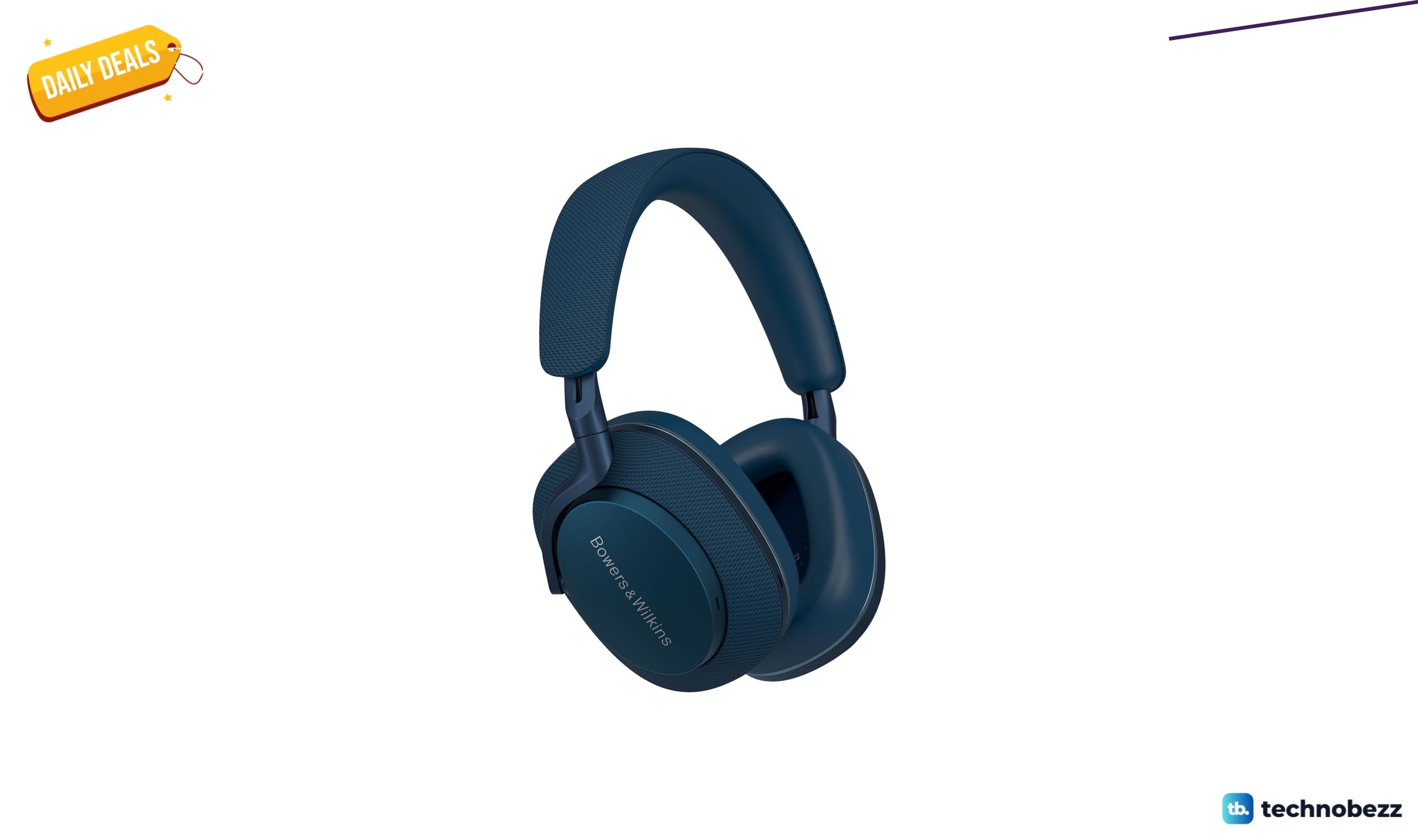
Bowers & Wilkins Px7 S2e Over-Ear Headphones price drops to $319.99
5 min read
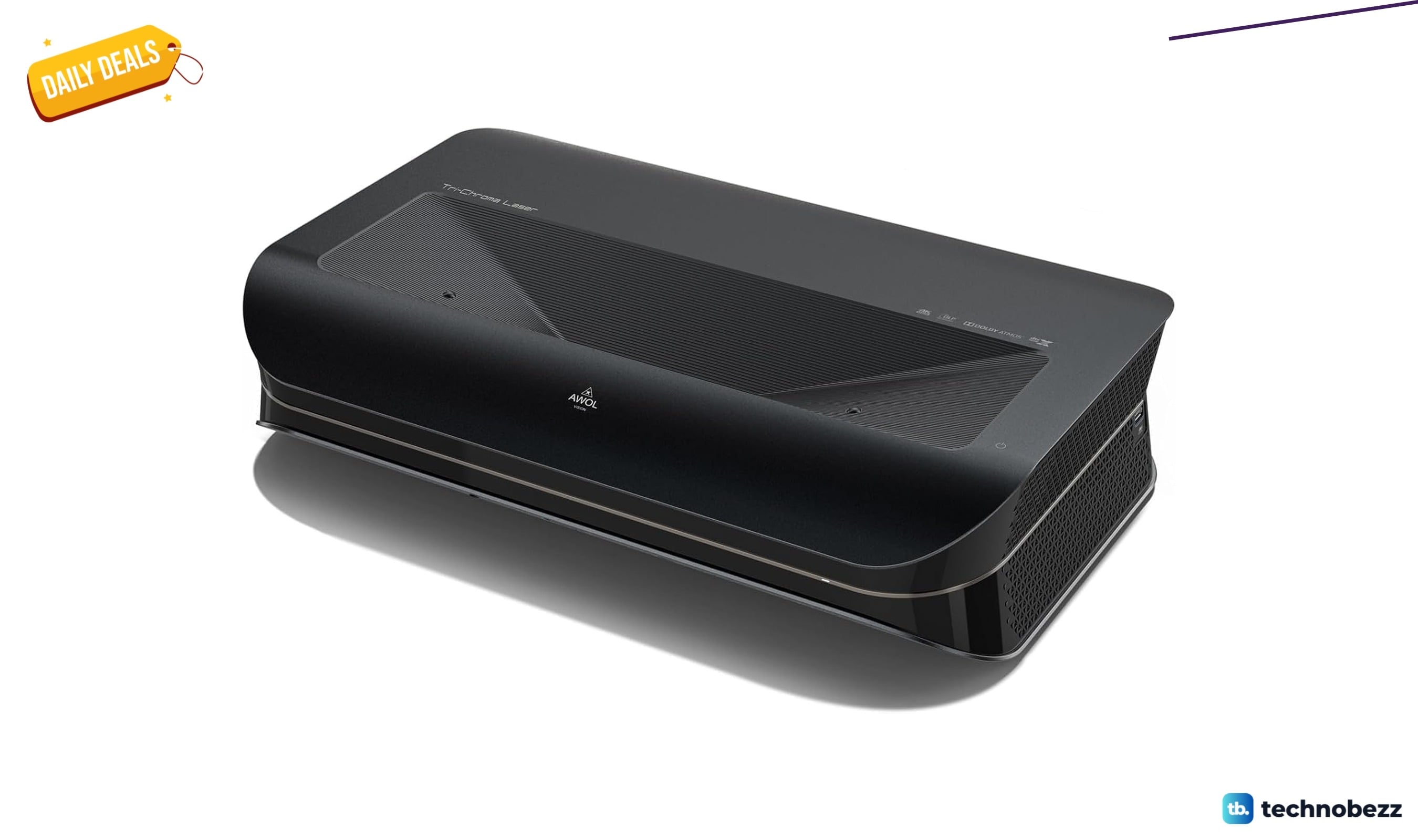
AWOL VISION LTV-3000 Pro 4K 3D Ultra price drops to $1614.15
4 min read
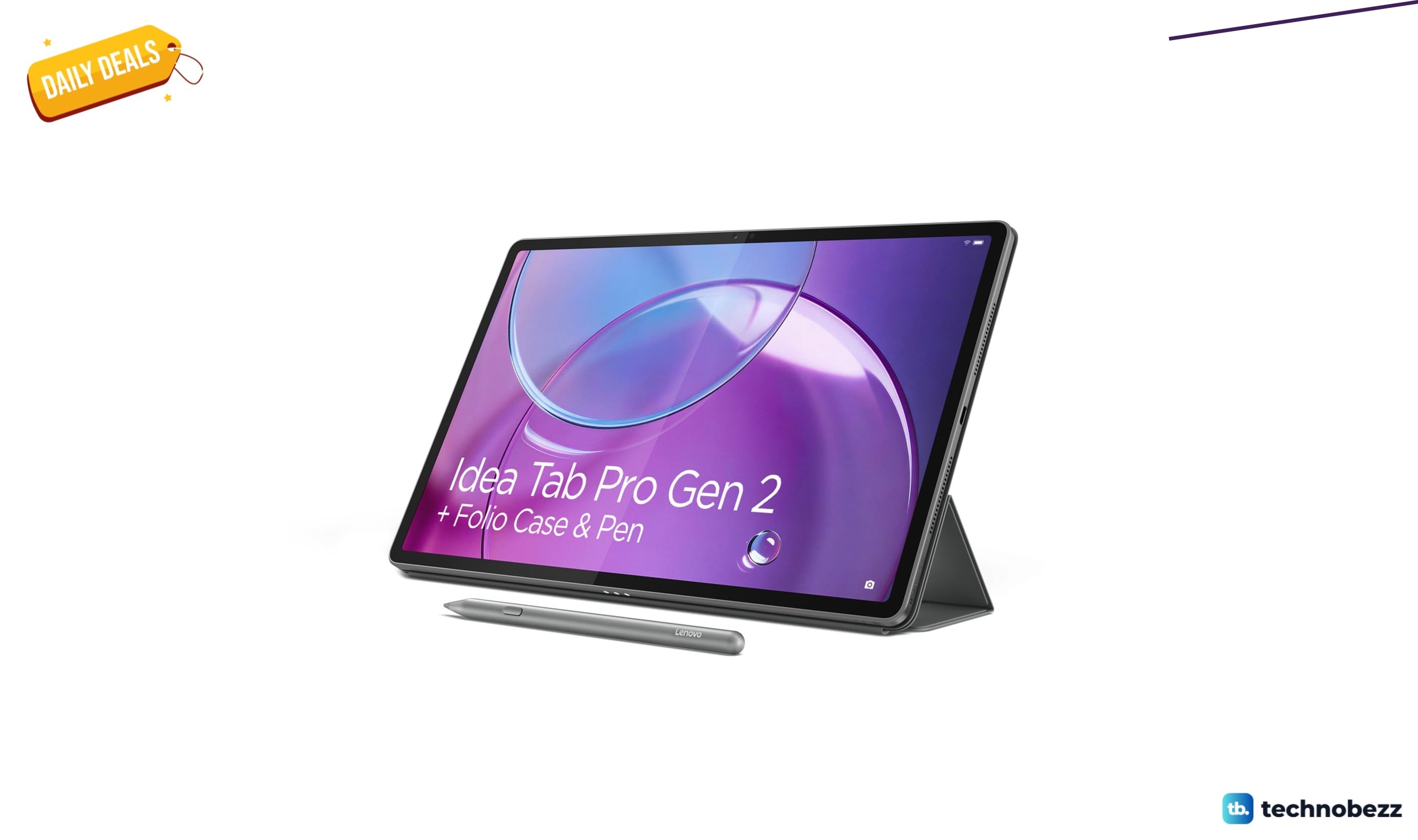
Lenovo Idea Tab Pro Gen 2 Tablet on sale for $349.99
5 min read

Lenovo coupon codes and deals
5 min read

LG coupon codes and deals
4 min read

Woot coupon codes and deals
3 min read