The right HP printer depends on monthly print volume, paper size, scanning needs and replacement supply costs. These factors separate an occasional home printer from a machine built for regular office work.
Technobezz is supported by its audience. We may get a commission from retail offers.
Best HP Printers in 2026
The HP OfficeJet Pro 9125 is our top HP printer for 2026, backed by strong budget, photo, wide-format and color laser choices.
T
Technobezz
Editorial Team
Updated September 29, 2026Sep 29, 2026
•10 min read

Get Deals Like These in Your Inbox
The best prices, reviewed weekly.
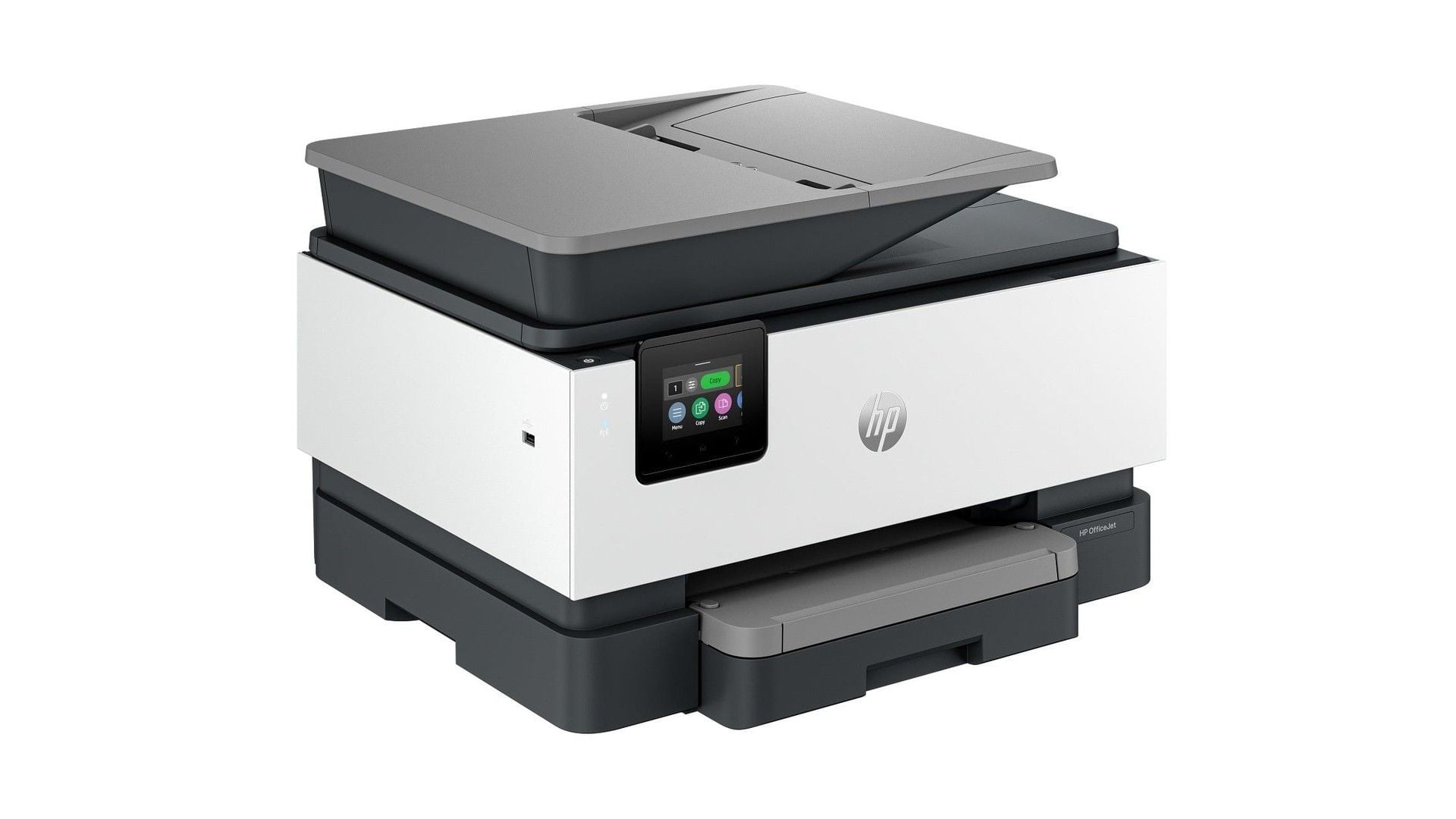
The HP OfficeJet Pro 9125 is our top pick for its fast color output, complete all-in-one functions and broad connectivity. The other selections cover budget printing, household photos, wide-format documents and color laser workflows.
Start with your normal monthly workload and paper requirements. Then choose the scanning, duplex and networking features your setup requires.
At a Glance
| Category | Product | Why We Picked It |
|---|---|---|
| Best overall | HP OfficeJet Pro 9125 | Fast color output, complete office functions and flexible connectivity |
| Best budget | HP DeskJet 2955 | Compact print, scan and copy functions for occasional home use |
| Best for photos | HP Envy Photo 7975 | A dedicated photo tray paired with useful document features |
| Best for wide-format printing | HP OfficeJet Pro 9730 | Tabloid-size output, two large trays and single-pass duplex scanning |
| Best color laser all-in-one | HP Color LaserJet Pro MFP 3301fdw | Fast black and color output with full multifunction capability |
| Best print-only color laser | HP Color LaserJet Pro 3201dw | Quick duplex color printing without multifunction features |
How we chose
We ranked each printer by print speed, recommended monthly volume, paper handling, scanning capability, connectivity and supply design. The strongest picks match those capabilities to a clearly defined home or office workload.
The best HP printers right now
HP OfficeJet Pro 9125 - Best overall
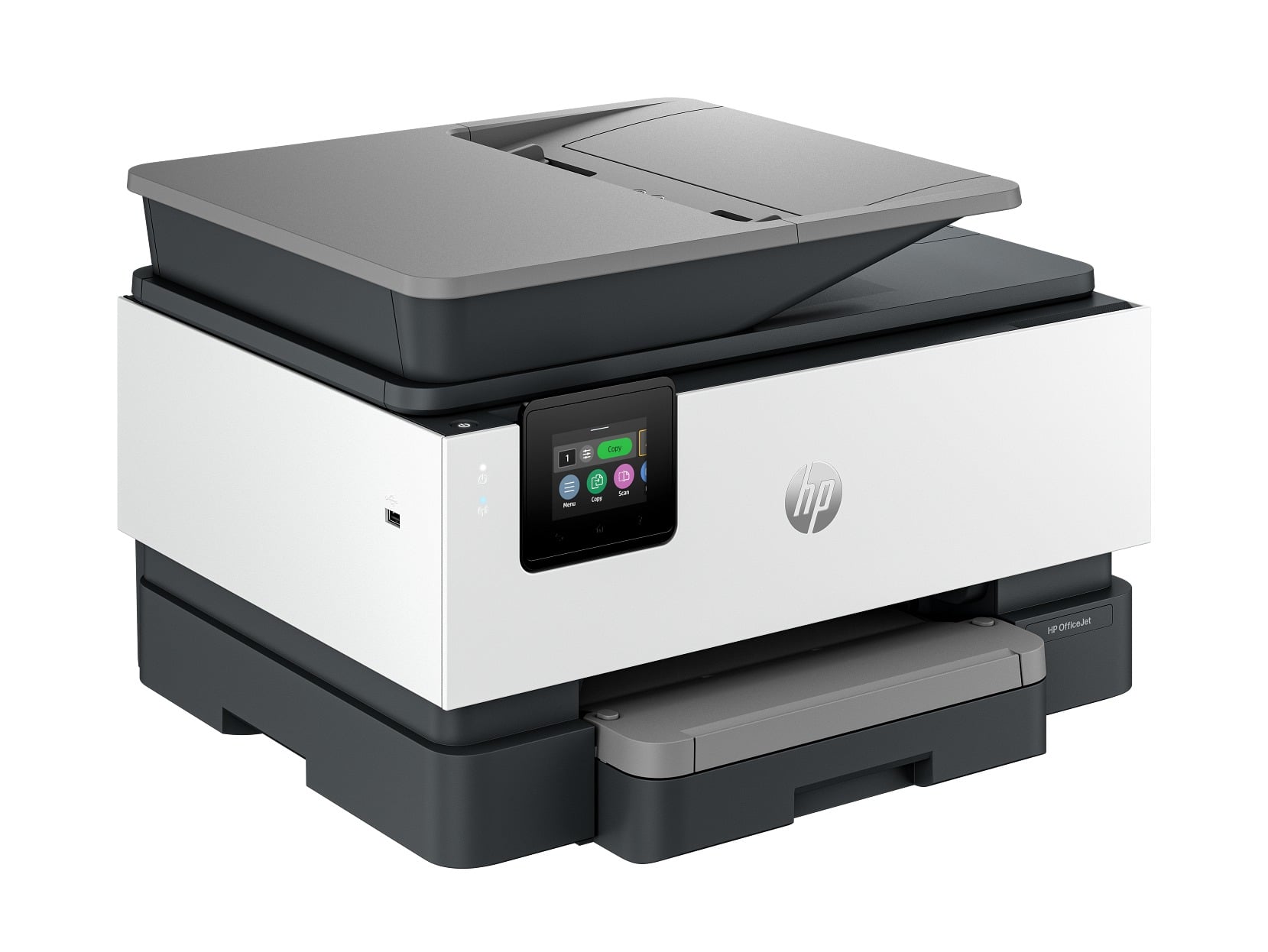
The HP OfficeJet Pro 9125 combines print, copy, scan and fax functions for home offices and small businesses. Rated speeds reach 22 ppm in black and 18 ppm in color.
A 250-sheet input tray handles paper, while the 35-sheet ADF supports dual-pass two-sided scanning. Automatic duplex printing covers double-sided output without manual page turning.
Connectivity includes dual-band Wi-Fi, Ethernet, USB, Wi-Fi Direct, AirPrint and Mopria. Its recommended monthly volume reaches 1,500 pages, but all paper feeds through one main tray.
Key highlights
- Print, copy, scan and fax
- Up to 22 ppm black and 18 ppm color
- 250-sheet input tray and 35-sheet ADF
- Automatic two-sided printing
- Dual-pass two-sided ADF scanning
- Dual-band Wi-Fi, Ethernet and USB
Pros
- Fast enough for a busy home office
- Prints, scans, copies and faxes
- Automatically scans both sides through the ADF
- Ethernet and strong mobile-printing support
- Uses four separate ink cartridges
Cons
- Only one main paper tray
- Duplex ADF scanning uses two passes rather than one
- Original replacement cartridges can be expensive without Instant Ink
- Dynamic security can reject cartridges without an HP chip
Who it's for
Home offices and small businesses that need a capable color all-in-one without moving to laser.
Skip if
Choose another printer for thousands of pages each month, 11-by-17-inch output or the lowest possible color cost per page.
HP DeskJet 2955 - Best budget
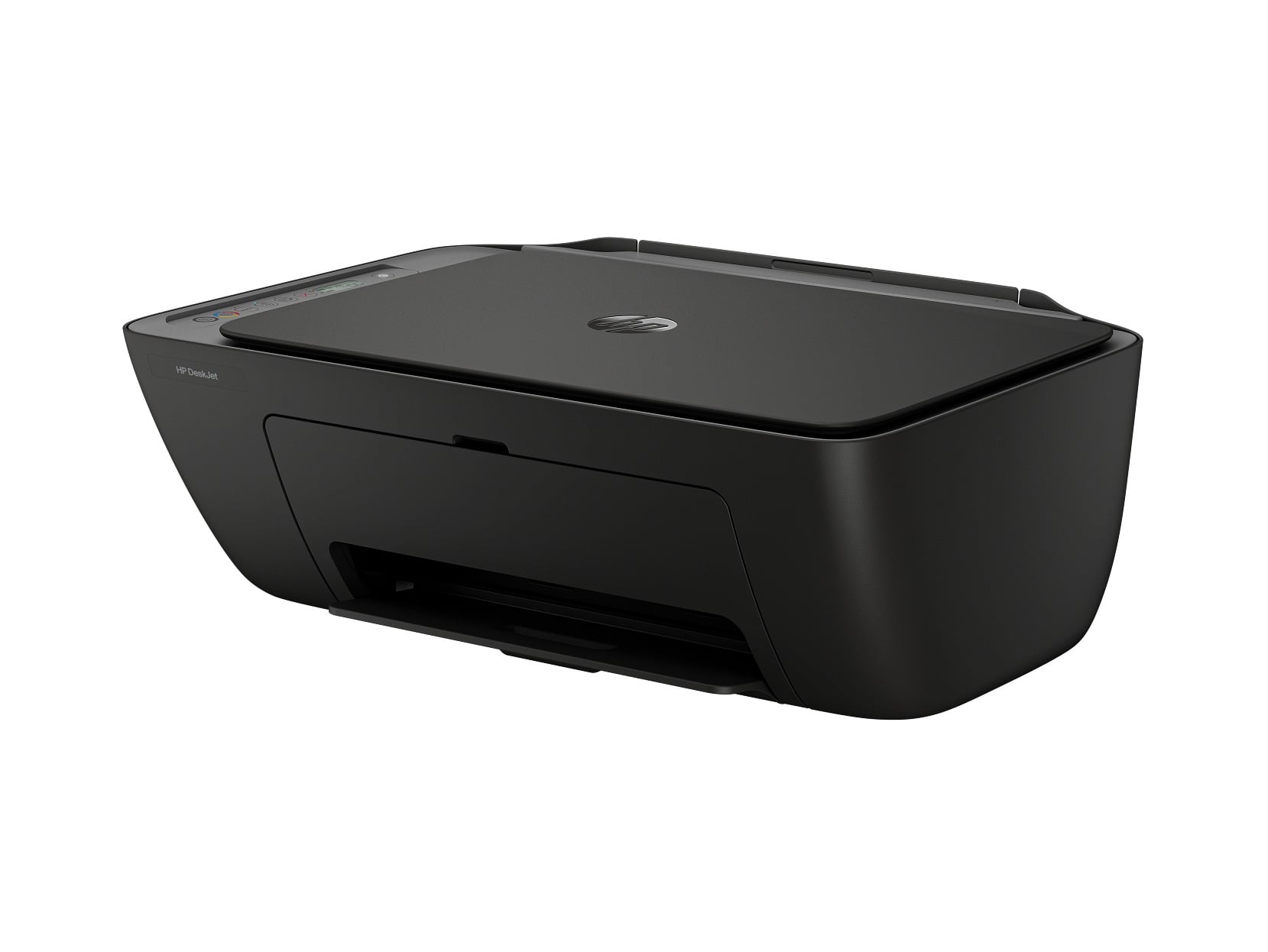
For occasional home printing, the HP DeskJet 2955 covers the essentials in a compact, lightweight body. It prints, scans and copies. Dual-band Wi-Fi, USB 2.0, AirPrint and Mopria provide wired and wireless access.
Rated speeds are 7.5 ppm in black and 5.5 ppm in color, with a recommended monthly volume of 50 to 100 pages. Standard cartridges yield approximately 160 black pages or 120 color pages. There is no automatic document feeder or automatic two-sided printing.
Key highlights
- Print, copy and scan
- Up to 7.5 ppm black and 5.5 ppm color
- Recommended for 50 to 100 pages monthly
- Approximately 160 black pages per cartridge
- Approximately 120 color pages per cartridge
- Dual-band Wi-Fi and USB 2.0
Pros
- Low purchase price
- Compact and lightweight
- Includes printing, flatbed scanning and copying
- Dual-band Wi-Fi
- Made with at least 70% recycled plastic
Cons
- Slow
- No automatic two-sided printing
- No automatic document feeder
- Small, low-yield cartridges raise running costs
Who it's for
Households printing occasional forms, schoolwork, recipes and shipping labels.
Skip if
Look elsewhere for more than roughly 100 pages per month or unattended scanning and copying.
HP Envy Photo 7975 - Best for photos
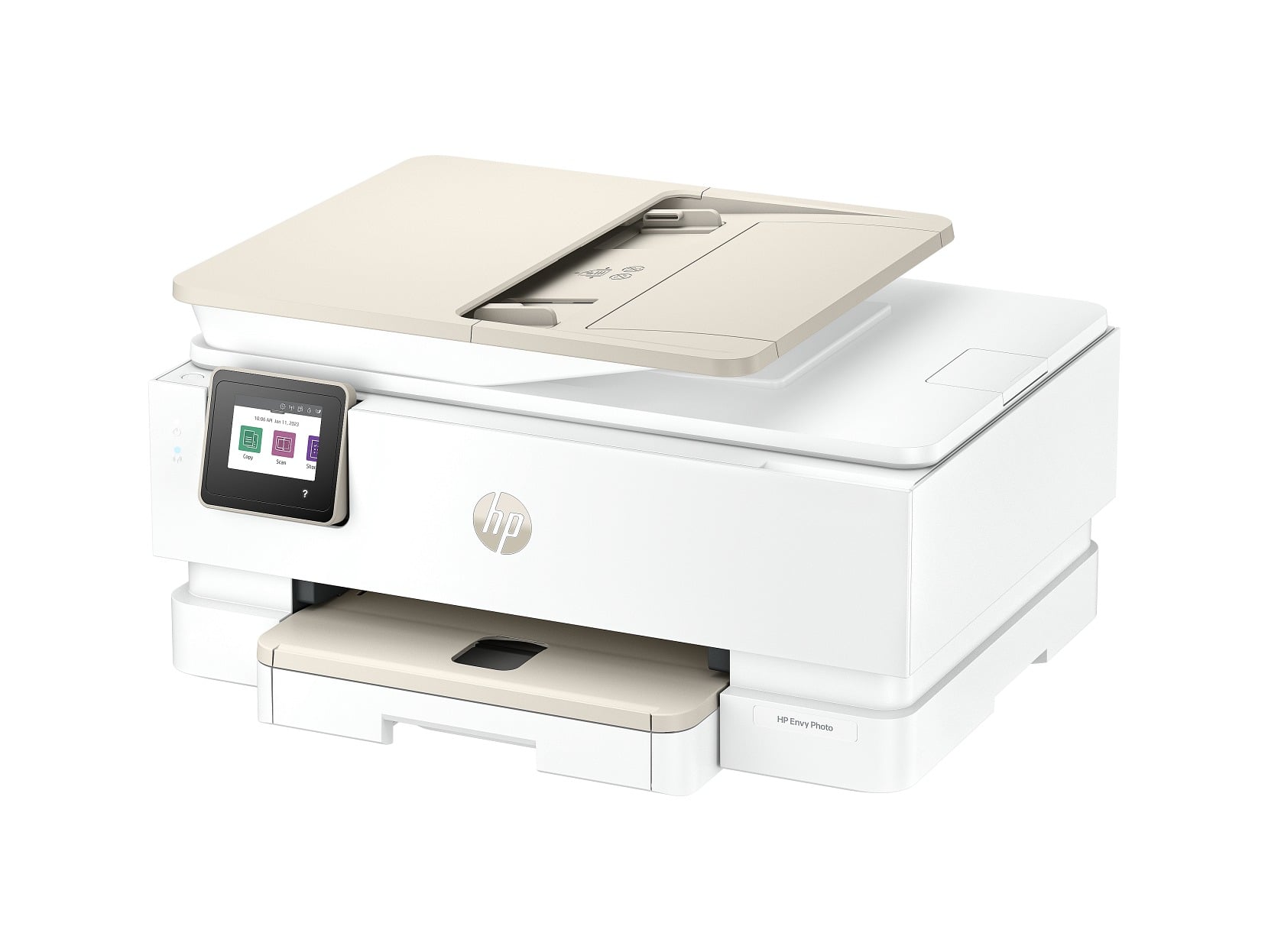
Photo printing takes priority on the HP Envy Photo 7975, which has separate main-paper and photo-paper trays. Borderless photo printing and automatic duplex printing add flexibility for snapshots, cards and documents.
The printer reaches 15 ppm in black and 10 ppm in color. It also scans and copies. A 2.7-inch color capacitive touchscreen and 35-sheet ADF simplify document handling, although the ADF cannot scan both sides automatically.
Recommended volume is 300 to 400 pages per month, and the maximum duty cycle is 1,000 pages. Standard cartridges yield approximately 200 black pages or 165 color pages, with XL options available.
Key highlights
- Print, scan, copy and photo printing
- Up to 15 ppm black and 10 ppm color
- Main paper tray and dedicated photo tray
- 2.7-inch color capacitive touchscreen
- 35-sheet ADF
- 300 to 400 pages recommended monthly
Pros
- Dedicated photo-paper tray
- Borderless photo printing and automatic duplex printing
- Faster than HP's entry-level home inkjets
- Color touchscreen and 35-sheet ADF
Cons
- Low cartridge yields
- Tri-color cartridge must be replaced when any one color runs out
- ADF cannot scan both sides automatically
Who it's for
Households that want convenient snapshots, cards and everyday documents from one printer.
Skip if
Select a different printer for bulk scanning or workloads above its recommended 300 to 400 pages per month.
HP OfficeJet Pro 9730 - Best for wide-format printing
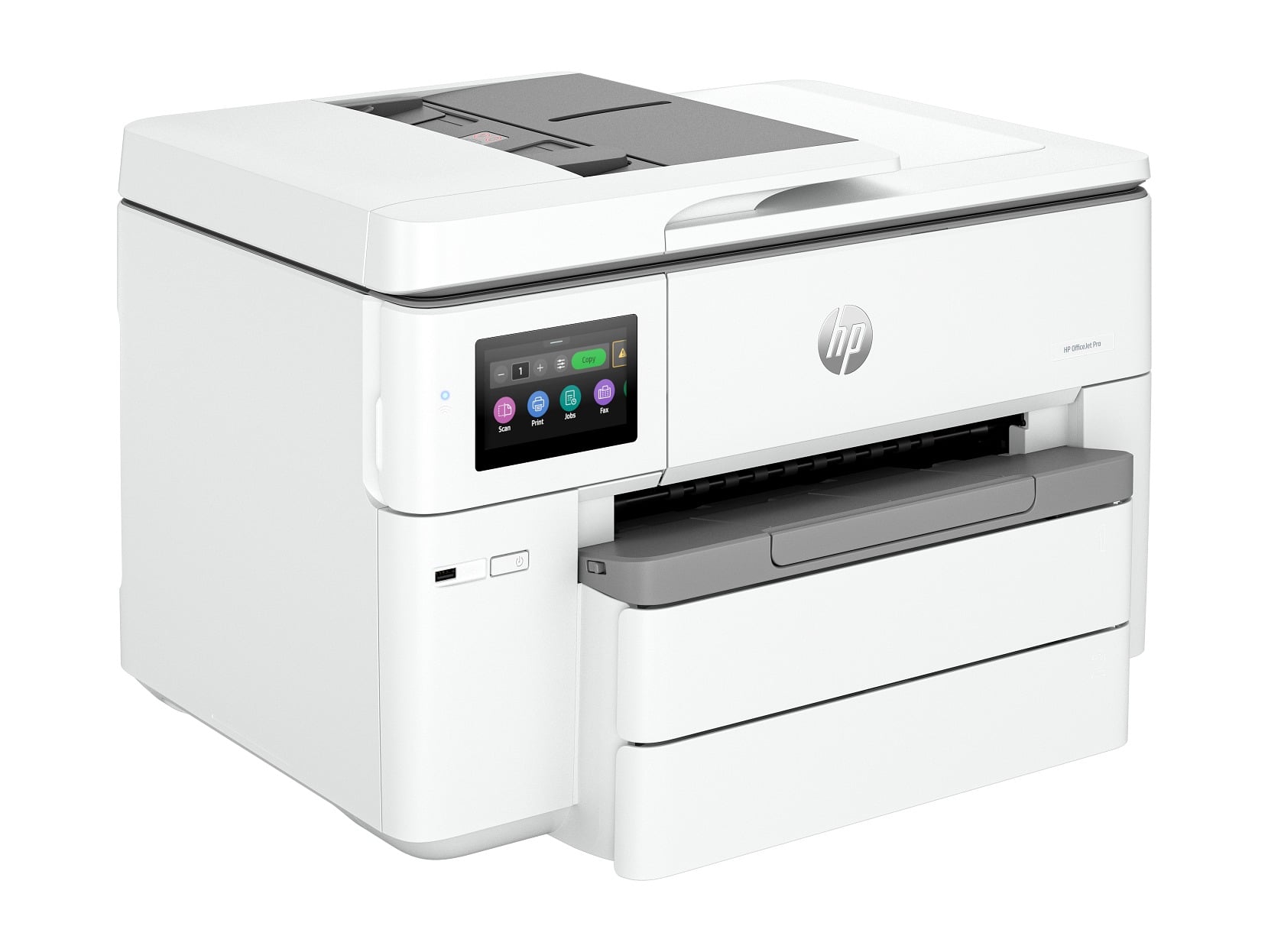
Wide-format work defines the HP OfficeJet Pro 9730. It prints pages up to 11 by 17 inches and scans or copies originals up to 11.69 by 17 inches on the flatbed, while the ADF accepts originals up to 8.5 by 14 inches. Rated speeds reach 22 ppm in black and 18 ppm in color.
Two 250-sheet input trays provide a combined 500-sheet capacity, while the ADF scans both sides in a single pass. The printer also has a 4.3-inch touchscreen, but it requires substantial desktop space and does not include faxing.
Key highlights
- Print, copy and scan
- Prints up to 11 by 17 inches
- Scans and copies up to 11.69 by 17 inches on the flatbed
- ADF originals up to 8.5 by 14 inches
- Up to 22 ppm black and 18 ppm color
- 500 sheets across two input trays
- Single-pass two-sided ADF scanning
Pros
- Prints tabloid-size documents
- Two 250-sheet trays
- Fast for a wide-format inkjet
- Single-pass duplex ADF scanning
- Large 4.3-inch touchscreen
Cons
- Large desktop footprint
- The ADF only accepts originals up to 8.5 by 14 inches, so 11-by-17-inch originals must use the flatbed
- No fax function
- Four-cartridge running costs exceed those of a tank printer
- Dynamic security limits cartridges without an HP chip
Who it's for
Business users producing floor plans, spreadsheets, posters, proofs and other 11-by-17-inch documents.
Skip if
A smaller printer makes more sense when every job uses letter-size paper.
HP Color LaserJet Pro MFP 3301fdw - Best color laser all-in-one
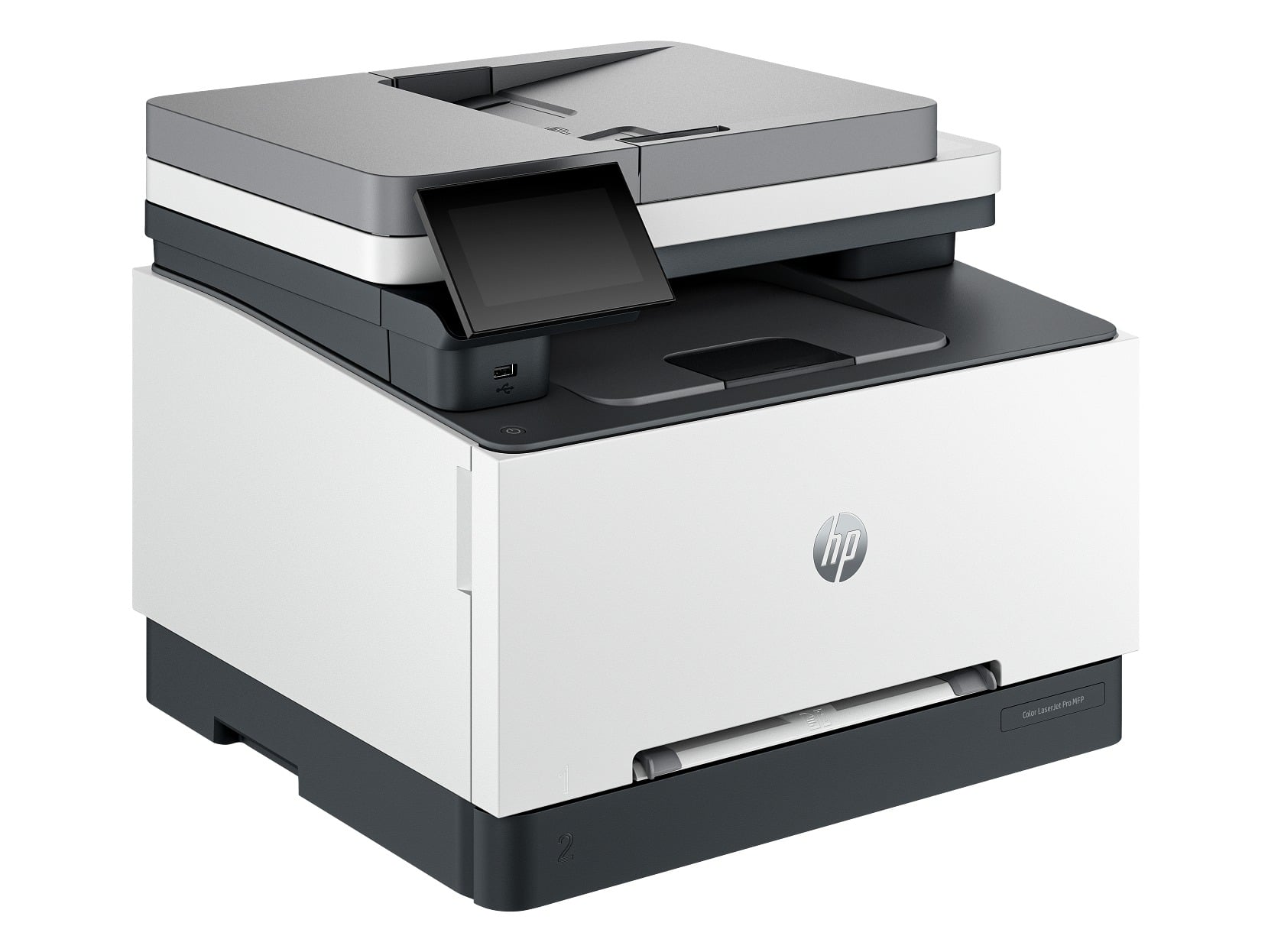
Built for a small workgroup, the HP Color LaserJet Pro MFP 3301fdw prints, copies, scans and faxes. Rated print speeds reach 26 ppm in black and color, with automatic duplex printing and scanning.
Paper handling includes a 250-sheet main tray, a one-sheet priority slot and a 100-sheet output. Its recommended monthly volume spans 150 to 2,500 pages.
A 4.3-inch color touchscreen provides local controls. Dual-band Wi-Fi, Gigabit Ethernet, USB, Wi-Fi Direct, AirPrint and Mopria cover shared and mobile printing. The machine weighs about 37.7 pounds, and replacing all four toner cartridges is costly.
Key highlights
- Print, copy, scan and fax
- Up to 26 ppm in black and color
- Automatic duplex printing and scanning
- 250-sheet main tray
- 4.3-inch color touchscreen
- Dual-band Wi-Fi and Gigabit Ethernet
Pros
- Equally fast rated black and color output
- Automatic duplex printing and scanning
- Full multifunction feature set
- Large touchscreen and strong networking
- Toner is well suited to intermittent use
Cons
- Four replacement toner cartridges are costly
- Standard toner yields are modest
- Heavy at about 37.7 pounds
- Limited to 600-by-600-dpi rated print resolution
- Dynamic security can block toner without an HP chip
Who it's for
Small workgroups that need color documents, duplex scanning, copying and faxing.
Skip if
Choose an inkjet when inexpensive photo printing or the lowest color cost per page matters most.
HP Color LaserJet Pro 3201dw - Best print-only color laser
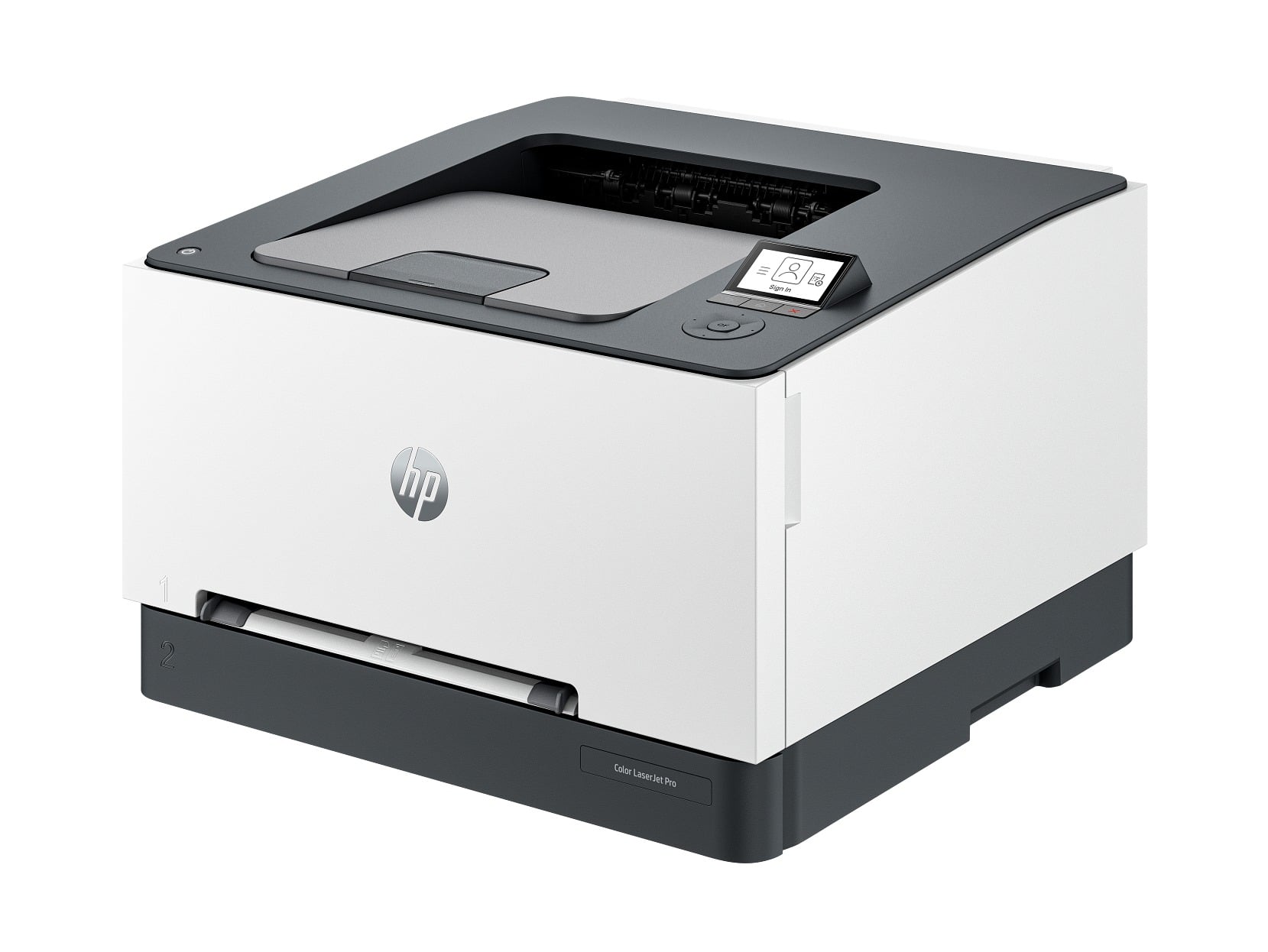
Printing is the entire job of the HP Color LaserJet Pro 3201dw. It produces black and color pages at up to 26 ppm and supports automatic duplex printing.
The first page arrives in as fast as 10.8 seconds in black or 10.9 seconds in color. Recommended monthly volume ranges from 150 to 2,500 pages, with a 40,000-page maximum duty cycle.
Wi-Fi and Ethernet support network sharing, and a 2-inch backlit display handles local controls. Standard and high-yield toner options are available in black, cyan, magenta and yellow. This model does not scan, copy or fax.
Key highlights
- Color printing only
- Up to 26 ppm in black and color
- Automatic duplex printing
- First black page in as fast as 10.8 seconds
- 150 to 2,500 pages recommended monthly
- Standard and high-yield toner options
Pros
- Fast 26-ppm color and black output
- Automatic duplex printing
- More compact and less costly than a multifunction color laser
- Wi-Fi and Ethernet networking
- High-yield toner options
Cons
- Cannot scan, copy or fax
- Small control display
- A complete toner set is expensive
- Not intended for high-quality photo printing
- Dynamic security can reject toner without an HP chip
Who it's for
Workgroups with separate scanning equipment that need quick, durable color documents.
Skip if
An all-in-one is the better choice for scanning, copying or faxing, while an inkjet better serves photo-focused use.
How to Choose
- Choose inkjet, tank or laser first. Cartridge inkjets offer the lowest purchase price and good photo versatility. Refillable ink-tank printers reduce supply costs at higher volumes, while lasers deliver fast text, sharp office graphics and reliable intermittent use.
- Use recommended volume, not maximum duty cycle. The maximum duty cycle is a stress ceiling, not a sustainable monthly target. Match your normal workload to the lower recommended monthly range.
- Check the scanner workflow. A flatbed handles occasional originals. An ADF processes multipage documents, while automatic duplex scanning is essential for double-sided originals.
- Compare replacement supplies. Check cartridge or toner yields and the cost of a complete replacement set. Refillable tanks suit higher volumes, while low-yield two-cartridge systems become costly with frequent use.
- Match the paper path to your work. Check input capacity, tray count, automatic duplexing and maximum media size. The HP OfficeJet Pro 9730 handles documents up to 11 by 17 inches.
- Review connectivity and cartridge policy. Ethernet serves shared offices, while dual-band Wi-Fi, AirPrint and Mopria cover most homes. Dynamic security can block cartridges or toner that lack an HP chip.
Is an HP inkjet or LaserJet better for home use?
Choose an inkjet for photos and mixed color work or a LaserJet for mostly text. Toner does not dry out when the printer sits unused.
Is HP Instant Ink required?
No. Eligible printers accept normally purchased compatible HP cartridges without an Instant Ink subscription. A free trial requires enrollment and continues as a paid plan unless canceled under its terms.
Can current HP printers use third-party ink or toner?
Many current models use dynamic security and can reject supplies without a new or reused HP chip. Firmware updates can change which third-party supplies function, so confirm compatibility before buying.
Are refillable ink-tank printers cheaper to run?
They usually cost less to run at moderate or high print volumes because refill bottles yield thousands of pages. The printer costs more initially and needs regular use to reduce the risk of dried or clogged inkjet nozzles.
Does every HP all-in-one scan double-sided pages automatically?
No. An ADF does not guarantee duplex scanning. The HP OfficeJet Pro 9125 and HP OfficeJet Pro 9730 scan two-sided originals through the ADF, while the HP Envy Photo 7975 does not and the HP DeskJet 2955 uses a flatbed only.
Share this article
More in News
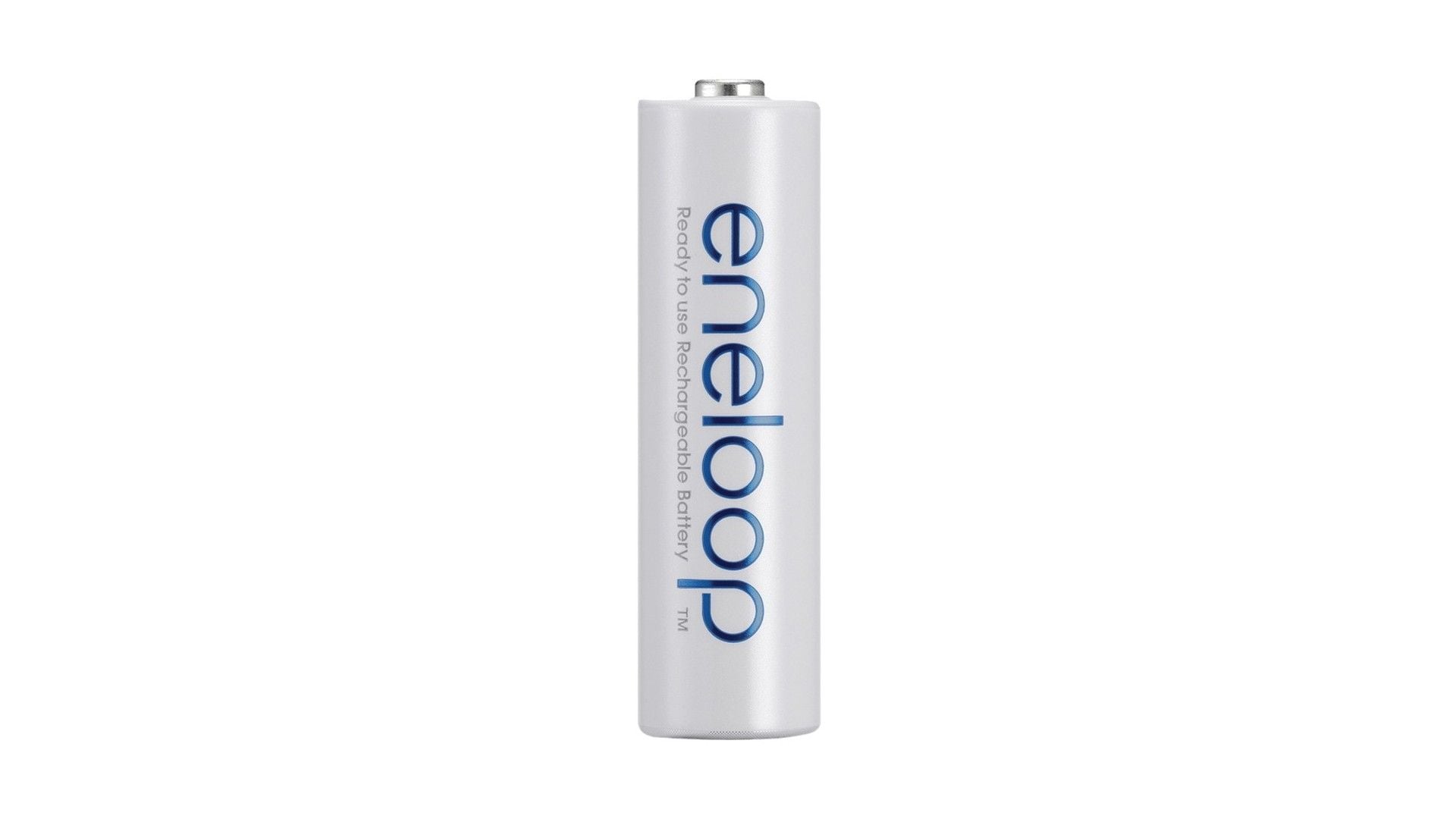
6 Best Rechargeable AA and AAA Batteries in 2026
Panasonic Eneloop AA leads our rechargeable AA and AAA picks, with Amazon Basics for bulk value and Eneloop Pro for demanding devices.
4 min read
Three headphone deals hit record lows with prices starting at $29.70
Save up to 41% on three headphones at record-low prices, including Sennheiser earbuds for $29.70 and JBL models for gaming and travel.
3 min read
Toshiba 55-inch G700 ArtVision 4K UHD Smart discounted to $899.99
Save $800 on the Toshiba 55-inch G700 ArtVision 4K UHD Smart TV, now $899.99 at Amazon, matching its lowest price ever.
3 min read
Best Corsair Mice in 2026
The Corsair SABRE v2 PRO Ultralight Wireless leads our picks, with focused options for MMO play, large hands, and ergonomic comfort.
3 min read
Best JLab Earbuds in 2026
4 min read
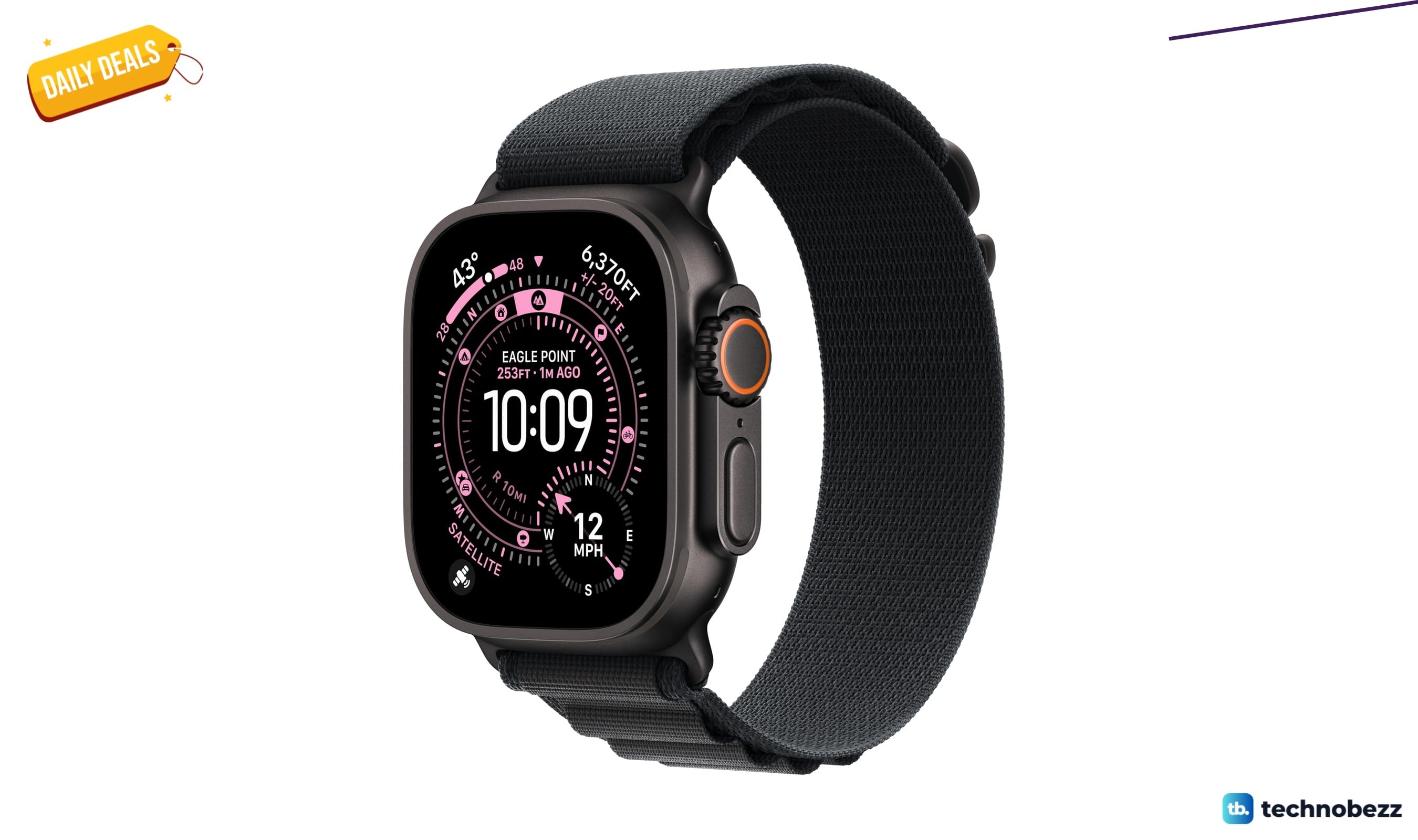
Apple Watch Ultra 3 [GPS + Cellular marked down to $699
4 min read
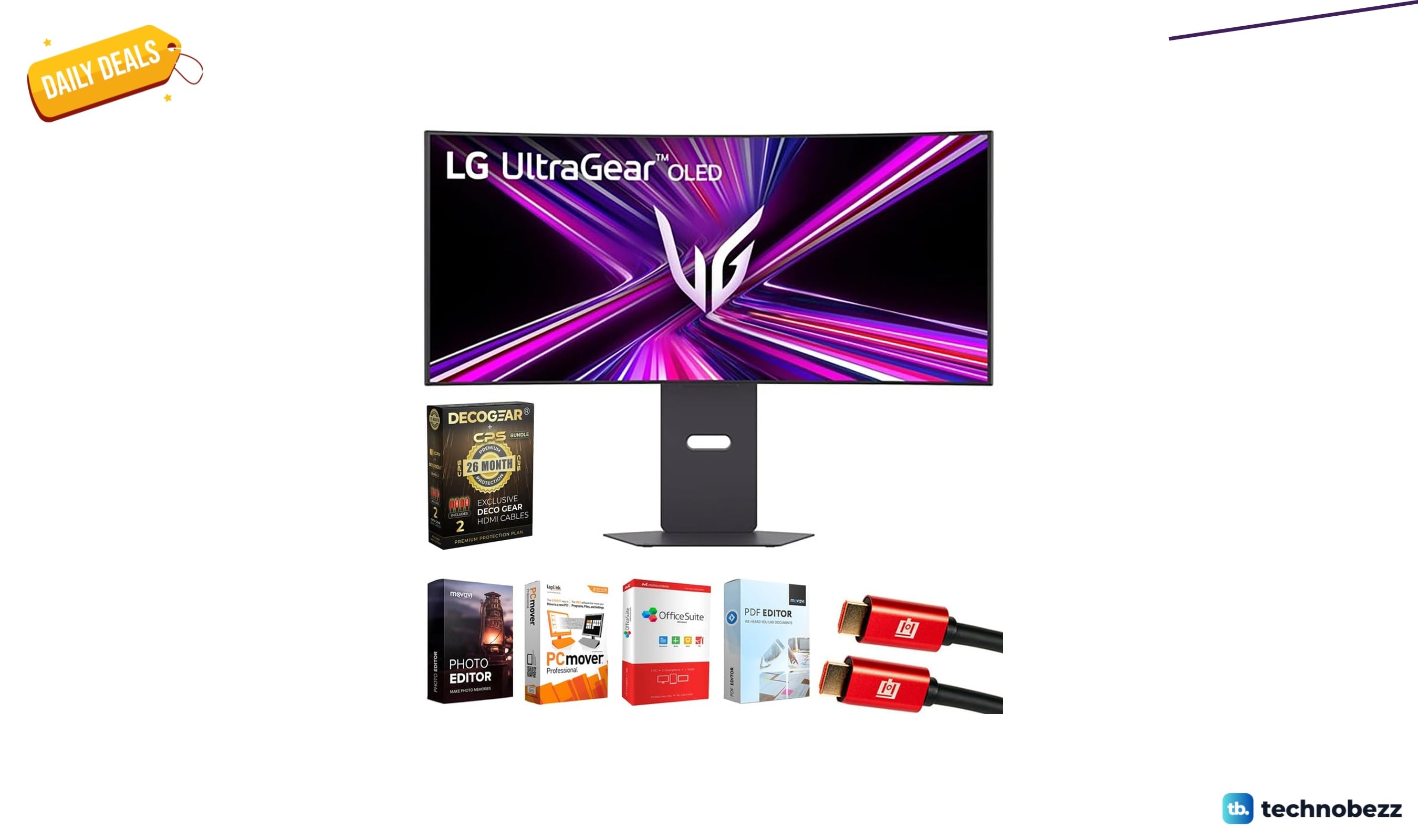
LG 34GX900A-B Ultragear WQHD OLED Curved Gaming Monitor down to $699.99 in latest price cut
3 min read
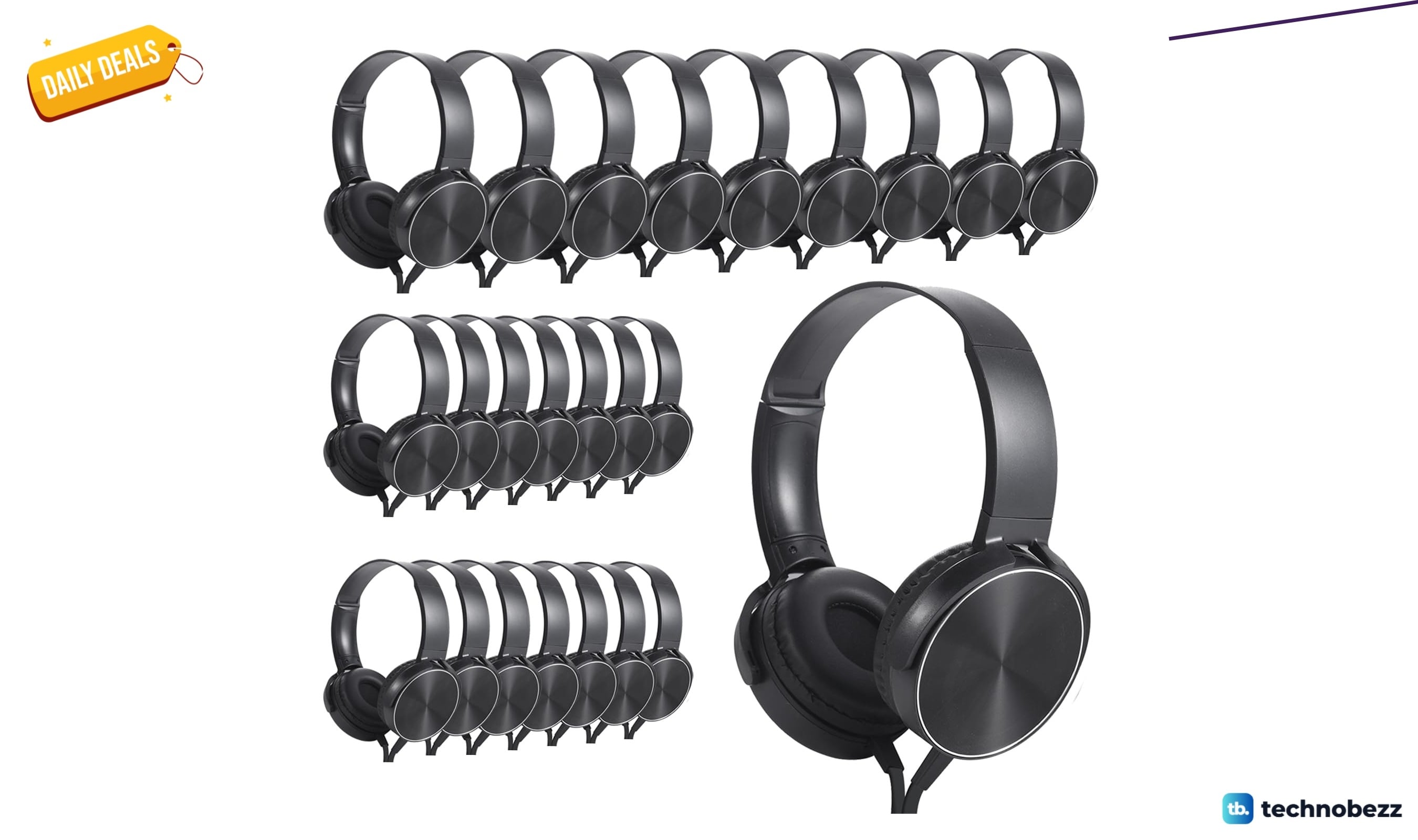
Wensdo Bulk Earbud Headphones 24 Pack now selling for $102.86
5 min read
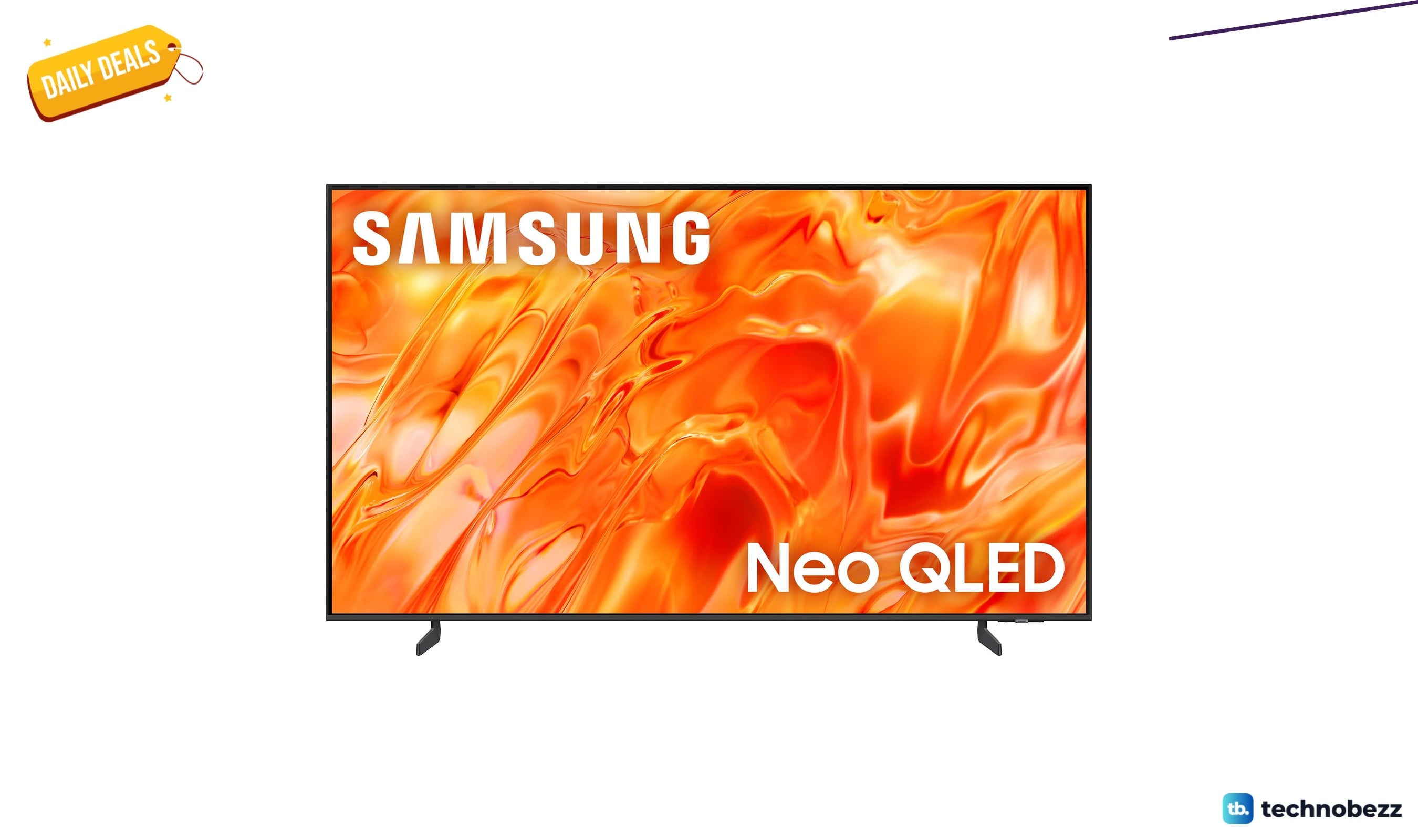
Samsung 65-inch QN70H price drops to $897.99
4 min read
Lenovo coupon codes and deals
5 min read
LG coupon codes and deals
4 min read

Woot coupon codes and deals
3 min read