Choosing a Dell monitor starts with screen size, resolution, refresh rate, panel technology, and computer connections. Docking features and desk space also determine which model makes sense.
Technobezz is supported by its audience. We may get a commission from retail offers.
Best Dell Monitors in 2026
The Dell UltraSharp 27 U2725QE is our top pick for sharp 4K detail, smooth 120Hz motion, broad color coverage, and Thunderbolt docking.
T
Technobezz
Editorial Team
Updated August 11, 2026Aug 11, 2026
•10 min read

Get Deals Like These in Your Inbox
The best prices, checked by our editors.
The Dell UltraSharp 27 U2725QE is our best overall pick for its sharp 4K image, 120Hz refresh rate, broad color coverage, and Thunderbolt 4 hub. The other picks address value, creative ultrawide work, travel, gaming, and video calls.
At a Glance
| Category | Product | Why We Picked It |
|---|---|---|
| Best overall | Dell UltraSharp 27 U2725QE | Sharp 4K detail, 120Hz motion, broad color coverage, and full Thunderbolt docking |
| Best value | Dell 27 Plus S2725QC | 4K at 120Hz with USB-C charging, integrated speakers, and an adjustable stand |
| Best for creative ultrawide work | Dell UltraSharp 40 U4025QW | A wide 5K2K canvas with 120Hz motion, extensive color coverage, and Thunderbolt docking |
| Best for travel | Dell Pro 14 Plus P1425 | A bright 16:10 portable panel with two USB-C ports and flexible orientation |
| Best for 4K OLED gaming | Dell Alienware 27 4K QD-OLED AW2725Q | Exceptionally sharp 4K OLED detail, perfect blacks, and a 240Hz refresh rate |
| Best for esports flexibility | Dell Alienware 27 Dual-Resolution AW2725QF | Switchable 4K and 1080p modes for detailed games and high-refresh esports |
| Best for video calls | Dell Pro 27 Plus Video Conferencing P2724DEB | Integrated conference hardware, 90W USB-C charging, Ethernet, and Auto KVM |
How we chose
We ranked image detail, refresh rate, panel technology, color coverage, connectivity, docking, ergonomics, and host requirements. Each selection delivers a clear benefit for its stated use.
The best Dell monitors right now
Dell UltraSharp 27 U2725QE - Best overall
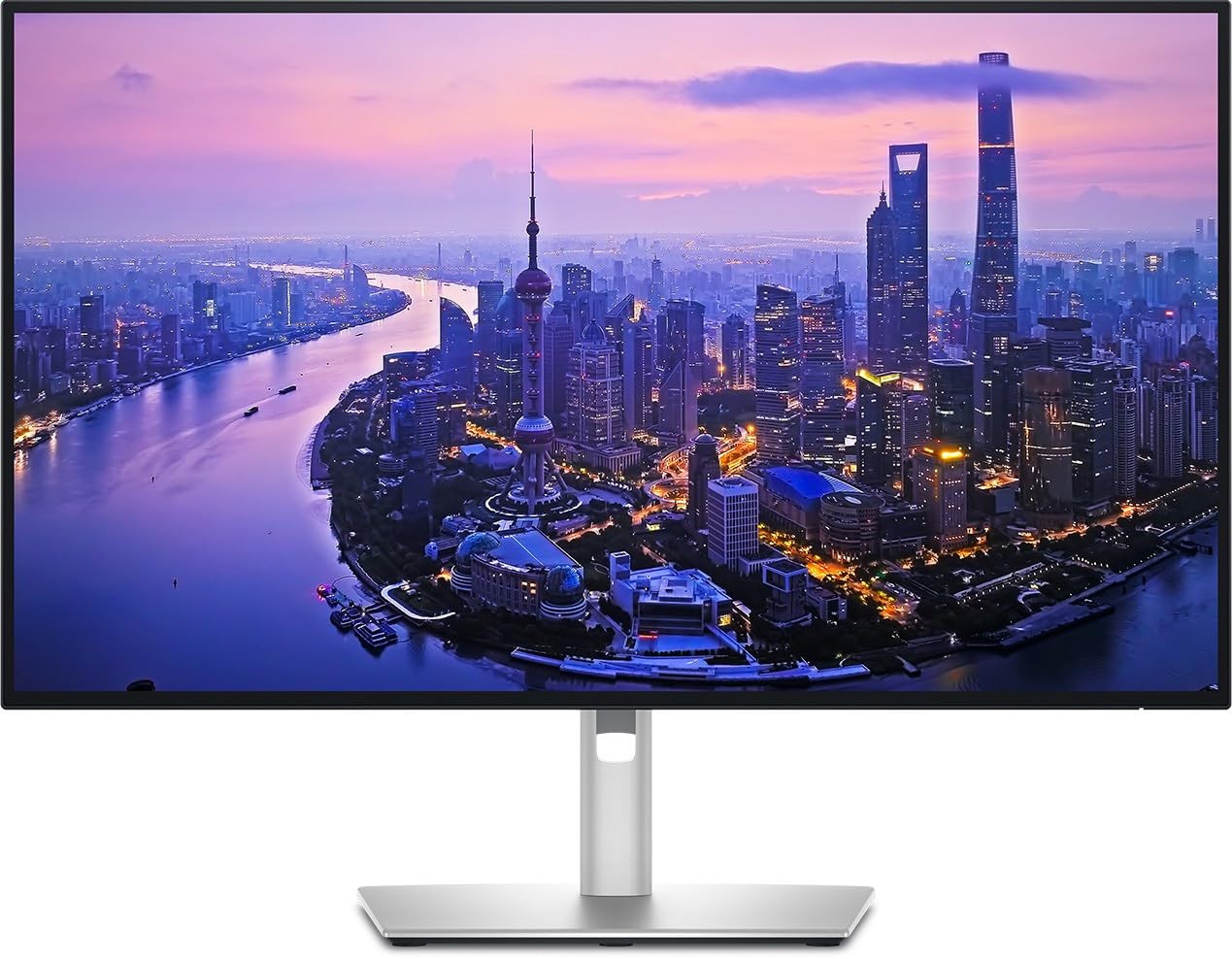
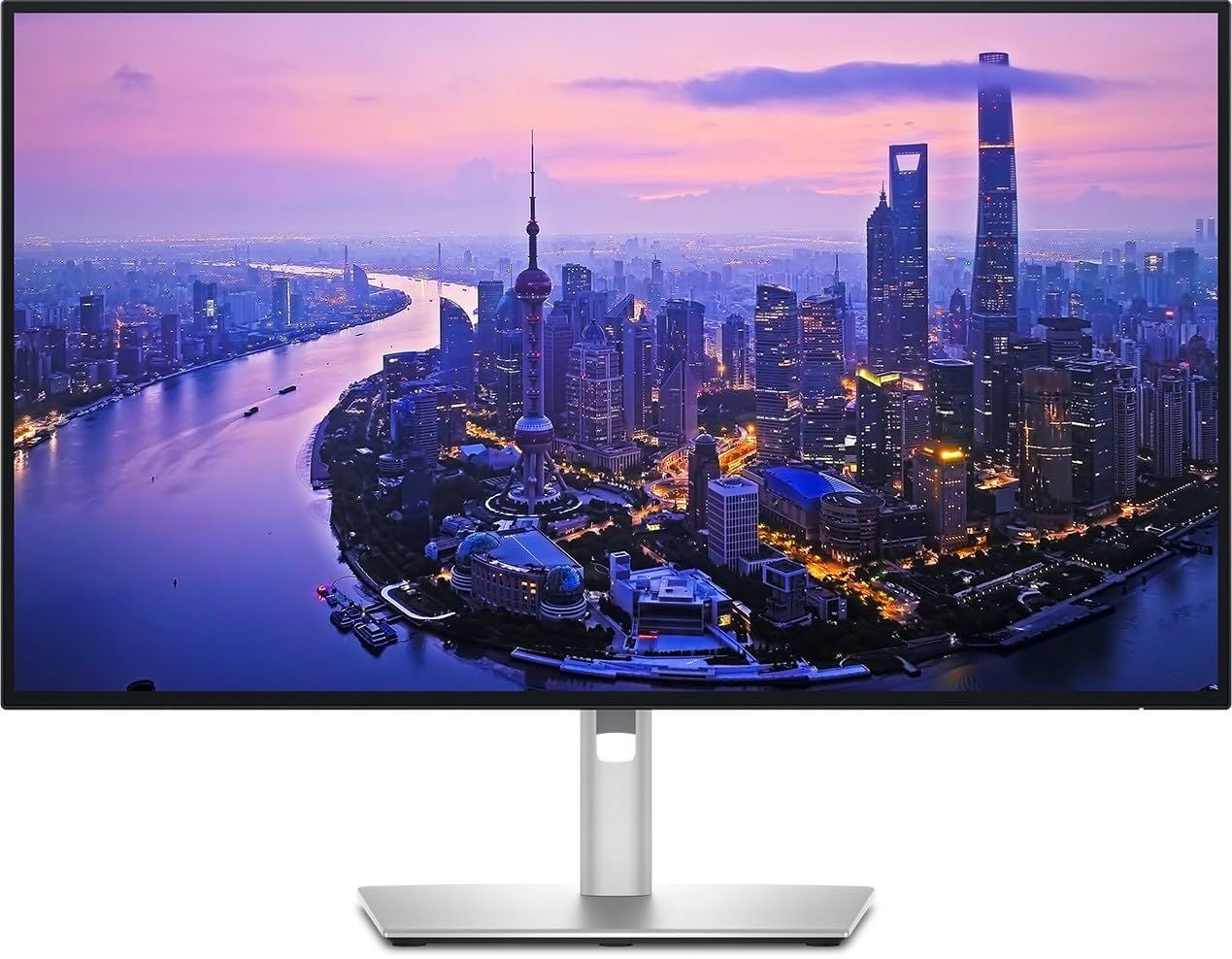
A 27-inch IPS Black panel gives the U2725QE a 3840 x 2160 image at 120Hz. Its 163-ppi density keeps 4K detail sharp, while the higher refresh rate makes everyday work noticeably smoother.
The panel is rated for 3000:1 contrast, 450 cd/m² typical brightness, and 600 cd/m² peak brightness. Color coverage includes 99% DCI-P3, 99% Display P3, and 100% sRGB, with an average Delta E under 1.5.
Thunderbolt 4 provides up to 140W power delivery alongside KVM switching, 2.5GbE, and DisplayPort output. That full docking setup can replace several desktop adapters.
Key highlights
- 27-inch IPS Black screen
- 3840 x 2160 resolution at 120Hz
- 3000:1 contrast
- 99% DCI-P3, 99% Display P3, and 100% sRGB coverage
- Thunderbolt 4 with up to 140W power delivery
- KVM, 2.5GbE, and DisplayPort output
Pros
- Sharp 163-ppi 4K image
- 120Hz makes everyday work noticeably smoother
- Excellent factory-rated color coverage and contrast for IPS
- Full Thunderbolt dock can replace several desktop adapters
- Highly adjustable stand
Cons
- Expensive for a 27-inch LCD
- No integrated speakers or webcam
- IPS Black cannot match OLED black levels
Who it's for
This compact premium monitor suits office work, content creation, and laptop docking.
Skip if
Choose a simpler model if you only need basic 4K output at 60Hz or already own a capable dock.
Dell 27 Plus S2725QC - Best value
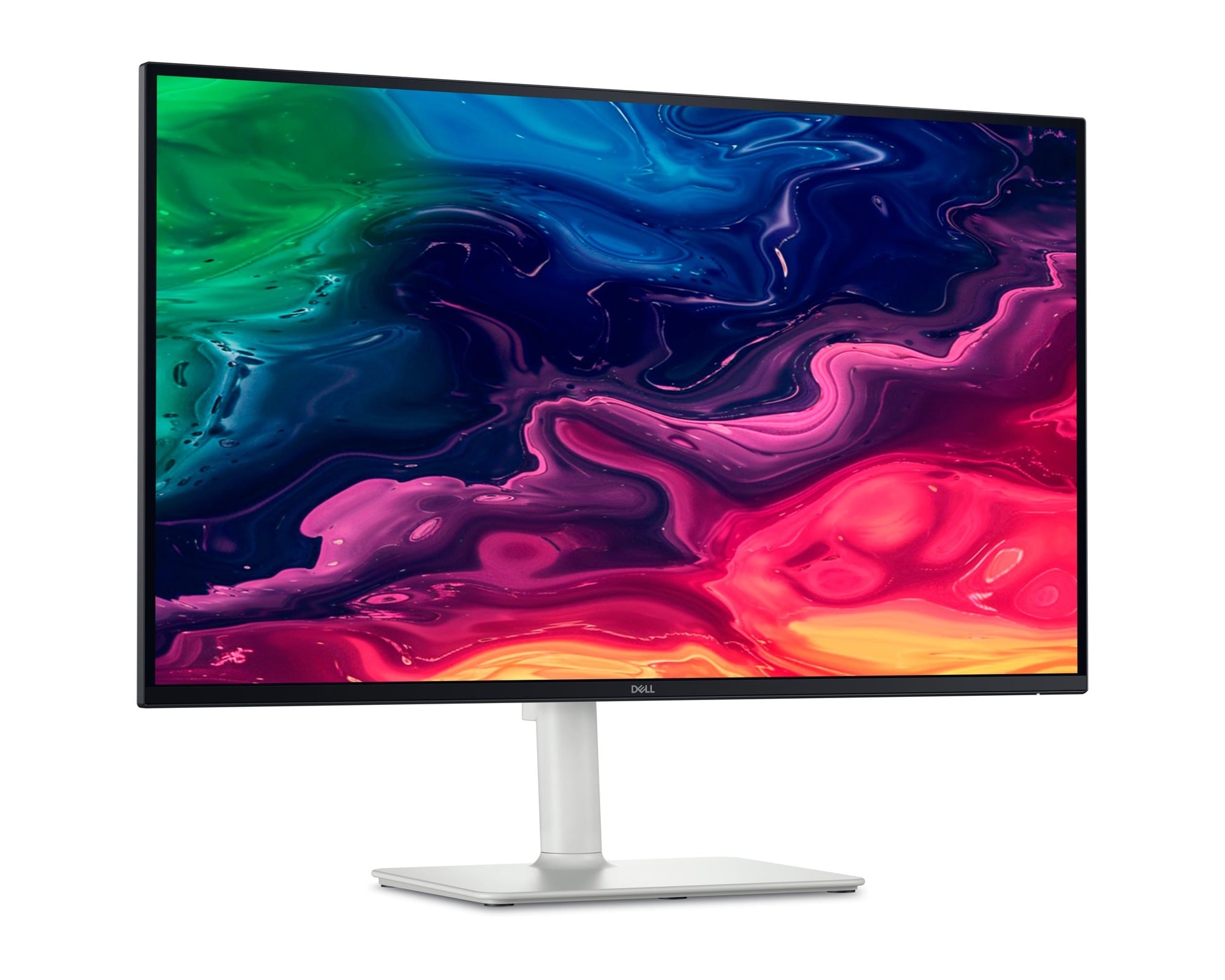
The value case rests on a versatile combination of 4K resolution and a 120Hz refresh rate. This 27-inch IPS panel also carries a 1500:1 contrast rating, 350 cd/m² brightness, and 99% sRGB coverage.
USB-C handles DisplayPort Alt Mode, a 5Gbps hub, and up to 65W laptop charging. Two HDMI 2.1 inputs support 4K/120Hz VRR, while two 5W speakers and AMD FreeSync Premium round out the feature set.
Key highlights
- 27-inch IPS screen
- 3840 x 2160 resolution at 120Hz
- 1500:1 contrast and 350 cd/m² brightness
- USB-C hub with up to 65W laptop charging
- Two 5W speakers
- AMD FreeSync Premium
Pros
- Excellent combination of 4K, 120Hz and USB-C for the money
- 65W charging suits mainstream laptops
- Two HDMI 2.1 inputs support 4K/120Hz VRR
- Integrated speakers and fully adjustable stand
- Strong 99% sRGB rating
Cons
- No dedicated DisplayPort input
- 65W may not sustain demanding mobile workstations
- HDR performance is limited by modest brightness and no local dimming
Who it's for
This model fits home-office, Mac, and entertainment setups that do not need UltraSharp features.
Skip if
Choose another display if you need Thunderbolt, Ethernet, KVM switching, or high-end HDR.
Dell UltraSharp 40 U4025QW - Best for creative ultrawide work
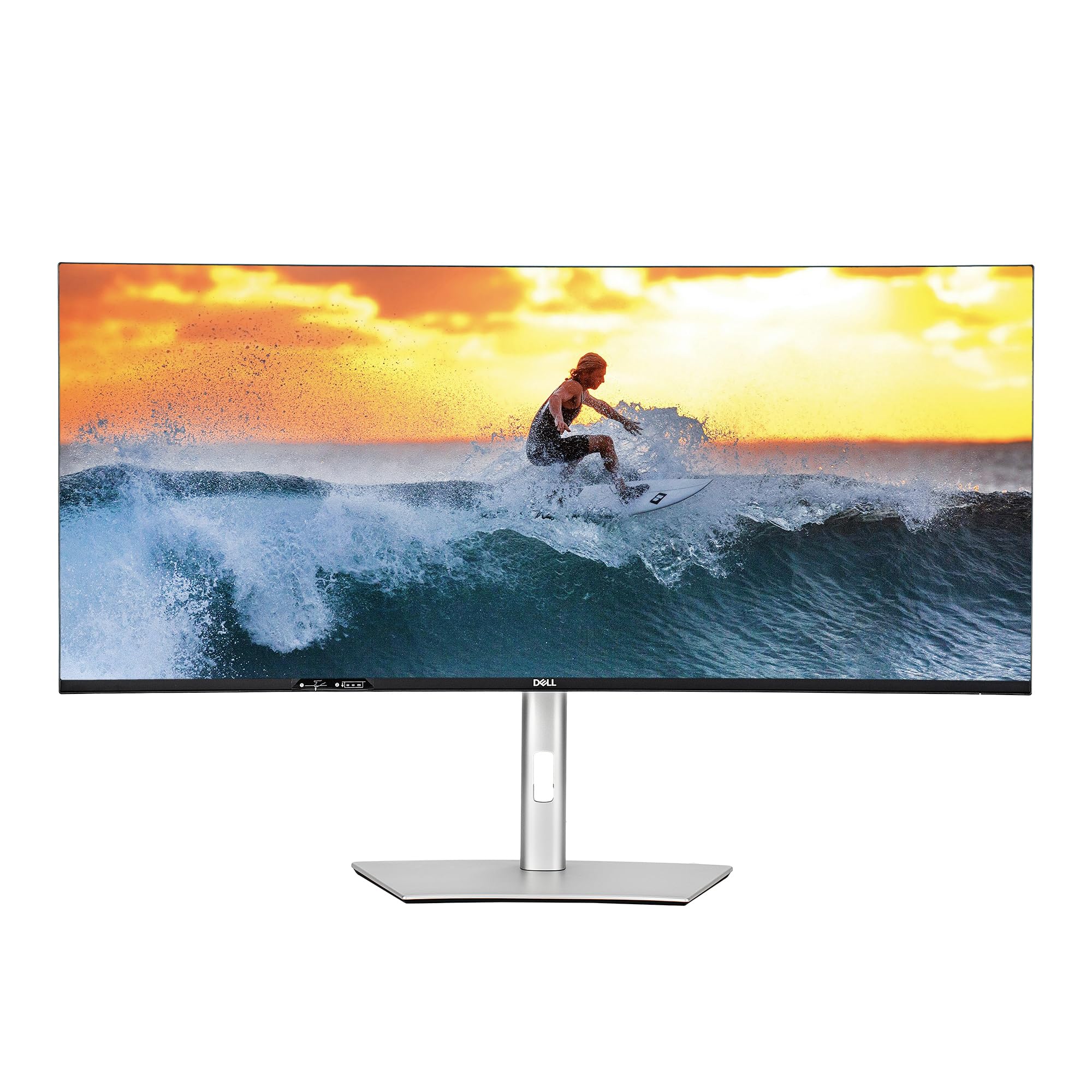
Timelines, large spreadsheets, development tools, and creative applications benefit from the U4025QW's wide but sharp canvas. Its 5120 x 2160 resolution preserves useful vertical space.
The 39.7-inch curved IPS Black panel uses a 21:9 aspect ratio and runs at 120Hz. It is rated for 2000:1 contrast, 450 cd/m² typical brightness, and 600 cd/m² HDR peak brightness.
Color coverage reaches 99% DCI-P3 and Display P3, plus 100% sRGB and BT.709. Thunderbolt 4 supplies up to 140W alongside a KVM-class USB hub and 2.5GbE.
Key highlights
- 39.7-inch curved IPS Black screen
- 21:9 aspect ratio
- 5120 x 2160 resolution at 120Hz
- 2000:1 contrast and 600 cd/m² HDR peak brightness
- 99% DCI-P3 and Display P3 coverage
- Thunderbolt 4 with up to 140W, a KVM-class USB hub, and 2.5GbE
Pros
- 5K2K resolution preserves useful vertical space
- 120Hz is unusually smooth for a professional ultrawide
- Wide color coverage suits photo and video workflows
- Strong single-cable laptop docking
- Integrated speakers
Cons
- Very expensive
- Requires a modern high-bandwidth host for full resolution and refresh rate
- Slower pixel response than OLED gaming displays
- Too wide for small desks
Who it's for
It suits creative applications, timelines, large spreadsheets, and development work that benefit from a wide, sharp canvas.
Skip if
Choose a smaller or gaming-focused display if desk space, budget, or gaming HDR matters more than productivity width.
Dell Pro 14 Plus P1425 - Best for travel
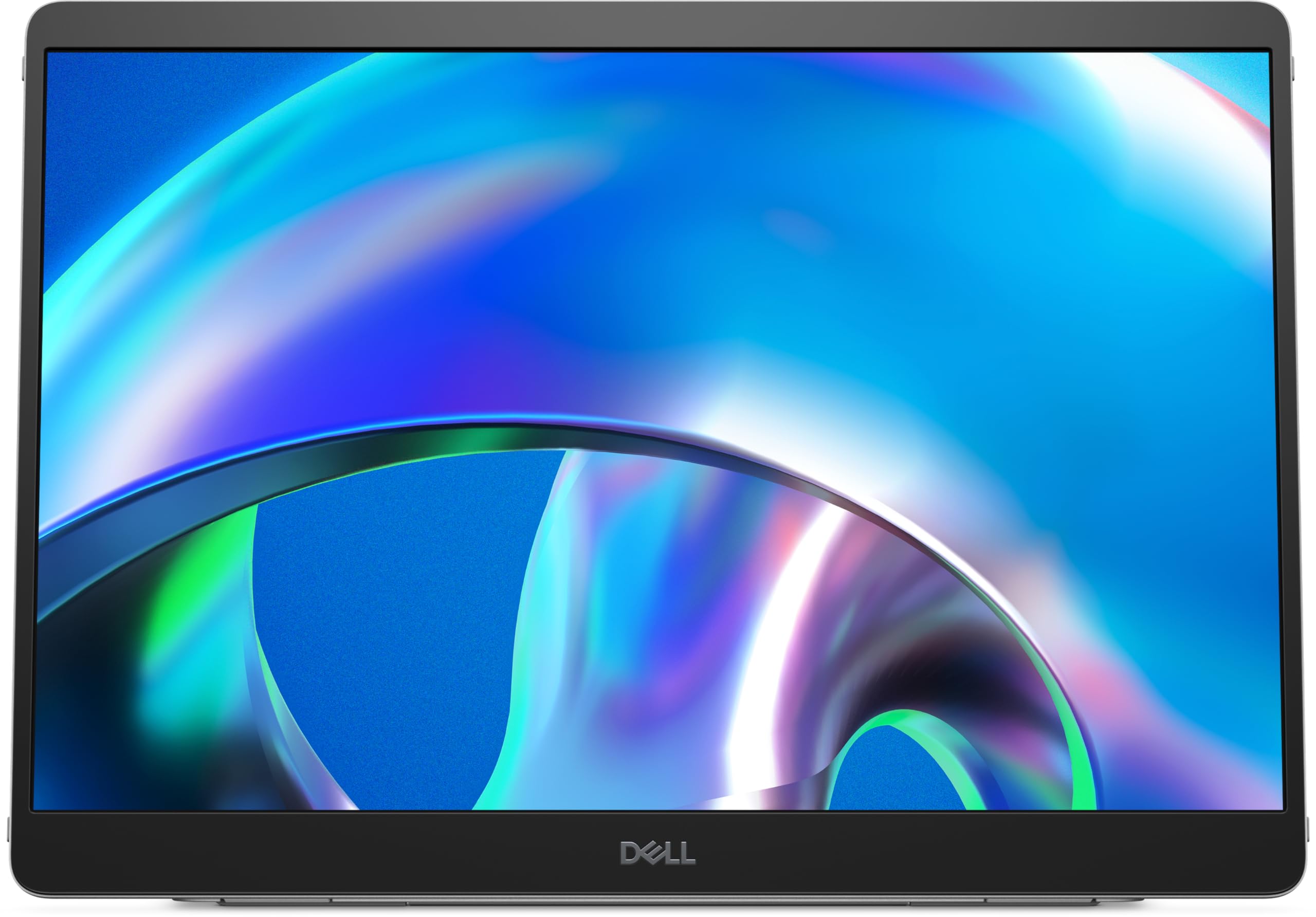
For hotels, client offices, and shared workspaces, the P1425 provides a 14-inch IPS second screen in a practical 16:10 format. It displays 1920 x 1200 at 60Hz with 400 cd/m² brightness and 100% sRGB coverage.
Two USB-C ports support DisplayPort 1.2 Alt Mode and up to 65W power pass-through. Two-sided USB-C placement simplifies laptop setups, while the tilt stand, portrait support, and auto-rotation sensor provide flexible positioning.
Key highlights
- 14-inch IPS screen with a 16:10 aspect ratio
- 1920 x 1200 resolution at 60Hz
- 400 cd/m² brightness
- 100% sRGB coverage
- Two USB-C ports with up to 65W power pass-through
- Tilt stand, portrait support, and auto-rotation sensor
Pros
- Sharp, bright 16:10 portable panel
- Two-sided USB-C placement simplifies laptop setups
- Power pass-through reduces cable clutter
- Auto-rotation and portrait support
- Low 5.4W operating consumption
Cons
- No HDMI input
- Requires a USB-C host with video output
- No speakers, touch input or battery
- Only 60Hz
Who it's for
It fits travelers who regularly need a second screen in hotels, client offices, or shared workspaces.
Skip if
Look elsewhere if your laptop lacks USB-C DisplayPort Alt Mode or you need an HDMI input.
Dell Alienware 27 4K QD-OLED AW2725Q - Best for 4K OLED gaming
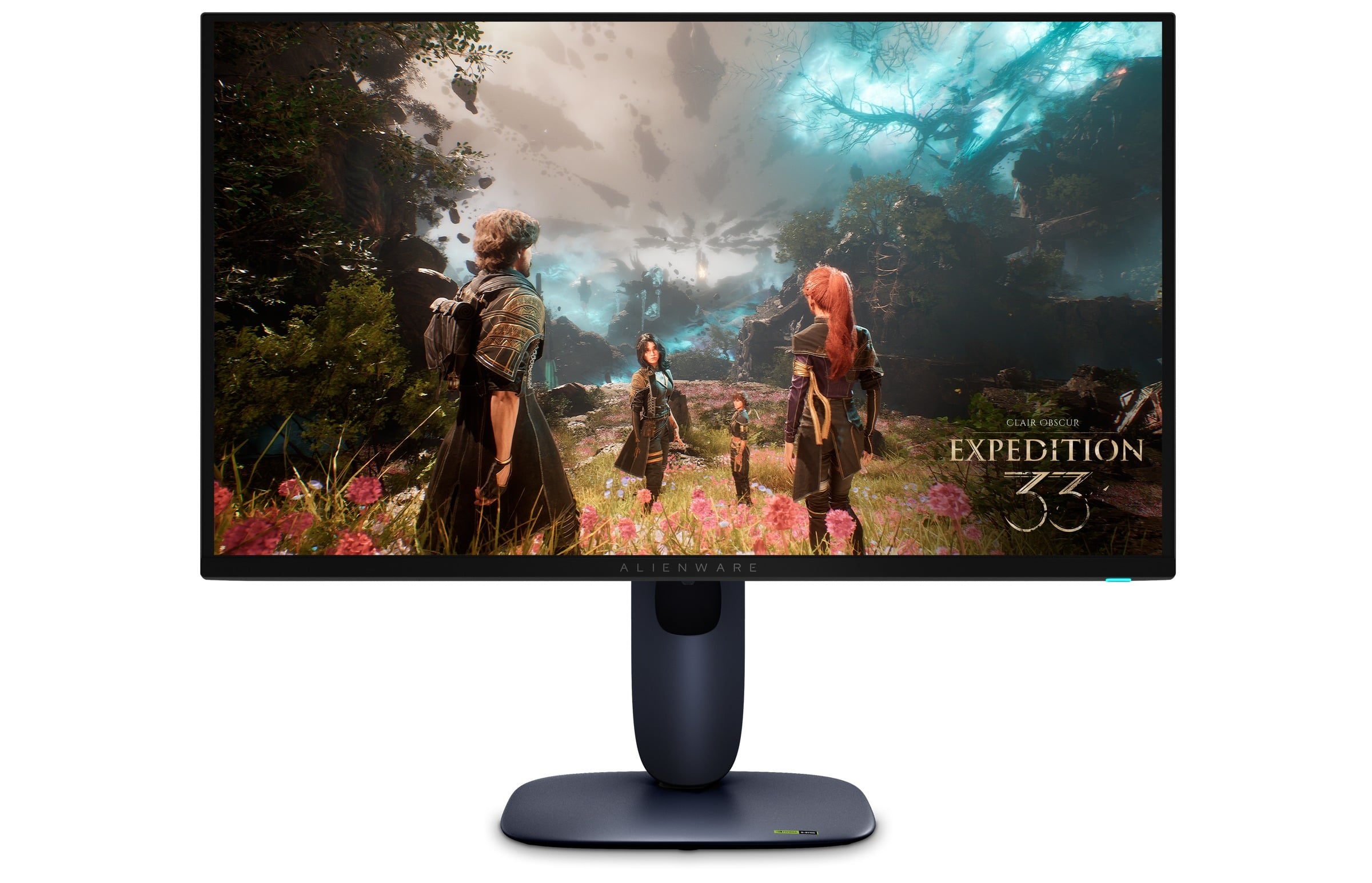
At 3840 x 2160 and 240Hz, the AW2725Q combines exceptionally sharp detail with premium PC gaming speed. Its 26.7-inch flat QD-OLED panel delivers perfect blacks and a 0.03ms gray-to-gray response time.
G-SYNC Compatible, FreeSync Premium Pro, and VESA AdaptiveSync support smooth motion. DisplayPort 1.4 and two HDMI 2.1 inputs support 4K at 240Hz, and Dolby Vision is also supported.
Key highlights
- 26.7-inch flat QD-OLED screen
- 3840 x 2160 resolution at 240Hz
- 0.03ms gray-to-gray response time
- G-SYNC Compatible, FreeSync Premium Pro, and VESA AdaptiveSync
- DisplayPort 1.4 and two HDMI 2.1 inputs
- Dolby Vision support
Pros
- Exceptionally sharp 4K image at 27 inches
- Perfect OLED blacks and near-instant response
- 240Hz supports premium PC gaming
- Full-bandwidth-style HDMI 2.1 feature set for PC and consoles
- Dolby Vision support
Cons
- OLED remains susceptible to permanent image retention
- Needs a powerful GPU to exploit 4K/240Hz
- Modest full-screen brightness and reflective coating
- No USB-C video or laptop charging
Who it's for
It suits players seeking Dell's sharpest OLED gaming experience in a conventional 27-inch format.
Skip if
Choose an IPS display for all-day static office content, bright rooms, or modest gaming hardware.
Dell Alienware 27 Dual-Resolution AW2725QF - Best for esports flexibility
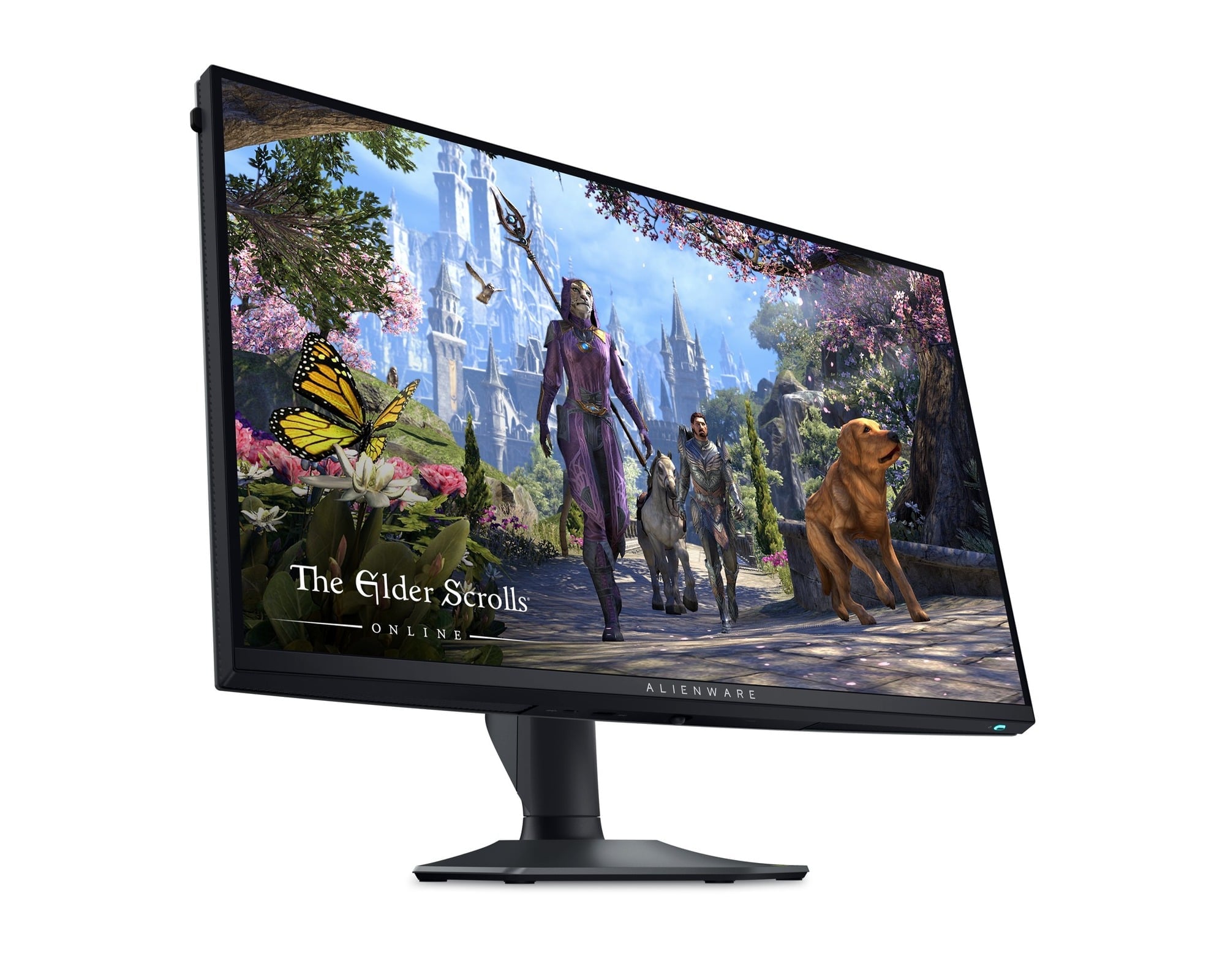
Its defining feature is a choice between 3840 x 2160 at up to 180Hz and 1920 x 1080 at up to 360Hz. The first mode favors detailed games, while the second targets frame-rate-focused esports.
The 27-inch IPS panel has a 0.5ms gray-to-gray response time, G-SYNC compatibility, and VESA AdaptiveSync. It also avoids OLED burn-in risk.
Two HDMI 2.1 inputs and one DisplayPort 1.4 input accommodate modern consoles and PCs. Maximum overclocked rates require DisplayPort, and 1080p appears soft on the 27-inch panel.
Key highlights
- 27-inch IPS screen
- 3840 x 2160 at up to 180Hz
- 1920 x 1080 at up to 360Hz
- 0.5ms gray-to-gray response time
- G-SYNC Compatible and VESA AdaptiveSync
- Two HDMI 2.1 inputs and one DisplayPort 1.4 input
Pros
- Switches between sharp 4K and high-refresh 1080p
- Excellent 360Hz motion clarity for competitive play
- No OLED burn-in risk
- Full ergonomic adjustment
- HDMI 2.1 supports modern consoles
Cons
- IPS contrast and HDR are mediocre next to OLED
- 1080p appears soft on a 27-inch panel
- No USB-C video input
- Maximum overclocked rates require DisplayPort; HDMI specifications are lower
Who it's for
It fits players who alternate between detailed single-player games and frame-rate-focused esports.
Skip if
Choose a different gaming monitor if image quality matters more than the dual-resolution feature.
Dell Pro 27 Plus Video Conferencing P2724DEB - Best for video calls
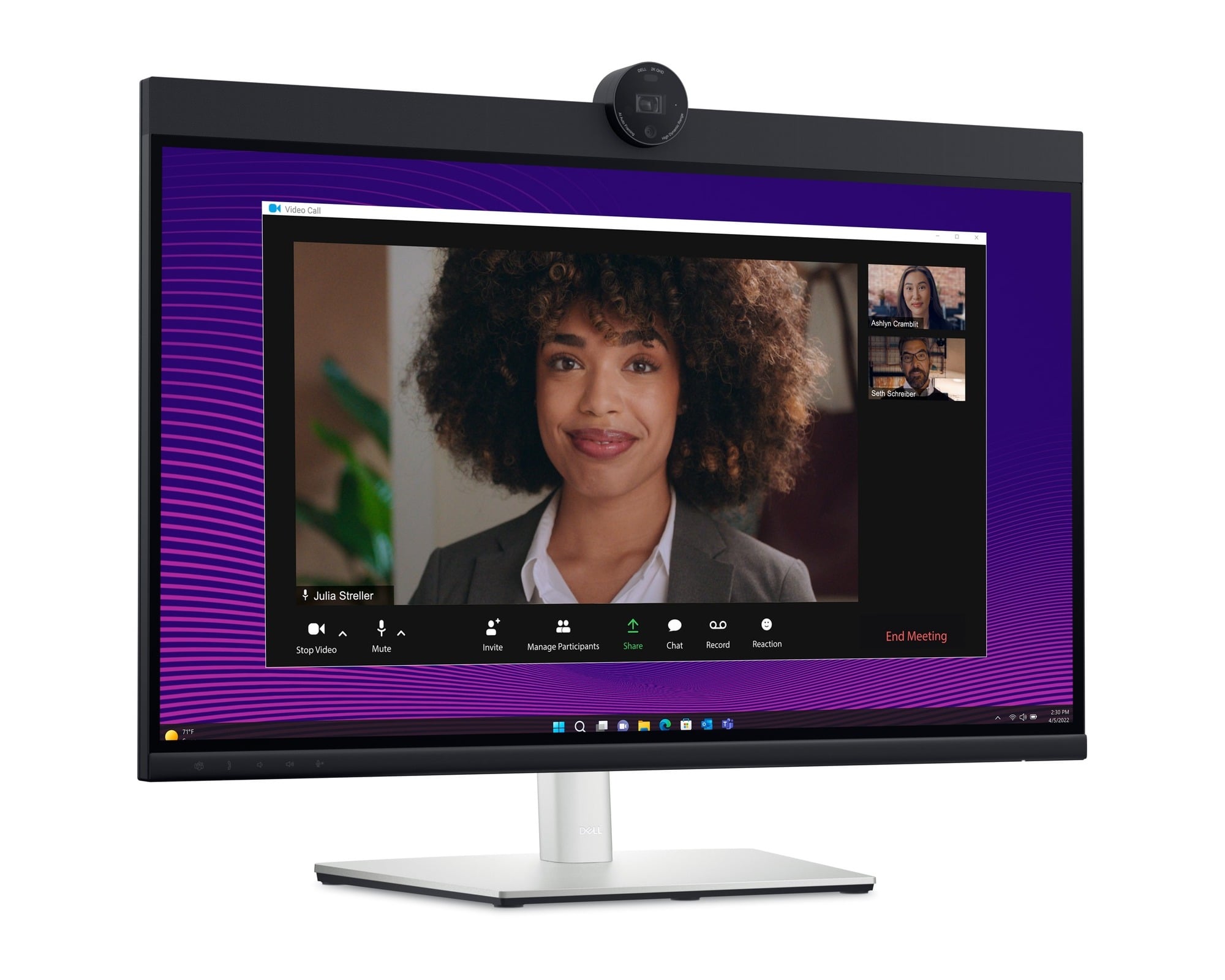
Conference hardware is built into this 27-inch QHD monitor. A 4MP RGB/IR camera, two digital microphones, and two 5W speakers simplify calls, while the IR camera supports compatible facial-login systems.
USB-C combines DisplayPort Alt Mode with up to 90W laptop charging and Gigabit Ethernet. Auto KVM supports two-computer desks, DisplayPort MST enables daisy-chaining, and the stand is fully adjustable.
Key highlights
- 27-inch IPS screen
- 2560 x 1440 resolution at 60Hz
- 4MP RGB/IR camera
- Two digital microphones and two 5W speakers
- USB-C with up to 90W laptop charging and Gigabit Ethernet
- Auto KVM and DisplayPort MST daisy-chaining
Pros
- Integrated camera, microphones and speakers simplify calls
- IR camera supports compatible facial-login systems
- 90W USB-C docking and Ethernet
- Auto KVM supports two-computer desks
- Fully adjustable stand
Cons
- Only 60Hz
- QHD is less crisp than 4K at 27 inches
- 1000:1 contrast and 350-nit brightness are ordinary
- Expensive if you already own a good webcam and dock
Who it's for
It fits meeting-heavy home offices that need an integrated, IT-friendly communications setup.
Skip if
Choose another monitor if you prioritize 4K sharpness or high refresh rates, or already own premium conferencing accessories.
How to Choose
- Match resolution to size. At 27 inches, 4K produces very crisp text but usually needs operating-system scaling, while QHD is comfortable without heavy scaling. At 32 inches and above, 4K or higher better preserves text and image detail.
- Decide whether 120Hz matters. A 120Hz desktop feels smoother while scrolling and moving windows, not just while gaming. A 60Hz model remains adequate for calls and static office work, while competitive gaming benefits from 240Hz or more.
- Choose LCD or OLED deliberately. QD-OLED offers perfect blacks, fast response, and stronger dark-room HDR. IPS and IPS Black are generally better suited to bright offices and long sessions with persistent toolbars because they avoid OLED image-retention concerns.
- Check the one-cable connection. USB-C models combine video, USB data, and laptop charging. Thunderbolt adds more bandwidth, higher-power charging, daisy-chaining, and broader docking features, but requires a compatible computer to deliver its full value.
- Buy the hub you will use. Ethernet, KVM switching, downstream USB ports, and DisplayPort output can replace a separate dock. Shoppers who already own a dock can often save with a simpler Dell Plus or Alienware model.
- Confirm host and console bandwidth. High resolutions at 120Hz or above may require HDMI 2.1, DisplayPort with DSC, or Thunderbolt. Check the computer's GPU, port version, and cable support before expecting the monitor's maximum mode to work.
What is the difference between Dell Plus, Pro and UltraSharp monitors?
Dell Plus targets mainstream home use, Pro models emphasize office ergonomics, manageability, and docking, and UltraSharp adds premium panels, broader color coverage, and more advanced hub features. Alienware is Dell's gaming line.
Is 4K worthwhile on a 27-inch monitor?
Yes. A 27-inch 4K display delivers about 163 pixels per inch, providing crisp detail for text, coding, and photo work. Most users will enable 125% to 175% scaling to keep interface elements comfortably sized.
Do I need Thunderbolt rather than ordinary USB-C?
USB-C is sufficient for one display, peripherals, and moderate laptop charging. Thunderbolt is more useful for high-resolution and high-refresh video, 140W charging, fast docks, and display daisy-chaining.
Should I worry about image retention on a Dell OLED monitor?
OLED image retention remains possible with persistent static elements. Hiding taskbars and using panel-care functions is sensible.
What should I check before buying a high-refresh 4K monitor?
Confirm that the computer's GPU, port version, and cable support the target mode. High resolutions at 120Hz or above may require HDMI 2.1, DisplayPort with DSC, or Thunderbolt.
Share this article
More in News
We found 2 smartwatch deals from $219.99 that are actually worth it
Two verified smartwatch deals from $219.99, including the Samsung Galaxy Watch 8 and rugged Garmin Instinct 2X Solar Tactical, with savings up to $100.
5 min read
Sony WH-CH720 Noise Canceling Wireless Bluetooth Headphones now $87.94, down from $119.99
Save 27% on Sony WH-CH720 noise canceling headphones at $87.94, with 35-hour battery life and multipoint Bluetooth.
3 min read

Lenovo coupon codes and deals
Browse 5 current Lenovo offers, including 3 coupon codes and 2 online deals.
5 min read

Woot coupon codes and deals
Browse 2 current Woot offers, including 2 coupon codes and 0 online deals.
3 min read
Samsung coupon codes and deals
5 min read

Best tech coupon codes and online deals
4 min read
TCL 75-inch F7D QLED 4K TV leads 2 TV deals from $499.99
5 min read
ASUS ROG Strix G16 Gaming leads 2 laptop deals from $506
4 min read
NETGEAR Orbi Cable Modem Router Combo Mesh System falls to $249.97
3 min read
ASUS RT-BE90U WiFi 7 Router Tri-Band gets a $40.99 price cut to $199
5 min read
TP-Link Deco Tri Band Mesh WiFi 6 System price drops to $152.97
4 min read
Ledger Flex Crypto Wallet Securely Manage All hits new low at $199
3 min read