Affordable laptops in 2026 need enough memory, solid storage, a usable screen, and the right operating system for the work you actually do.
Technobezz is supported by its audience. We may get a commission from retail offers.
Best Affordable Laptops for 2026
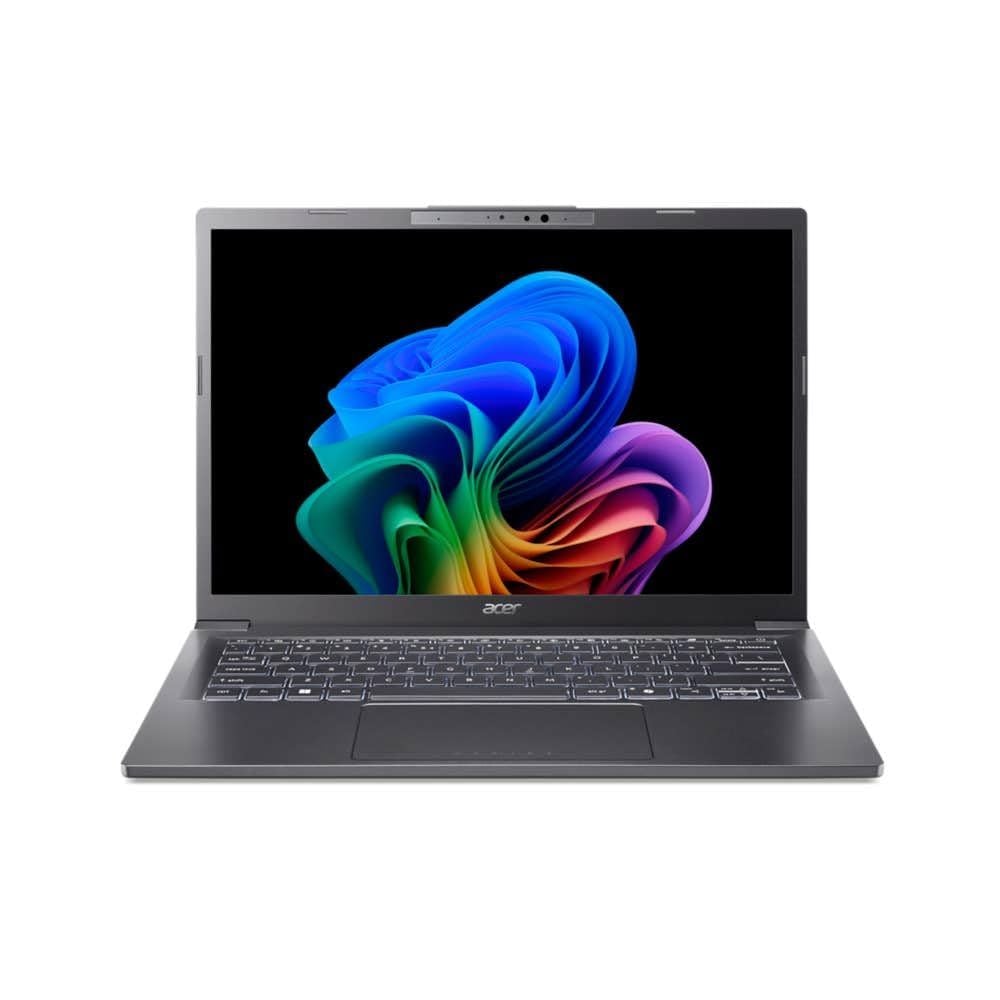
Acer Aspire 14 AI 14-inch leads our 2026 affordable laptop picks with Core Ultra performance, 16GB memory, and 1TB storage.
T
Technobezz
Editorial Team
Updated September 5, 2026Sep 5, 2026
•12 min read

Get Deals Like These in Your Inbox
The best prices, checked by our editors.
The Acer Aspire 14 AI 14-inch is the best overall pick because it pairs an Intel Core Ultra 7 256V processor with 16GB onboard memory, a 1TB NVMe SSD, and a practical 14-inch IPS display.
This list also covers big-screen Windows productivity, strict-budget basics, ChromeOS, affordable gaming, and a mainstream Mac for buyers who want current hardware.
At a Glance
| Category | Product | Why We Picked It |
|---|---|---|
| Best overall | Acer Aspire 14 AI 14-inch | Balanced Core Ultra hardware, 16GB memory, and 1TB storage in a portable Windows laptop |
| Best value for big-screen productivity | ASUS Vivobook 16 M1607KA-DS76 | A 16-inch 16:10 Windows laptop with Ryzen AI 7, 16GB RAM, and 1TB storage |
| Lowest-cost Windows pick | Acer Aspire Lite 15 AL15-36P-C0M7 | A new Windows laptop with an SSD for basic web and school tasks |
| Best Chromebook 2-in-1 | Lenovo Chromebook Plus 2-in-1 14-inch | A touchscreen convertible with sensible ChromeOS memory and storage |
| Best affordable gaming laptop | Acer Nitro V 16 AI ANV16-61-R2QY | Current RTX 5060 graphics and a fast 180Hz display |
| Best mainstream MacBook Air | Apple MacBook Air M5 13-inch | A current M5 MacBook Air with 16GB memory and 512GB storage |
How we chose
Selection starts with the job each laptop handles best: everyday Windows work, large-screen productivity, basic budget use, ChromeOS, gaming, and macOS. Windows and macOS picks get priority for 16GB memory, solid-state storage, practical displays, and processors that match everyday multitasking. The Chromebook slot rewards ChromeOS fit, touchscreen flexibility, and sensible 8GB memory with 256GB storage. The gaming slot requires a discrete GPU and a fast display, while the strict-budget slot favors a new Windows configuration with SSD storage for basic tasks.
The best affordable laptops right now
Acer Aspire 14 AI 14-inch - Best overall
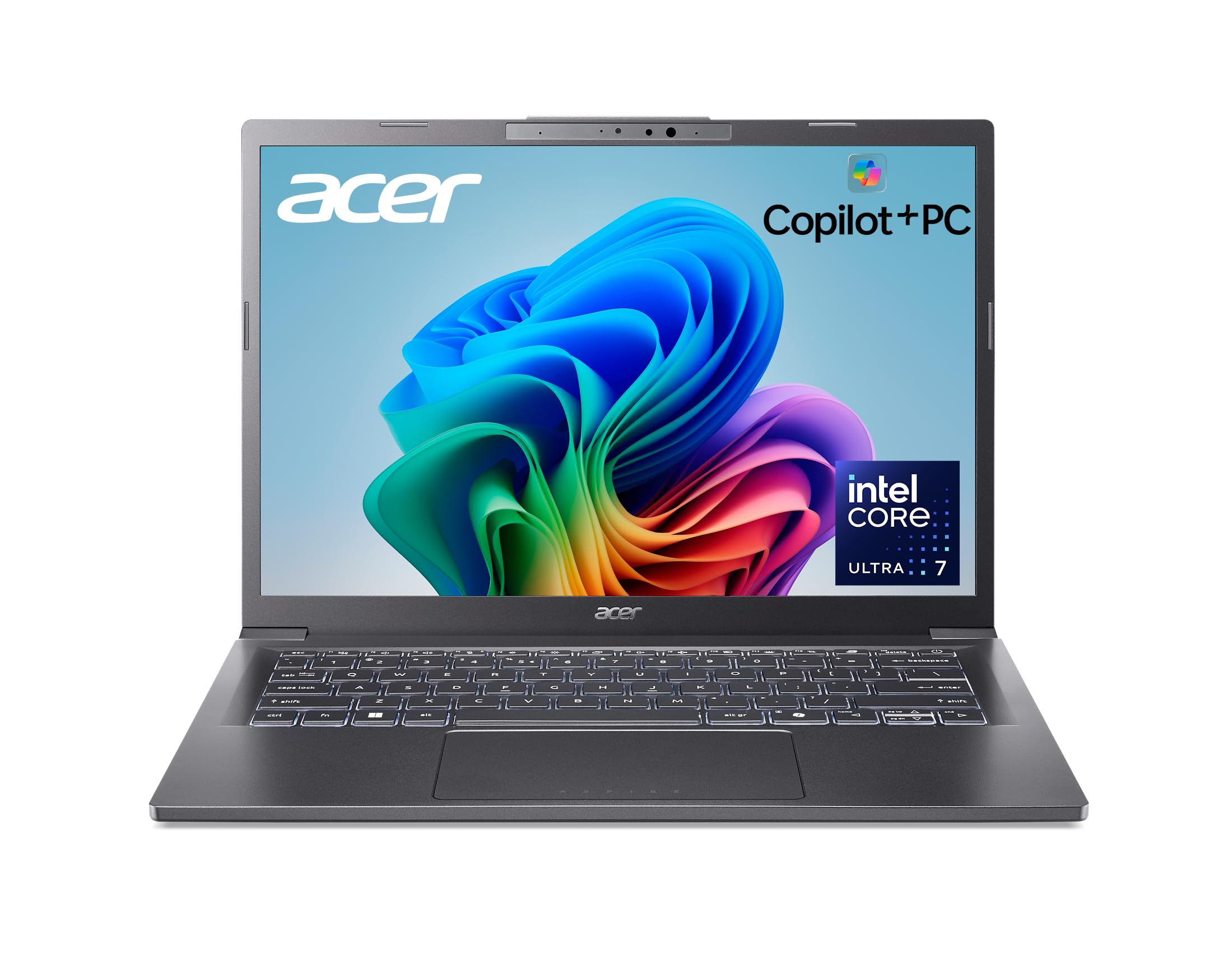
Acer gives the Aspire 14 AI the strongest everyday balance in this group: Intel Core Ultra 7 256V performance, 16GB onboard memory, and a 1TB NVMe SSD in a 14-inch Windows machine.
The IPS display is practical rather than premium, but the overall package is built for school, work, travel, browser-heavy days, and Office-style productivity. It also brings Copilot+ PC hardware and a useful port mix for a thin 14-inch laptop.
Key highlights
- Intel Core Ultra 7 256V processor
- 16GB onboard memory
- 1TB NVMe SSD
- 14-inch IPS display
- Copilot+ PC platform
Pros
- Strong everyday performance for the price
- Modern Copilot+ PC hardware with efficient Intel Lunar Lake chip
- 16GB RAM and 1TB SSD are generous in this price band
- Good port mix for a thin 14-inch Windows laptop
Cons
- Display is practical rather than premium
- Not a gaming laptop despite improved integrated graphics
- Near the top of the affordable price range
- A newer Aspire 14 AI Series 3 generation has been announced for North American availability in Q3 2026
Who it's for
Choose this for a current Core Ultra Series 2 configuration that can handle school, work, travel, and everyday Windows use.
Skip if
Look elsewhere for OLED, a discrete GPU, or the lowest possible upfront cost.
ASUS Vivobook 16 M1607KA-DS76 - Best value for big-screen productivity
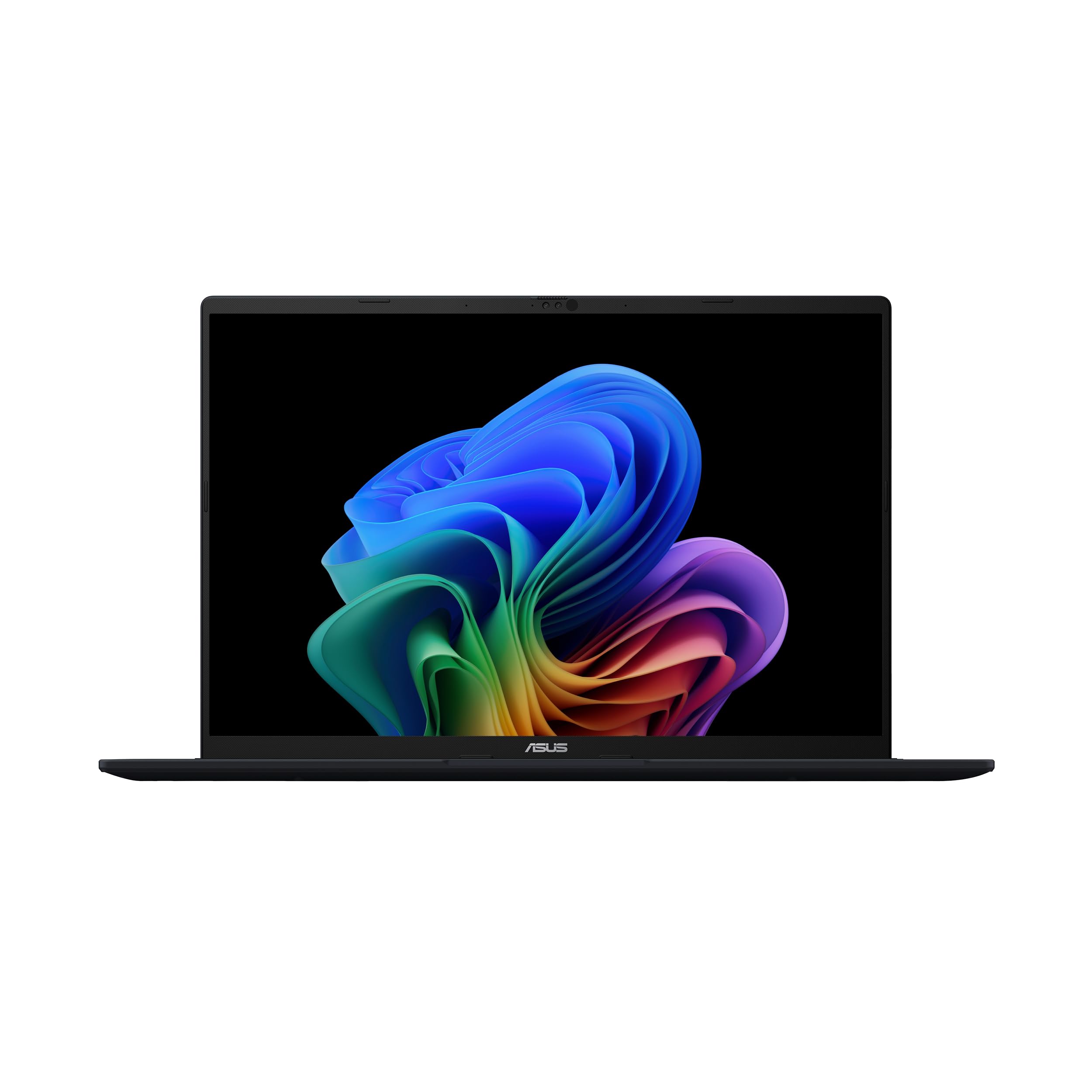
A larger screen changes everyday productivity, and the ASUS Vivobook 16 leans into that. Its 16-inch WUXGA 1920 x 1200 panel uses a 16:10 shape, so documents, spreadsheets, and browser windows have more vertical room.
The Ryzen AI 7 350 and Copilot+ PC platform make this 2025 M1607KA configuration a lower-priced big-screen Windows value. With 16GB RAM, a 1TB PCIe 4.0 SSD, and integrated AMD Radeon graphics, it is aimed at work, study, streaming, and multitasking rather than fast gaming.
Key highlights
- AMD Ryzen AI 7 350 with NPU rated up to 50 TOPS
- 16GB RAM
- 1TB PCIe 4.0 SSD
- 16-inch WUXGA 1920 x 1200 16:10 60Hz display
- Copilot+ PC with integrated AMD Radeon graphics
Pros
- 2025 M1607KA Copilot+ PC configuration with Ryzen AI 7 350
- 16GB RAM and 1TB SSD suit mainstream productivity
- Large 16:10 WUXGA screen gives documents and browser windows more room
- Ryzen AI 7 350 is a substantial step up from older budget Vivobook chips
Cons
- Costs more than entry-level affordable laptops
- 60Hz display is built for productivity rather than fast gaming
- Integrated graphics are not a substitute for a gaming laptop
- ASUS now also sells a newer M1607GA configuration with Ryzen AI 7 445 at a higher price
Who it's for
This suits buyers who want the lower-priced 2025 M1607KA configuration with a large screen, 16GB RAM, 1TB storage, and Copilot+ PC hardware.
Skip if
Choose a different laptop for the lowest upfront cost, a smaller travel footprint, or discrete gaming graphics.
Acer Aspire Lite 15 AL15-36P-C0M7 - Lowest-cost Windows pick
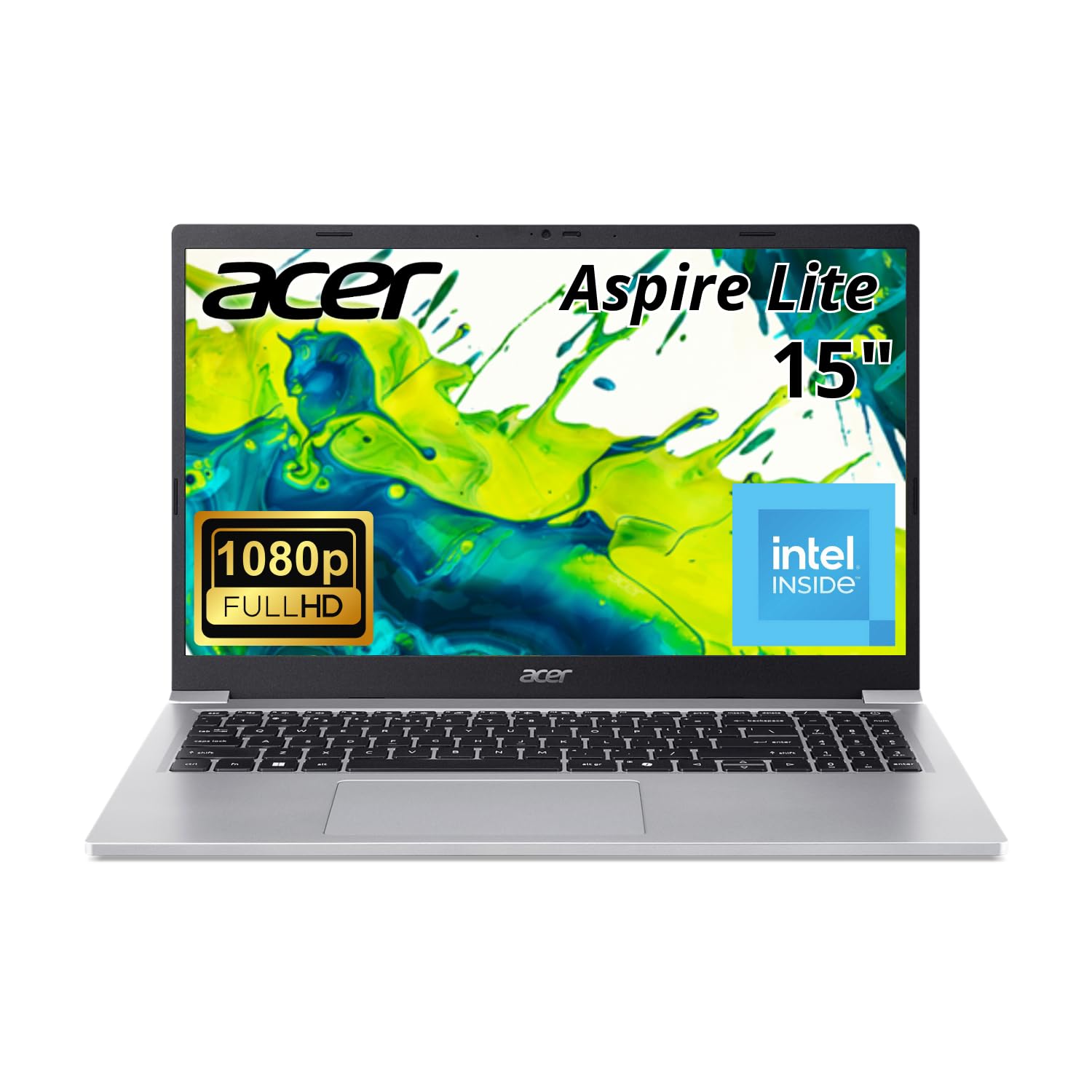
Strict-budget buying is about avoiding the wrong compromise. The Acer Aspire Lite 15 keeps the formula simple with an Intel N150 processor, 4GB RAM, and a 128GB SSD in the linked Windows configuration.
The 15.6-inch laptop display is basic, matching the rest of the package. This is a light-duty machine for web browsing, email, streaming, and basic schoolwork, not heavy multitasking, creative apps, coding environments, or games.
Key highlights
- Intel N150 processor
- 4GB RAM in the linked configuration
- 128GB SSD in the linked configuration
- 15.6-inch laptop display
- Windows laptop configuration
Pros
- Lowest-priced new Windows option in this lineup at revalidation
- New rather than renewed
- 128GB SSD is preferable to 64GB eMMC in this class
- Simple fit for web and basic schoolwork
Cons
- 4GB RAM is restrictive
- Intel N150 is for light tasks only
- Display details and build are basic
Who it's for
This fits basic web, email, streaming, and light school tasks on a strict new-laptop budget.
Skip if
Move up for heavy multitasking, creative apps, coding environments, or gaming.
Lenovo Chromebook Plus 2-in-1 14-inch - Best Chromebook 2-in-1
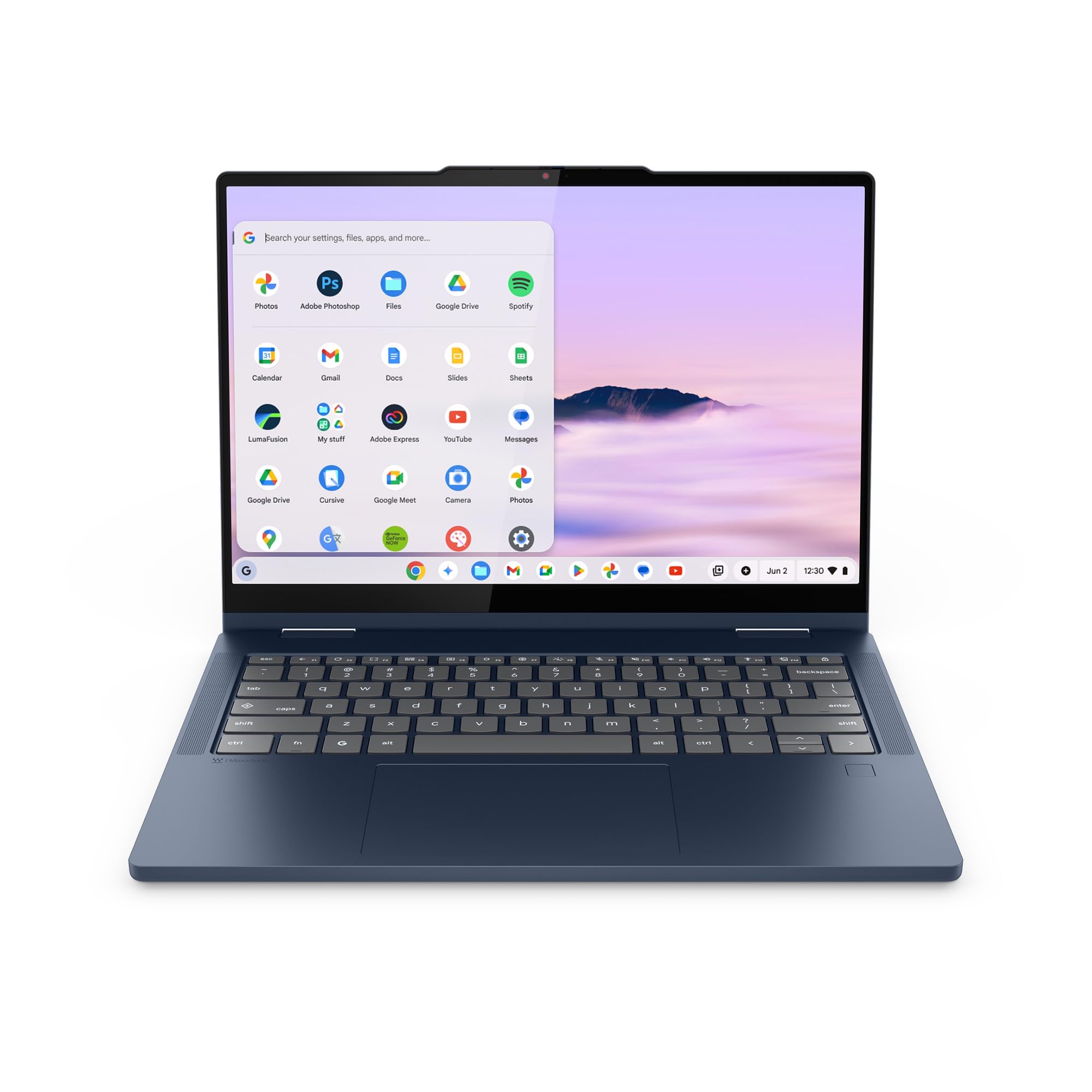
Lenovo's Chromebook Plus 2-in-1 is the ChromeOS choice for buyers who want touch and flexibility built in. The convertible design shifts between laptop, tent, and tablet modes, and the 14-inch WUXGA IPS touchscreen is a clear step above bargain HD panels.
ChromeOS runs best when the workload lives in the browser and web apps. Here, Intel Core 3 N355, 8GB RAM, and 256GB UFS storage give this Lenovo a sensible spec floor for Google Workspace, Android apps, streaming, and web tools.
Key highlights
- Intel Core 3 N355 processor
- 8GB RAM
- 256GB UFS storage
- 14-inch WUXGA IPS touchscreen
- Convertible laptop, tent, and tablet modes
Pros
- Useful 2-in-1 touchscreen design
- 8GB memory and 256GB storage are sensible for ChromeOS
- WUXGA IPS panel is more practical than bargain HD screens
- Current Chromebook Plus feature set
Cons
- ChromeOS cannot replace every Windows or macOS app
- More expensive than a basic Chromebook
- Integrated graphics are not for local PC games
Who it's for
This fits buyers whose work lives in Chrome, Google Workspace, Android apps, and web tools and who want a touchscreen convertible.
Skip if
Choose Windows or macOS for required desktop software or desktop-class creative applications.
Acer Nitro V 16 AI ANV16-61-R2QY - Best affordable gaming laptop
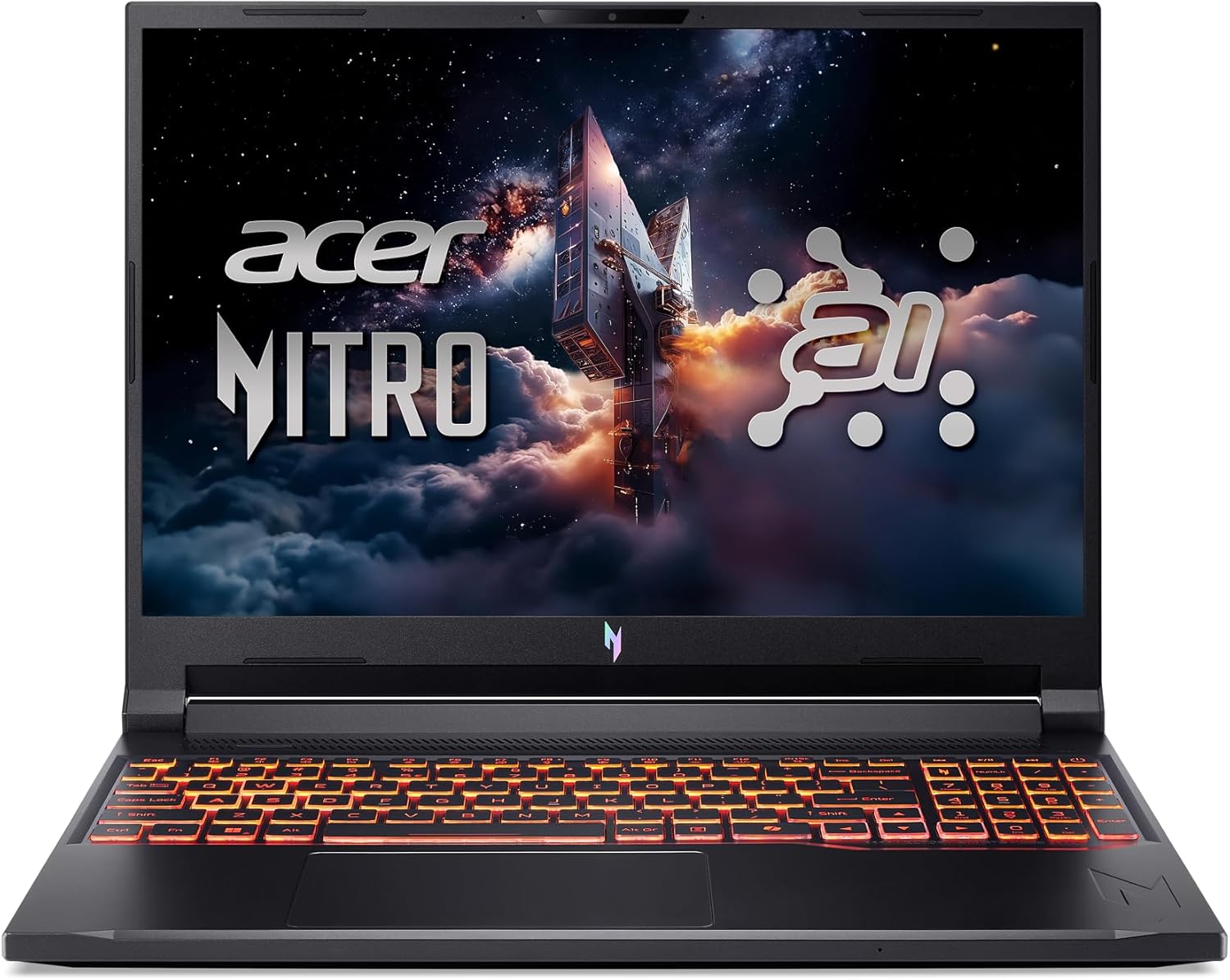
Gaming is the point of the Acer Nitro V 16 AI. The NVIDIA GeForce RTX 5060 Laptop GPU gives it a different role from the integrated-graphics laptops in this guide, with much stronger gaming performance.
Acer pairs that GPU with an AMD Ryzen AI 5 340, 16GB DDR5 memory, a 512GB PCIe Gen 4 SSD, and a 16-inch WUXGA IPS display at 180Hz. Expect the normal gaming-laptop tradeoffs: less quiet battery-powered productivity, more fan noise, and lower portability than the non-gaming picks.
Key highlights
- AMD Ryzen AI 5 340 processor
- NVIDIA GeForce RTX 5060 Laptop GPU with 8GB GDDR7
- 16GB DDR5 memory
- 32GB maximum memory
- 512GB PCIe Gen 4 SSD
- 16-inch WUXGA 1920 x 1200 IPS display at 180Hz
Pros
- Current RTX 5060 graphics
- Fast 180Hz screen
- 16GB DDR5 memory is usable out of the box
- Much stronger gaming performance than integrated graphics
Cons
- Costs more than general-purpose affordable laptops
- 512GB of storage is tight for a large game library
- Battery life, fan noise, and portability trail non-gaming picks
Who it's for
This fits buyers who want affordable gaming with current RTX 5060 graphics, a 180Hz screen, and 16GB of DDR5 memory out of the box.
Skip if
Choose a non-gaming laptop when quiet battery-powered productivity matters more than local PC games.
Apple MacBook Air M5 13-inch - Best mainstream MacBook Air

Apple's M5 MacBook Air is the Mac option for shoppers who want current Apple hardware. The 13-inch model combines Apple M5, 16GB unified memory, and a 512GB SSD.
The 13.6-inch Liquid Retina display, Wi-Fi 7, and silent fanless design make it a practical mainstream macOS laptop. Its limits are clear too: two Thunderbolt or USB-C ports, no memory or storage upgrades, and a higher cost than Windows budget laptops.
Key highlights
- Apple M5 processor
- 16GB unified memory
- 512GB SSD
- 13.6-inch Liquid Retina display
- Wi-Fi 7
Pros
- Current M5 generation
- Light, silent fanless design
- 16GB memory and 512GB storage are practical for mainstream use
- Excellent battery-life class
Cons
- Still expensive relative to Windows budget laptops
- Only two Thunderbolt or USB-C ports
- Memory and storage cannot be upgraded
Who it's for
This fits buyers who want a current 13-inch MacBook Air with M5, 16GB unified memory, and 512GB storage.
Skip if
Choose another option for Windows software, gaming graphics, or upgradeable components.
How to Choose
- Start at 16GB RAM. For Windows and macOS in 2026, 16GB is the target for browser tabs, video calls, Office apps, and longer ownership. Treat 8GB as a compromise for Chromebooks or the cheapest basic Windows laptops.
- Do not overbuy the processor. Modern laptop processors improve battery life and multitasking, but basic web and school work does not need the strongest CPU. Spend first on RAM, SSD, and display before chasing processor names.
- Check storage carefully. 128GB belongs on cloud-first machines. Choose at least 256GB for Windows; move to 512GB or 1TB if you store photos, videos, games, or offline school and work files.
- Match the OS to your apps. ChromeOS is best for low-maintenance web use, macOS fits Apple ecosystem buyers, and Windows has the broadest app and peripheral support. Check specialty software and drivers before changing platforms.
- Screen quality beats size alone. A sharp 14-inch 1920 x 1200 or 2K panel beats a cheap 15.6-inch screen for daily reading and document work. OLED looks richer; matte IPS handles bright rooms well and avoids OLED burn-in concerns.
- Gaming requires a real GPU. Integrated graphics suit streaming, schoolwork, and light games. For modern PC games, choose a discrete GPU and expect tradeoffs in battery life, heat, and weight.
How much RAM should an affordable laptop have in 2026?
Choose 16GB for Windows and macOS when the laptop is meant to last. Use 8GB for Chromebooks or very low-cost Windows laptops built mainly for browsing, documents, and streaming.
When is ChromeOS the better choice?
ChromeOS is the right fit when the work stays in Chrome, Google Workspace, Android apps, PDFs, streaming, and web tools. Pick Windows or macOS for required desktop software.
How much storage is enough for a budget laptop?
128GB works for cloud-first use. Windows buyers should treat 256GB as the practical floor, while 512GB or 1TB is better for photos, videos, games, and offline files.
Does a bigger screen automatically make a better laptop?
No. Screen quality matters more than size alone. A sharper 14-inch 1920 x 1200 or 2K panel is better for daily reading than a cheap 15.6-inch display.
What makes a budget gaming laptop different from a regular budget laptop?
A gaming laptop needs a discrete GPU and a faster display. Regular budget laptops with integrated graphics are better for schoolwork, streaming, light games, and cloud gaming.
Published July 31, 2026 Last updated September 5, 2026
Share this article
More in News
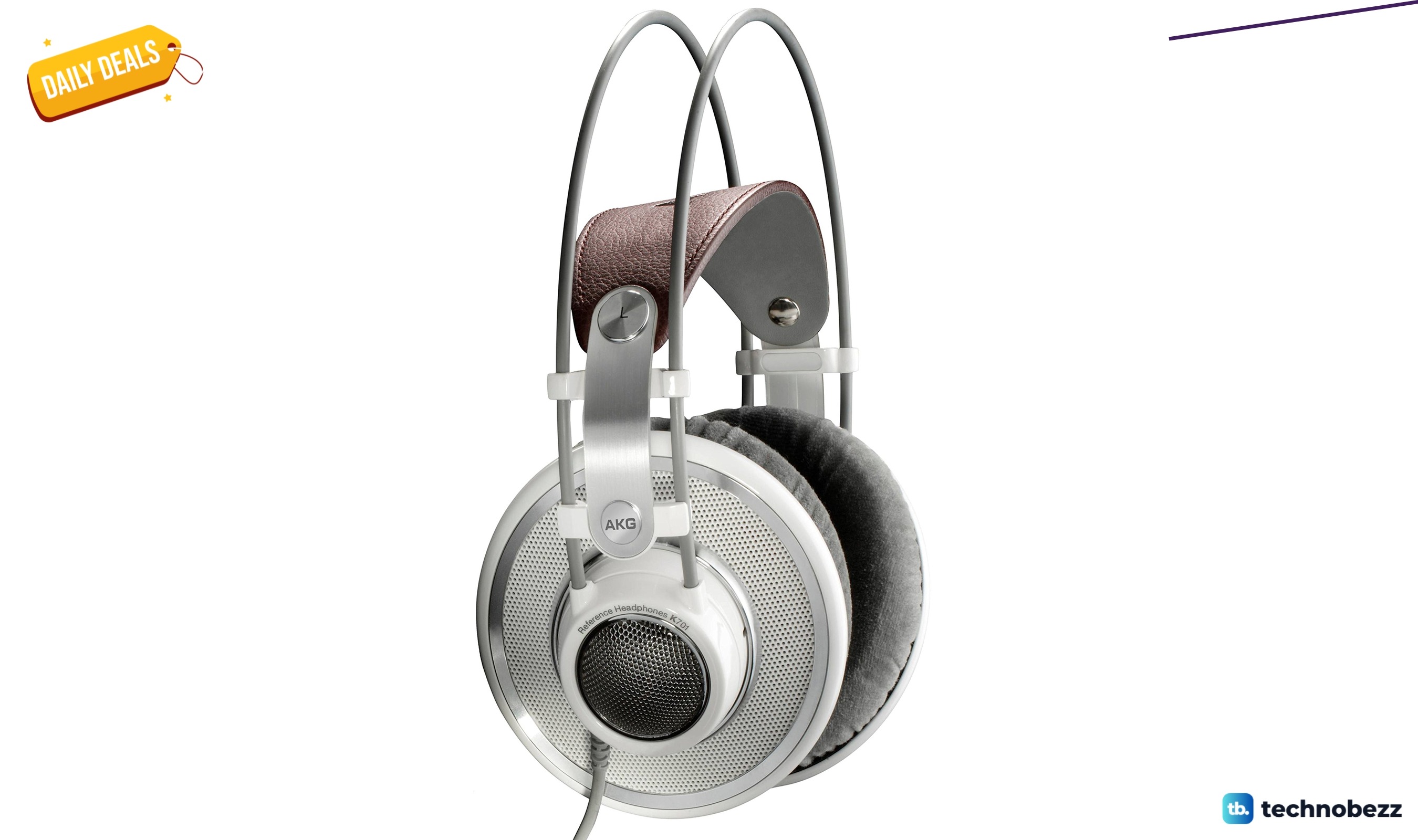
AKG K 701 Ultra Reference Class Stereo discounted to $247.37
AKG K 701 headphones drop to $247.37 on Amazon, a 47% discount that sits below recent 30, 90, and 180-day average prices.
5 min read
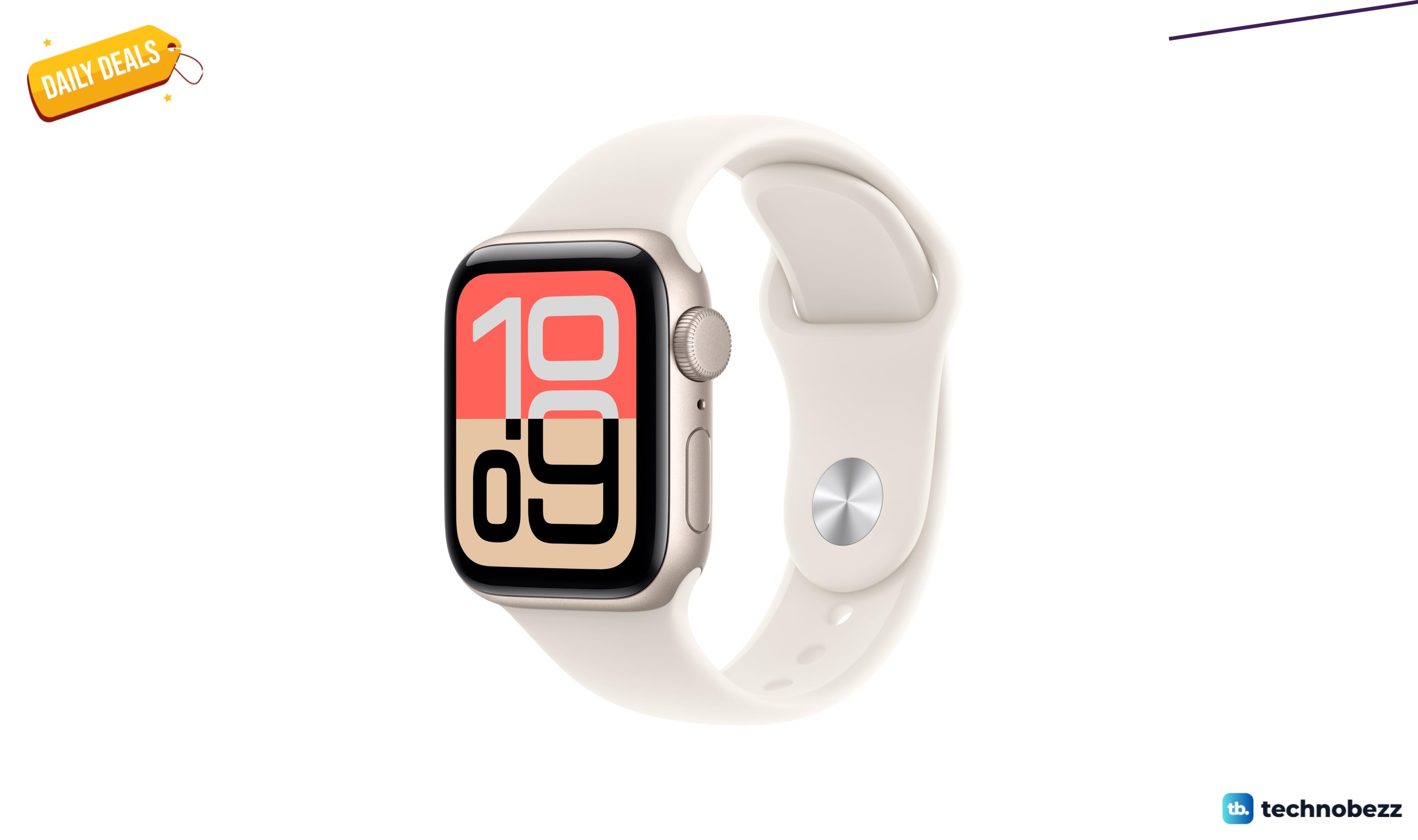
Apple Watch SE 3 GPS 40mm Smartwatch discounted to $189.97
Save $59.03 on the Apple Watch SE 3 GPS 40mm at Amazon, matching its lowest recorded price with health and sleep tracking.
5 min read
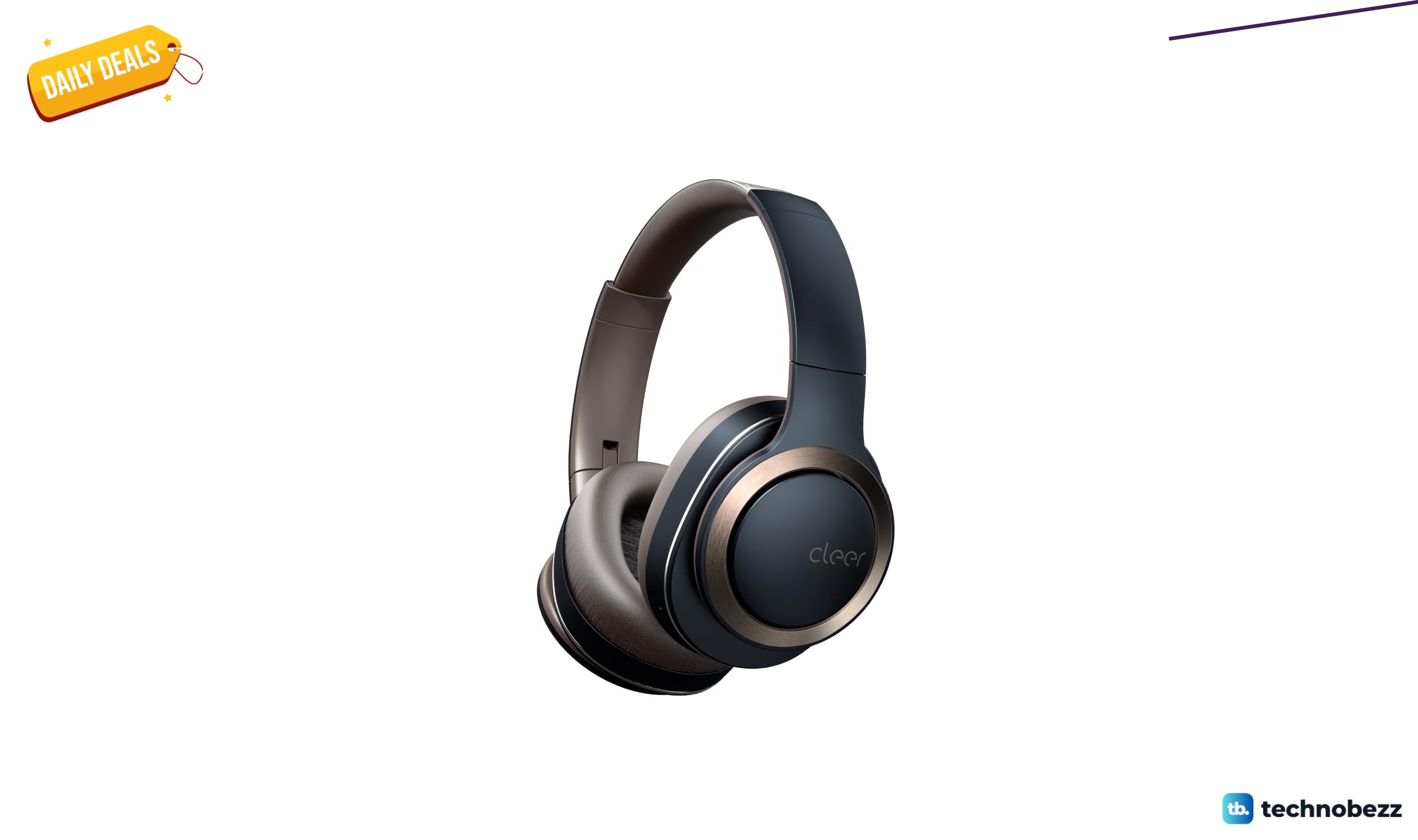
Cleer Audio Enduro ANC Noise Canceling Headphones price drops to $94.99
Save 47% on Cleer Audio Enduro ANC headphones at $94.99, with 60-hour battery, active noise cancellation, and multipoint Bluetooth.
3 min read

Lenovo coupon codes and deals
Browse 5 current Lenovo offers, including 3 coupon codes and 2 online deals.
5 min read

Woot coupon codes and deals
3 min read

Samsung coupon codes and deals
5 min read

Best tech coupon codes and online deals
4 min read
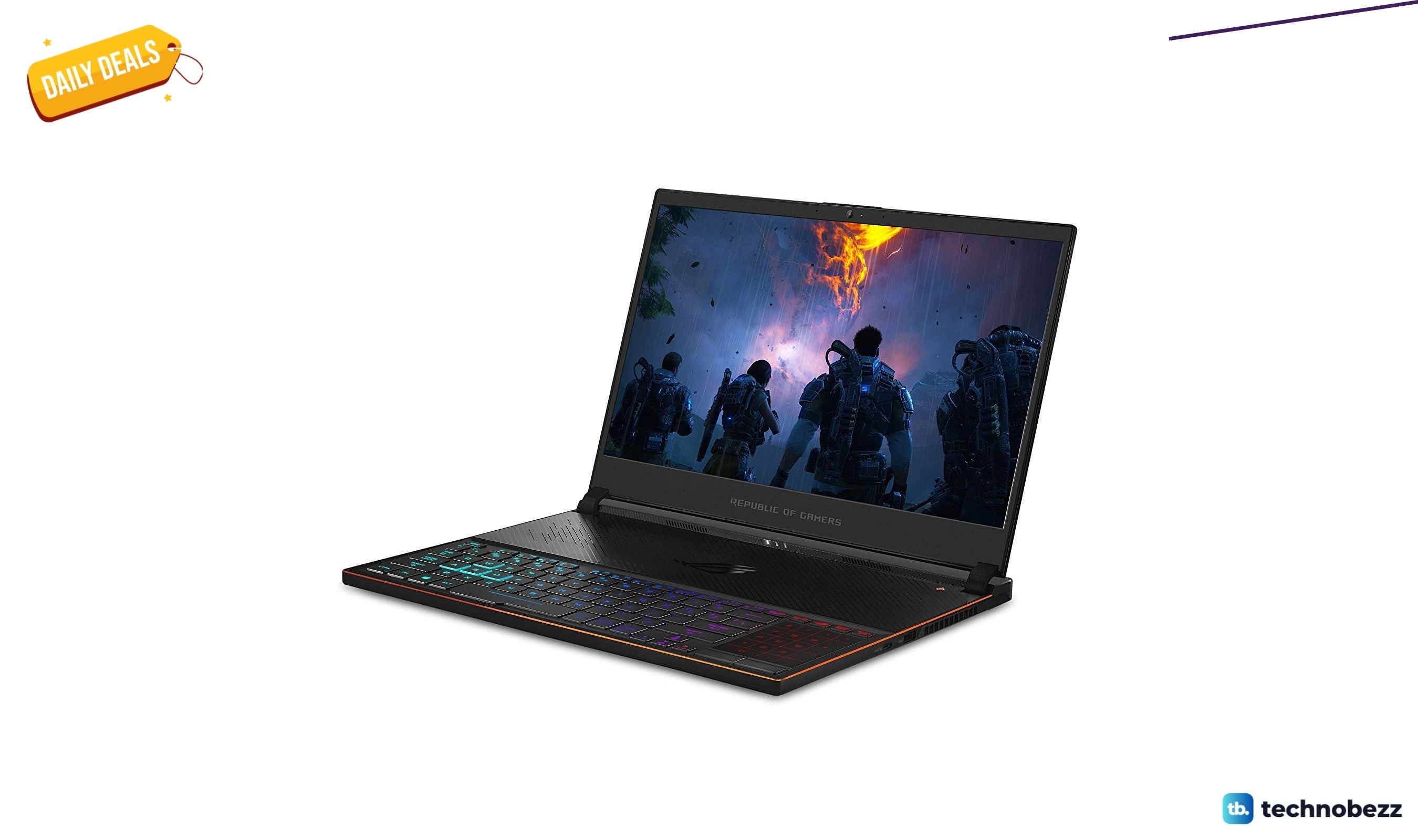
ASUS ROG Zephyrus S Ultra Slim Gaming gets a $660.95 price cut to $1338.05
5 min read
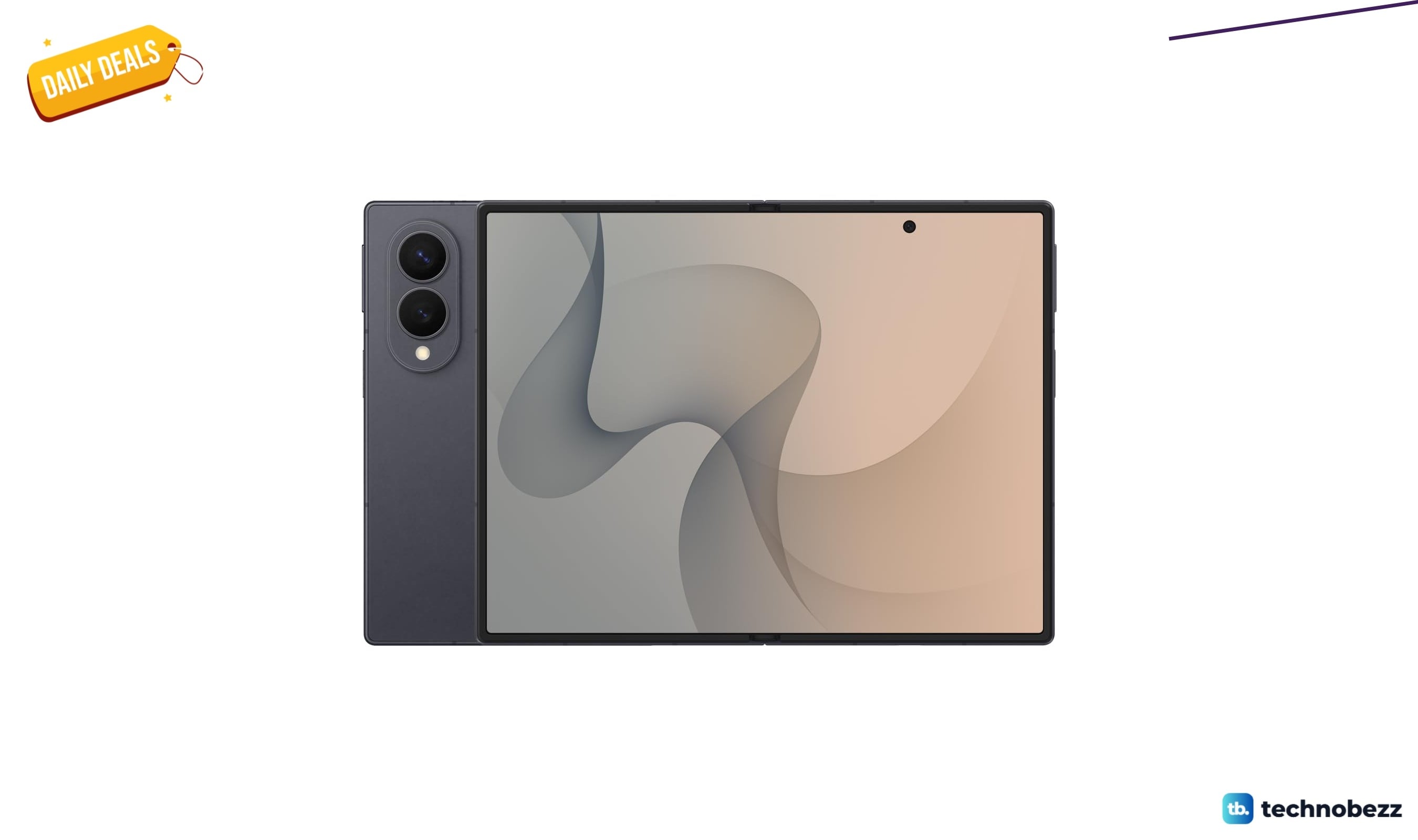
Samsung Galaxy Z Fold8 Unlocked Android Smartphone on sale for $1649.99
3 min read
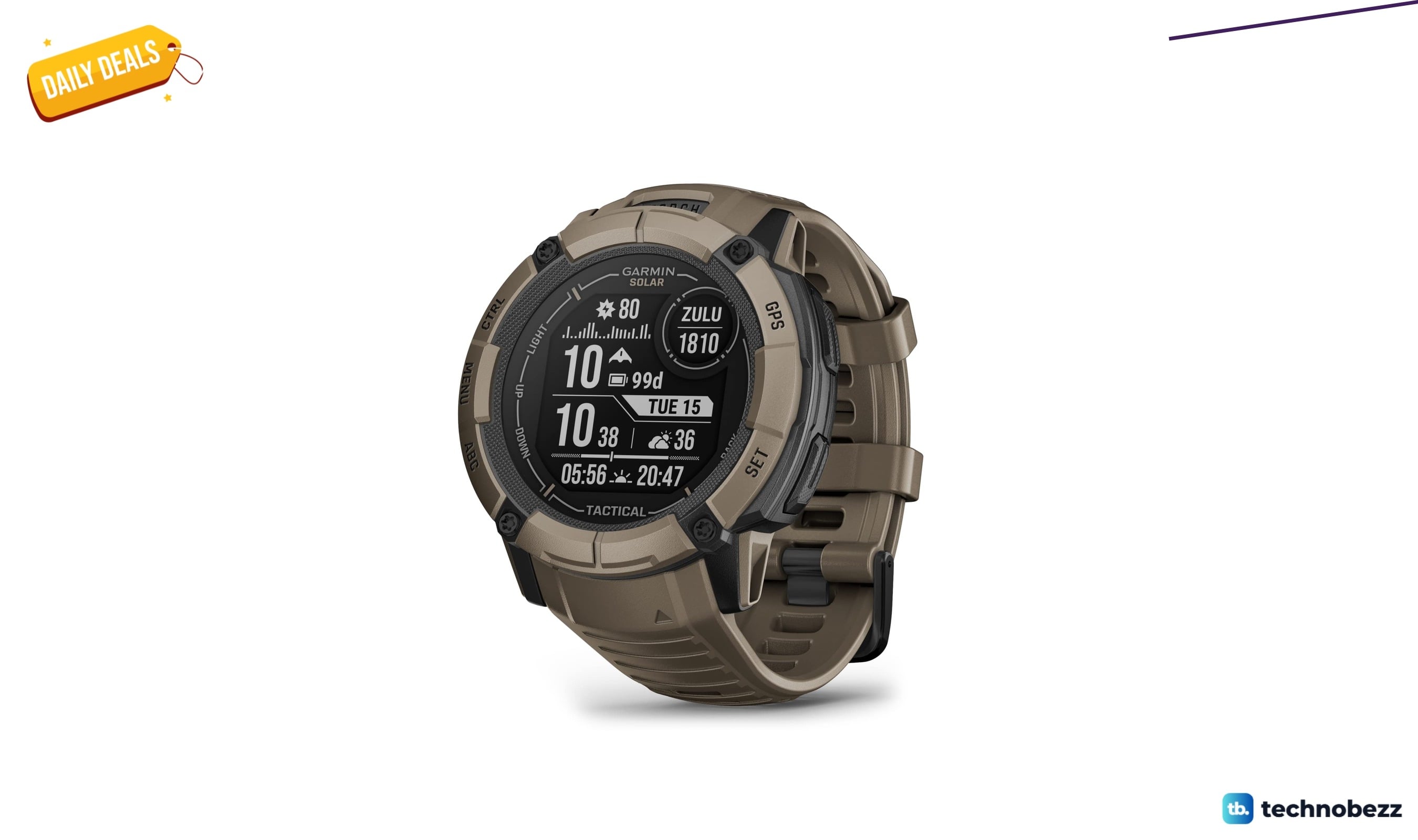
We found 2 smartwatch deals from $219.99 that are actually worth it
5 min read
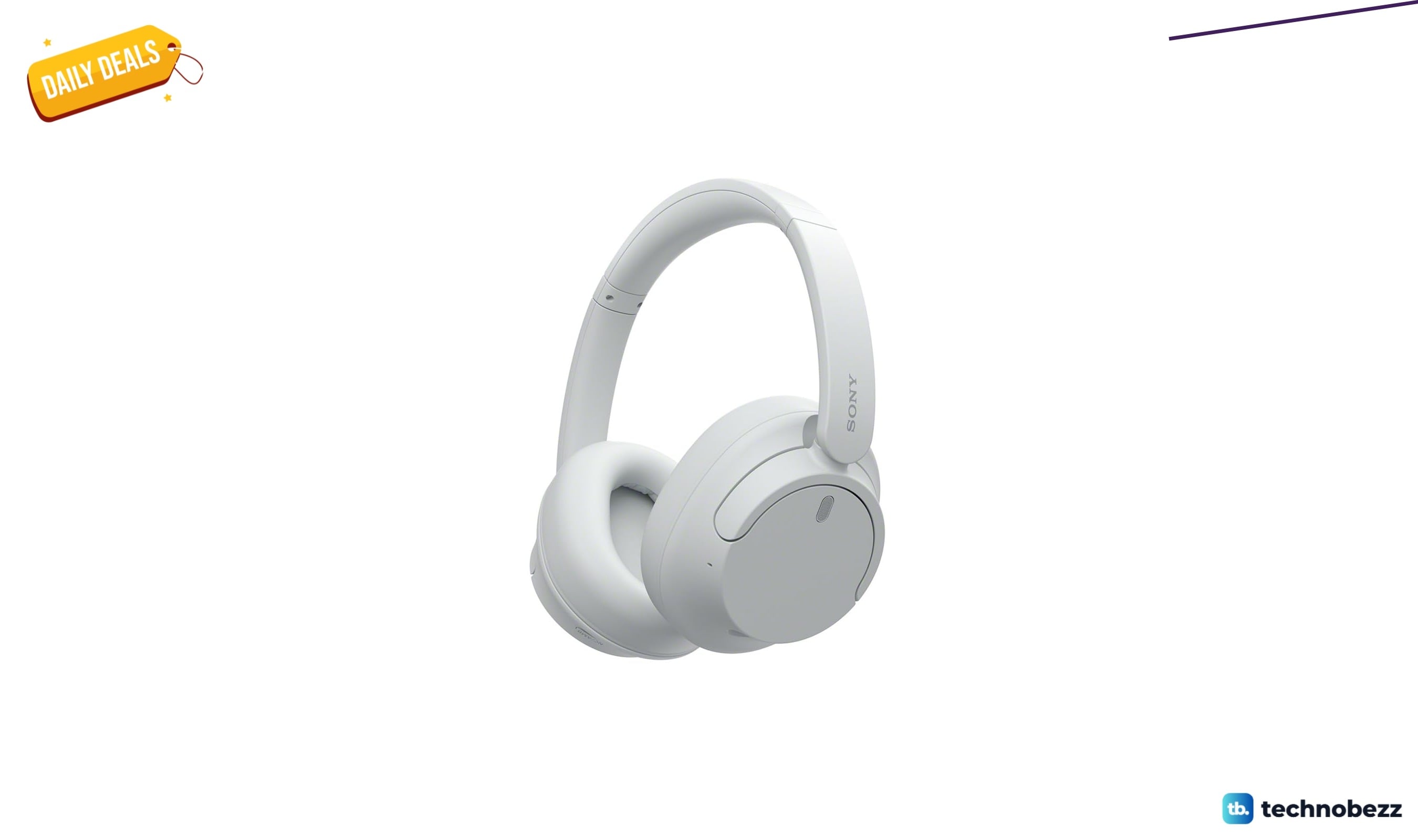
Sony WH-CH720 Noise Canceling Wireless Bluetooth Headphones now $87.94, down from $119.99
3 min read
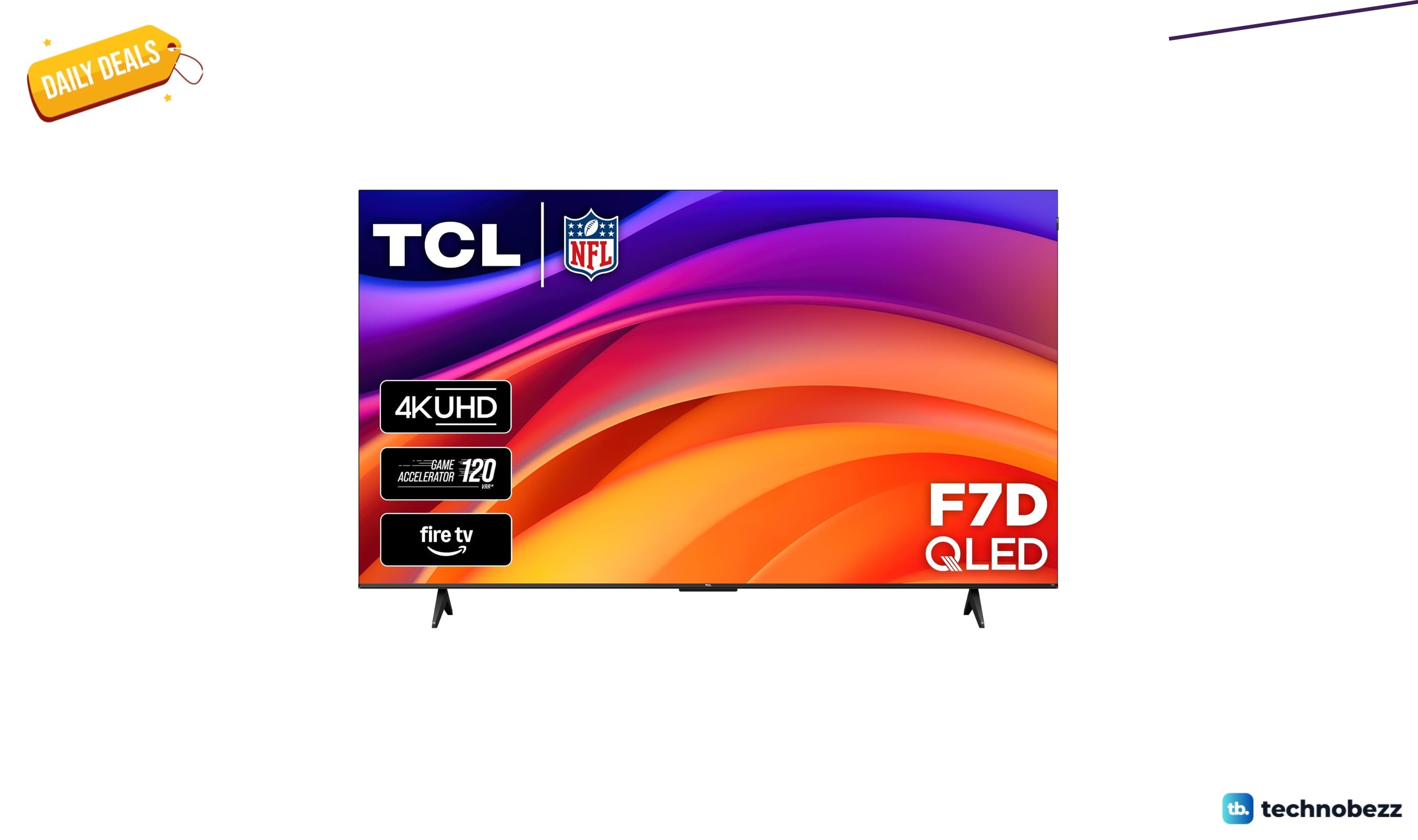
TCL 75-inch F7D QLED 4K TV leads 2 TV deals from $499.99
5 min read