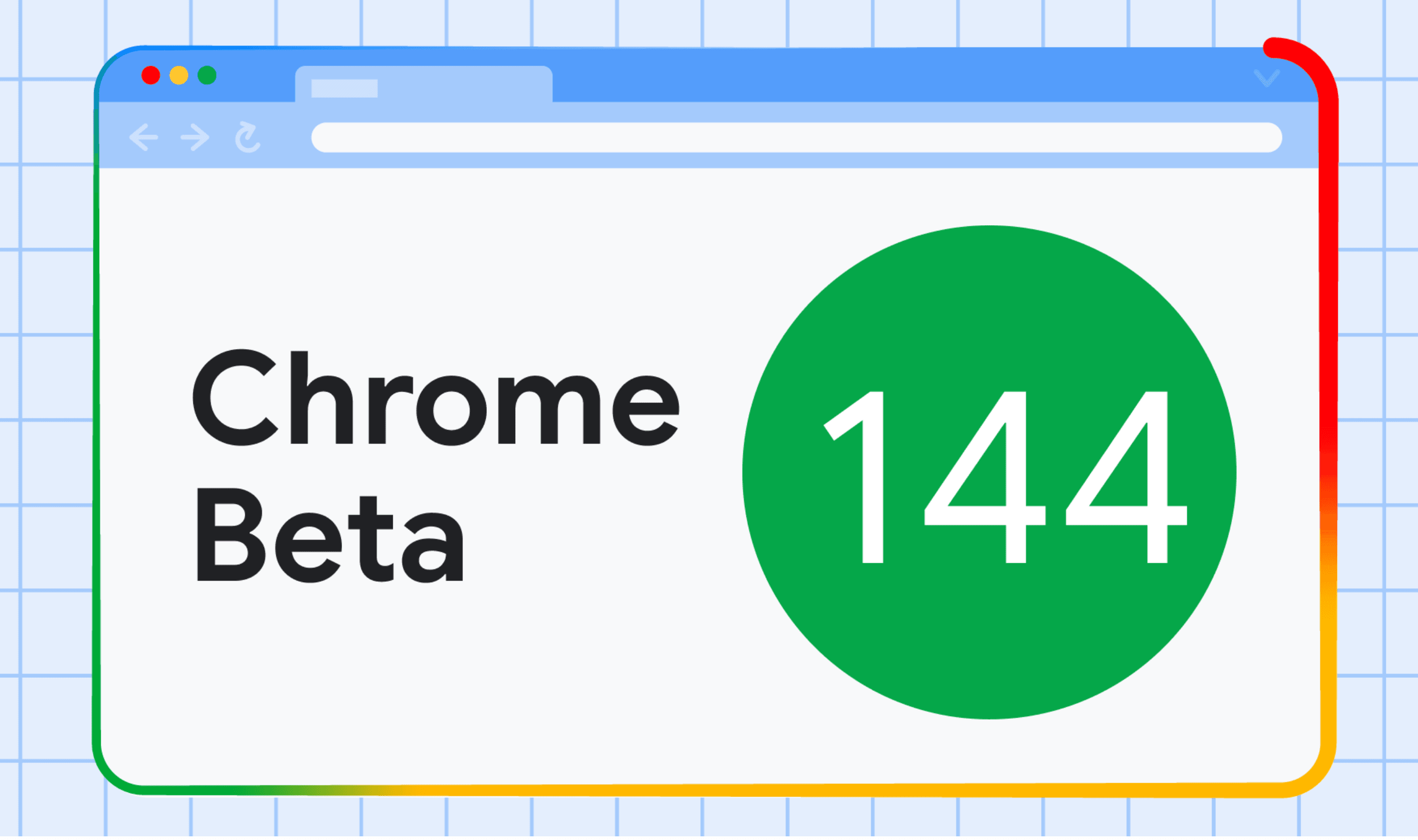
Google rolled out pinned tabs for Chrome on Android this week, bringing a desktop staple to mobile browsers. The feature arrives in Chrome version 144 after Google announced it in December 2025.
Users can now long-press any tab in the grid view and select "Pin tab" from the menu. Pinned tabs move to the top of the tab switcher and remain there after closing and reopening the browser.
Google replaced the standard close "X" icon with a pin symbol on pinned tabs. These tabs cannot be dismissed with swipe-to-close gestures, preventing accidental closures of important pages like email, dashboards, or research documents.
For users with many tabs open, Chrome displays a docked horizontal bar at the top of the tab grid. This carousel shows pinned tab favicons and page titles, allowing quick access without scrolling through dozens of cards.
The update closes a gap between desktop and mobile Chrome experiences. Google framed the feature as part of a broader push to make phones feel more like desktop computers for web multitasking.
Pinned tabs work with frequently accessed pages that users want to keep readily available.
The feature began wider distribution this week after initial testing phases last year.
Users need Chrome version 144 or later to access pinned tabs. The rollout continues gradually across Android devices globally.