
A $200 bird feeder sounds like an easy skip until you watch a bird in 4K, three feet from the lens, crunching a sunflower seed like it's on Netflix. That was me a couple of hours into owning the Kiwibit Bird Feeder 2. I kept saying "just one more bird" and ended up staying on the app for most of the afternoon.
Product
Technobezz is supported by its audience. We may get a commission from retail offers. Reviews ethics statement.
Kiwibit Bird Feeder 2 Review: This 4K Feeder Earned a Permanent Spot in the Yard
The Kiwibit Bird Feeder 2 packs a 4K UHD camera, 10,000-species AI identification, a 3W solar panel with a removable 5,200mAh battery, IP65 weatherproofing, and a 1.5L dual-compartment seed chamber…
Updated April 20, 2026Apr 20, 2026
•15 min read

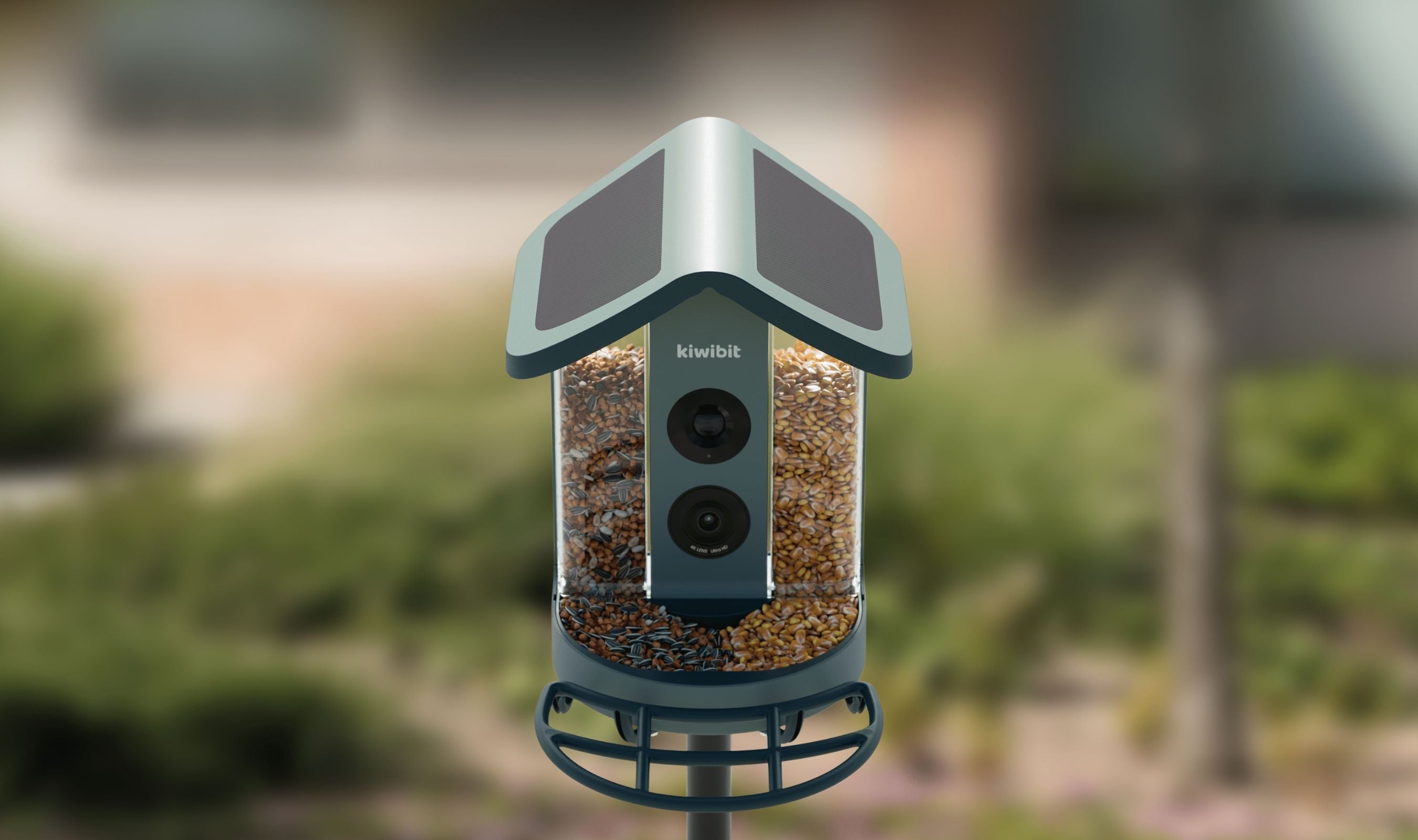
Credit: Technobezz
Get Deals Like These in Your Inbox
The best prices, reviewed weekly.
In This Review
9/ 10
Best for Anyone who wants a premium 4K smart bird feeder with solar power, 10,000-species AI identification, and set-and-forget outdoor durability
Kiwibit Bird Feeder 2 4K AI Camera with Solar Panel
Video Resolution4K UHD Live Stream
Photo Resolution8MP with HDR, auto-capture
Lens130° wide-angle, fixed focus
Night VisionIR black-and-white
AI Identification10,000+ bird species with 30-day free trial (Lifetime AI variant available)
Smart FeaturesKeyshot auto-capture, AI smart filtering, nuisance animal alert
I've been testing it in my backyard for a few weeks now, with the pole mount and the solar panel wired up. It's the first smart feeder I've used where the hardware, the app, and the AI all feel finished instead of half shipped. The camera is sharper than I expected, setup was the fastest of any smart device I've put up this year, and the AI bird identification has been accurate enough that I've stopped guessing species entirely. Here's how it held up after a few weeks of daily use.
Kiwibit Bird Feeder 2 - Best 4K Smart Bird Feeder For AI Species Identification
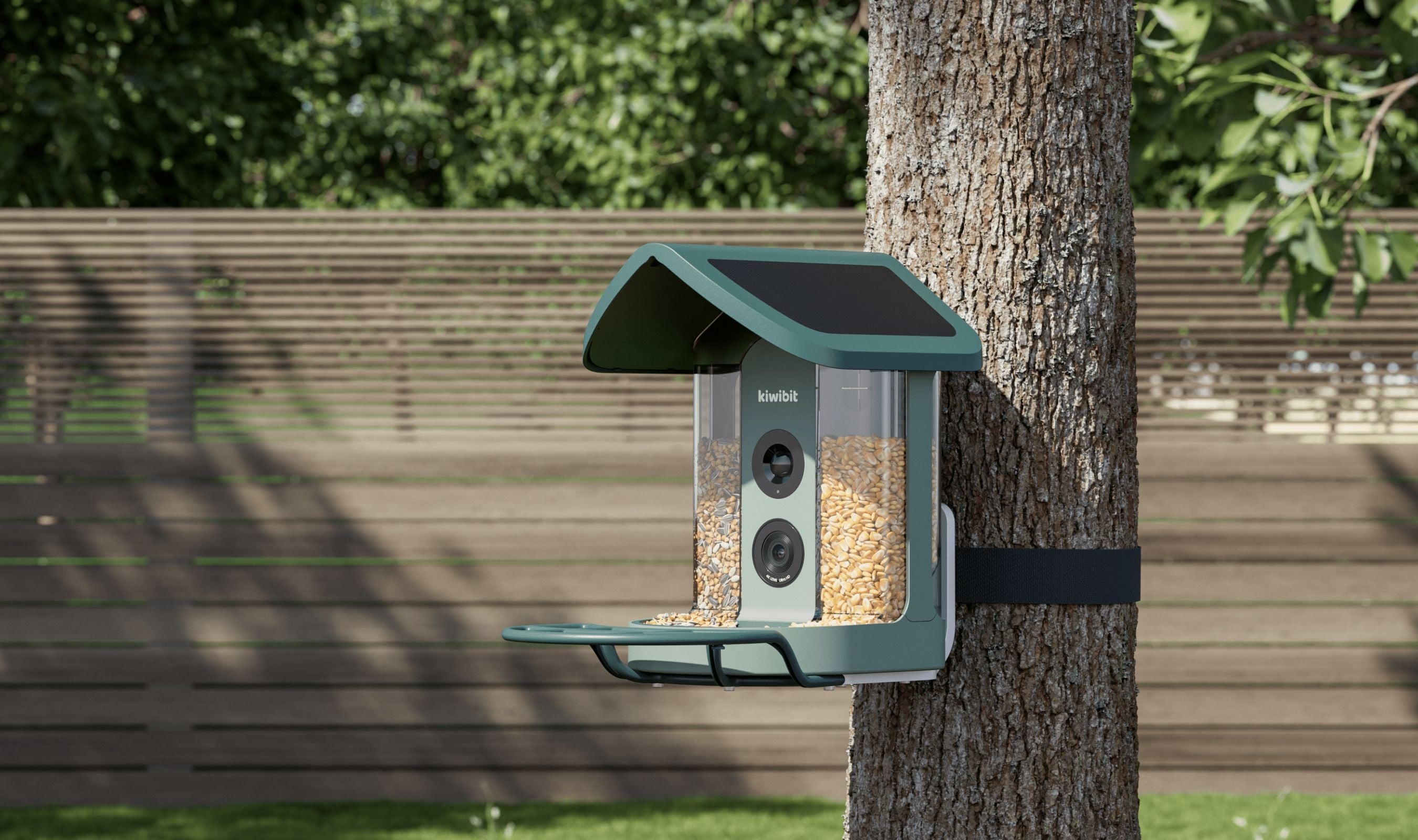
The Kiwibit is a 4K wireless bird feeder with a built-in camera, a 130-degree wide-angle lens, HDR video, IR night vision, 10,000-species AI bird identification with a 30-day free trial, a 5,200mAh removable battery paired with a 3W solar panel, IP65 weatherproofing from -4°F to 122°F, and a 1.5L dual-compartment seed chamber that lets you offer two different foods at once.
Key Highlights
- True 4K UHD live streaming with 8MP auto-captured photos
- 130-degree wide-angle lens with HDR and IR black-and-white night vision
- AI bird identification for 10,000+ species with a 30-day free trial (Lifetime AI variant available)
- Keyshot auto-capture pulls the best frame from every visit
- 3W solar panel with a removable 5,200mAh battery for set-and-forget power
- IP65 weatherproof, rated for -4°F to 122°F
- 1.5L dual-compartment seed chamber with adjustable dispensing gates
- Two-way audio with built-in speaker and microphone
- Nuisance animal alert with alarm to scare off squirrels and raccoons
- Mount options for pole, wall, or tree strap included in the box
- Detachable parts for quick cleaning and refilling
- Cloud storage free (1-day rolling) or microSD up to 512GB
- Live stream sharing with 20+ users at once
- Works with Alexa for smart-display viewing
Pros
- Setup is genuinely plug and play, a few minutes from box to first bird
- 4K video is visibly sharper than most feeders on the market
- AI identification covers 10,000+ species and stays accurate across common and rare birds
- Solar plus removable battery is truly set-and-forget for most backyards
- Dual seed chambers let you attract different species at the same feeder
- IP65 and temperature range handle real weather without babysitting
- Build quality feels premium, no flex or cheap plastic anywhere
- App is intuitive, no manual needed
- Detachable seed chamber makes refills and cleaning painless
- Nuisance animal alarm is a fun bonus for squirrel-heavy yards
- Works with 20+ shared users, great for families
Cons
- Advanced AI features require a subscription after the 30-day free trial, around $79.99 a year
- Only 2.4GHz Wi-Fi, no 5GHz option
- microSD card not included in the box
- Nuisance animal alarm volume could be louder for persistent squirrels
Who It's For
If you love birds, or you're trying to get a partner, parent, or grandparent into birdwatching, this is the feeder I'd pick first. It's also a strong fit for anyone who wants a backyard camera that actually does something every day instead of just sitting idle. If you know up front that you want to skip the yearly AI subscription, Kiwibit also sells a Lifetime AI variant of this exact feeder for a small price bump.
Skip if
Skip this one if your yard has aggressive bears or you need to take the feeder down nightly. The Kiwibit is designed to live outside full time, and while it's easy to dismount, the solar setup assumes it stays put. If you'd rather own the AI features permanently than pay a yearly fee, the Lifetime AI variant of the same feeder is worth the small premium. If you want a hummingbird-only setup, look at a dedicated hummingbird feeder instead.
Setup Was the Fastest Part
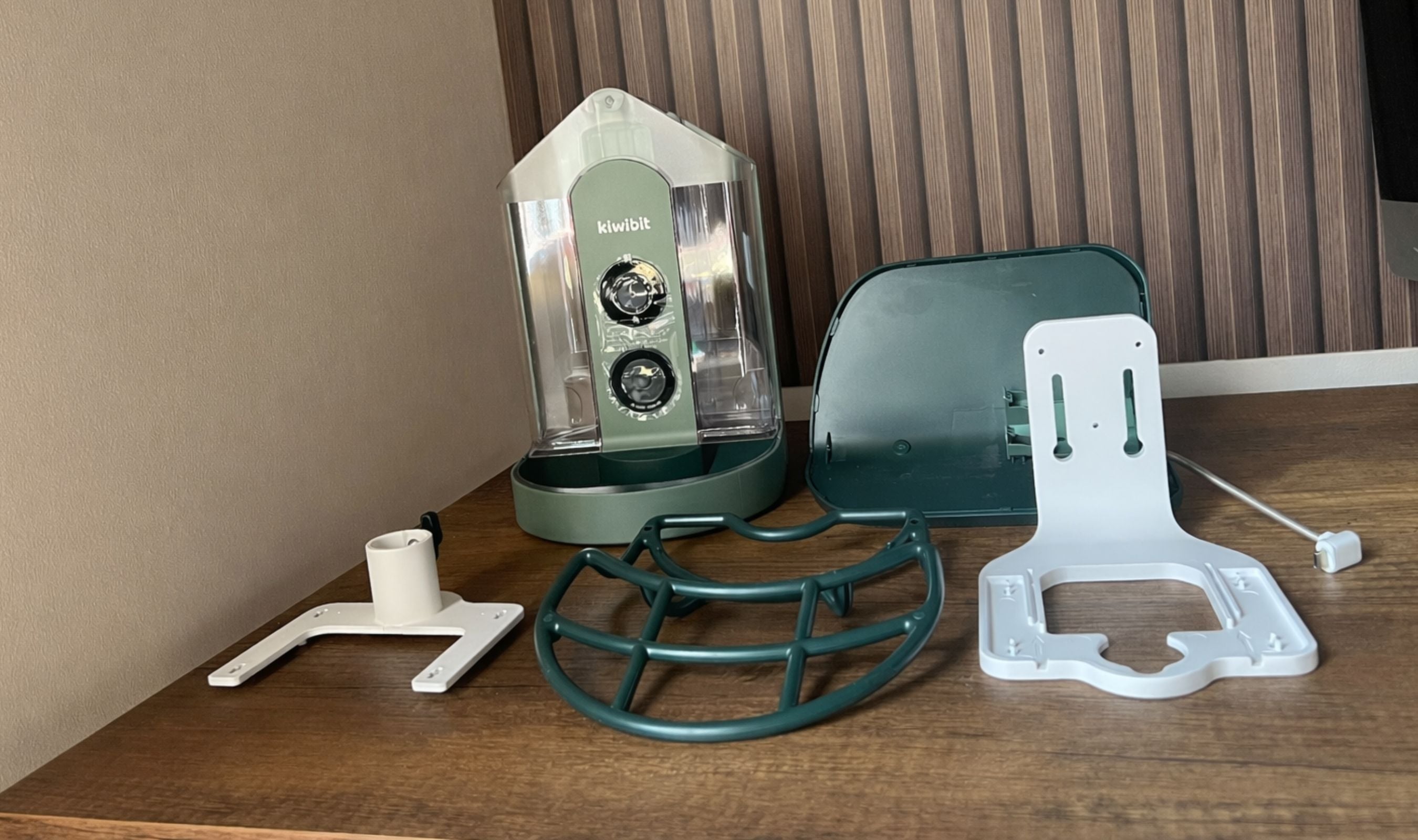
The box has the feeder, the separate solar panel, a battery that ships pre-installed with a pull-tab film, a perch, a drill positioning sticker, three mounting kits (wall, pole, tree strap), a screw pack, and a short USB-C cable for charging the battery if the sun isn't cooperating. No SD card, which is the one thing I'd add to every box at this price, but a 256GB card is cheap and it's a one-time purchase.
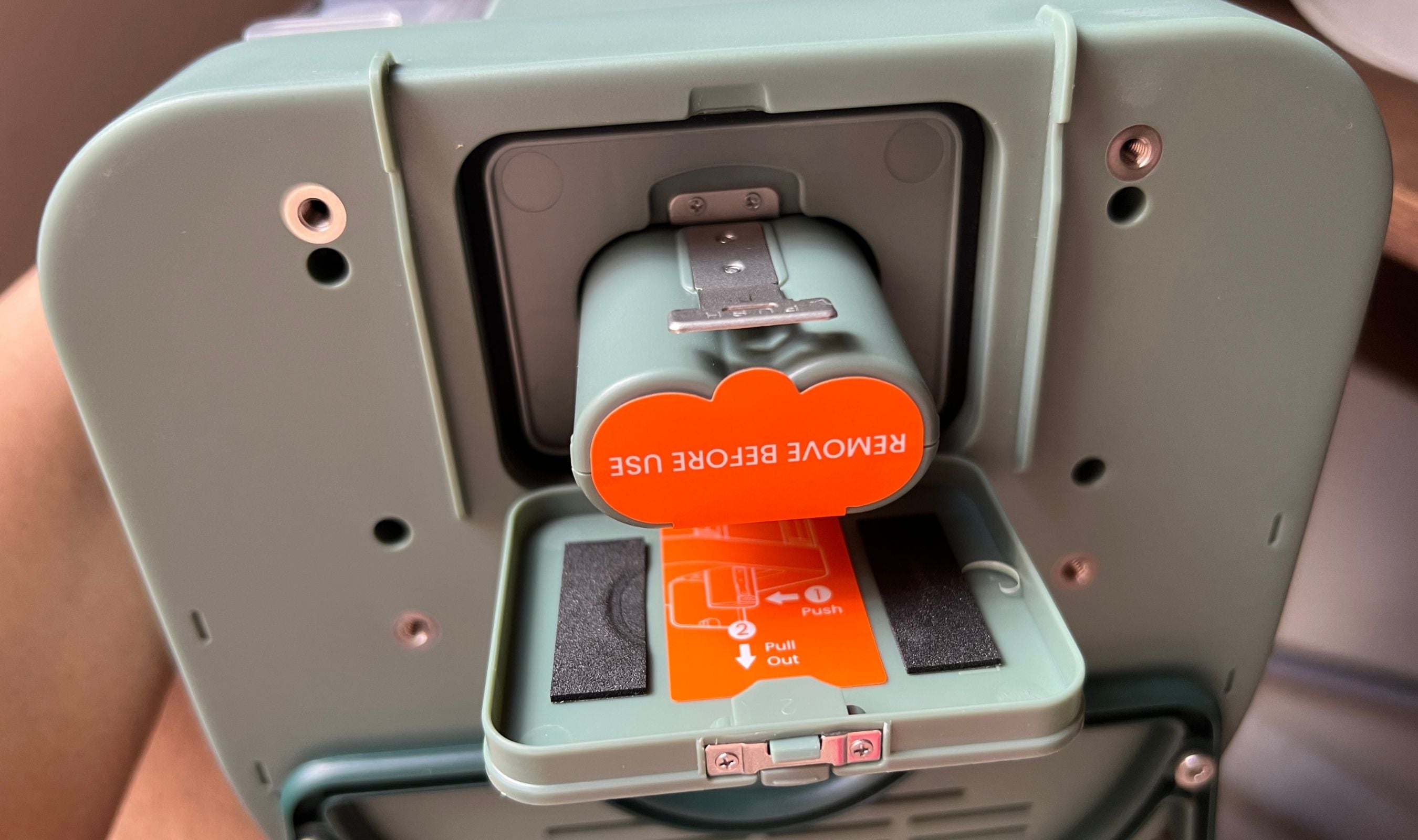
Assembly took a few minutes. Pull the film off the battery, charge it briefly just to be safe, slide it in, click the roof on, and pick your mount. I went with the pole mount and used the bracket's pass-through design to attach the solar panel behind the feeder so it catches sun without shading the camera. The Kiwibit app walks you through Wi-Fi pairing with a Bluetooth handshake, and the whole process from unboxing to seeing my own backyard on the phone was under fifteen minutes. The first visitor showed up within the hour.
The Camera Is the Reason to Buy This
4K on a bird feeder sounds like marketing until you see it. The first playback I watched, you could count the feather ridges on the bird's crown. The 132-degree lens is wide enough to get the full perch and the bird's tail in one frame, and HDR keeps the exposure balanced when the background is bright sky and the bird is in partial shade. I've had zero blown-out highlights in direct sun, and the color science leans accurate rather than oversaturated, which matters when you're trying to tell two similar small birds apart.
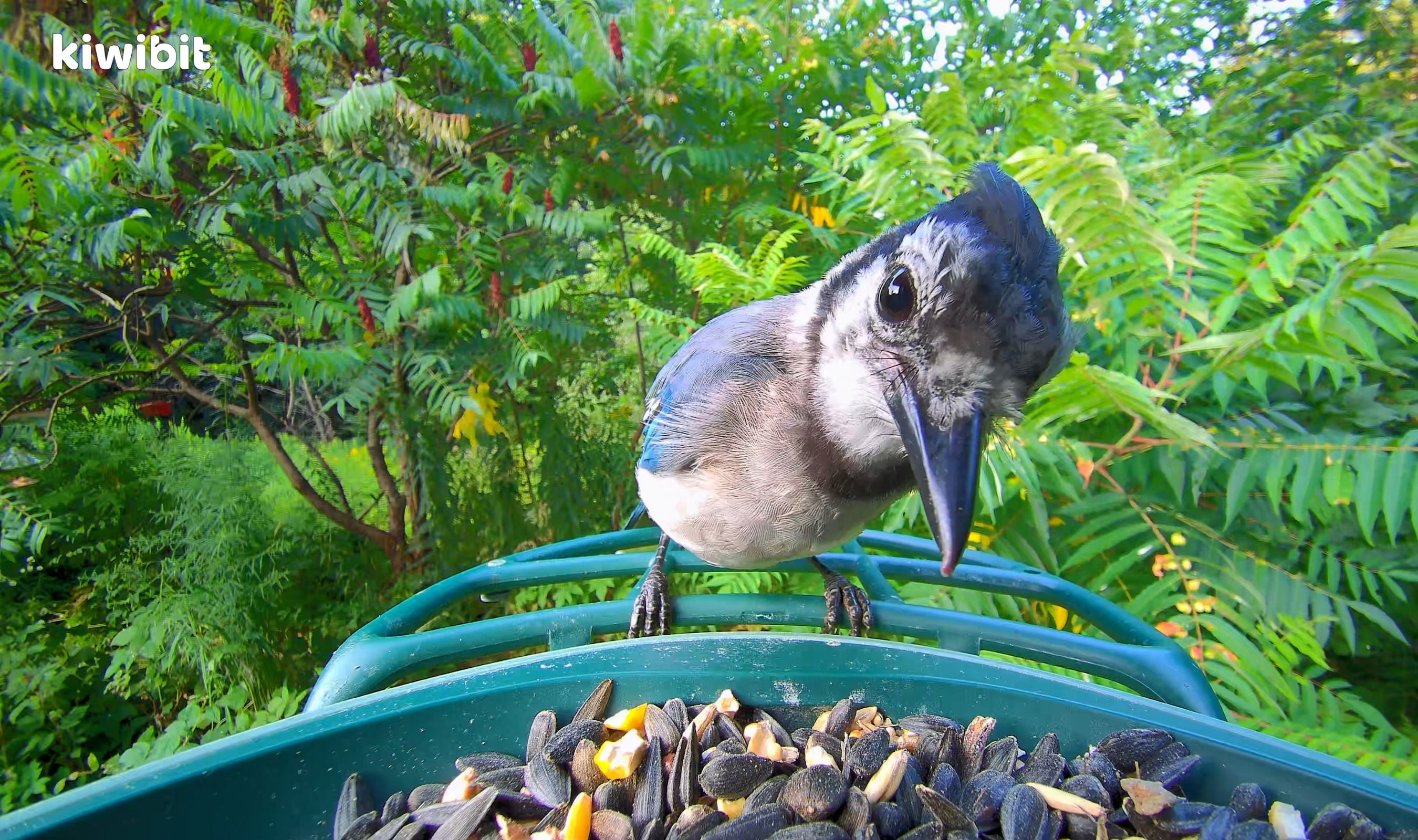
Night vision is IR black and white, and while it's not going to catch daytime-level detail, it's sharp enough to confirm what's on the feeder at dawn or dusk when most activity happens anyway. The microphone is surprisingly clean, you hear the actual wing flaps and chirps, not just static, and the autoplay on the app means you get a quick clip every time a visitor lands without having to go fishing for it.
Photo captures are 8MP and auto-triggered, and the Keyshot feature pulls the best frame from each visit. That sounds like a gimmick until you check back after a day away and find fifteen perfect portrait-style shots already waiting, one per species, each one focused, framed, and bird-facing-camera. It's the single most addictive feature of the app.
Solar and Battery Power Is the Real Upgrade
The 3W solar panel is separate from the roof, which is a better design decision than it sounds. On feeders where the panel is integrated into the roof, you're stuck between getting sun and getting a good camera angle. Here you can point the feeder north to avoid glare and still face the panel south or east for maximum charge. My battery has sat at 100 percent for the last two weeks, including a string of overcast days.
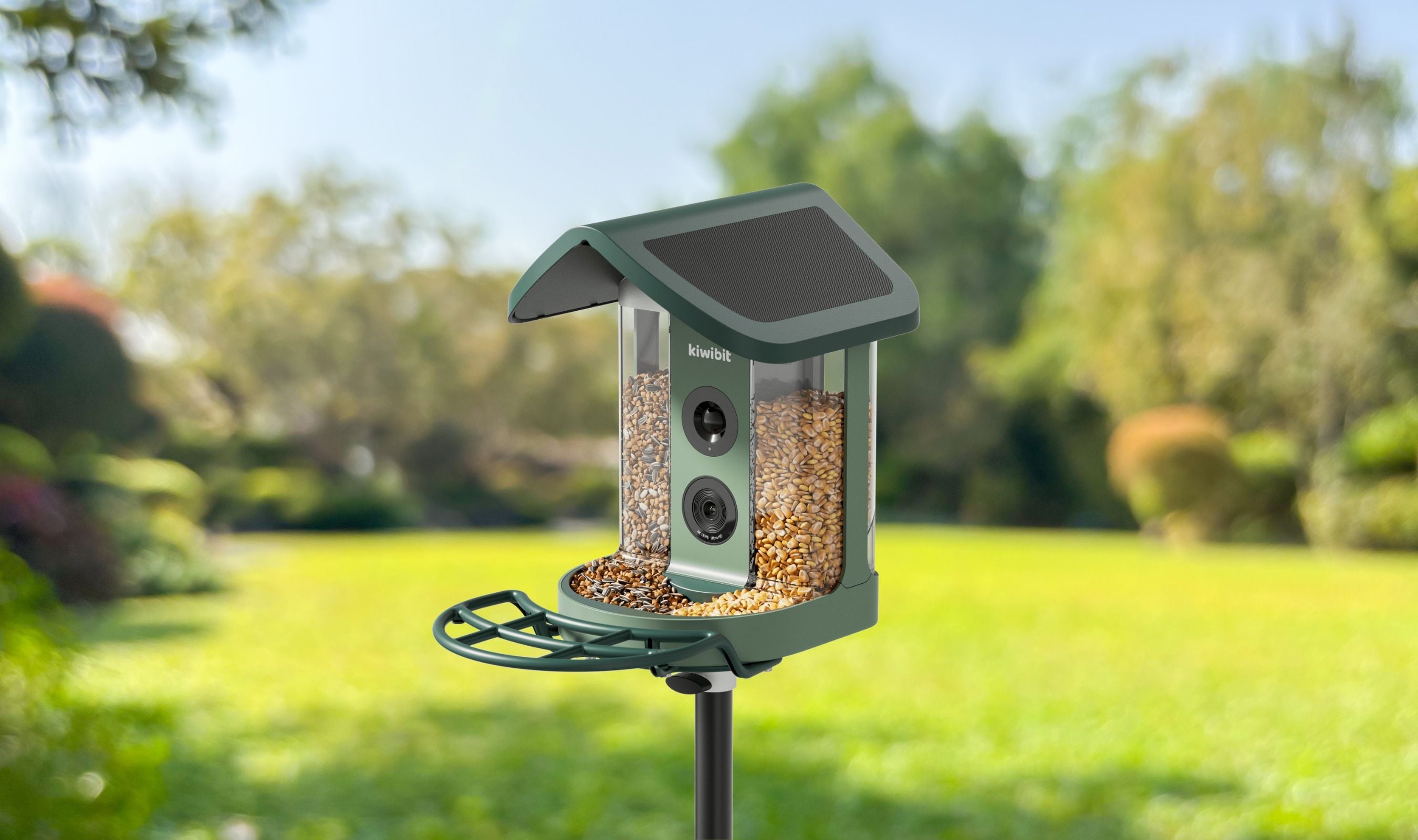
The battery itself is removable, which is the feature I appreciate more every time I use it. If the weather is bad for a stretch, you pop it out, charge it indoors with the included USB-C cable, and slot it back in. When the battery eventually degrades, you replace it instead of the whole unit. That alone is a sustainability win that almost no competitor offers.
The App Works, Which Is Rarer Than It Should Be
The Kiwibit app has four tabs: home (live view and camera list), birds (gallery organized by species), activity (chronological feed), and account. The home tab shows the live stream with tap-to-zoom, snapshot and record buttons, and a one-tap push-to-talk through the feeder's speaker. The birds tab is where the AI earns its keep, every species that's visited gets a card with how many visits, the last sighting, and a Wikipedia-style blurb.
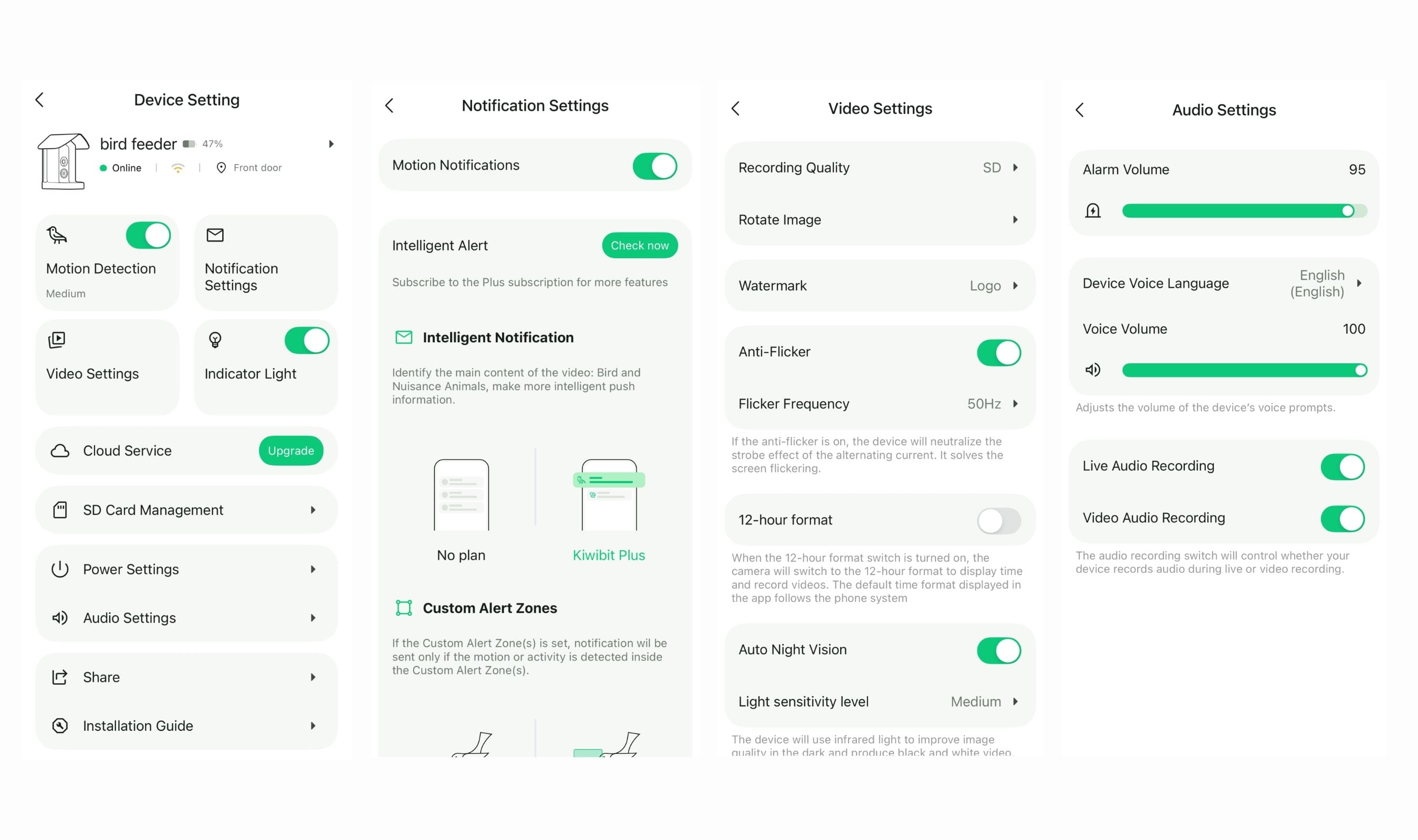
Setup account, connect the feeder, pick your mount type, done. I didn't need to read the manual, and the voice prompts during pairing eliminated the usual "is it doing anything?" waiting game. One firmware update was needed on day one, took a few minutes, and Wi-Fi reconnected automatically after. The app is compatible with iOS and Android, supports 20+ shared users on a single feeder, and integrates with Alexa if you want to pull up the live feed on an Echo Show.
The AI Identification Is the Feature That Keeps You Hooked
The feeder ships with a 30-day free trial of the full AI suite, and after that it rolls into a paid plan of around $79.99 a year if you want to keep the 10,000-species identification, smart alert filtering, Keyshot galleries, and extended cloud storage. The basic features (live stream, motion detection notifications, and a 1-day rolling cloud history) stay free forever either way, so the feeder still works well without the subscription. You just lose the fun part.
In practice, the identification has been accurate on everything I've seen in my yard so far. Common feeder visitors all got named correctly on the first visit. Rarer birds get flagged with a confidence score, which is honest and useful. The AI smart filtering reduces false alerts from wind and rain, which is the most underrated feature here, my phone didn't get spammed with "a leaf moved" notifications the way cheaper cameras push.
Worth knowing before you buy: Kiwibit sells a Lifetime AI variant of this exact feeder for a small price bump. It's the same hardware, the same app, just a one-time unlock on the AI features. If you know you'll use the identification long-term, the lifetime option pays for itself in a couple of years. If you only want the AI for a season or two, the subscription model is a cheaper entry point.
The Feeder Itself Is Smart Hardware
Most smart feeders cheap out on the actual bird-feeding part. The Kiwibit does not. The 1.5L chamber splits into two separate compartments with adjustable gates at the bottom, which means you can put black oil sunflower seed on one side and mealworms, safflower, or a songbird mix on the other. That flexibility doubles the variety of birds that show up, and it's the feature that's kept the feeder full of activity rather than one-species boring.
Refills are quick. The top roof clips off, you pour, you clip it back on. The entire seed chamber also lifts out if you want to do a proper deep clean, which you should every couple of weeks during heavy use. The drainage tray at the bottom keeps seed dry even when rain gets past the roof overhang, and the detachable parts mean nothing grows moldy if you stay on top of it. Little design details like pre-threaded metal inserts for the mounting screws instead of bare plastic threads tell you the engineering team actually thought about how this thing ages.
Weather and Durability
IP65 means sealed against dust and resistant to jets of water, which in bird-feeder terms means it's fine in rain and snow. The operating range is -4°F to 122°F, which covers most of the US year round. The body is reinforced ABS plastic with an alloy holder on the mounts, and the rubber doors over the SD card slot and USB-C port are stiff enough to stay closed when squirrels get curious. I've had mine through a thunderstorm and a cold snap and it hasn't flinched.
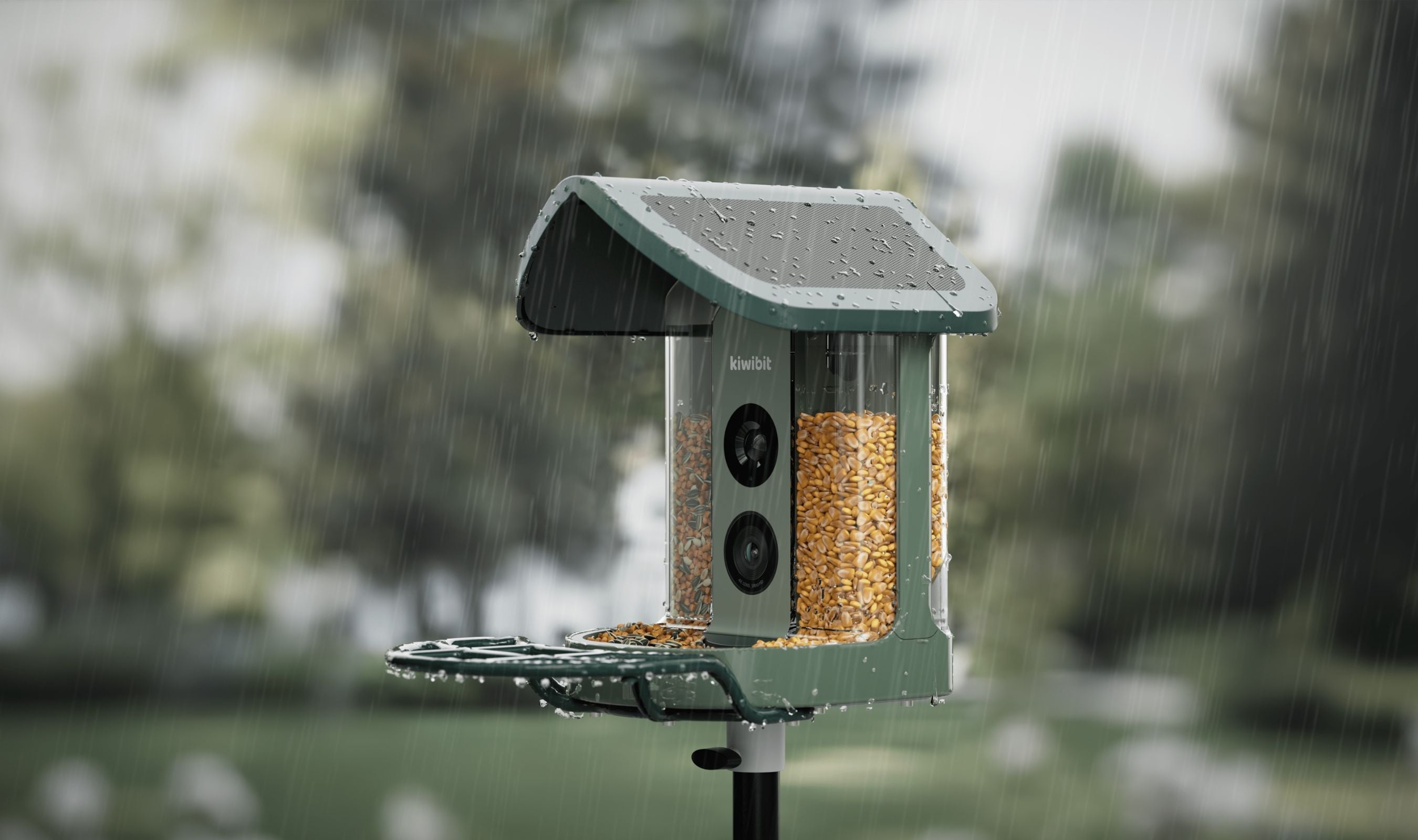
The only thing worth knowing is that squirrels can, with enough time, gnaw at the roof edge if they really want to. A pole mount with a PVC sleeve or a squirrel baffle is cheap insurance if your yard has a rodent problem. The nuisance animal alert is built in and will set off an alarm when it detects non-bird visitors, but the speaker volume is tuned not to annoy your neighbors, which means it's not always enough to permanently scare off a determined squirrel.
The Honest Trade-Offs
A few things to flag. The AI subscription after the first month is the biggest one, and it's the one that'll decide whether this feeder is the right pick for you. At $48 a year, it's reasonable for what you get, but it's real recurring spend on a device you already paid a premium for. If that bothers you, the Lifetime AI variant solves it in one transaction. If you're happy to treat the AI as optional, the free features still make this a better feeder than most of the competition.
It's also 2.4GHz Wi-Fi only, so if your router is locked to 5GHz or you live in a Wi-Fi dead zone at the edge of your yard, you may need a range extender. The feeder ships with a strong internal antenna and I've had no signal trouble 40 feet from my router through one exterior wall, but it's worth mentioning. And the microSD slot takes cards up to 512GB but no card comes in the box. Grab a 128GB or 256GB card while you're ordering and you'll have months of local backup at 4K.
This product was provided to Technobezz for review. We independently select what we review. The manufacturer had no input on this article and did not see it before publication. All opinions are our own.
FAQ
Do I need a subscription to use the feeder?
No. The basic features (live stream, motion detection alerts, two-way audio, and 1-day rolling cloud storage) are free forever. The subscription only gates the advanced AI features: 10,000-species identification, smart alert filtering, Keyshot galleries, and extended cloud history. Kiwibit gives you a 30-day free trial to see if the AI is worth it, and after that it's roughly $48 a year. If you want to avoid the subscription entirely, the Lifetime AI variant of this feeder bakes those features in for a small one-time premium.
How long does the battery last without the solar panel?
In my testing with moderate bird traffic, around two to three weeks on a full charge with the solar panel disconnected. With the solar panel wired up and even partial sun, the battery has stayed at 100 percent continuously. If you live somewhere with very little winter sun, the removable battery lets you swap one inside to charge while you keep a spare in the feeder.
Is the 4K video actually 4K, or is it upscaled?
It's true 4K Ultra HD at the sensor, and 8MP still photos. You'll see the difference most clearly on downloaded recordings or on a tablet-sized screen. If you're watching on a phone the detail is still there, you just don't get the full impact until you pinch to zoom.
Can I put foods other than seed in the chamber?
Yes. The 1.5L chamber handles mealworms, safflower, black oil sunflower, mixed wild bird seed, and even suet nuggets. The dual-compartment design with adjustable dispensing gates means you can combine two foods at once. Kiwibit also sells an accessory kit with a jelly feeder, fruit holders, and a mini hummingbird feeder that snap onto the same unit.
How do I mount it if I don't have a tree or a pole?
The box includes three mount options: a wall bracket with screws, a pole mount, and a strap for trees or railings. I used the pole mount on a 4x4 post. Wall mounting works on a fence or the side of a shed if you want a direct view out your window. You can combine the pole mount with the wall bracket to keep the solar panel angled for sun while the camera faces whatever direction you want.
Will the nuisance animal alarm actually scare off squirrels?
Sometimes. The alarm is built into the speaker and triggers on non-bird motion detection. For occasional visitors it works. For a neighborhood squirrel that's decided your yard is a cafeteria it may not be enough on its own. Pairing the Kiwibit with a squirrel baffle on a pole mount is the most reliable setup I've found.
If you've been waiting for a smart bird feeder worth buying, or if you're shopping for a gift for someone who'd love turning their backyard into a nature cam, this is the one I'd hand them.
Share this article
More in News
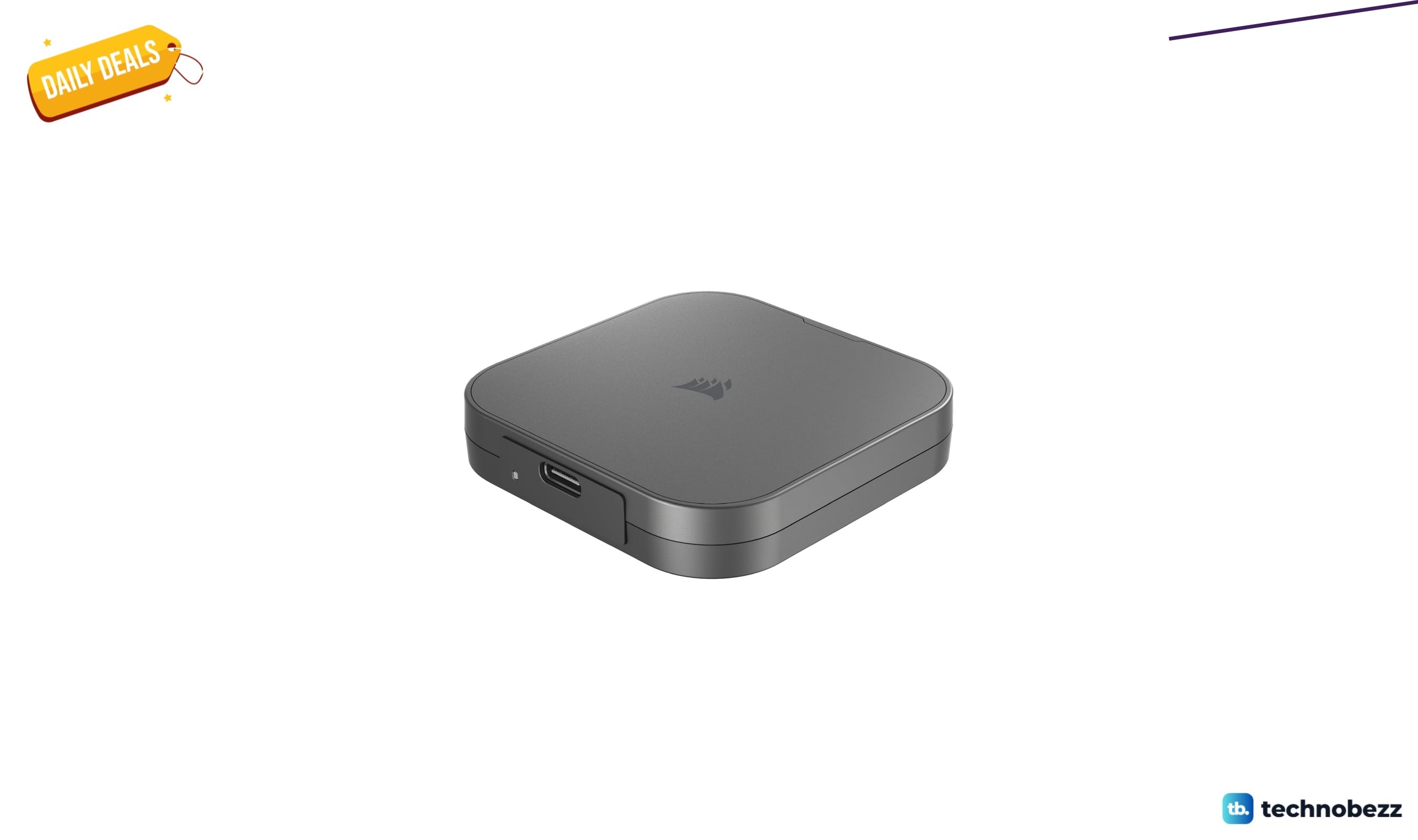
Corsair EX400U USB4 Portable External SSD drops to $243.05 on Amazon
Corsair's USB4 portable SSD drops to $243.05 on Amazon, a 54% discount offering 4,000MB/s speeds for video editors and creators.
5 min read
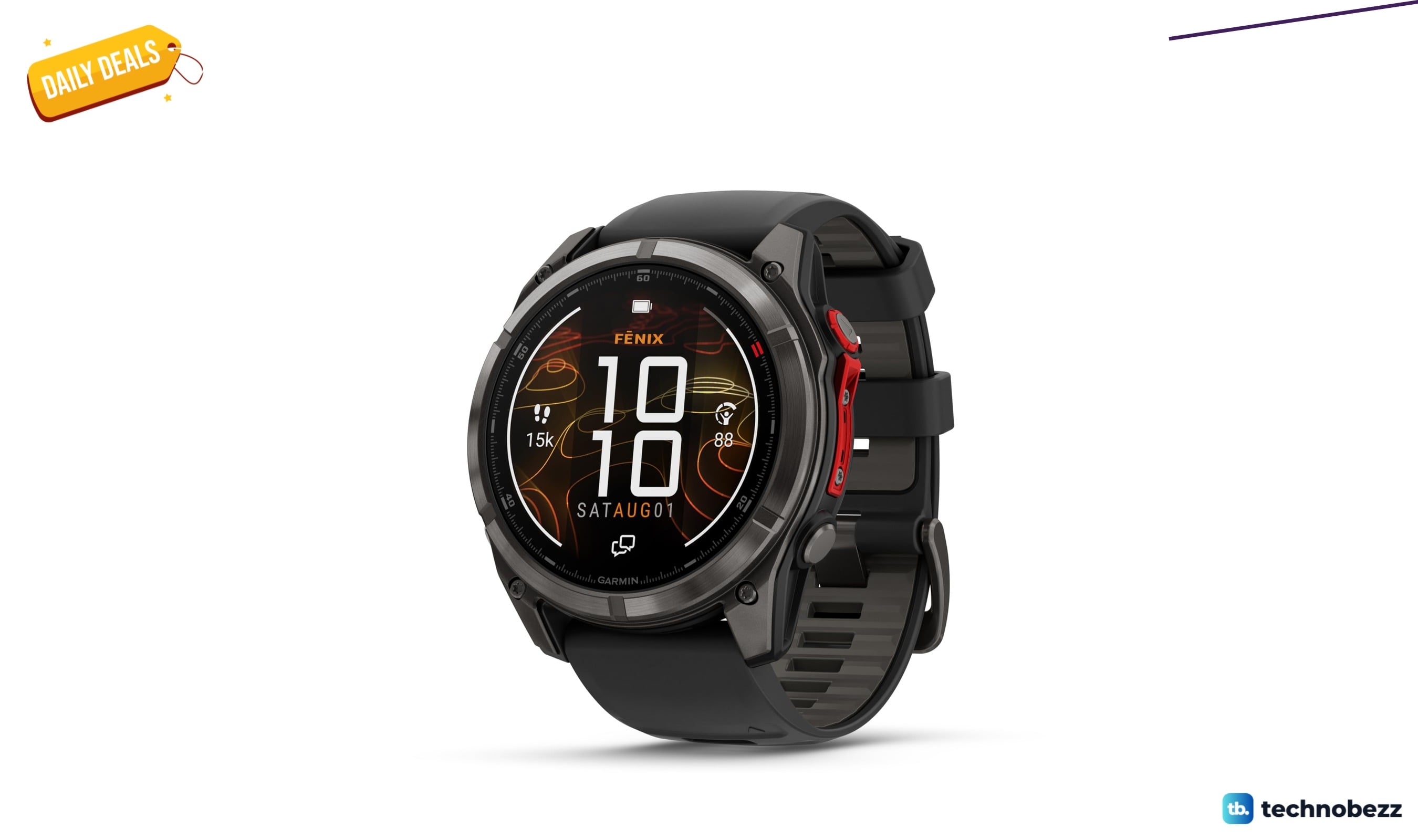
Garmin fēnix 8 Pro 51mm MicroLED Sapphire drops to $1249.99 on Amazon
Garmin f nix 8 Pro 51mm MicroLED Sapphire hits record-low $1249.99 on Amazon, saving $450 with premium durability and satellite features.
4 min read

LG 27GS75Q-B Ultragear QHD Gaming Monitor drops to $159.99 at Amazon
LG 27GS75Q-B Ultragear QHD gaming monitor drops to $159.99 at Amazon, a 15% discount off its recent average for fast 180Hz IPS play.
3 min read
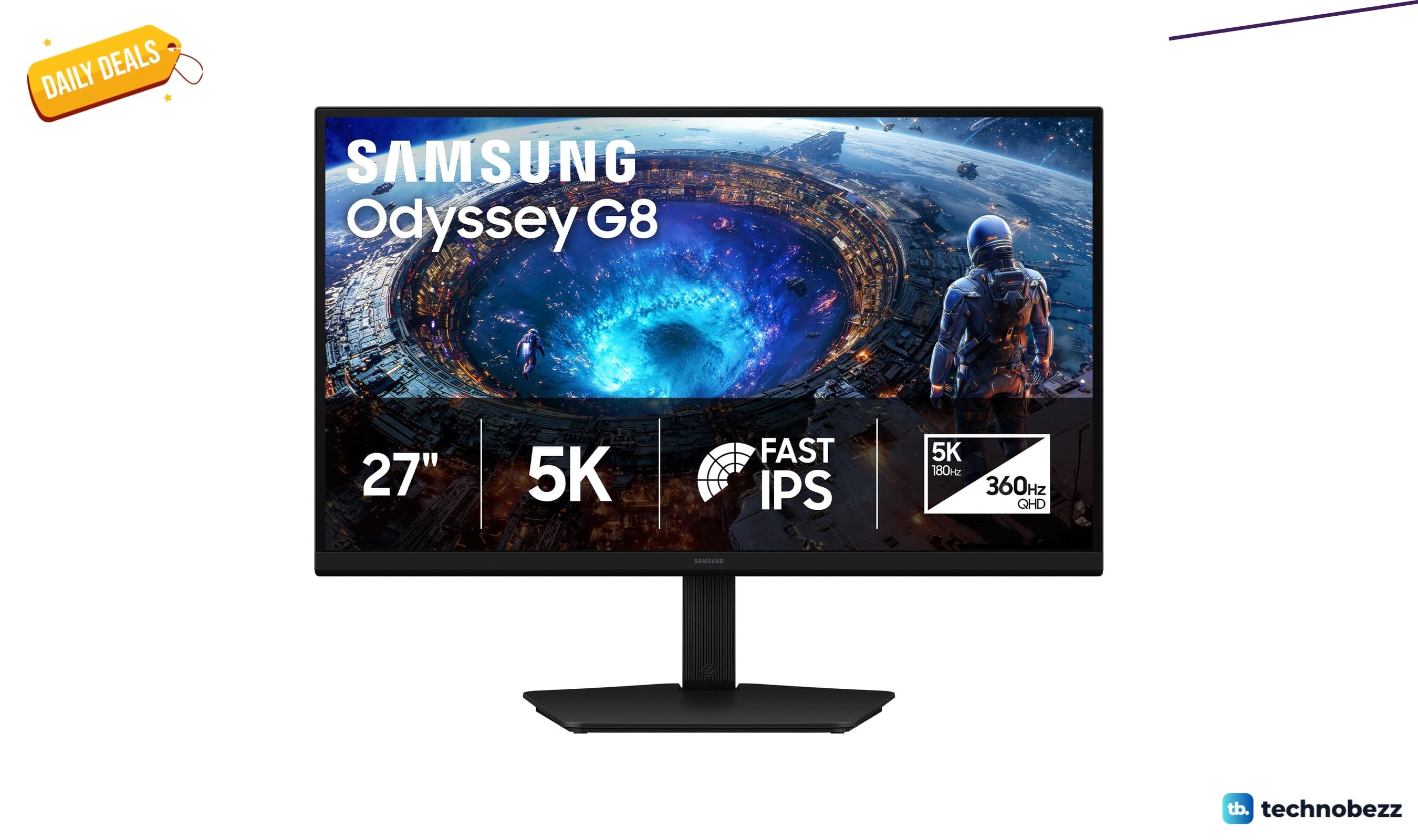
Samsung 27 Inch Odyssey G8 Gaming Monitor 5K falls to $709.99
Samsung's 27-inch Odyssey G8 5K gaming monitor hits a record-low $709.99, saving you $240 with dual-mode 180Hz/360Hz refresh rates.
5 min read

Audio-Technica ATH-M40x Studio Monitor Headphones down to $95.92 on Amazon
4 min read
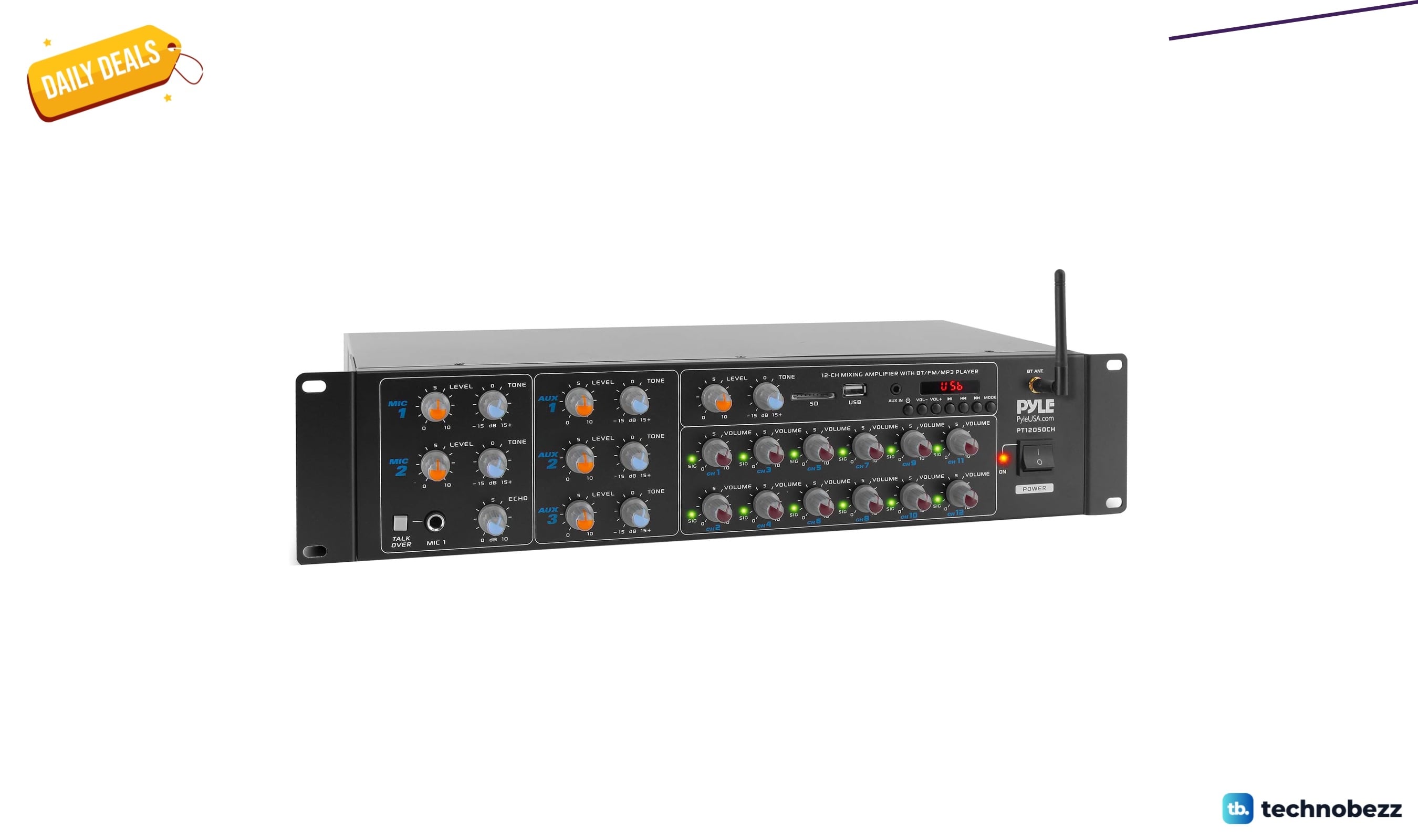
Pyle 12-Channel Wireless Bluetooth Power Amplifier 6000 drops to $338.82
4 min read
Apple 2023 MacBook Pro M3 Max chip discounted to $3845.02
3 min read
Anker soundcore Boom 2 Pro Outdoor IPX68 now $139.99 at Woot
4 min read

Two headphone deals land today with prices starting at $199
4 min read

HP 24mh FHD Monitor Computer Monitor drops to $172.99 on Amazon
5 min read
LG Smart Monitor Swing 32U889SA-W 4K UHD down to $739.99 in latest price cut
4 min read
Samsung S36GD 27" Curved Monitor LCD FHD drops to $199.95
3 min read