
Pocket printers usually pick one lane and stay in it. Polaroid wants you printing photos. Phomemo wants you printing labels. The cheap thermal ones want you printing whatever your kid scribbled on a tablet. The INKWON Tag is the first one I've used that takes an honest swing at doing four completely different jobs from the same tiny body, and after about two weeks of running photos, custom stickers, fabric heat transfers, and temporary tattoos through it, the part that surprised me most is how well every single one of them actually works.
Technobezz is supported by its audience. We may get a commission from retail offers. Reviews ethics statement.
The INKWON Tag Crams Four Real Print Jobs Into One Pocket-Sized Device, and Every One of Them Actually Holds Up
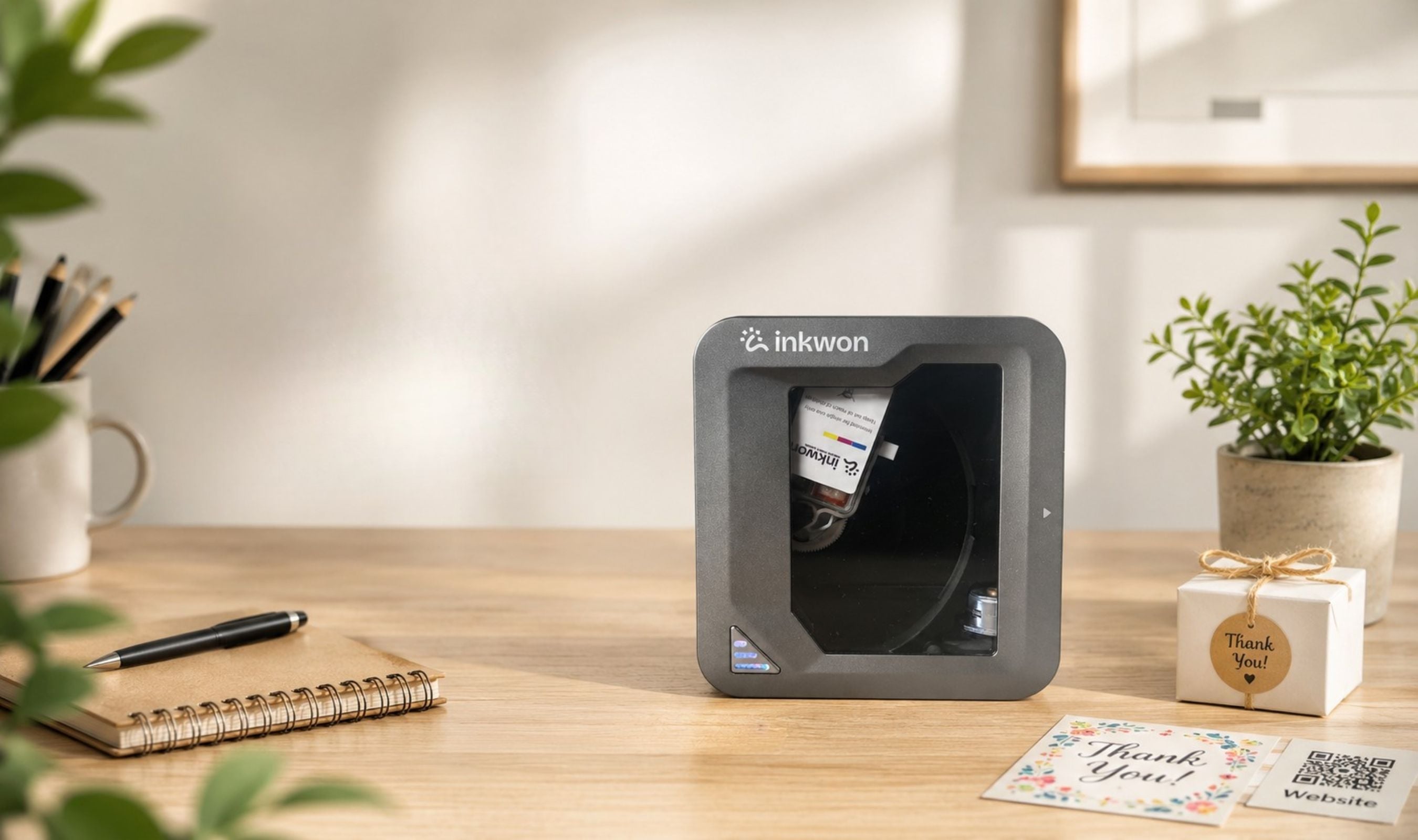
The INKWON Tag is a 235-gram pocket inkjet printer that pulls off four genuinely separate jobs.
Updated May 7, 2026May 7, 2026
•15 min read

Credit: Technobezz
Get Deals Like These in Your Inbox
The best prices, checked by our editors.
In This Review
8.9/ 10
Best for Anyone who wants a single pocket-sized device that genuinely handles photo prints, custom stickers, fabric heat transfers, and skin-safe temporary tattoos without compromising any of the four modes
INKWON Tag 4-in-1 Pocket Creative Inkjet Printer
Print Resolution600 DPI
Ink SystemCMY tri-color dye-based, thermal-bubble inkjet
Ink Cartridge Capacity1.2 ml per color
Cartridge Output60 full-quality prints (up to 100 in extreme-test conditions)
Print ModesPhoto, Sticker, Heat Transfer, Temporary Tattoo
Print Speed2 mm/s max (40 to 60 sec per sheet)
I went with the MEGA Pack on Kickstarter, which doubles the consumables and tosses in a tote bag, a photo frame, and a printable t-shirt so you can put the heat-transfer side through real testing instead of pretending. Two cartridges, forty sheets each of photo paper, tattoo paper, and heat-transfer paper, the cleaning wipes, the cable, and the quick-start booklet. Everything I needed to print on day one was already in the box, with no extra trip to a craft store. The short version after spending real time with it: this is one of those rare crowdfunding pitches where the four-in-one promise lines up almost exactly with how the device actually performs. The longer version is below.
INKWON Tag - Best 4-in-1 Pocket Creative Printer
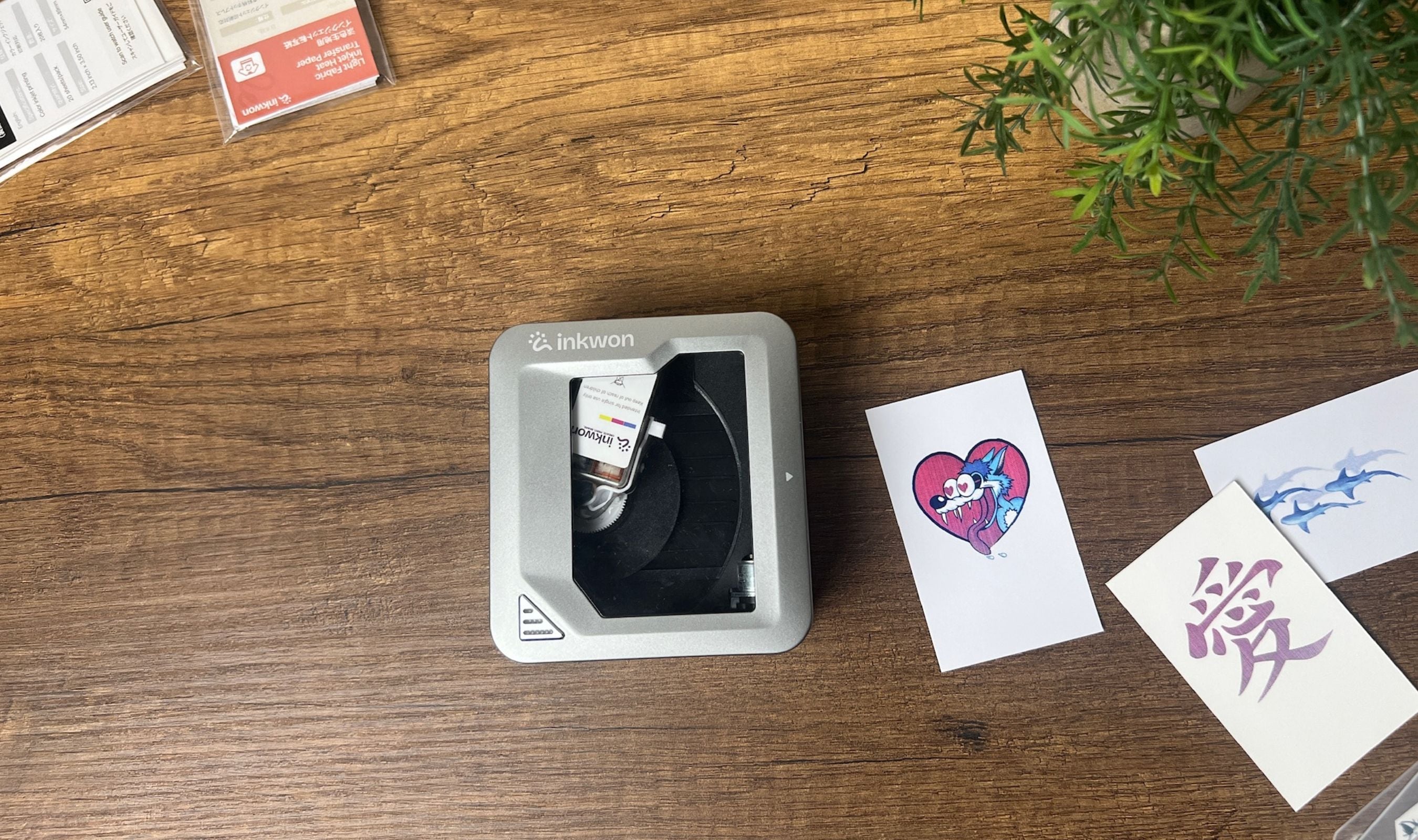
The INKWON Tag is a 235-gram, palm-sized inkjet printer that fuses photo printing, sticker making, fabric heat transfer, and skin-safe temporary tattoos into one Bluetooth 5.4 device. CMY dye-based ink, 600 DPI output, a magnetic snap-in cartridge, and a clear top window that lets you watch every print happen in real time. The MEGA Pack runs $199 on Kickstarter Super Early Bird (down from $349 retail), the Basic Pack runs $169 (down from $299), and both ship with everything you need to test all four modes immediately.
Key Highlights
- True 600 DPI CMY inkjet output in a 235-gram pocket body
- Four genuine printing modes: photos, stickers, heat transfers, temporary tattoos
- Magnetic clear top cover lets you watch each print happen as it feeds through
- 1,000 mAh battery delivers about 90 minutes of runtime or 60 sheets per charge
- Bluetooth 5.4 connection to the INKWON app on both iOS and Android
- Magnetic snap-in CMY tri-color ink cartridge swaps in seconds without ink on your fingers
- One-click in-app cleaning cycle keeps the printhead clear automatically
- Skin-safe ink certified to EN71-3, ASTM F963, REACH, RoHS, and MSDS standards
- USB-C charging at 5V 1A, full charge in roughly 2.5 hours
- Heat transfers survive cold-water wash cycles without cracking or peeling
- 1-year manufacturer hardware warranty
- MEGA Pack ships with two cartridges, 40 sheets of each paper type, tote, tee, and photo frame
Pros
- Four separate print modes that all hold their own, no token feature among them
- Color accuracy and skin tones come out punchy and natural at 600 DPI
- Truly pocket-sized and never tethered to a wall outlet
- App is template-rich with AI-assisted layout in 18 languages
- Real wash-tested heat transfers with no cracking after multiple cycles
- Skin-safe certified tattoo ink with serious child-safety paperwork behind it
- Magnetic ink cartridge swaps are basically idiot-proof and stay clean
- Glass top window turns every print into a small show, which sounds silly until you've tried it
- Box arrives loaded with consumables, so day-one setup needs nothing extra
- Bluetooth 5.4 connection held rock-steady across two weeks of daily printing
Cons
- Complex gradients and densely shaded artwork can soften slightly compared to a flagship desktop inkjet
- Heat transfers are light-fabric only since there's no white underbase
Who It's For
This one fits anyone who likes physical stuff with their digital stuff. People who keep a planner, journal, or photo album. Parents who want something safe and fun the kids can actually use without supervision drama. Small craft creators who want to add custom shirts, totes, or stickers to a stall without buying a heat press, a sticker cutter, and a photo lab separately. Hobby creators who already make things and would happily slot a 235-gram pocket printer between their laptop and their phone. The price-to-versatility math here lands cleanly because you'd otherwise be buying three or four single-purpose gadgets to cover the same ground.
Skip if
You should pass on this if you need a high-volume document printer, edge-to-edge prints, or fully professional dye-sublimation photo output. The INKWON Tag is built for short, focused creative bursts, not for printing 80 wedding photos in one go. If you also need to print on dark fabric, this isn't the tool either, since the heat-transfer paper requires a light background. Anyone who lives inside Lightroom or Illustrator on a desktop will find the phone-only workflow frustrating, and a Polaroid Hi-Print or a Canon Selphy QX10 makes more sense for a strict photo-only buyer who doesn't care about the other three modes.
Design and Build
The first time I held the Tag, the size genuinely caught me off guard. It's 105 by 97 by 45 mm, which is roughly the footprint of a small wallet, with a soft-touch matte plastic shell and rounded edges that make it pleasant to hold. There's exactly one button on the body, the power button, and a single USB-C port. Everything else lives in the app. The clear magnetic top cover is the small detail that I keep coming back to, because it lifts off cleanly to swap a cartridge and gives you a window to watch the printhead sweep across each sheet during a print. That sounds like a gimmick on paper, and I expected to ignore it within a day. Two weeks in, I still find myself watching the prints happen, and so does anyone who's around when I'm using it.
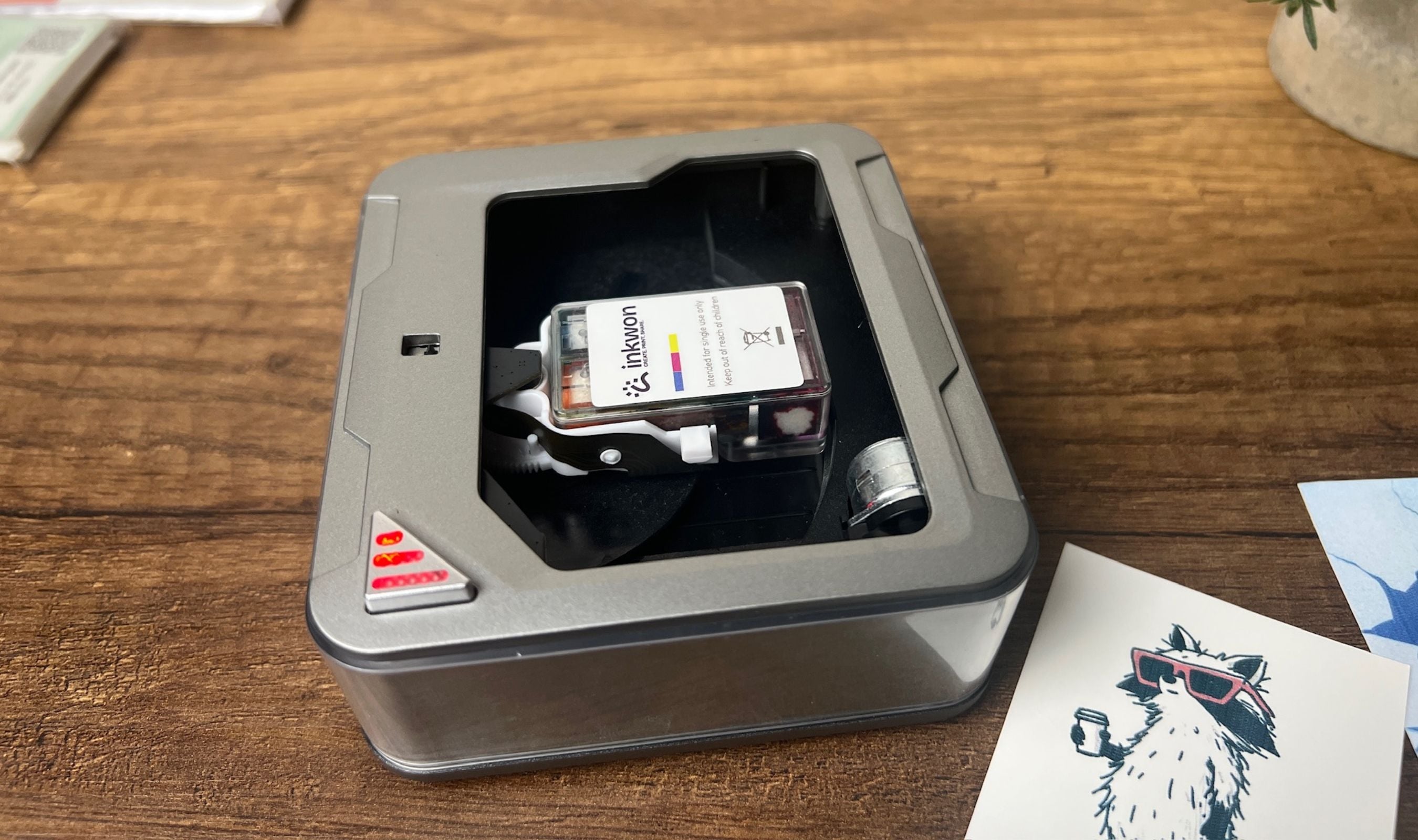
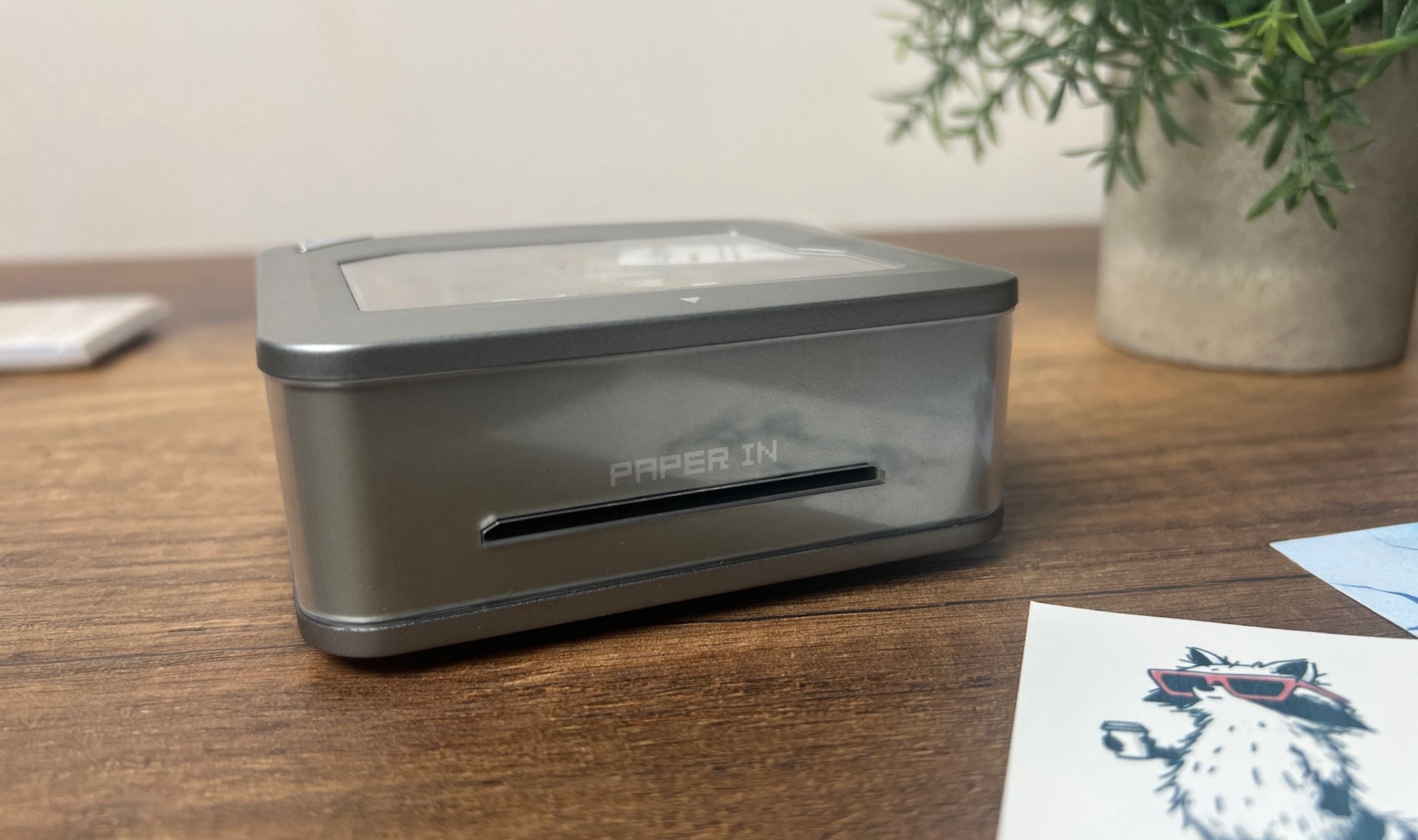
The single-button operation means there's no menu to wrestle with on the device itself. You hold the power button for three seconds, the LED blinks, the app picks it up over Bluetooth, and you're loading paper. You start a sheet into the auto-feed slot by maybe a centimeter and the printer pulls it the rest of the way through on its own, which sounds minor until you remember every cheap pocket printer that needs you to push paper through and hope.
Print Quality and the Four Modes
The headline number is 600 DPI true CMY color, and the prints back that up. Skin tones come out as actual skin tones, gradients hold without obvious banding for most artwork, and small text stays legible even at sticker scale. The Tag uses a thermal-bubble inkjet system with a tri-color cartridge, so there's no separate black ink, which is a normal compromise at this size. In practice, the lack of a dedicated black shows up only on dense black-heavy artwork, where a serious gradient with deep shadows can soften slightly compared to what a desktop inkjet would deliver. For everything I actually wanted to print (photos, journal stickers, simple line-art tattoos, t-shirt graphics), it never became an issue.
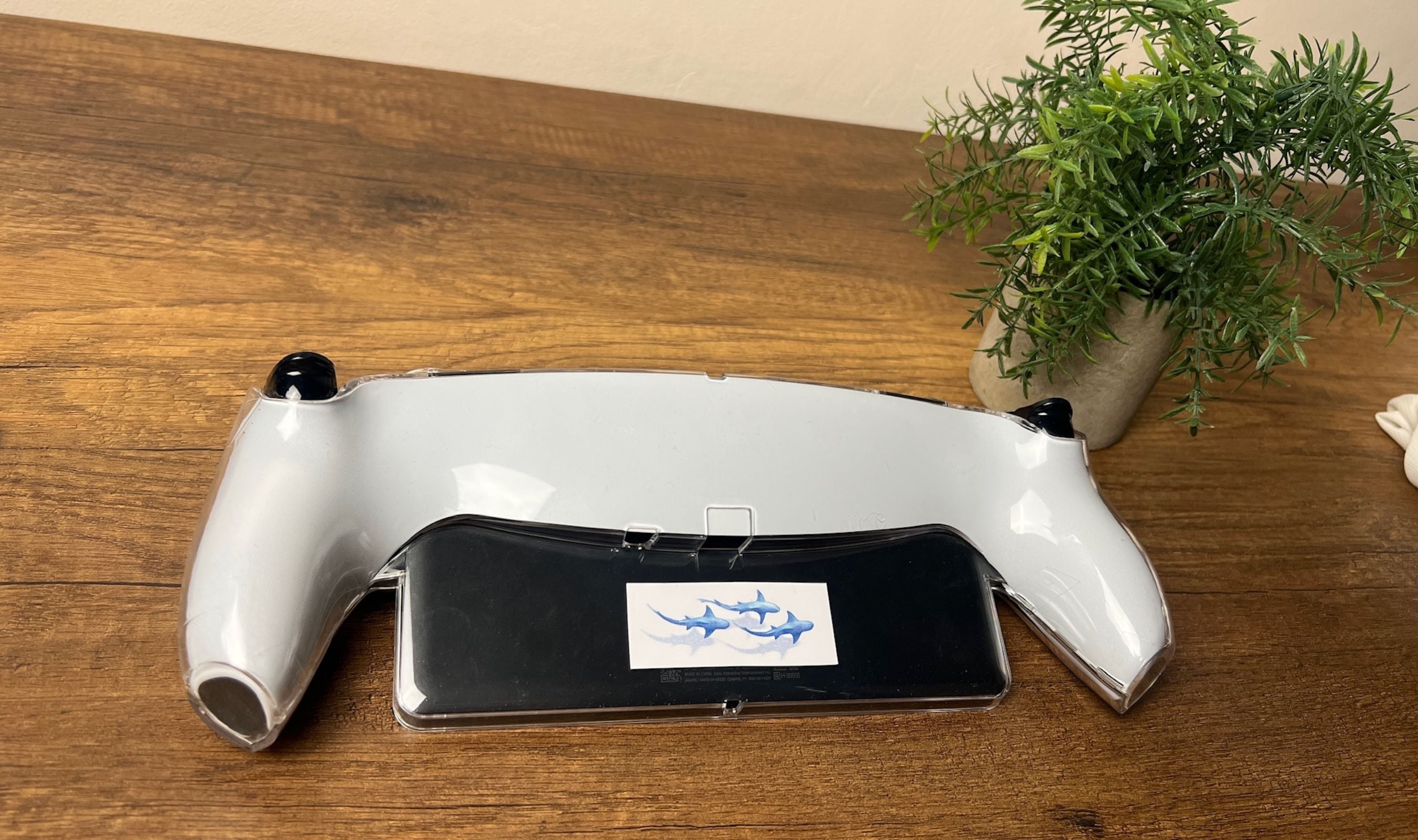
Photo mode is the easiest win and the one I came back to most. You're printing to a 54 by 89 mm adhesive sheet that doubles as a sticker, so a finished photo will stick straight onto a notebook, fridge, or planner without tape. Color depth is noticeably better than the Polaroid Hi-Print I've used before, and the prints come out sharper at the edges with cleaner whites. Sticker mode uses the same adhesive paper with a peel-back liner. Output is sharp enough for laptop decals, gear tags, and small product labels. There's no built-in die-cutting, so shape is dictated by your design and a pair of scissors finishes the job.
The App and Setup
The whole workflow lives in the INKWON app, free on iOS and Android. Onboarding ran under five minutes start to finish: charge the printer, install the app, scan the QR in the quick-start guide, hold the power button until the LED blinks, and the printer shows up in Bluetooth on its own. No driver download, no PC, no Mac, no driver fiddling. The app's home screen splits into image printing, puzzle layouts, and image cutting, with a deep template library underneath each. Filters, frames, and AI-assisted layout are all built in, and the AI did a competent job auto-arranging multi-photo collages onto the small canvas. There's also support for 18 languages, which is a nice touch for a first-time crowdfunded creator.
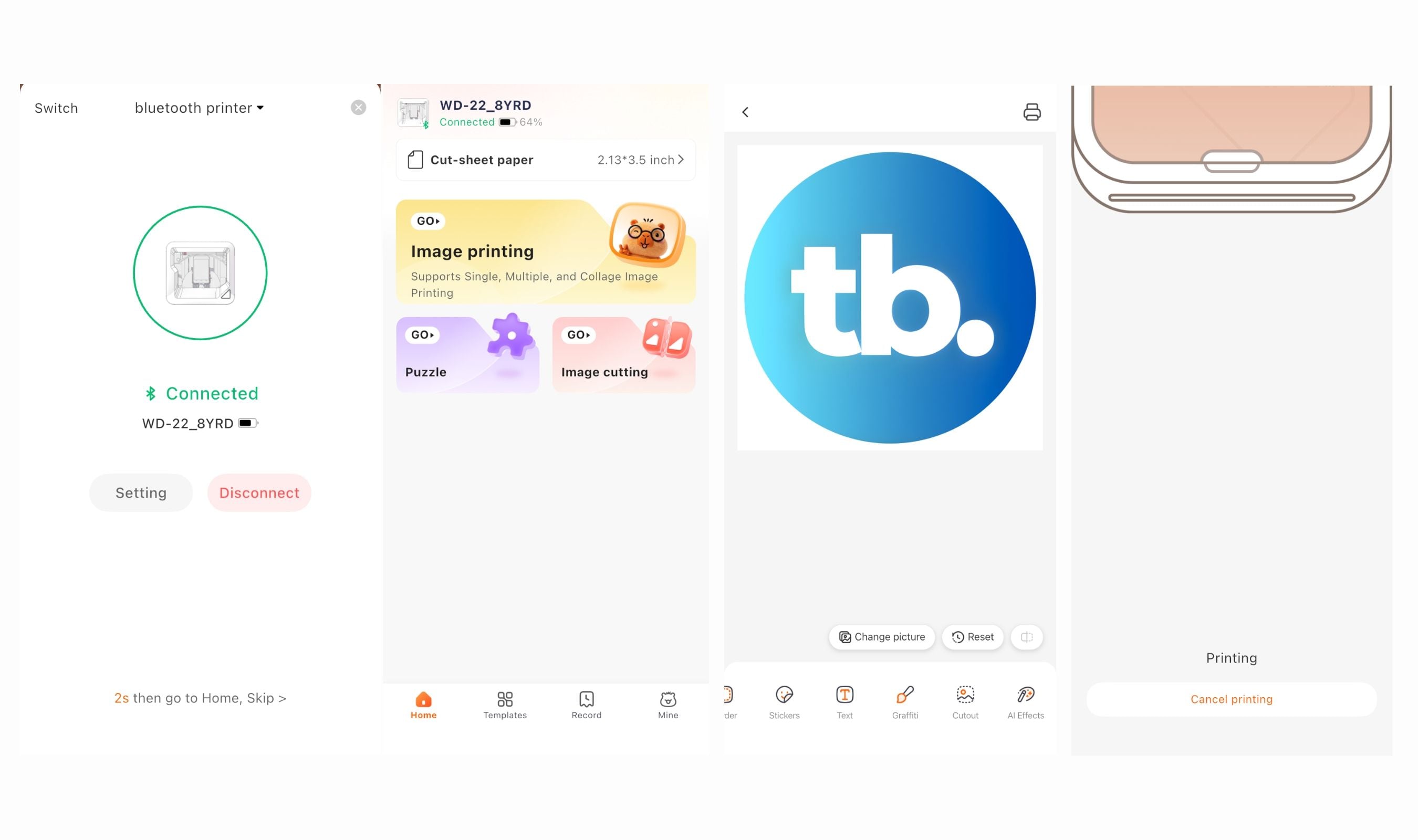
You can upload your own photos and design from scratch, but the templates are the right call for what this device is. I uploaded a few of my own photos and used the rest from the in-app library across testing, and the workflow stayed out of my way. The one constraint worth knowing is that there's no desktop app, so anyone who edits in Lightroom or designs in Illustrator will be exporting flat JPGs and reimporting them on a phone. For most of what people will actually do with a 45 mm canvas, that constraint matters less than it sounds. The single feature I appreciated more than expected is the one-click cleaning cycle. The app prompts you to run it before each print, the routine takes about ten seconds, and across two weeks of regular printing I never had a streaked or failed sheet.
Battery and Consumables
INKWON's headline math is clean: one full charge equals one cartridge equals 60 prints, with about 90 minutes of active runtime and 2.5 hours over USB-C to recharge. Pairing the battery and the cartridge to deplete together makes resupply planning simple. You burn through both at once, swap both at once, and never have to track ink and battery separately. In one long evening session I knocked out roughly 35 prints across photos, stickers, and one heat transfer before the battery dropped past half, which tracks with the brand's claim. A pocket power bank tops it up over USB-C if you push past the 60-print mark.
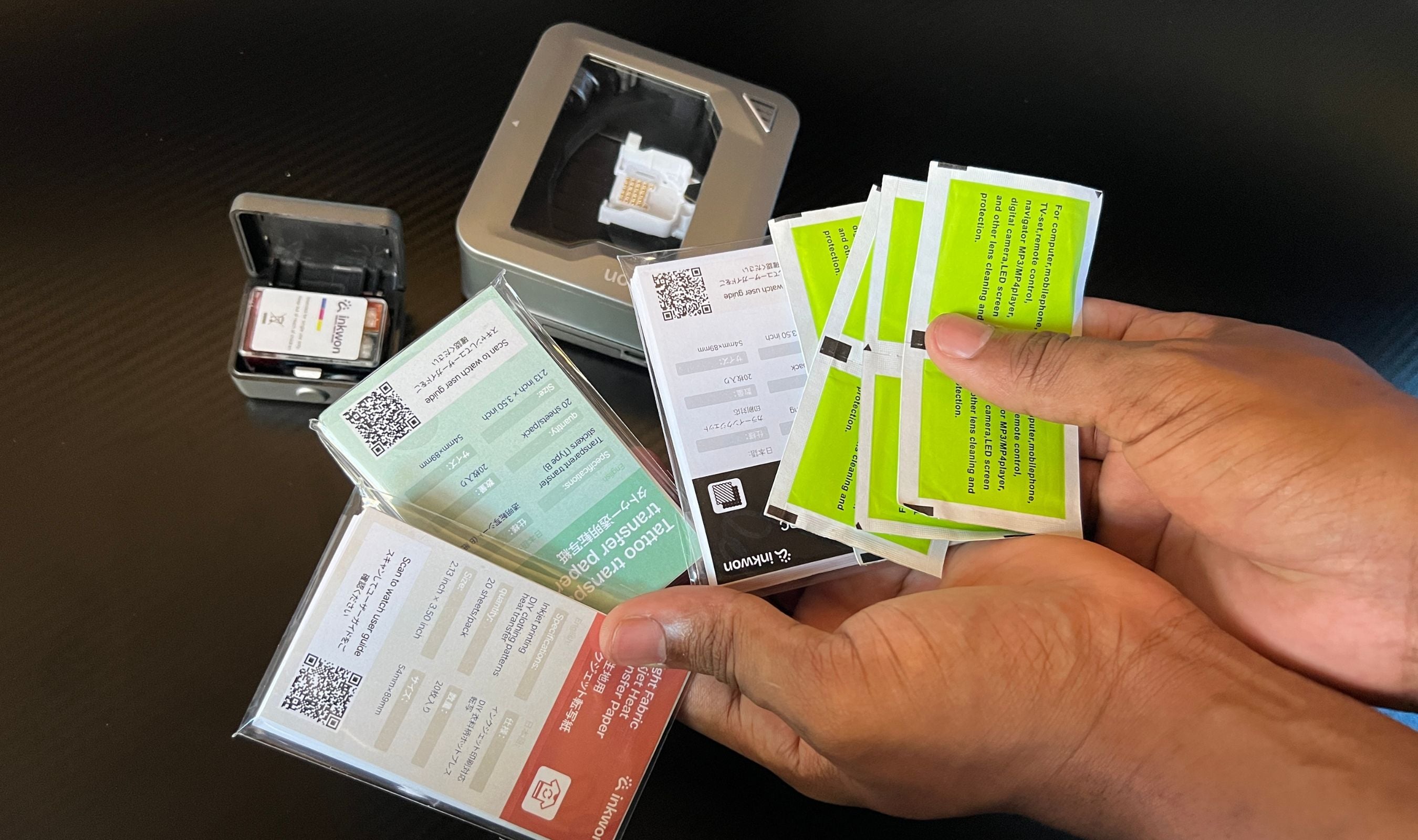
Cartridges are CMY dye-based, 1.2 ml per color, and INKWON publishes a 60 prints per cartridge figure for full-quality output, with extreme-test conditions stretching that to roughly 100. Refill pricing is also already published. Three ink cartridges run $59, five photo or sticker paper packs run $19, three heat-transfer paper packs run $19, and three tattoo paper packs run $25. That works out to roughly fifty cents per print on photos and stickers, around 63 cents on heat transfers, and 72 cents on tattoos. The tattoo paper is the priciest of the bunch, and it adds up faster than you'd think if you have a kid asking for a third unicorn this week. For sit-down craft sessions and the occasional event, it's reasonable. For high-volume use, the ongoing cost is a real consideration.
Heat Transfer in the Real World
This is the mode I expected to write off as a marketing line and was the most surprised by. Light cotton tees, light tote bags, light canvas pouches: all of those work, and the result is genuinely sharp. The brand's process is straightforward. You print onto the heat-transfer paper, peel the backing, lay the design face-up on the fabric, cover it with a heat-resistant sheet (parchment paper from the kitchen drawer works), and apply firm even pressure with heat for 25 to 35 seconds at medium-high temperature. INKWON suggests a heat press, but a regular household iron without steam works perfectly fine, which I confirmed on the included test t-shirt and on the tote.
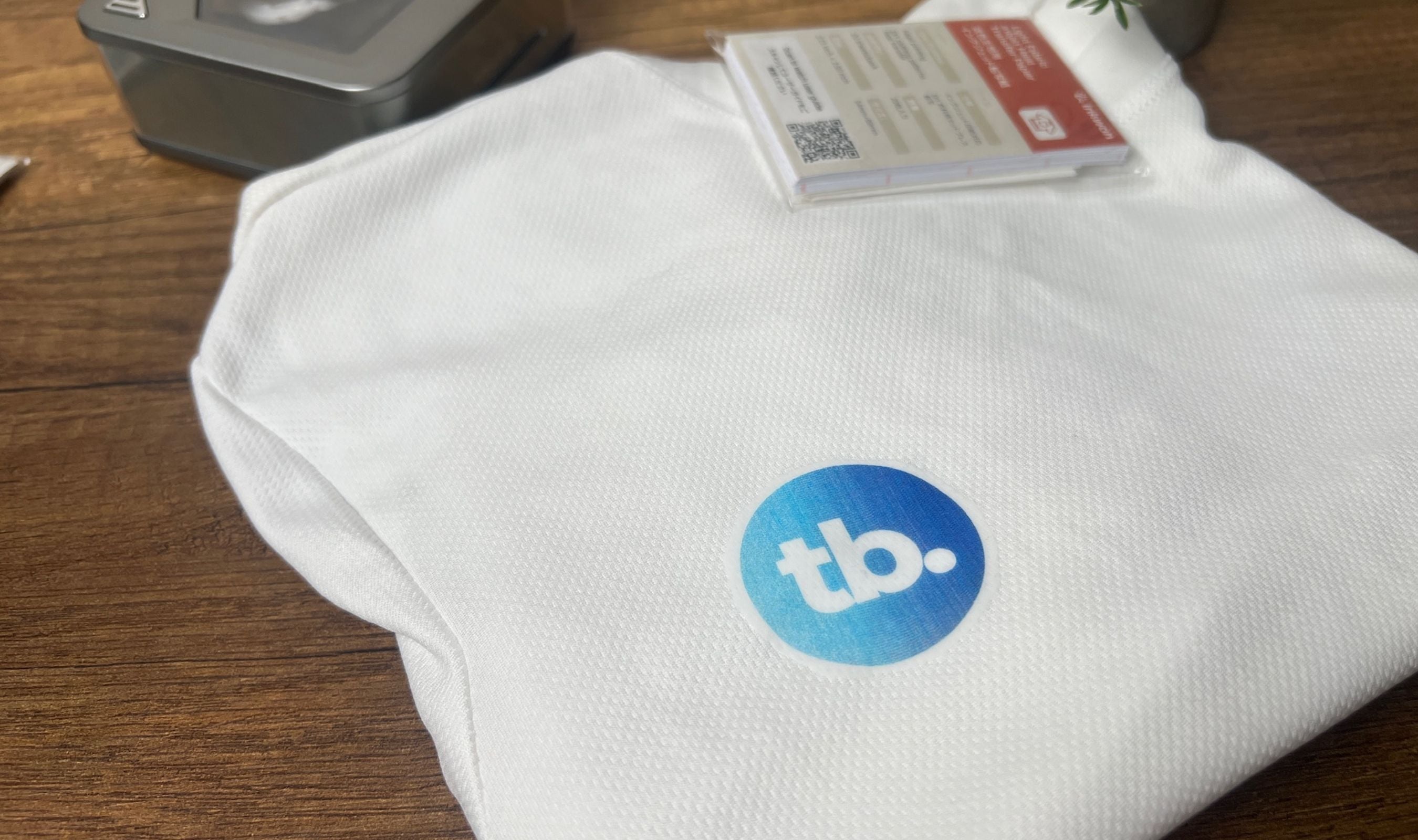
The transfer comes out crisp, fully saturated, with sharp edges and no patchy fill. More importantly, the design survives real laundry. I ran the test t-shirt through three cold-water wash cycles, inside-out and without any tumble drying, and the print didn't crack, peel, or fade. The brand asks you to wait 24 hours after applying before the first wash and skip bleach forever, both reasonable asks. The one absolute limitation is fabric color. There's no white underbase in the dye-based system, so dark shirts are a non-starter. Light fabrics only, which is normal for this price class.
Temporary Tattoos That Actually Look Like Tattoos
The tattoo mode is the differentiator that made me curious about this thing in the first place. Most fake tattoos look like fake tattoos, the kind that come from a chewing-gum packet and shine under any light. The INKWON tattoos look noticeably better. The print is sharp, the colors hold their saturation, and once applied with a damp cloth and gentle pressure for ten or fifteen seconds, the design sits flat on the skin and reads almost like real ink at arm's length. The chemistry is the same kind used on commercial children's tattoos for decades, and INKWON backs the ink with EN71-3, ASTM F963, REACH, RoHS, and MSDS certifications, which is a serious certification list for a first-time crowdfunded creator.
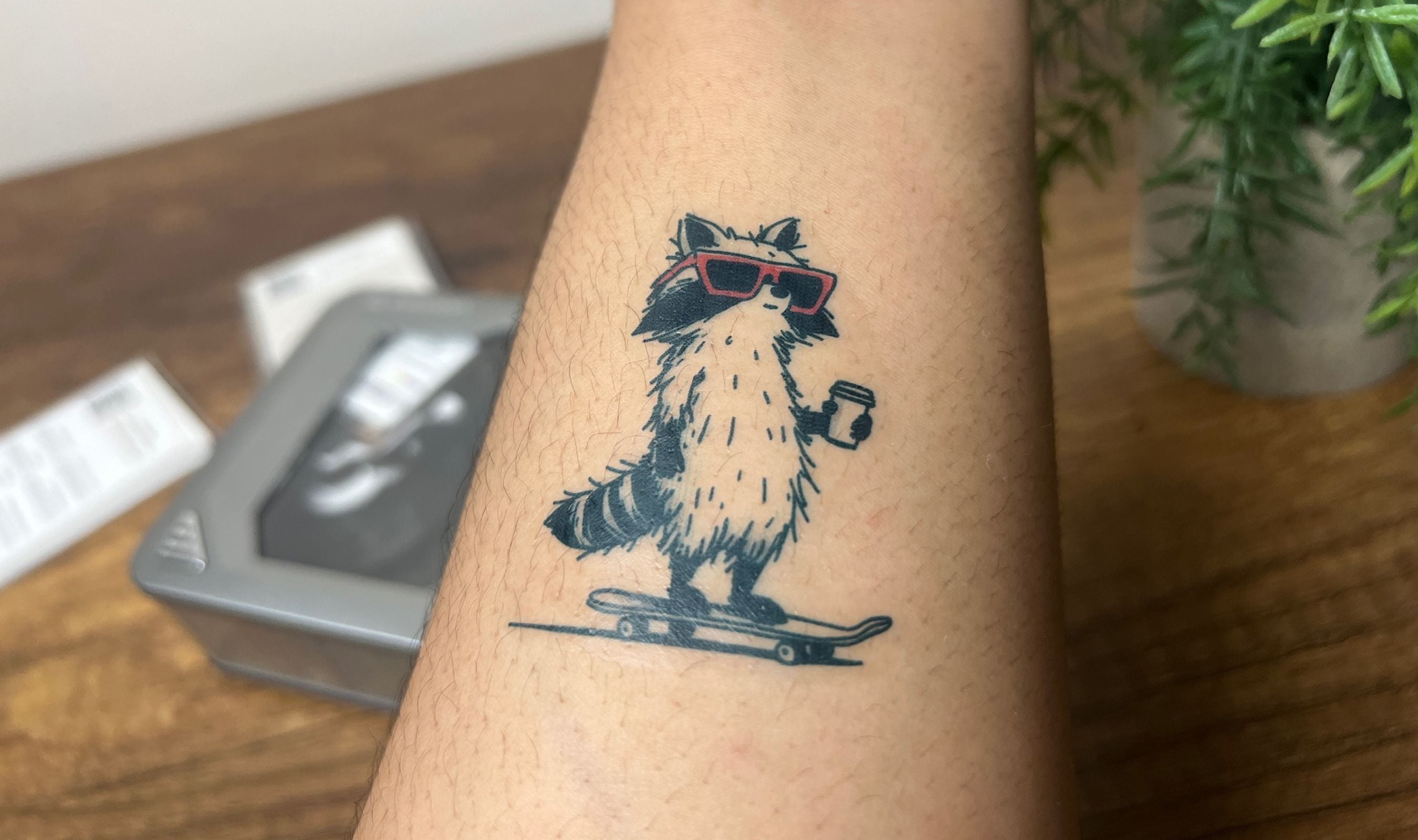
The application is the only part with a small learning curve. You print, peel the protective film, place the printed side down on clean dry skin, dampen the backing paper with a wet cloth or paper towel, hold for ten to fifteen seconds, and slowly peel the backing away. My first try was rushed and ended up patchy because I didn't use enough water. My second and third attempts were noticeably cleaner. With proper care and avoiding high-friction joints, the tattoos hold for three to five days. They survive a normal shower fine and started to flake at the edges by day five, which is exactly what you want from something marketed as temporary. To remove early, a cotton pad with cleansing oil, baby oil, or rubbing alcohol wipes them off in seconds.
Where the Tag Trips a Little
Most of my honest gripes here are physics, not flaws. The 45 mm canvas, the 2 mm/s print speed, and the slight softening on dense gradient artwork are all baked into the form factor and the CMY-only ink system. None of them are surprises once you understand what this device is built for.
The one practical caveat worth flagging separately is consumable cost. The Tag is cheaper than buying a label printer, a Polaroid, an iron-on transfer kit, and a temporary tattoo machine separately, and the math holds at moderate volume. At high volume, especially on tattoo paper at 72 cents a print, the per-sheet cost is what eventually limits you. That's the trade-off you accept for getting all four modes in one pocket device.
This product was provided to Technobezz for review. We independently select what we review. The manufacturer had no input on this article and did not see it before publication. All opinions are our own.
FAQ
Is the INKWON Tag a thermal printer or a real inkjet?
It's a thermal-bubble inkjet, similar in operating principle to HP's small-format inkjets. The cartridge holds CMY dye-based ink at 1.2 ml per color, the printhead heats the ink to form thermal bubbles that push droplets onto the paper, and the resolution is a true 600 DPI. That's a meaningful step up from the thermal pocket printers most buyers will compare it against, both in color depth and in detail at small sizes.
How long does the battery actually last?
The Tag uses a 1,000 mAh lithium-polymer cell rated for about 90 minutes of continuous printing, which works out to roughly 60 prints on a full charge. In real testing across photo, sticker, and heat-transfer prints, that figure tracked closely. Recharging from empty over USB-C takes about 2.5 hours at 5V 1A. A standard pocket power bank works fine if you need to top it up mid-session.
Is the tattoo ink actually safe for kids?
Yes, and this is the area where INKWON has done its homework. The ink carries EN71-3 (EU heavy-metal toy safety), ASTM F963 (US toy safety), REACH, RoHS, and MSDS certifications. Tattoos last three to five days under normal wear, hold up through a regular shower, and wipe off cleanly with cleansing oil or rubbing alcohol when you want them gone.
Does this work on dark t-shirts?
No. The heat-transfer system uses dye-based ink without a white underbase, so dark fabric will swallow the print. Light cotton, canvas, and similar fabrics work well. If you specifically need dark-fabric printing, you'd want a printer with a white underbase layer, which is a different category of device entirely.
Can I use third-party paper to save money?
Technically yes, but INKWON's paper is precision-cut to match the Tag's auto-feed slot, and the ink is calibrated for the matte texture of their official sheets. Third-party paper with even small dimensional differences risks misfeeds and color shift. For consistent quality, the official paper is the safer call.
Will this work after the Kickstarter campaign ends?
Yes. INKWON has confirmed that consumables (ink, photo paper, tattoo paper, heat-transfer paper) will be permanently stocked on the official website once the campaign ends, with the Basic Pack expected to settle at $299 MSRP and the MEGA Pack at $349. Backers also get a 1-year manufacturer hardware warranty.
The INKWON Tag does something unusual on Kickstarter. It promises four jobs, and it actually delivers four jobs, with no obvious filler mode tucked into the list to pad the marketing. Photos look like real inkjet photos. Stickers come out sharp enough for daily use. Heat transfers survive the wash. Temporary tattoos hold for days, look natural, and come off cleanly when you want them to. The build quality, the in-app workflow, the magnetic ink cartridge, the clear top window, and the paper auto-feed all add up to a device that feels much more polished than a first product from a brand new Hong Kong studio has any right to be.
Share this article
More in News

AKG K 701 Ultra Reference Class Stereo discounted to $247.37
AKG K 701 headphones drop to $247.37 on Amazon, a 47% discount that sits below recent 30, 90, and 180-day average prices.
5 min read

Apple Watch SE 3 GPS 40mm Smartwatch discounted to $189.97
Save $59.03 on the Apple Watch SE 3 GPS 40mm at Amazon, matching its lowest recorded price with health and sleep tracking.
5 min read

Cleer Audio Enduro ANC Noise Canceling Headphones price drops to $94.99
Save 47% on Cleer Audio Enduro ANC headphones at $94.99, with 60-hour battery, active noise cancellation, and multipoint Bluetooth.
3 min read

Lenovo coupon codes and deals
Browse 5 current Lenovo offers, including 3 coupon codes and 2 online deals.
5 min read

Woot coupon codes and deals
3 min read

Samsung coupon codes and deals
5 min read

Best tech coupon codes and online deals
4 min read
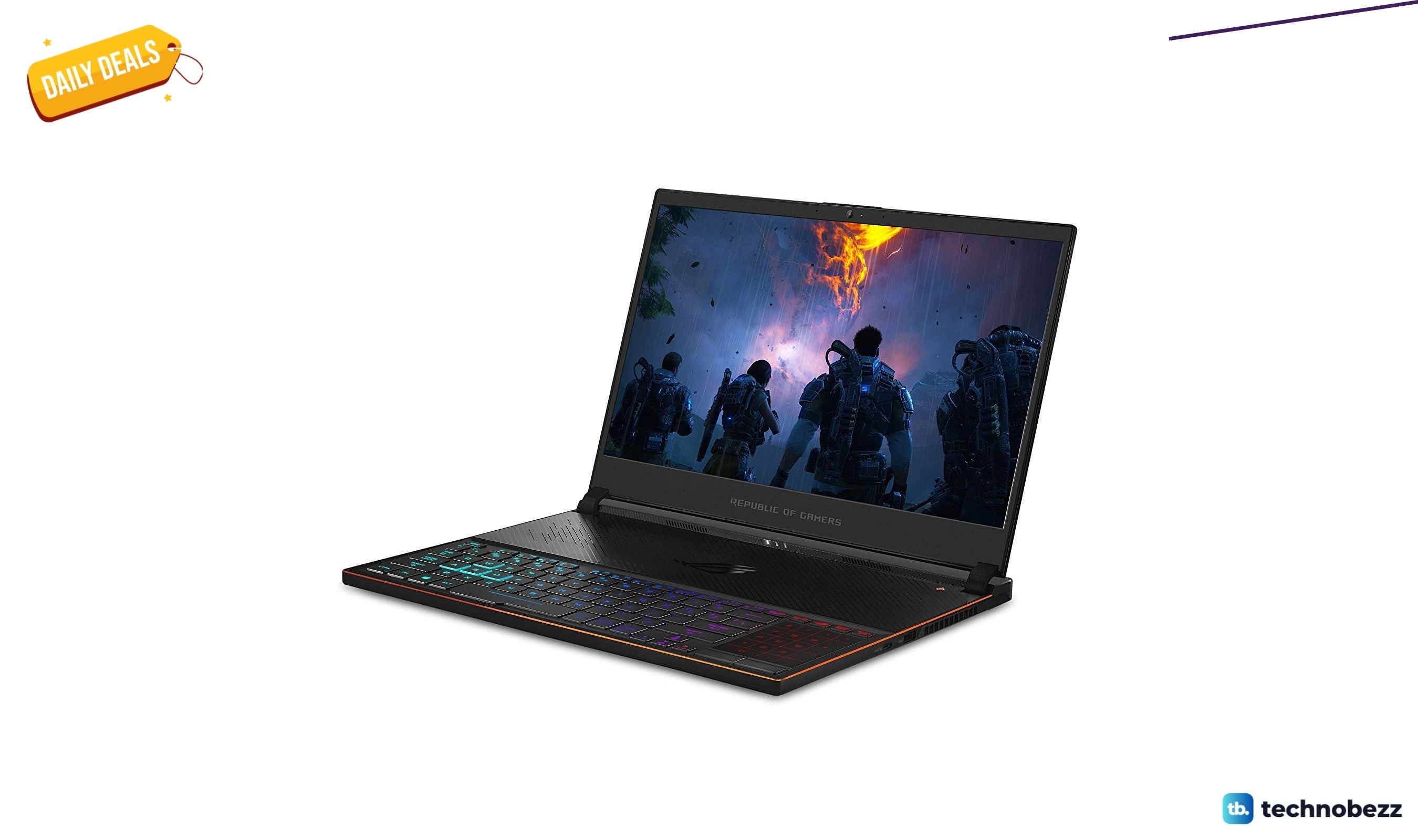
ASUS ROG Zephyrus S Ultra Slim Gaming gets a $660.95 price cut to $1338.05
5 min read
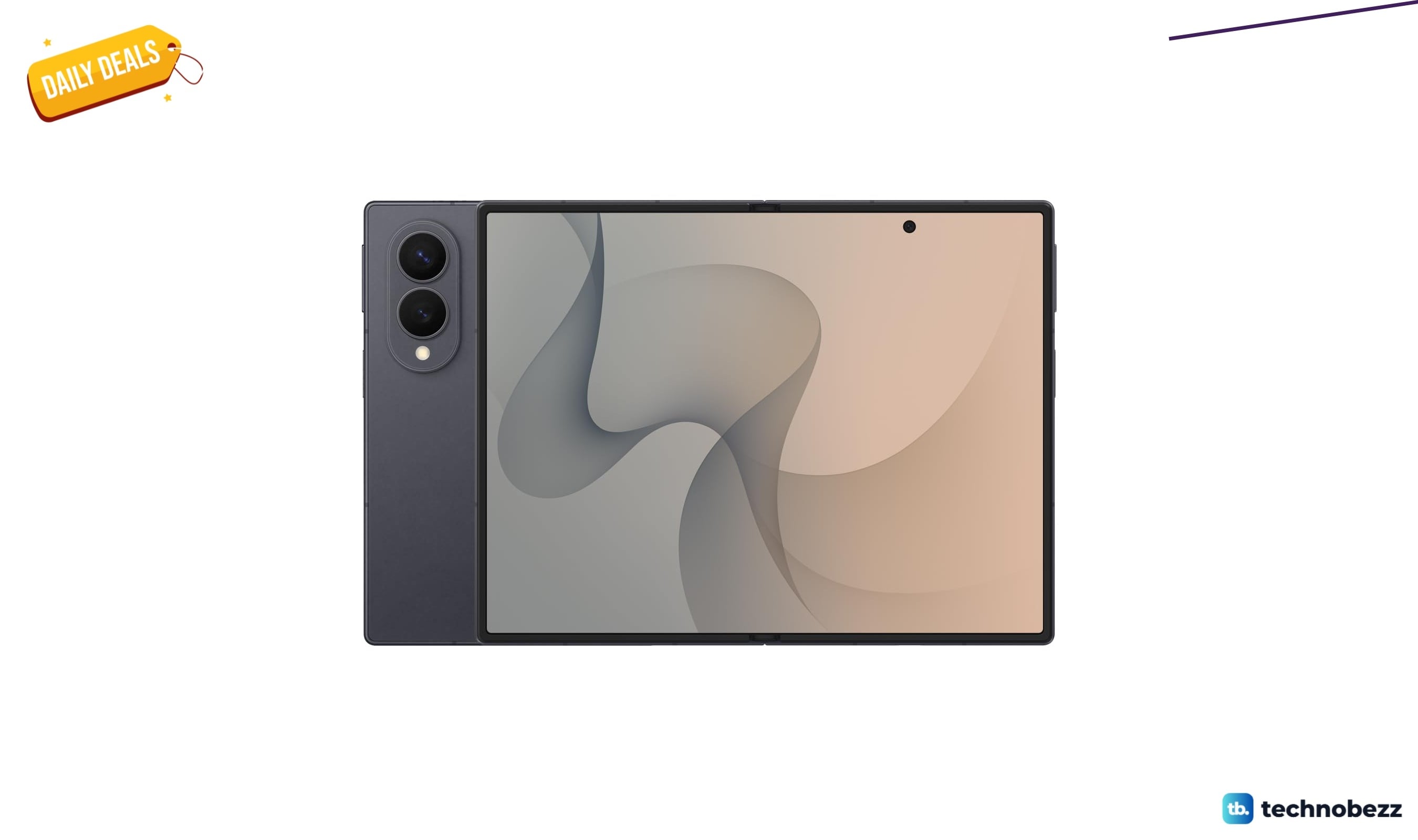
Samsung Galaxy Z Fold8 Unlocked Android Smartphone on sale for $1649.99
3 min read
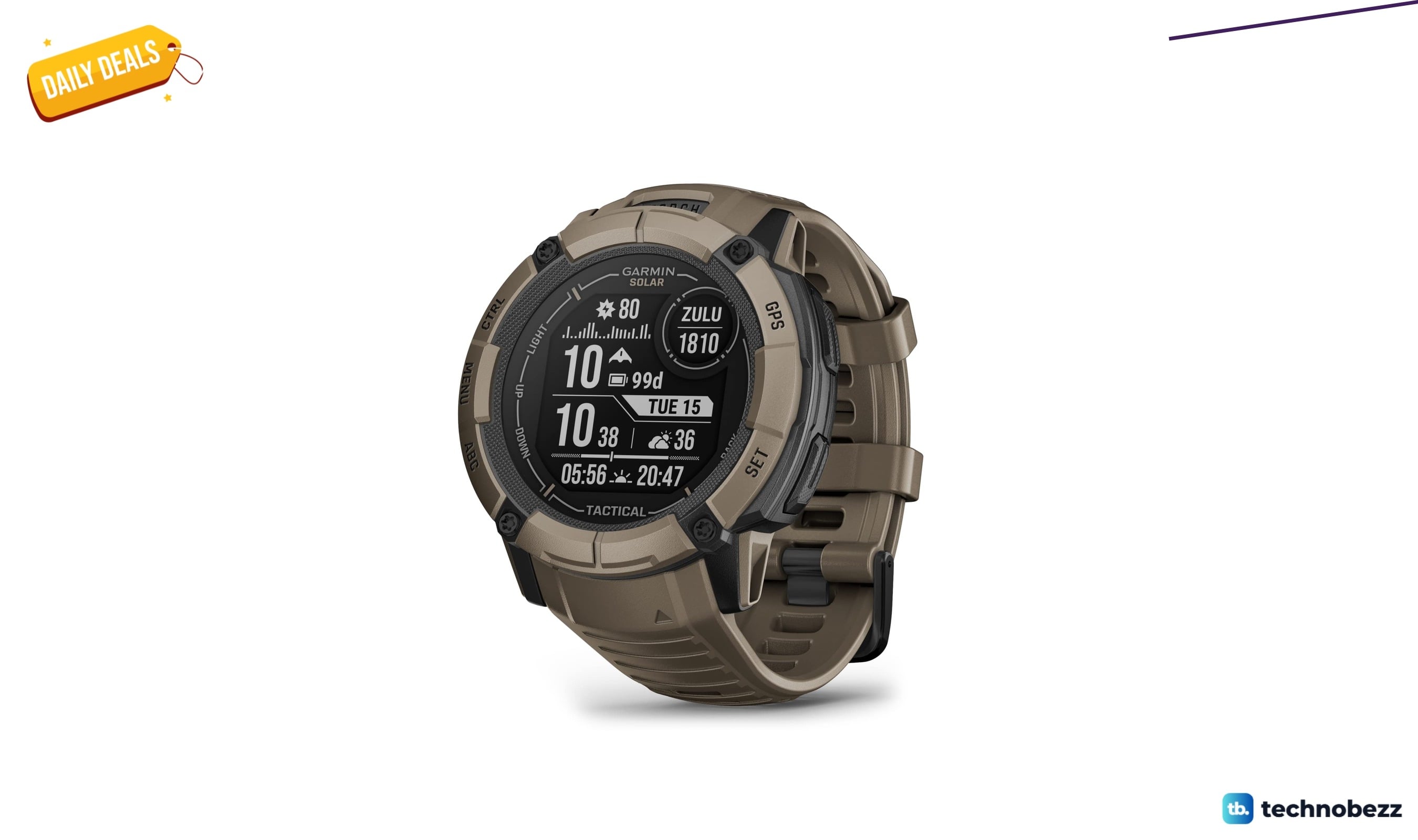
We found 2 smartwatch deals from $219.99 that are actually worth it
5 min read
Sony WH-CH720 Noise Canceling Wireless Bluetooth Headphones now $87.94, down from $119.99
3 min read
TCL 75-inch F7D QLED 4K TV leads 2 TV deals from $499.99
5 min read