If your laptop feels limited by its few USB-C ports, a good hub can transform it into a complete workstation. The Anker 555 8-in-1 USB-C Hub stands out as our top pick for balancing ports, speed, and reliability. This list helps you choose the right hub whether you need basic expansion, multiple displays, or maximum connectivity.
Product
Technobezz is supported by its audience. We may get a commission from retail offers.
Best USB C Hubs in 2026
Anker 555 8-in-1 USB-C Hub leads our 2026 picks. We tested top models for ports, speed, and reliability to expand your laptop.
T
Technobezz
Senior Editor
Updated June 15, 2026Jun 15, 2026
•8 min read

Get Deals Like These in Your Inbox
The best prices, reviewed weekly.
At a Glance
| Category | Product | Why We Picked It |
|---|---|---|
| Best overall | Anker 555 8-in-1 USB-C Hub | Reliable 8-port hub with fast data and 4K video |
| Best value | Hiearcool USB-C Hub | Affordable basics for everyday expansion needs |
| Best for multiple USB-C devices | EZQuest Slim Gen 2 | Four usable USB-C ports for modern accessories |
| Best for dual monitors | Baseus 10-in-1 Dual Monitor Docking Station | Dual 4K displays for Windows multi-monitor setups |
| Best premium dock | UGREEN Revodok Pro 109 | Premium build with comprehensive port selection |
| Also recommended | Satechi Multi-Port Adapter V2 | Sleek, Mac-friendly port selection |
| Also recommended | Belkin Connect Universal | Dual HDMI for Mac multi-monitor setups |
| Also recommended | MOKiN 13-in-1 Docking Station with LCD Display | Full-sized dock with handy LCD screen |
How we chose and tested
We evaluated USB-C hubs based on port selection, data transfer speeds, power delivery capabilities, and real-world usability. Our assessment considered factors like build quality, heat management, and compatibility across different laptop models. We prioritized products that deliver reliable performance for common workflows, from basic office tasks to creative work requiring multiple displays and fast storage access.
The best USB-C hubs right now
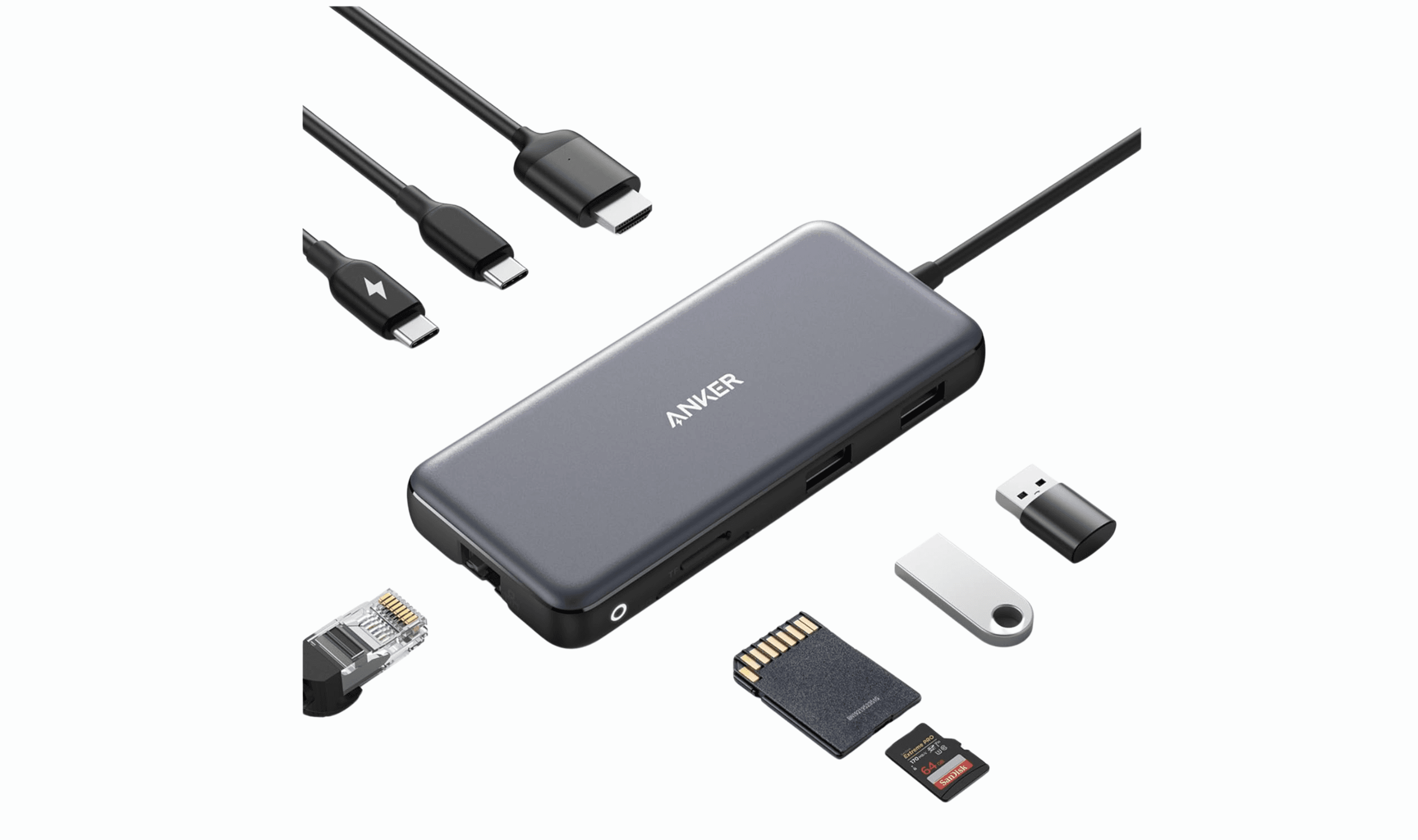
Anker 555 8-in-1 USB-C Hub - Best overall

This hub delivers the right mix of ports for most users, combining essential connections with solid performance. It handles everything from legacy accessories to modern displays without breaking the bank.
Key highlights
- Includes Gigabit Ethernet for stable wired connections
- HDMI port supports 4K at 60Hz for smooth video
- Two USB-A and one USB-C data ports at 10Gbps speeds
- SD and microSD card readers for photo transfers
- 85W power delivery keeps laptops charged
Pros
- Excellent port selection covers most common needs
- Fast data transfer speeds for both USB-A and USB-C devices
- Reliable performance with multiple devices connected
- Solid aluminum construction feels durable
Cons
- Only one USB-C data port limits modern accessory connections
- Can get warm during extended use with multiple devices
- SD card readers use slower UHS-I standard
Who it is for: Anyone needing a reliable all-around hub for home office, school, or travel use.
Skip if
You need multiple USB-C data ports or faster SD card transfer speeds.
Hiearcool USB-C Hub - Best value

For basic expansion at an affordable price, this hub covers the essentials without unnecessary extras. It's a practical choice when you just need a few more ports.
Key highlights
- Simple port selection with HDMI, USB-A, and card readers
- 100W pass-through charging capability
- Compact, lightweight design for easy portability
- Works with most USB-C laptops and tablets
- Plug-and-play setup requires no drivers
Pros
- Very affordable price point
- Lightweight and easy to carry
- Includes SD and microSD card slots
- Reliable performance for basic tasks
Cons
- No Ethernet port for wired connections
- HDMI limited to 4K at 30Hz refresh rate
- Only two USB-A ports for accessories
Who it is for: Students, travelers, and anyone needing basic port expansion on a budget.
Skip if
You need Ethernet, multiple displays, or faster HDMI refresh rates.
EZQuest Slim Gen 2 - Best for multiple USB-C devices

Most hubs skimp on USB-C ports, but this one delivers four usable Type-C connections alongside video output. It's designed for users with modern USB-C accessories.
Key highlights
- Four USB-C Gen 2 ports at 10Gbps each
- One USB-C port dedicated to 4K/60Hz video output
- Detachable 20-inch cable for flexible placement
- Compact design with all ports on one side
- Supports simultaneous connection of multiple USB-C devices
Pros
- Excellent for keyboards, webcams, and drives using USB-C
- Long, detachable cable offers placement flexibility
- Stays relatively cool even with multiple devices connected
- Clean, minimalist design looks good on any desk
Cons
- No USB-A ports for legacy accessories
- No HDMI port (requires USB-C to HDMI adapter)
- No Ethernet or card reader options
Who it is for: Users with multiple USB-C accessories who need to connect them simultaneously.
Skip if
You still use USB-A devices or need HDMI connectivity without adapters.
Baseus 10-in-1 Dual Monitor Docking Station - Best for dual monitors

This dock excels at multi-display setups, particularly for Windows users who need smooth dual 4K output. It balances display capabilities with useful additional ports.
Key highlights
- Dual HDMI ports supporting two 4K displays at 60Hz
- 10Gbps USB-C data port and three USB-A ports
- SD and microSD card readers for media transfers
- Gigabit Ethernet for stable internet connections
- PD 100W port delivering up to 85W charging power
Pros
- Excellent dual monitor support for Windows systems
- Good mix of modern and legacy ports
- Premium build with metal enclosure and woven cable
- Includes useful features like a laptop lock screen button
Cons
- Mac users limited to single extended display
- USB-A ports positioned close together
- Only one USB-C data port
Who it is for: Windows users needing reliable dual monitor support with additional connectivity.
Skip if
You primarily use a Mac and need true dual extended displays.
UGREEN Revodok Pro 109 - Best premium USB-C hub

When you need comprehensive connectivity with premium build quality, this hub delivers excellent performance across all ports. It's a step up for demanding users.
Key highlights
- Three USB-A ports including one 10Gbps connection
- HDMI 2.0 supporting 4K at 60Hz refresh rate
- SD and microSD card readers with easy-access design
- Gigabit Ethernet port for wired networking
- 100W power delivery with 90W to host device
Pros
- Premium aluminum construction feels solid
- Excellent port selection covers most needs
- Good heat management during extended use
- 10-inch cable offers flexible placement options
Cons
- Only one downstream USB-C data port
- Higher price point than basic hubs
- Can get warm with all ports in use
Who it is for: Professionals and power users needing reliable, comprehensive connectivity.
Skip if
You're on a tight budget or only need basic port expansion.
Also Good
- Satechi Multi-Port Adapter V2 - sleek, Mac-friendly port selection.
- Belkin Connect Universal - dual HDMI for Mac multi-monitor setups.
- MOKiN 13-in-1 Docking Station with LCD Display - full-sized dock with handy LCD screen.
How to Choose
Consider these factors when selecting your USB-C hub:
Port selection matters most: Start by listing what you actually connect regularly. Need Ethernet for stable internet? HDMI for a monitor? SD cards for photos? Match the hub's ports to your real needs rather than just counting total ports.
Power delivery affects charging: If your laptop charges via USB-C, look for hubs with power delivery (PD). Note that 100W input typically delivers about 85W to your laptop after the hub uses some power itself.
Display capabilities vary: Check HDMI specifications carefully. 4K at 60Hz looks much smoother than 4K at 30Hz. For multiple monitors, verify whether your laptop and the hub support extended displays or just mirroring.
Speed differences impact workflow: USB 3.0 (5Gbps) works for most accessories, but USB 3.2 Gen 2 (10Gbps) makes a noticeable difference with external SSDs and large file transfers.
Build quality affects longevity: Aluminum hubs generally dissipate heat better than plastic ones. Consider weight and cable length if you travel frequently with your hub.
FAQ
What's the difference between a USB-C hub and a docking station?
Hubs are smaller, portable devices that typically don't need external power. Docking stations are larger, often include their own power supply, and usually offer more ports and display capabilities. Hubs work well for travel and basic expansion, while docks suit permanent desk setups.
Can I connect multiple USB-C hubs together?
You can connect a hub to each available USB-C port on your laptop, but you generally can't daisy-chain USB-C hubs together. Thunderbolt docks support daisy-chaining, but standard USB-C hubs do not.
Why do some hubs get hot during use?
Heat builds up from electronic components transferring data and delivering power. Aluminum enclosures help dissipate this heat better than plastic. Some warmth is normal, but excessive heat could indicate problems or affect performance during extended use.
Do I need special drivers for USB-C hubs?
Most hubs work plug-and-play without additional software. The exception is DisplayLink hubs for multi-monitor setups on Macs, which require a driver download to enable extended displays beyond Apple's native limitations.
How much should I spend on a USB-C hub?
Good basic hubs start around $30-40, while premium models with more ports and faster speeds range from $60-$100. Consider how often you'll use it and what features you actually need before deciding.
Published March 11, 2026 Last updated June 15, 2026
Share this article
More in News
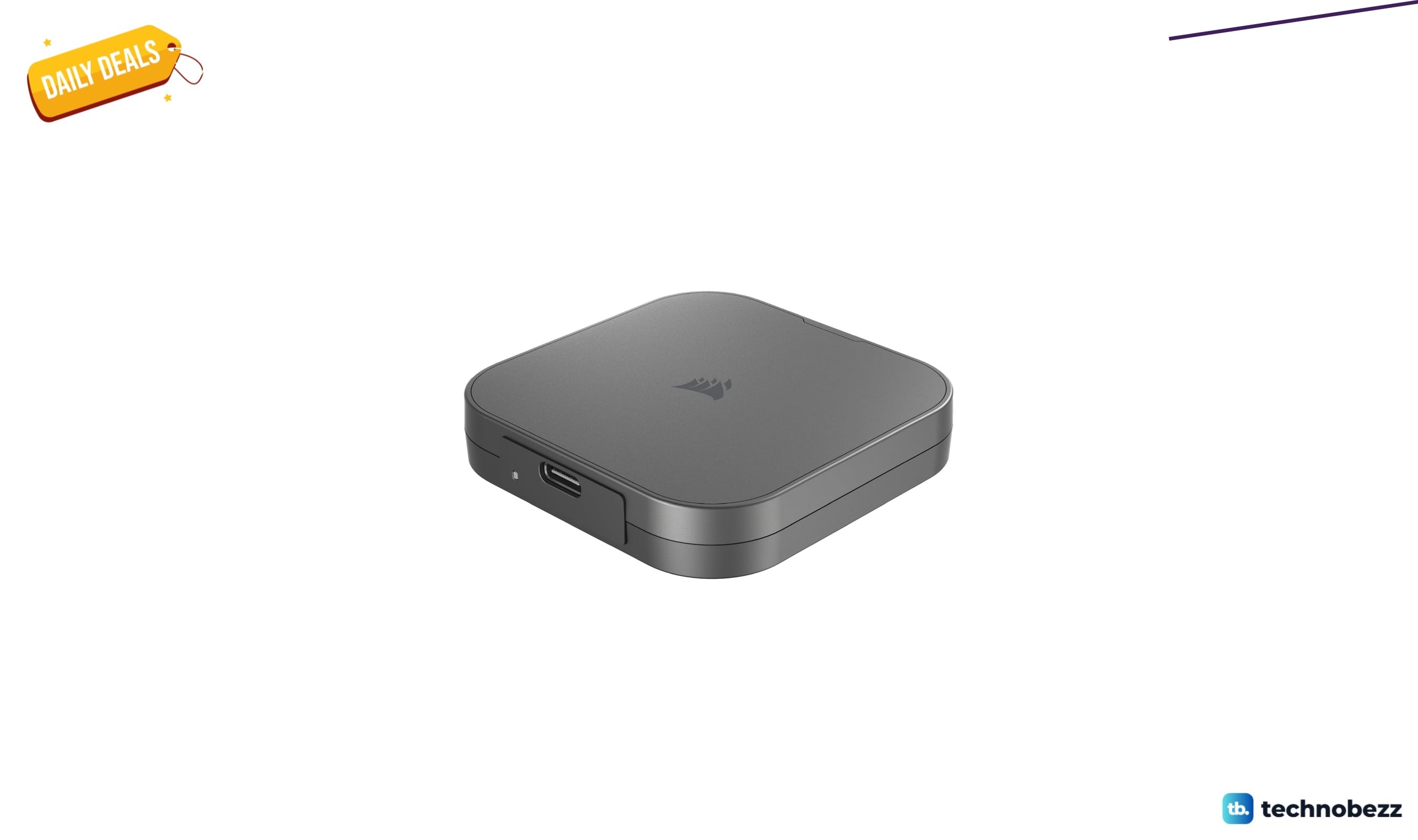
Corsair EX400U USB4 Portable External SSD drops to $243.05 on Amazon
Corsair's USB4 portable SSD drops to $243.05 on Amazon, a 54% discount offering 4,000MB/s speeds for video editors and creators.
5 min read
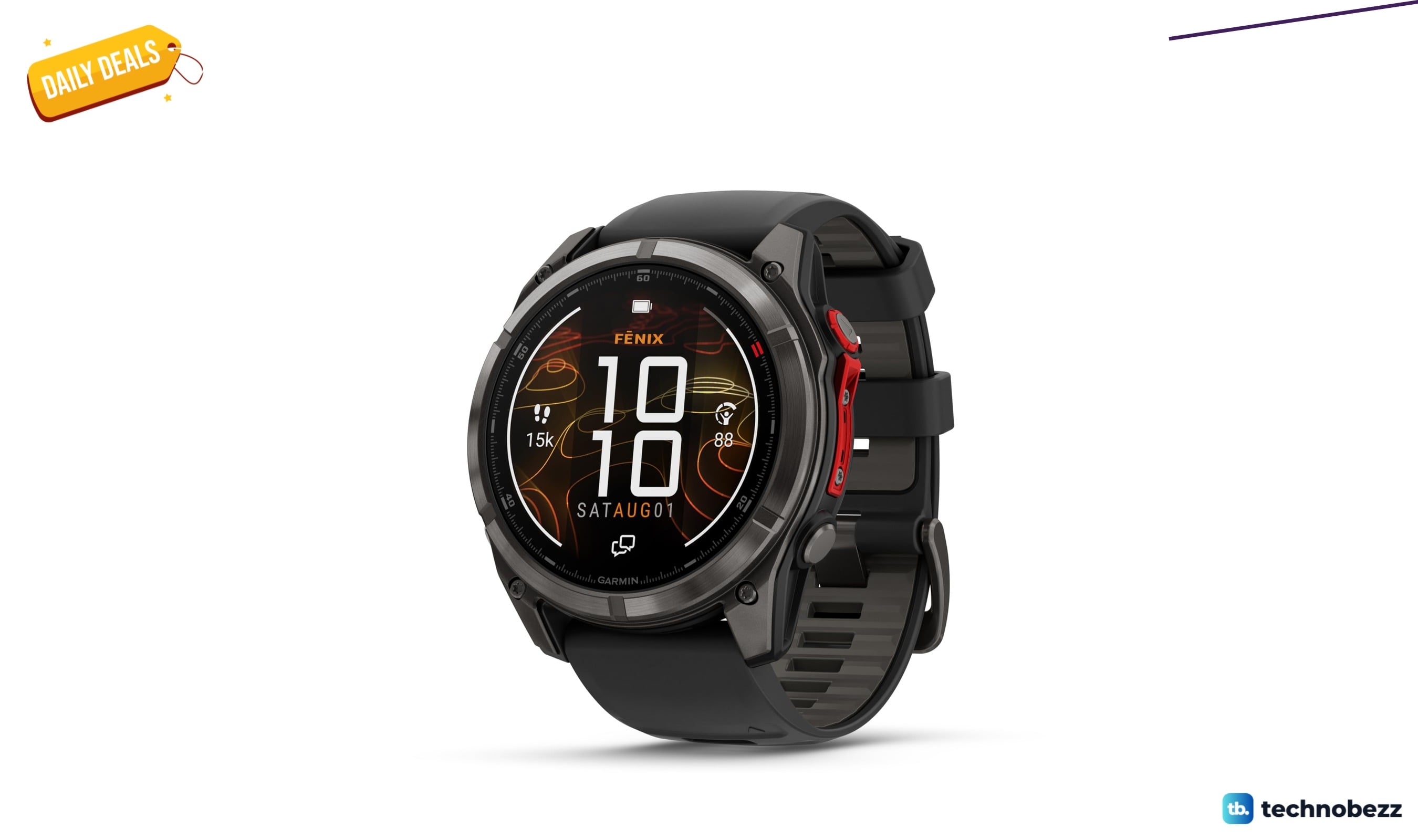
Garmin fēnix 8 Pro 51mm MicroLED Sapphire drops to $1249.99 on Amazon
Garmin f nix 8 Pro 51mm MicroLED Sapphire hits record-low $1249.99 on Amazon, saving $450 with premium durability and satellite features.
4 min read
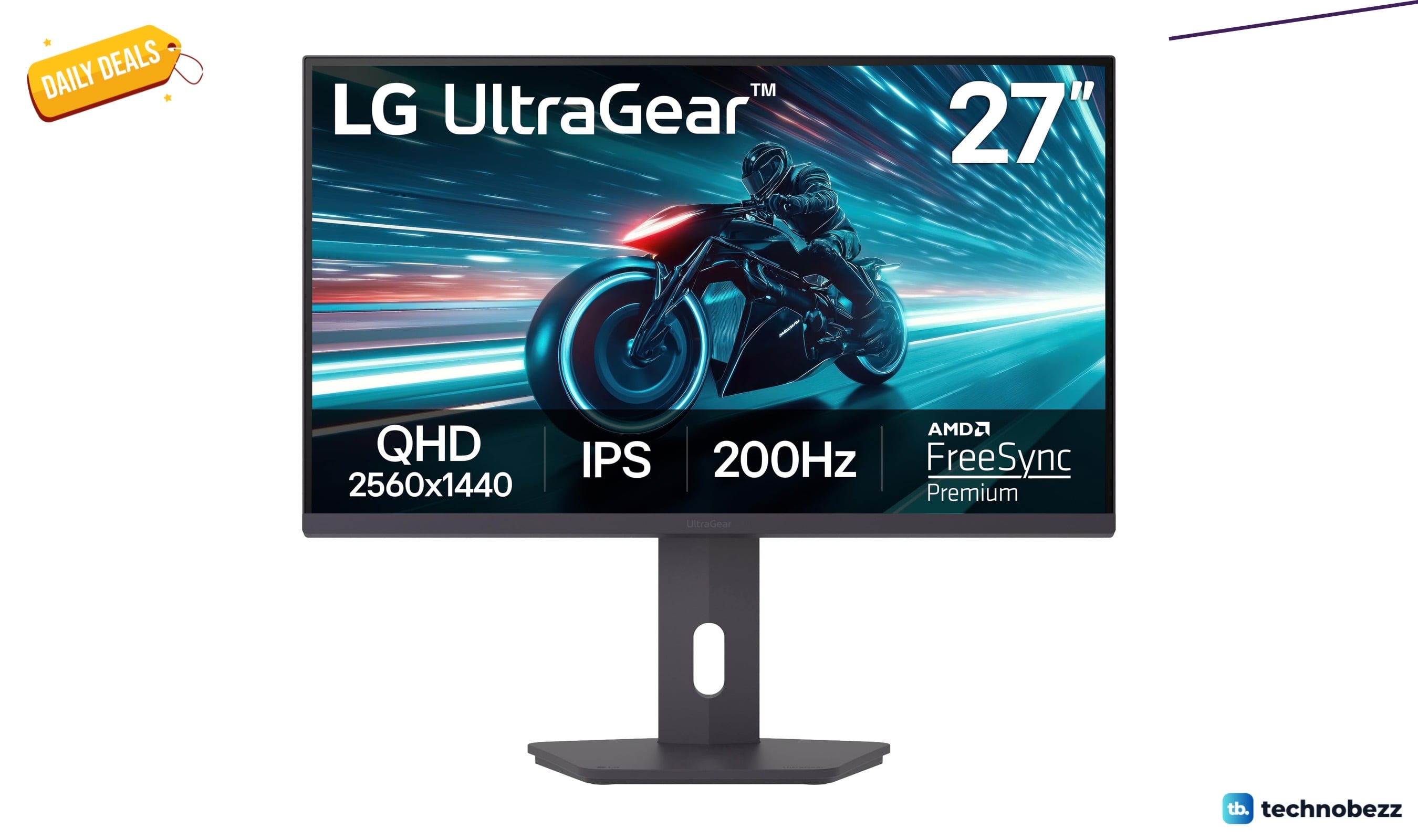
LG 27GS75Q-B Ultragear QHD Gaming Monitor drops to $159.99 at Amazon
LG 27GS75Q-B Ultragear QHD gaming monitor drops to $159.99 at Amazon, a 15% discount off its recent average for fast 180Hz IPS play.
3 min read
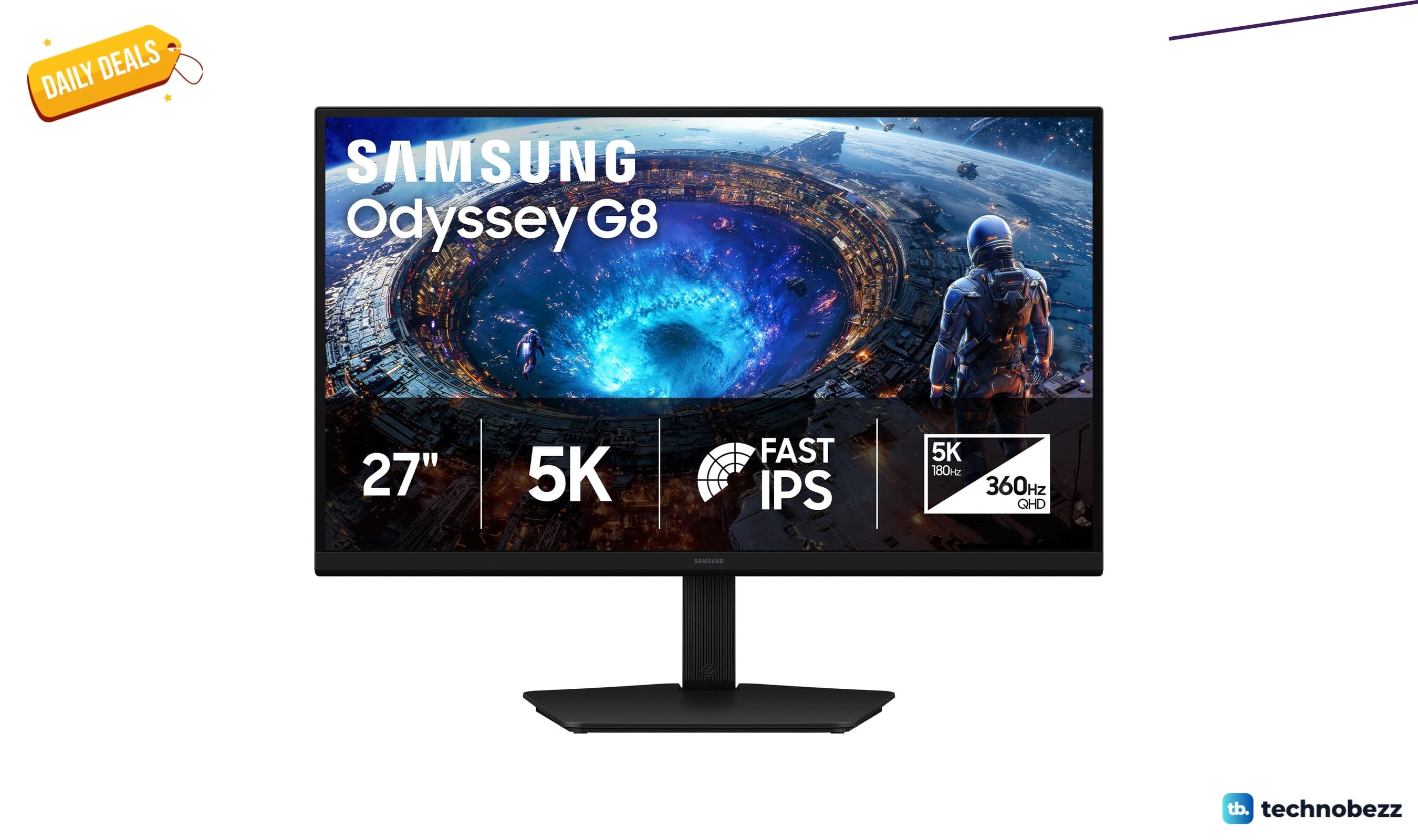
Samsung 27 Inch Odyssey G8 Gaming Monitor 5K falls to $709.99
Samsung's 27-inch Odyssey G8 5K gaming monitor hits a record-low $709.99, saving you $240 with dual-mode 180Hz/360Hz refresh rates.
5 min read
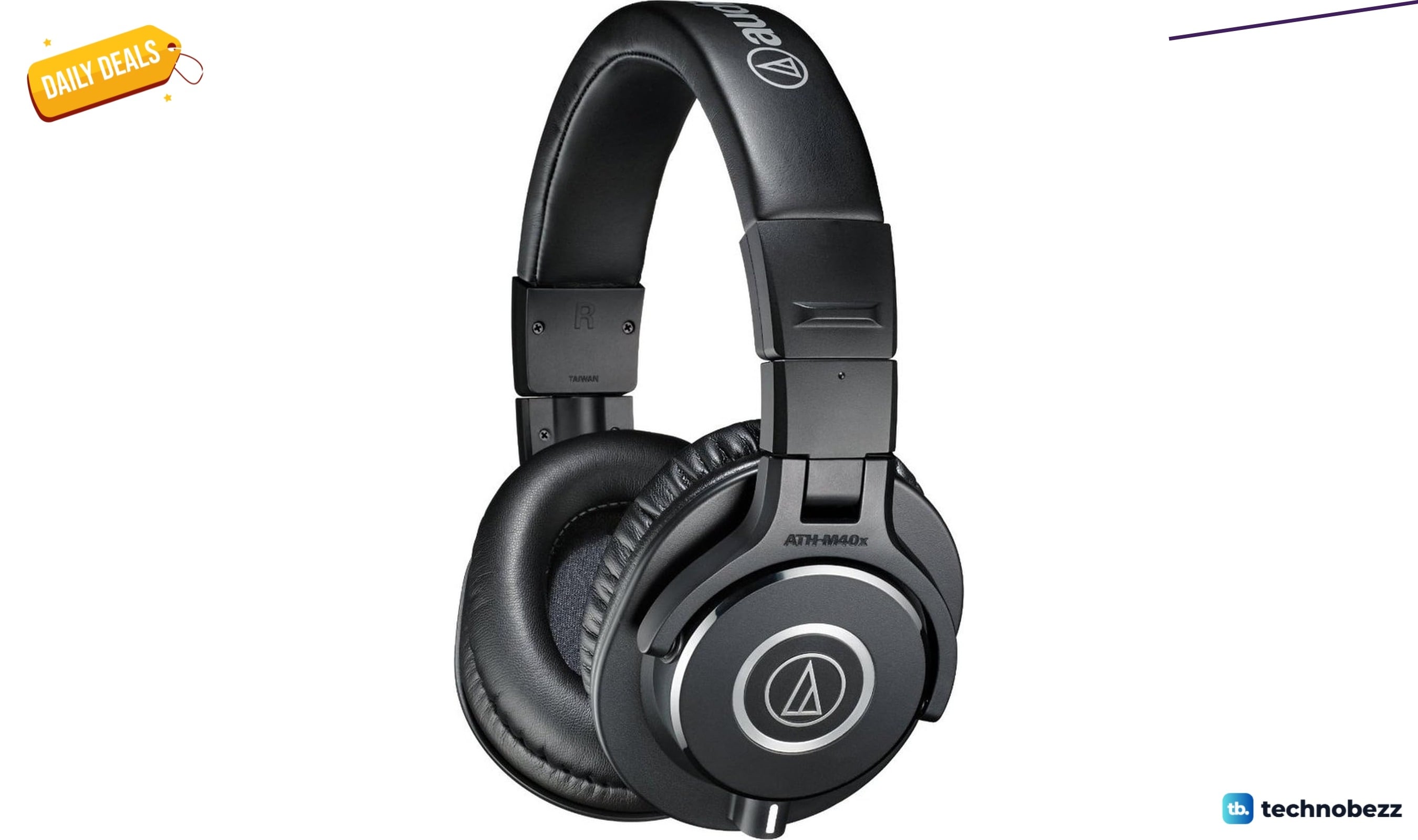
Audio-Technica ATH-M40x Studio Monitor Headphones down to $95.92 on Amazon
4 min read
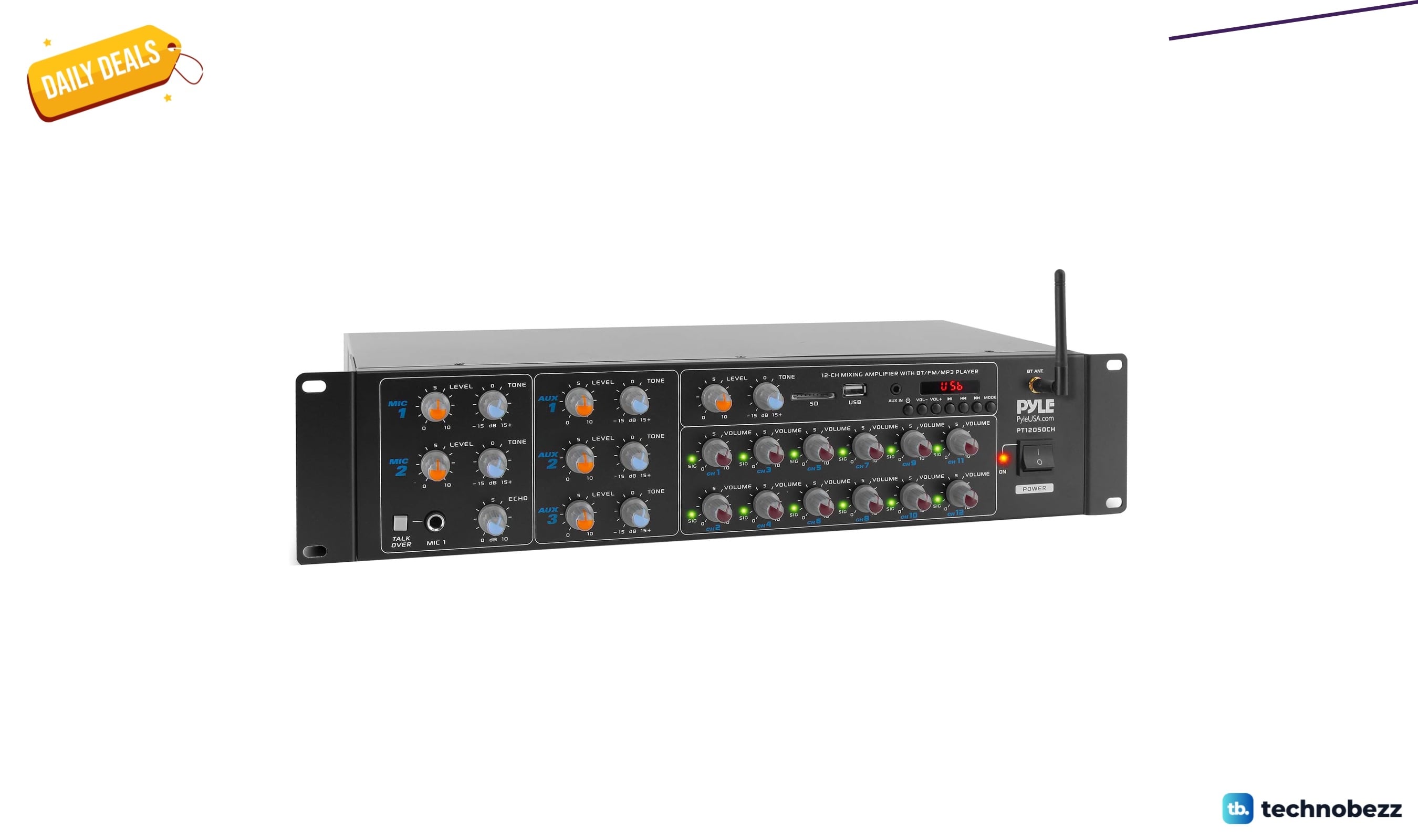
Pyle 12-Channel Wireless Bluetooth Power Amplifier 6000 drops to $338.82
4 min read
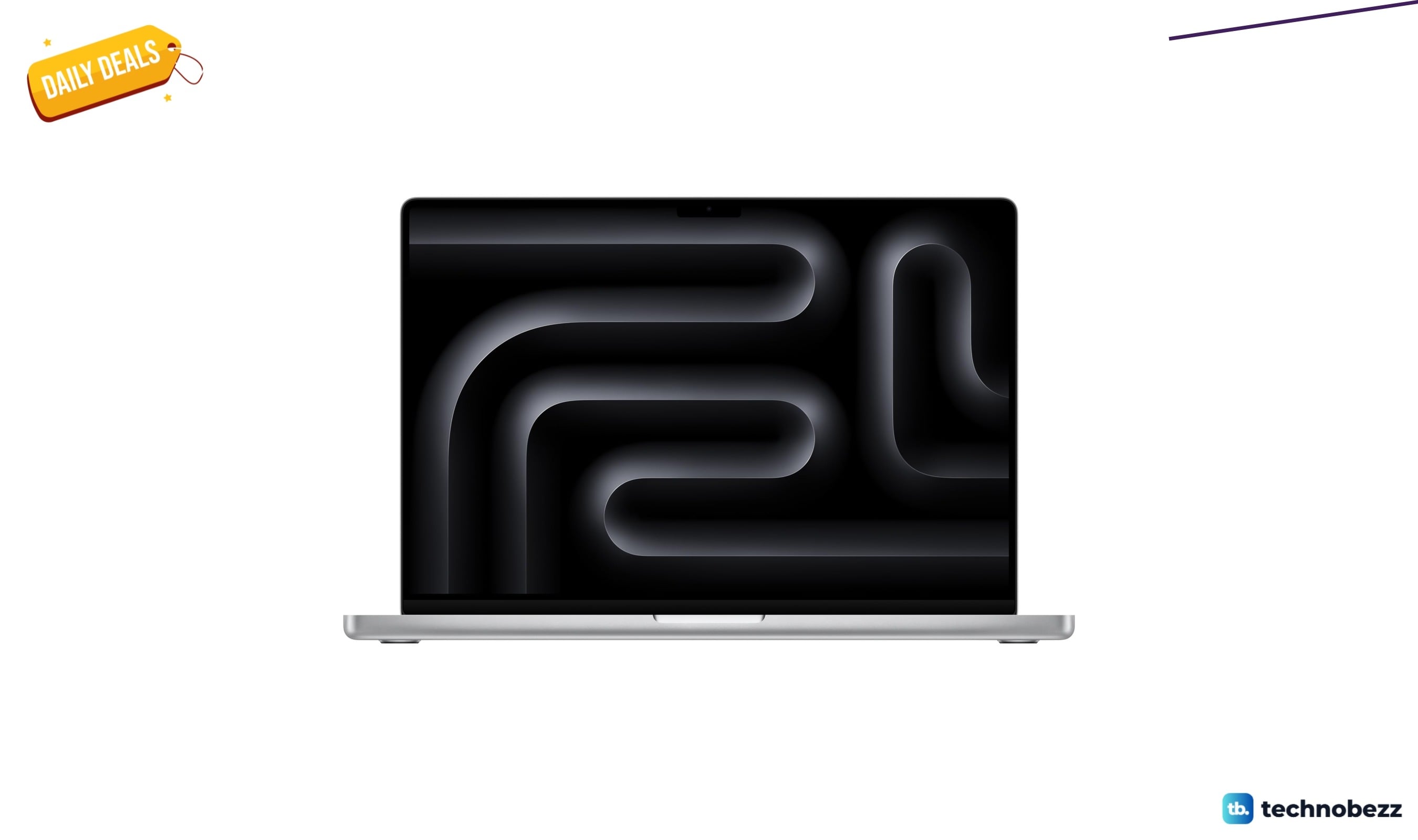
Apple 2023 MacBook Pro M3 Max chip discounted to $3845.02
3 min read
Anker soundcore Boom 2 Pro Outdoor IPX68 now $139.99 at Woot
4 min read
Two headphone deals land today with prices starting at $199
4 min read
HP 24mh FHD Monitor Computer Monitor drops to $172.99 on Amazon
5 min read
LG Smart Monitor Swing 32U889SA-W 4K UHD down to $739.99 in latest price cut
4 min read
Samsung S36GD 27" Curved Monitor LCD FHD drops to $199.95
3 min read