Finding the right security camera means balancing video quality, smart features, and ongoing costs. The Arlo Pro 6 stands out as our top pick for its excellent 2K resolution and versatile features, but your choice depends on whether you prioritize budget, subscription-free operation, or specific use cases like floodlights or doorbell monitoring.
Product
Technobezz is supported by its audience. We may get a commission from retail offers.
Best Home Security Cameras for 2026
Arlo Pro 6 leads our 2026 picks for the best home security cameras. Compare top models for video quality, smart features, and value.
T
Technobezz
Senior Editor
Updated March 11, 2026Mar 11, 2026
•8 min read

Get Deals Like These in Your Inbox
The best prices, reviewed weekly.
At a Glance
| Category | Product | Why We Picked It |
|---|---|---|
| Best overall | Arlo Pro 6 | Excellent 2K resolution with versatile indoor/outdoor use |
| Best value | Wyze Cam v4 | Impressive features at a remarkably low price |
| Best for Google users | Nest Cam (battery) | Seamless integration with free storage |
| Best floodlight camera | Eufy Floodlight Cam E340 | Dual-lens design with no subscription needed |
| Best budget wireless | Blink Outdoor 4 | Reliable battery-powered outdoor monitoring |
| Also recommended | Ring Stick Up Cam Pro | Seamless fit for existing Ring setups |
| Also recommended | TP-Link Tapo C120 | Budget-friendly 2K cam with color night vision |
| Also recommended | SimpliSafe Wireless Indoor Camera | Integrates with full monitored systems |
| Also recommended | Lorex 4K cameras | Pro-grade choice with local NVR storage |
How we chose and tested
We evaluated security cameras based on comprehensive research across multiple expert assessments and user experiences. Our evaluation considered video quality in various lighting conditions, smart detection capabilities, ease of installation and use, subscription requirements, and overall value. We prioritized products that deliver reliable performance without unnecessary complexity or hidden costs, focusing on real-world usability for different home security needs.
The best home security cameras right now
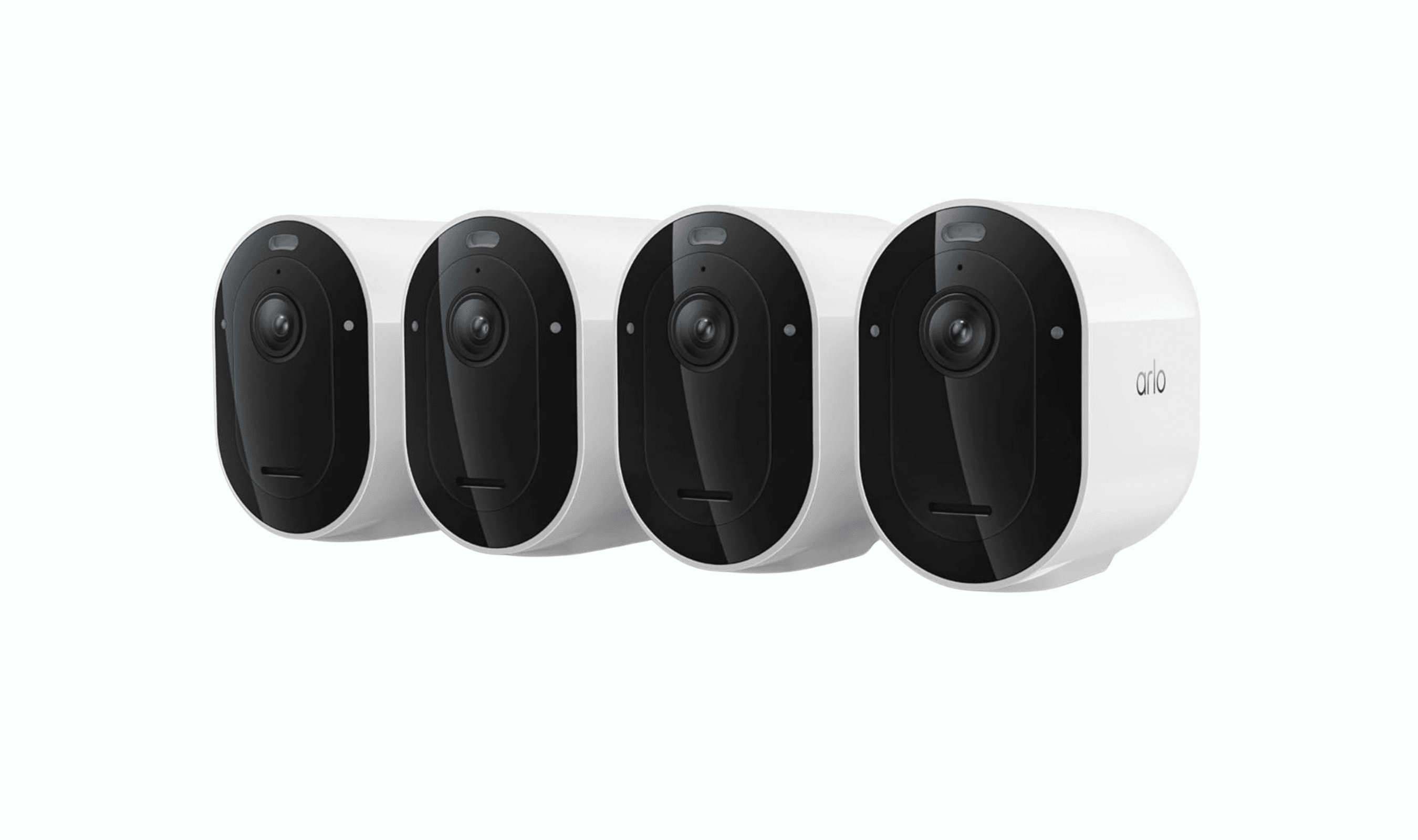
Arlo Pro 6 - Best overall

The Arlo Pro 6 delivers premium 2K video quality with versatile features that work well both indoors and outdoors, making it the most well-rounded choice for comprehensive home security.
Key highlights
- 2K resolution with HDR for clear daytime and nighttime footage
- 160-degree wide field of view captures more area
- Color night vision and built-in spotlight for better low-light visibility
- Flexible power options including battery, solar, or wired connections
- Smart detection for people, vehicles, and packages
Pros
- Excellent video quality in all lighting conditions
- Easy installation with magnetic mounts
- Works with Alexa and Google Assistant
- No long-term contracts required
Cons
- Premium pricing compared to budget options
- Advanced AI features require subscription
- Limited home automation integration
Who it is for: Homeowners wanting high-quality video with flexible placement options and smart features.
Skip if
You're on a tight budget or want to avoid subscription fees entirely.
Wyze Cam v4 - Best value

For under $50, the Wyze Cam v4 delivers surprisingly good 2.5K QHD video quality and useful features that rival more expensive cameras.
Key highlights
- 2.5K QHD (2560x1440) resolution with color night vision
- Weatherproof design for indoor or outdoor use
- Local storage via microSD card slot
- Person, package, and vehicle detection
Pros
- Exceptional value for the price
- Good video quality day and night
- Flexible storage options
- Works with Alexa and Google Assistant
Cons
- Must be plugged into power outlet
- Free cloud clips limited to 12 seconds
- Lower frame rates can cause choppy video
Who it is for: Budget-conscious buyers who want solid security features without breaking the bank.
Skip if
You need truly wireless operation or longer free cloud storage.
Nest Cam (battery) - Best for Google users

Google's battery-powered Nest Cam offers seamless integration with Google Home and provides three hours of free video storage, making it ideal for those already in the Google ecosystem.
Key highlights
- 1080p resolution with HDR for balanced lighting
- Three hours of free event video storage
- Person, animal, and vehicle detection
- Magnetic base for easy installation
- Works indoors or outdoors
Pros
- Free cloud storage without subscription
- Easy setup and installation
- Good Google Home integration
- Weather-resistant design
Cons
- Lower resolution than some competitors
- Requires subscription for longer storage
- Limited to Google ecosystem for full features
Who it is for: Google Home users who want simple, reliable security with some free storage.
Skip if
You use Alexa or want higher resolution video.
Eufy Floodlight Cam E340 - Best floodlight camera

The Eufy Floodlight Cam E340 combines a powerful floodlight with dual 2K/3K cameras, offering premium features without requiring a subscription.
Key highlights
- Dual camera system with 3K wide-angle and 2K telephoto lenses
- 2,000-lumen dimmable floodlights
- Mechanical pan and tilt with subject tracking
- Local storage via microSD card or HomeBase
- No subscription required for smart features
Pros
- Excellent video quality day and night
- Powerful illumination for security
- No monthly fees for basic features
- Smart detection and tracking
Cons
- Higher upfront cost
- Requires hardwired installation
- Larger size than standard cameras
Who it is for: Homeowners wanting maximum outdoor security with bright lighting and no ongoing fees.
Skip if
You need battery-powered operation or have a limited budget.
Blink Outdoor 4 - Best budget wireless

Amazon's Blink Outdoor 4 provides reliable wireless security with two-year battery life, making it ideal for locations without easy power access.
Key highlights
- 1080p video with infrared night vision
- Two-year battery life on two AA batteries
- Weatherproof design for outdoor use
- Sync module for Wi-Fi connection
- Person detection available
Pros
- Truly wireless with long battery life
- Affordable pricing
- Easy DIY installation
- Works with Alexa
Cons
- Lower resolution than newer models
- Cloud storage requires subscription
- Limited smart home integration
Who it is for: Those needing wireless cameras for remote locations or temporary setups.
Skip if
You want higher resolution video or free cloud storage.
Also Good
- Ring Stick Up Cam Pro - seamless fit for existing Ring setups.
- TP-Link Tapo C120 - budget-friendly 2K cam with color night vision.
- SimpliSafe Wireless Indoor Camera - integrates with full monitored systems.
- Lorex 4K cameras - pro-grade choice with local NVR storage.
How to Choose
Consider these factors when selecting your home security camera:
Indoor vs. outdoor: Only weather-rated cameras should be used outside. Indoor cameras often have more features but lack weather protection.
Wired vs. wireless: "Wireless" typically means Wi-Fi connectivity, not necessarily battery power. Battery cameras offer flexible placement but need recharging, while wired cameras provide constant power but require outlet access.
Video storage: Cloud storage usually requires subscriptions, while local storage (microSD cards or NVRs) gives you control but risks theft. Some cameras offer limited free cloud storage.
Smart features: Person, vehicle, and package detection reduce false alerts. Facial recognition and activity zones add convenience but often require subscriptions.
Smart home compatibility: Most cameras work with Alexa or Google Assistant, but fewer support Apple HomeKit. Consider your existing smart home ecosystem.
FAQ
Do I need a subscription for security cameras?
Many cameras require subscriptions for cloud storage and advanced features, but some like Eufy and Wyze offer local storage options without monthly fees. Google Nest provides limited free storage.
What's better: battery or wired cameras?
Battery cameras offer flexible placement but need periodic recharging. Wired cameras provide constant power but require outlet access. Consider your installation location and willingness to maintain batteries.
Can security cameras work without internet?
Most cameras need internet for remote viewing and cloud features, but many can record locally to SD cards during internet outages. Professional systems with NVRs can operate completely offline.
Are 4K cameras worth the extra cost?
4K provides more detail for identifying faces or license plates at distance, but requires more storage and bandwidth. For most homes, 2K resolution offers excellent clarity at a better value.
How do I prevent false alerts from security cameras?
Use activity zones to ignore busy areas, enable person/vehicle detection to filter out animals and moving shadows, and adjust motion sensitivity based on your environment.
Share this article
More in News
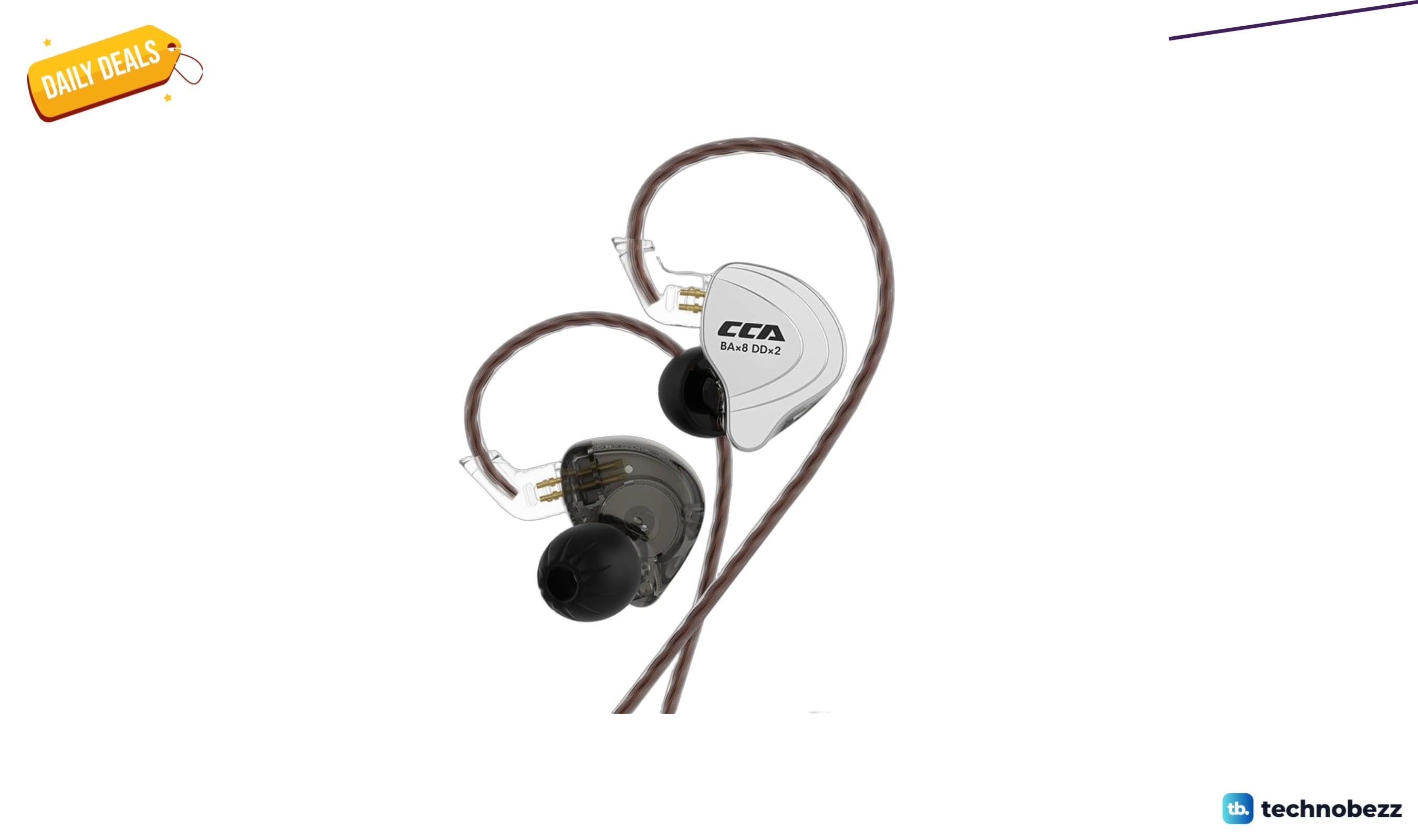
KZ CCA C10 Earbuds now selling for $61.98 on Amazon
Save 22% on KZ CCA C10 hybrid IEMs with ten drivers per pair, now $61.98 on Amazon for budget audiophile quality.
4 min read
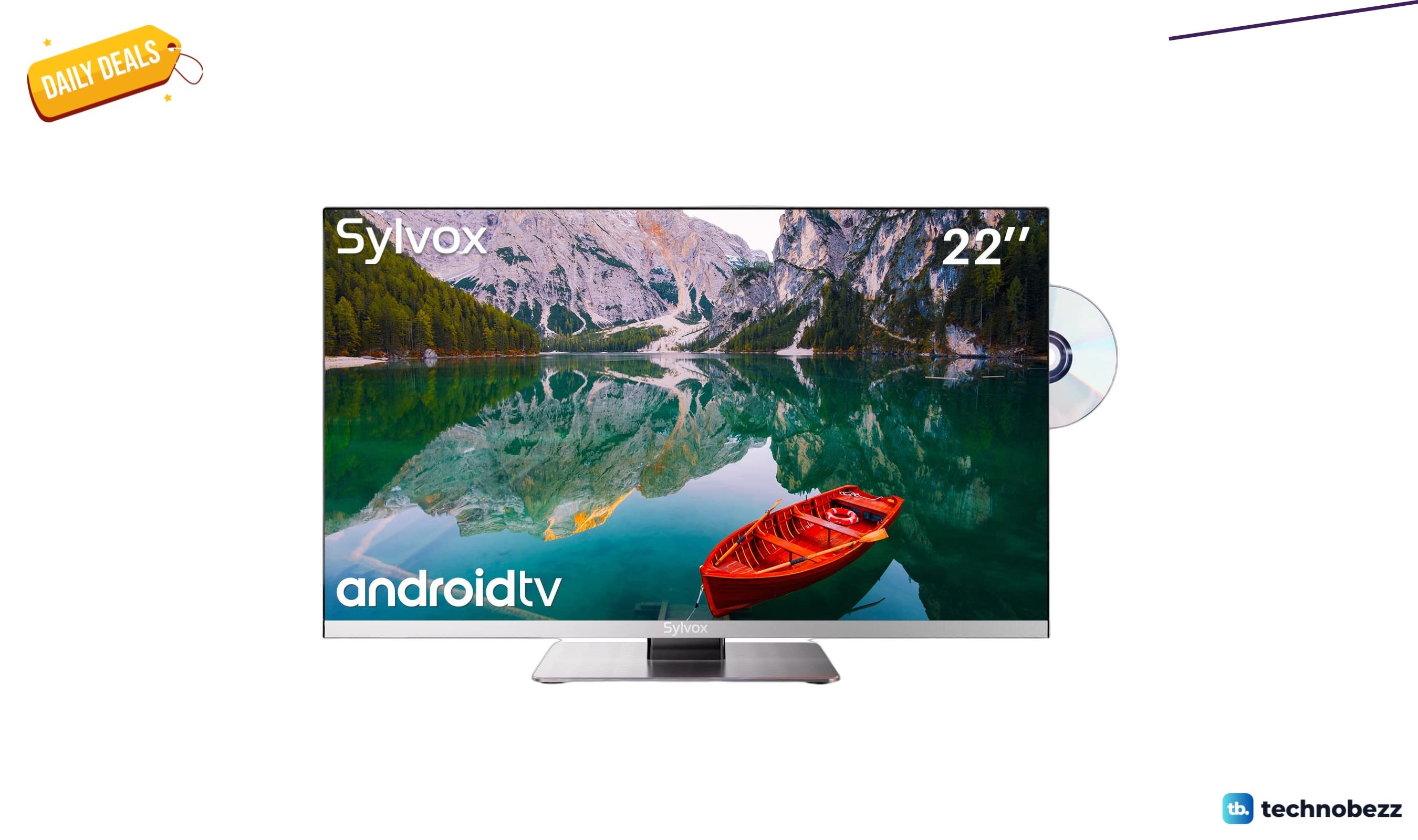
3 TV deals from $269 are actually worth it today
Three TVs from $269 to $1,998, all priced below their recent averages, including an RV-ready model and two flagship Samsung panels.
4 min read
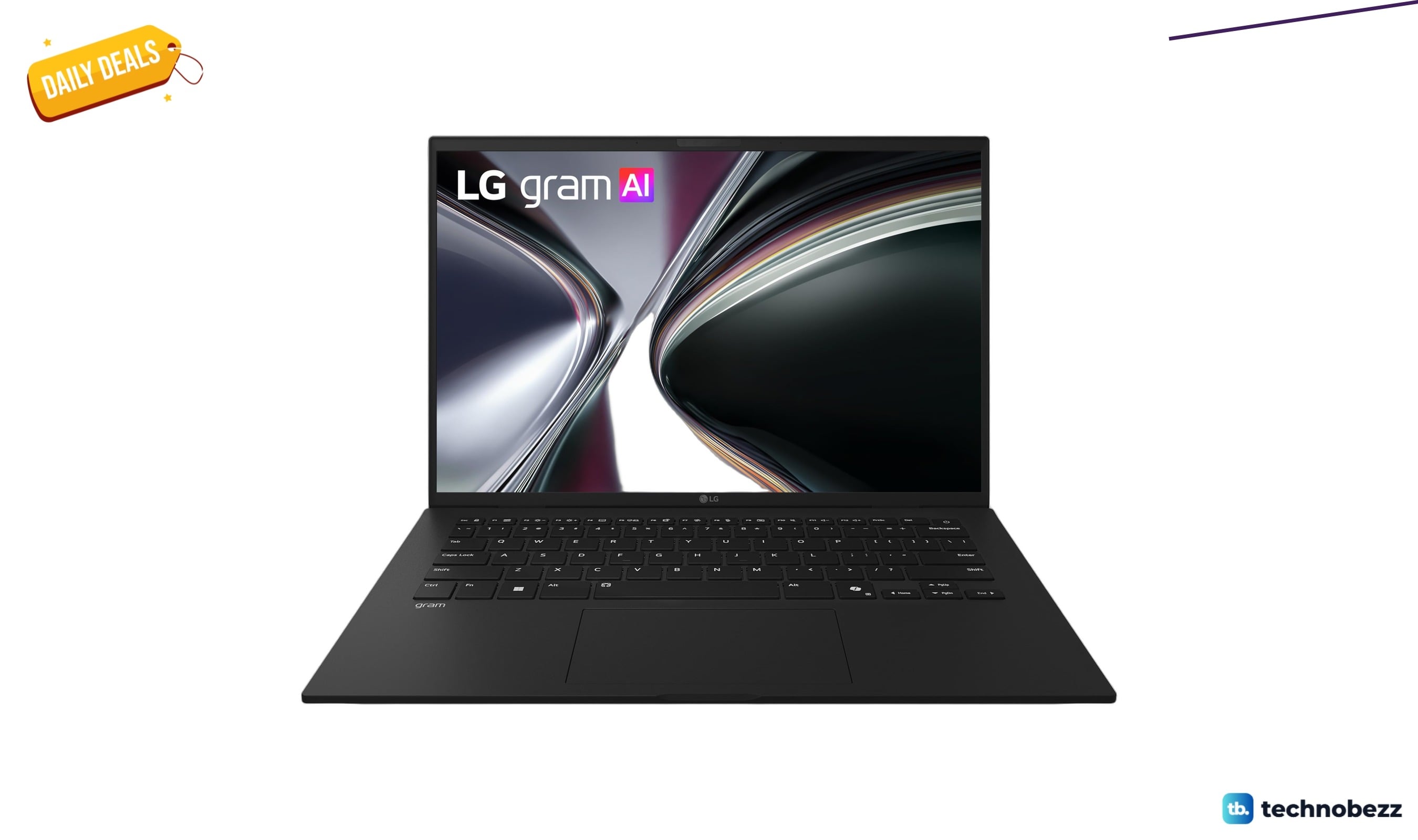
Amazon lists 2 LG gram laptop deals from $1649.99 today
Amazon slashes prices on two LG gram laptops, with the 32GB Intel model at $1,949.99 and the AMD Copilot+ PC starting at $1,649.99.
5 min read
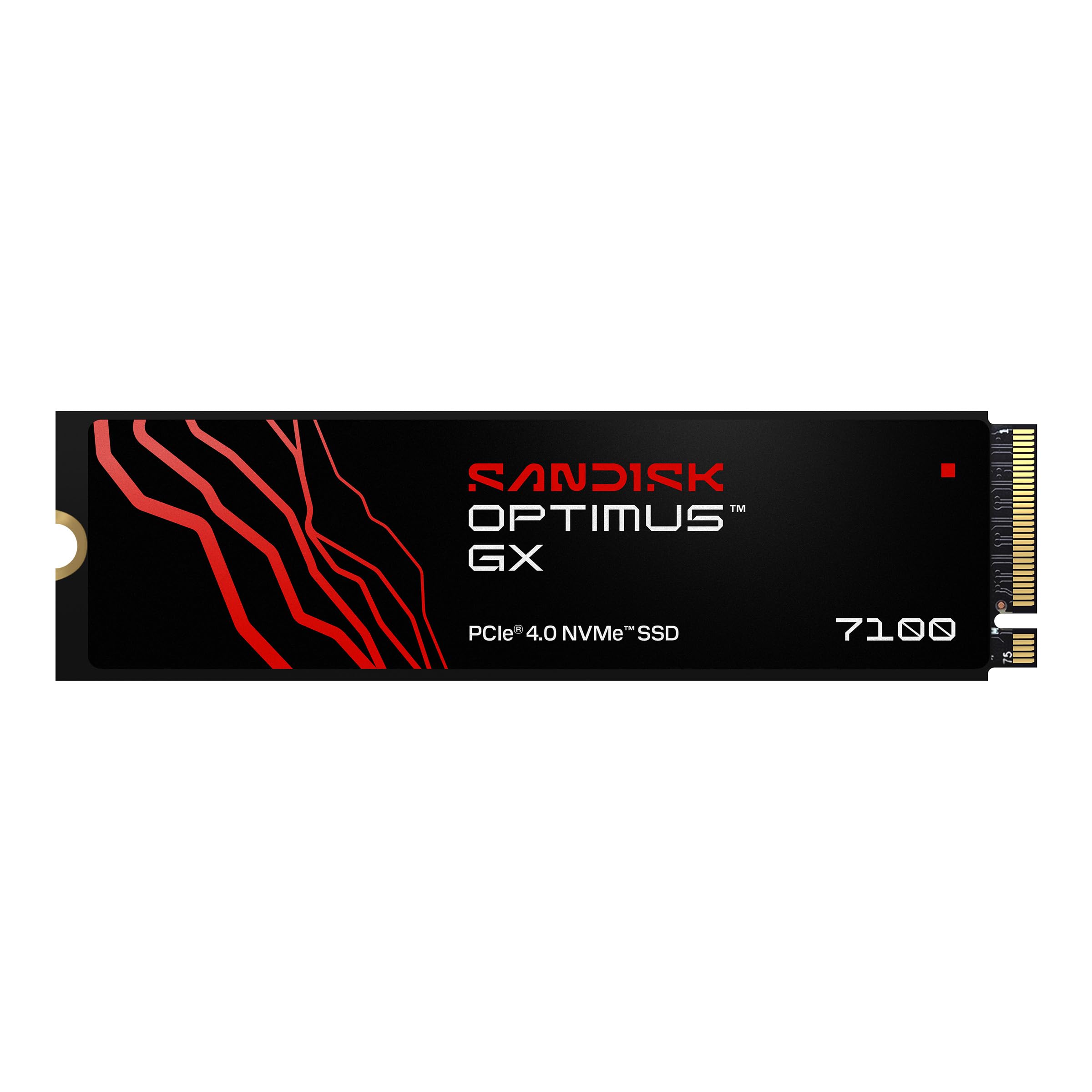
SANDISK Optimus GX 7100 2TB NVMe SSD falls to $539.99 on Amazon
Save $140 on the 2TB Sandisk Optimus GX 7100 NVMe SSD at Amazon, now $539.99 for high-speed Gen 4 storage.
4 min read
Corsair MP600 Micro 2TB Gen4 SSD drops to $388.90 on Amazon
3 min read

Apple Watch 11 GPS plus Cellular 46mm drops to $639 from $799
5 min read
SteelSeries Arctis Nova 7 Wireless Gen 2 drops to $179.99 on Amazon
4 min read
Marshall Monitor III A.N.C. hits new low at $229.99
3 min read
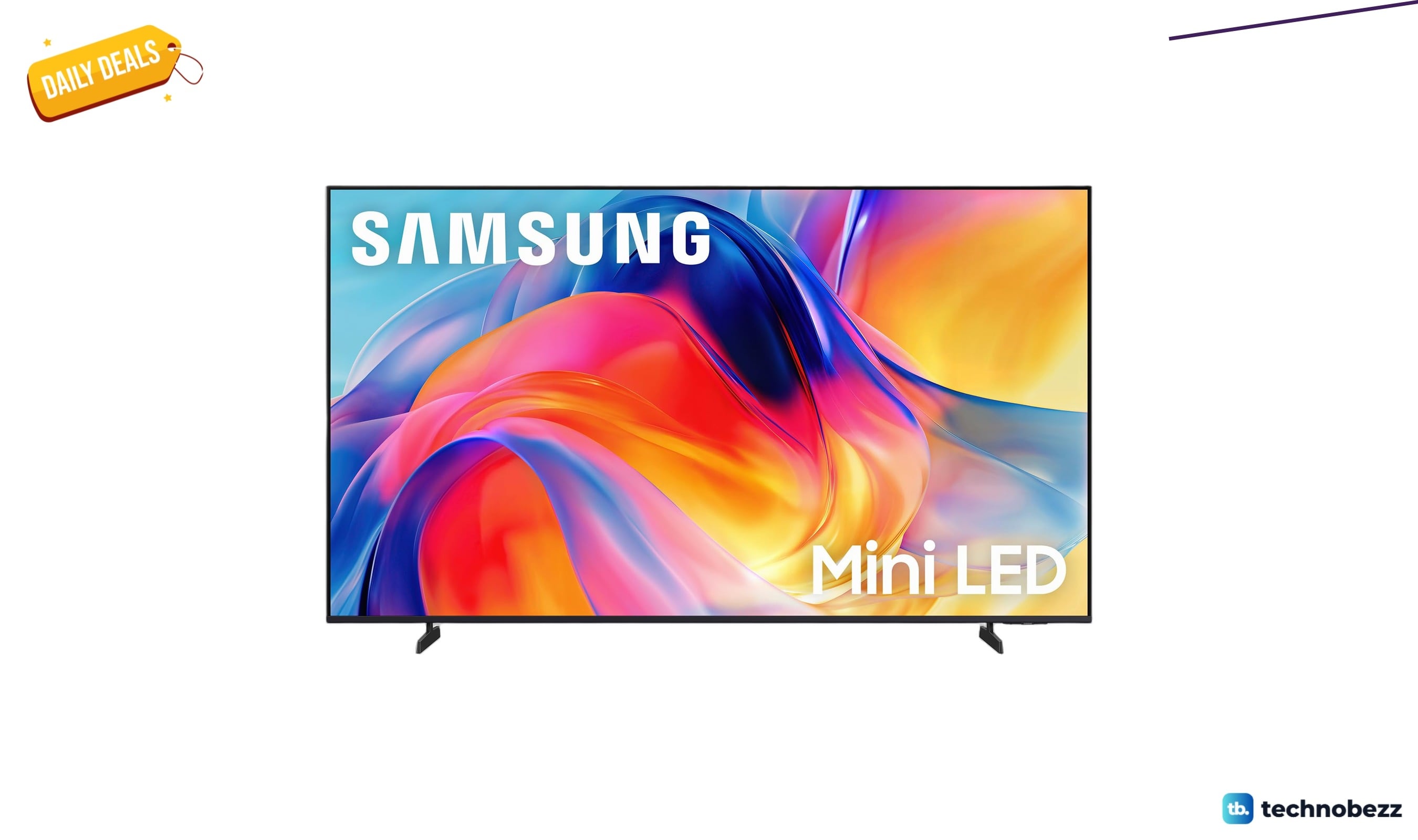
Samsung Class Mini LED M70H Samsung Vision drops to $347.99 on Amazon
5 min read
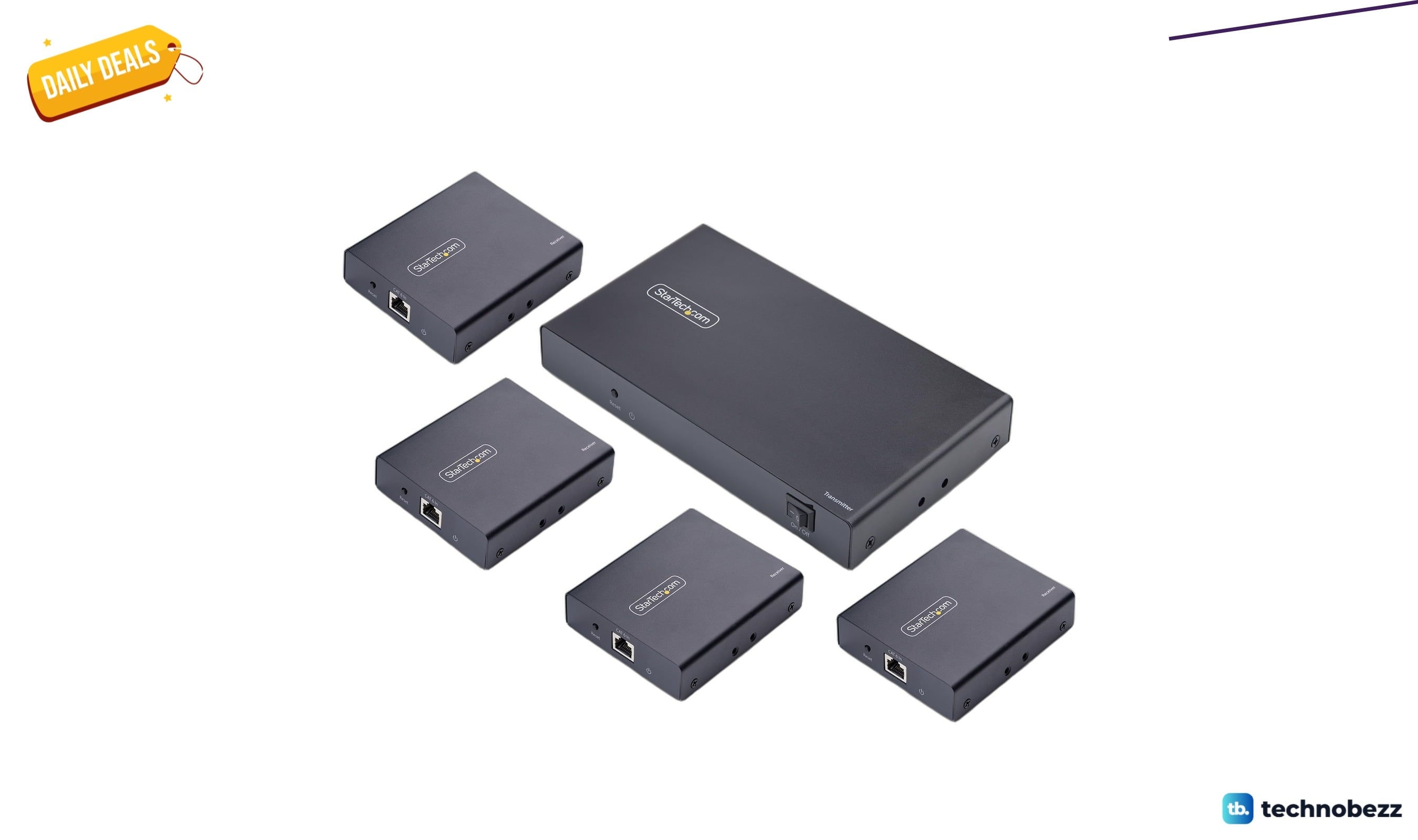
StarTech.com 4-Port HDMI Extender Splitter Over CAT6 drops to $510.41
4 min read
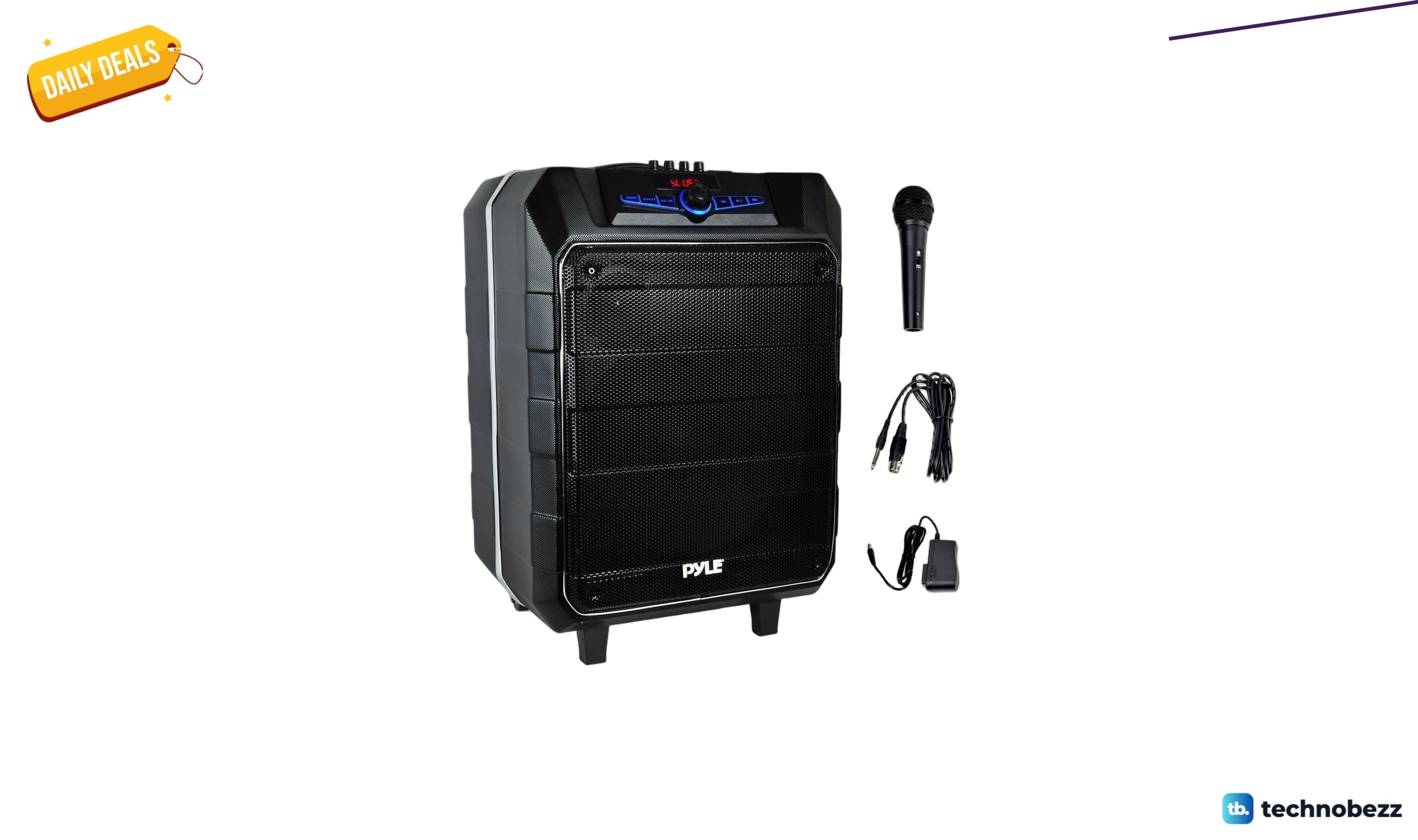
Pyle PA Speaker Job Site Radio Karaoke drops to $165.04 on Amazon
3 min read
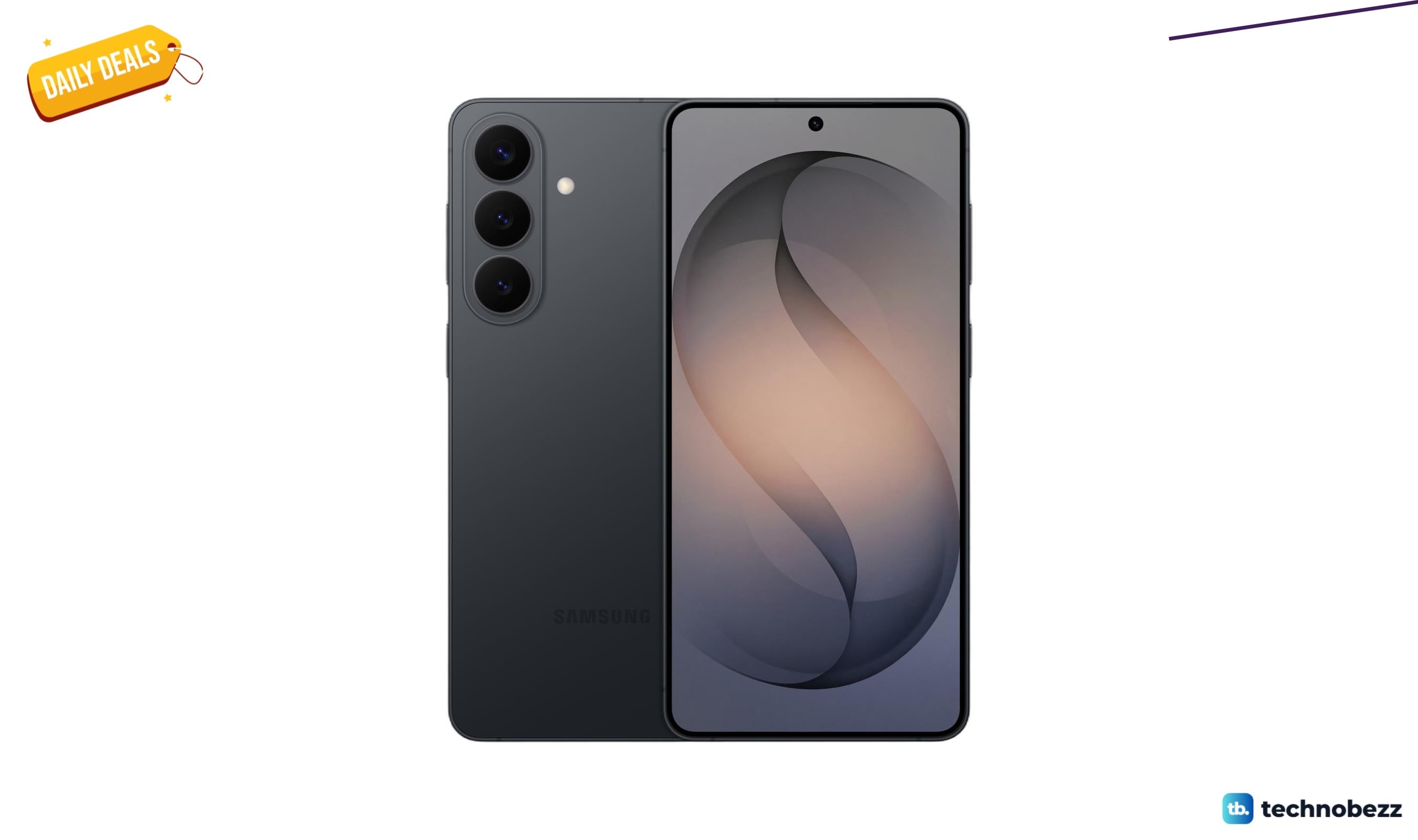
Samsung Galaxy S26+ unlocked Android smartphone drops to $897
5 min read